
Official statement
Other statements from this video 5 ▾
- □ What does Google really recommend for optimizing page load speed?
- □ Does page speed really improve your overall SEO rankings?
- □ How can you pinpoint the exact Core Web Vitals problems that are actually hurting your SEO rankings?
- □ Is lazy loading really a recommended SEO best practice by Google?
- □ Does image optimization really boost page speed and SEO, or is it just another ranking myth?
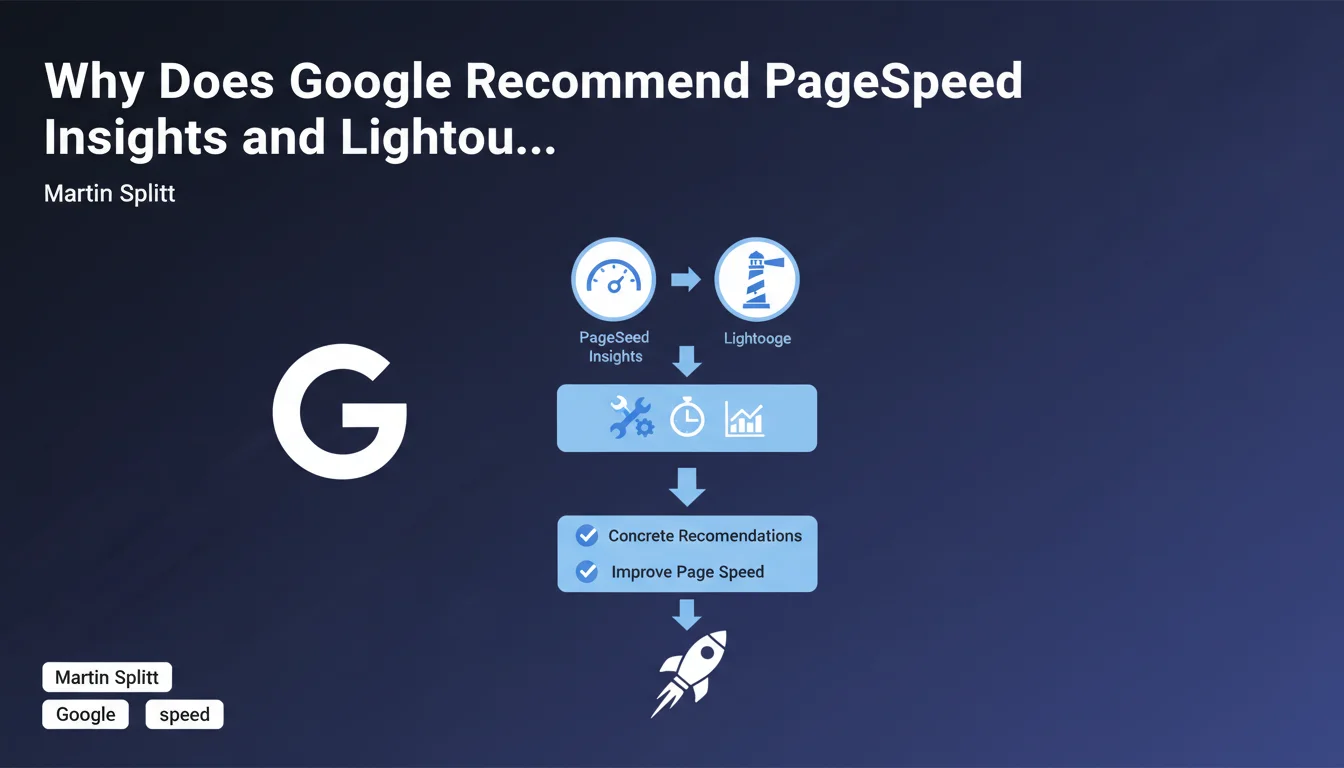
Google officially recommends PageSpeed Insights and Lighthouse as reference tools to improve page loading speed. These tools provide concrete and actionable recommendations, but be careful: they don't always reflect exactly what Google actually measures for ranking.
What you need to understand
What is the real scope of this recommendation?
Martin Splitt positions PageSpeed Insights (PSI) and Lighthouse as official tools for diagnosing performance issues. This is confirmation that Google considers these tools reliable enough to guide optimizations.
Let's be honest: this statement remains quite vague on a critical point — do Lighthouse metrics exactly match ranking signals? Google doesn't say it explicitly, and that's where things get tricky.
Why is Google pushing these specific tools?
PSI integrates real field data via the Chrome User Experience Report (CrUX), unlike other third-party tools that only simulate. Lighthouse, on the other hand, offers a detailed technical audit in a controlled environment.
The combination of both provides a hybrid view: performance as perceived by real users (CrUX) and reproducible technical diagnostics (Lighthouse). This dual approach is what Google values.
What does this change for an already optimized site?
Even a fast-loading site can reveal hidden opportunities through these tools. The recommendations cover rendering, unused JavaScript, resources blocking rendering — so many levers often overlooked.
- PSI and Lighthouse are the tools officially recommended by Google for speed
- PSI combines real data (CrUX) and simulation (Lighthouse)
- Recommendations cover specific and actionable technical aspects
- Caution: these tools don't reveal all the ranking signals used by Google
SEO Expert opinion
Do these tools really reflect ranking criteria?
Here's the crux of the problem. Google recommends PSI and Lighthouse, but nowhere guarantees that the scores from these tools directly correspond to algorithmic weightings. [Needs verification]
Core Web Vitals measured by CrUX are confirmed ranking signals. But dozens of other Lighthouse recommendations — unoptimized images, unused JavaScript, etc. — are not necessarily direct ranking factors. Some improve user experience, which can indirectly influence behavioral signals, but that's not the same as an explicit ranking factor.
What is the limitation of this approach?
Lighthouse tests in a simulated environment, not real conditions. A perfect lab score can mask issues on mobile 3G or low-end devices. And that's precisely where the majority of users experience slowdowns.
Concretely? A site can display 95/100 on Lighthouse and have catastrophic Core Web Vitals in CrUX because actual traffic comes mainly from countries with slow connections. PSI displays both, but many SEOs focus only on the Lighthouse score — a classic mistake.
Is Google consistent on this point?
Broadly, yes. Google has been pushing these tools since the introduction of Core Web Vitals. But communication remains unclear on one aspect: what real weight in the algorithm? Googlers' statements oscillate between "it's important" and "it's just one signal among hundreds".
Practical impact and recommendations
What exactly should you do with these tools?
Run PSI on your strategic pages — not just the homepage. Product pages, landing pages, featured blog articles: these are the ones generating traffic and conversions. Analyze the CrUX data displayed: LCP, FID, CLS. If these metrics are in the red ("Needs improvement" or "Poor"), that's where you need to act.
Next, use Lighthouse to identify quick wins. Uncompressed images, blocking CSS/JS, unoptimized fonts — these are often quick fixes with high ROI. But be careful: don't lose yourself optimizing every point to reach 100/100. Be pragmatic.
What mistakes should you absolutely avoid?
First mistake: optimizing only for Lighthouse, ignoring CrUX data. A perfect lab score is worthless if real users experience slowdowns. Focus first on what Core Web Vitals measure in the field.
Second mistake: treating all recommendations equally. Some have marginal impact (e.g., reducing a lightweight JavaScript by 50 KB), others are critical (e.g., eliminating a 300 KB render-blocking CSS). Prioritize by impact, not alphabetically.
How do you verify your optimizations are working?
CrUX data in Search Console ("Web Vitals" report) is the source of truth. It reflects the real experience of your visitors over a 28-day rolling period. If your pages move from "Poor" to "Good" in this report, you're on the right track.
Supplement with regular PSI tests to monitor regressions. A new plugin, theme update, poorly integrated third-party script — anything can degrade performance in days. Automate these checks if possible.
- Audit your strategic pages with PSI, not just the homepage
- Prioritize Core Web Vitals CrUX (field data) over Lighthouse score
- Identify quick wins: images, blocking CSS/JS, fonts
- Don't aim for 100/100 on Lighthouse — aim for "Good" on real CWV
- Monitor the Search Console "Web Vitals" report monthly
- Test after every major update (theme, plugins, scripts)
❓ Frequently Asked Questions
PageSpeed Insights et Lighthouse mesurent-ils exactement les mêmes choses ?
Un score Lighthouse de 100 garantit-il un bon classement ?
Faut-il optimiser toutes les recommandations Lighthouse ?
Quelle différence entre les données CrUX de PSI et celles de la Search Console ?
Pourquoi mon score Lighthouse varie-t-il d'un test à l'autre ?
🎥 From the same video 5
Other SEO insights extracted from this same Google Search Central video · published on 20/11/2023
🎥 Watch the full video on YouTube →
💬 Comments (0)
Be the first to comment.