
Official statement
Other statements from this video 6 ▾
- □ Pourquoi la standardisation du robots.txt par l'IETF change-t-elle la donne pour les crawlers ?
- □ Les flux RSS et Atom sont-ils vraiment utilisés par Google pour découvrir vos contenus ?
- □ Les sitemaps XML sont-ils vraiment indispensables sans standardisation officielle ?
- □ Pourquoi robots.txt reste-t-il indispensable même pour les sites modernes ?
- □ Pourquoi Google a-t-il ouvert le code de son parseur robots.txt ?
- □ Le robots.txt et les sitemaps XML sont-ils désormais officiellement liés ?
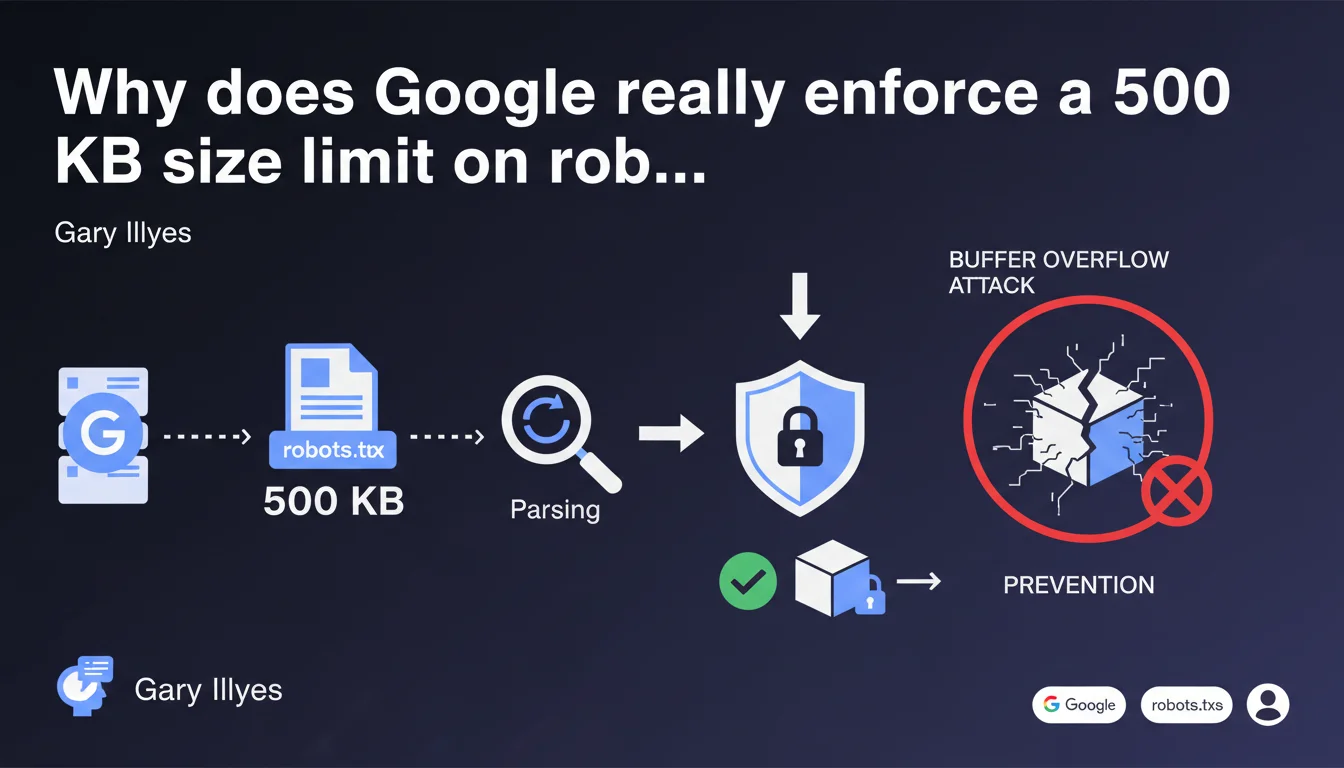
Google enforces a strict 500 KB limit on robots.txt files primarily for security reasons related to parsing and to prevent buffer overflow attacks. Any content exceeding this size is completely ignored by the crawler. If your file surpasses this threshold, your directives risk becoming partially or completely ineffective.
What you need to understand
What is the technical origin of this limitation?
The 500 kilobyte limit is not arbitrary. It stems directly from constraints related to file parsing by Google's robots. A robots.txt file that is too large exposes the system to buffer overflow risks — classic security vulnerabilities where a program attempts to store more data than a memory area can hold.
Concretely, Googlebot must analyze millions of robots.txt files every day. Limiting their size allows for standardized resource allocation to parsing and prevents an abnormally heavy file from disrupting the crawl process or, worse, serving as an attack vector.
What happens if my file exceeds 500 KB?
Google truncates the file. Everything beyond the first 500 kilobytes is ignored. This means that if your most critical directives — for example sensitive Disallow rules or Sitemaps — appear after this limit, they will never be taken into account.
The problem is that you will probably receive no alert from Search Console. You will think your file is working correctly, when in reality a portion of your rules has become obsolete. It's a silent trap.
Which sites are actually affected by this limit?
Let's be honest: 500 KB is enormous for a typical robots.txt file. An e-commerce site with several thousand pages can easily fit within 10 or 20 KB. The only problematic cases involve sites with extremely complex architectures, multi-domain platforms, or — more often — poorly optimized files stuffed with redundant rules.
If you're approaching this limit, it's usually a sign of a deeper structural problem: chaotic taxonomies, uncontrolled URL parameters, lack of standardization.
- The 500 KB limit is a technical security constraint imposed by Google
- All content beyond this size is ignored without explicit warning
- Typical sites never exceed 20 to 30 KB — reaching 500 KB reveals an architecture problem
- The main risk: critical directives placed after the limit become inoperative
SEO Expert opinion
Is this limit consistent with real-world practices?
Yes, absolutely. In 15 years of SEO practice, I've never seen a single well-structured site exceed 100 KB for its robots.txt. The rare exceptions involved legacy platforms with layers of architecture stacked over multiple decades, never rationalized.
Google doesn't communicate this limit by accident. It also serves as a warning signal: if you're touching it, your crawl management is probably inefficient. In most cases, an oversized file reflects a "band-aid" approach — rules are added over time without ever cleaning up the existing ones.
What nuances should be added to this statement?
Gary Illyes mentions security, but there's also a server performance issue. A robots.txt file is requested with every crawl, sometimes multiple times per second on high-traffic bot sites. A large file slows down processing on Google's side, but also on your server — especially if the file is generated dynamically.
Furthermore, be careful: the 500 KB limit applies to the final file served, not the source file. If you use gzip compression (which should always be the case), the transmitted file will be much lighter. But it's the decompressed size that Google takes into account for parsing.
In which cases does this rule not apply or pose problems?
Technically, the rule always applies. But certain edge cases deserve consideration. For example, multilingual sites with a centralized robots.txt can legitimately have heavier files if each language version requires specific directives.
Similarly, platforms with tens of thousands of filterable facets (marketplaces, content aggregators) may want to block certain parameter combinations. But — and this is where it gets tricky — a robots.txt is never the right solution in these cases. Instead, you should manage this upstream with dynamic canonicals, htaccess rules, or a URL architecture overhaul.
Practical impact and recommendations
How do I check the current size of my robots.txt file?
First instinct: access yoursite.com/robots.txt and copy the content into a text editor. Save the file and check its size. On Linux/Mac, the curl command with the -o option allows you to download and measure directly: curl -o robots.txt https://yoursite.com/robots.txt && ls -lh robots.txt.
Be careful not to confuse compressed and actual size. Use tools like Google's robots.txt Tester in Search Console or online validators that display the raw size after decompression.
What should I do if my file approaches or exceeds the limit?
First, audit the file line by line. In 90% of cases, you'll find redundant rules, poorly used wildcards, or obsolete directives dating back several site versions. Delete ruthlessly anything that's no longer relevant.
Next, rationalize. Rather than listing 500 individual URLs to block, use patterns with wildcards (Disallow: /*?filtre=* instead of 50 different lines). Group rules by user-agent if needed, and consider moving certain directives to meta robots tags or X-Robots-Tag headers to lighten the central file.
What mistakes should you absolutely avoid?
Never simply manually truncate the file to 500 KB without analyzing the impact. You risk cutting a critical directive in the middle. If you must reduce, do it intelligently: start by eliminating the least strategic rules.
Also avoid multiplying different robots.txt files across subdomains unless truly justified. This complicates management without real gain. Finally, never generate a robots.txt dynamically from a database without aggressive caching — that's opening the door to catastrophic response times and 500 errors under load.
- Verify the actual (decompressed) size of your current robots.txt file
- Audit line by line to remove obsolete or redundant rules
- Use wildcards and patterns to condense directives
- Test all modifications with the Search Console validator before production deployment
- Regularly monitor the file size as your site evolves
- Consider architectural solutions (canonicals, htaccess) rather than multiplying robots.txt rules
❓ Frequently Asked Questions
Est-ce que la limite de 500 Ko s'applique au fichier compressé ou décompressé ?
Google m'alertera-t-il si mon fichier robots.txt dépasse 500 Ko ?
Puis-je contourner la limite en utilisant plusieurs fichiers robots.txt sur différents sous-domaines ?
Quelle est la taille moyenne d'un fichier robots.txt pour un site e-commerce ?
Les commentaires dans le fichier robots.txt comptent-ils dans la limite de 500 Ko ?
🎥 From the same video 6
Other SEO insights extracted from this same Google Search Central video · published on 17/04/2025
🎥 Watch the full video on YouTube →
💬 Comments (0)
Be the first to comment.