
Official statement
Other statements from this video 8 ▾
- □ Peut-on vraiment forcer Google à ré-indexer un site entier d'un coup ?
- □ Pourquoi une simple redirection 301 peut-elle faire toute la différence lors d'une refonte ?
- □ Faut-il vraiment utiliser un code 404 ou 410 pour les pages supprimées ?
- □ Pourquoi lier vos nouvelles pages depuis le site existant est-il crucial pour l'indexation Google ?
- □ Faut-il vraiment lier ses nouvelles pages depuis les pages importantes pour accélérer l'indexation ?
- □ Pourquoi Google recommande-t-il d'afficher les changements critiques sur les pages existantes plutôt que de créer de nouvelles pages ?
- □ Pourquoi Google crawle-t-il certaines pages plus souvent que d'autres ?
- □ Les sitemaps XML sont-ils vraiment indispensables pour l'indexation de votre site ?
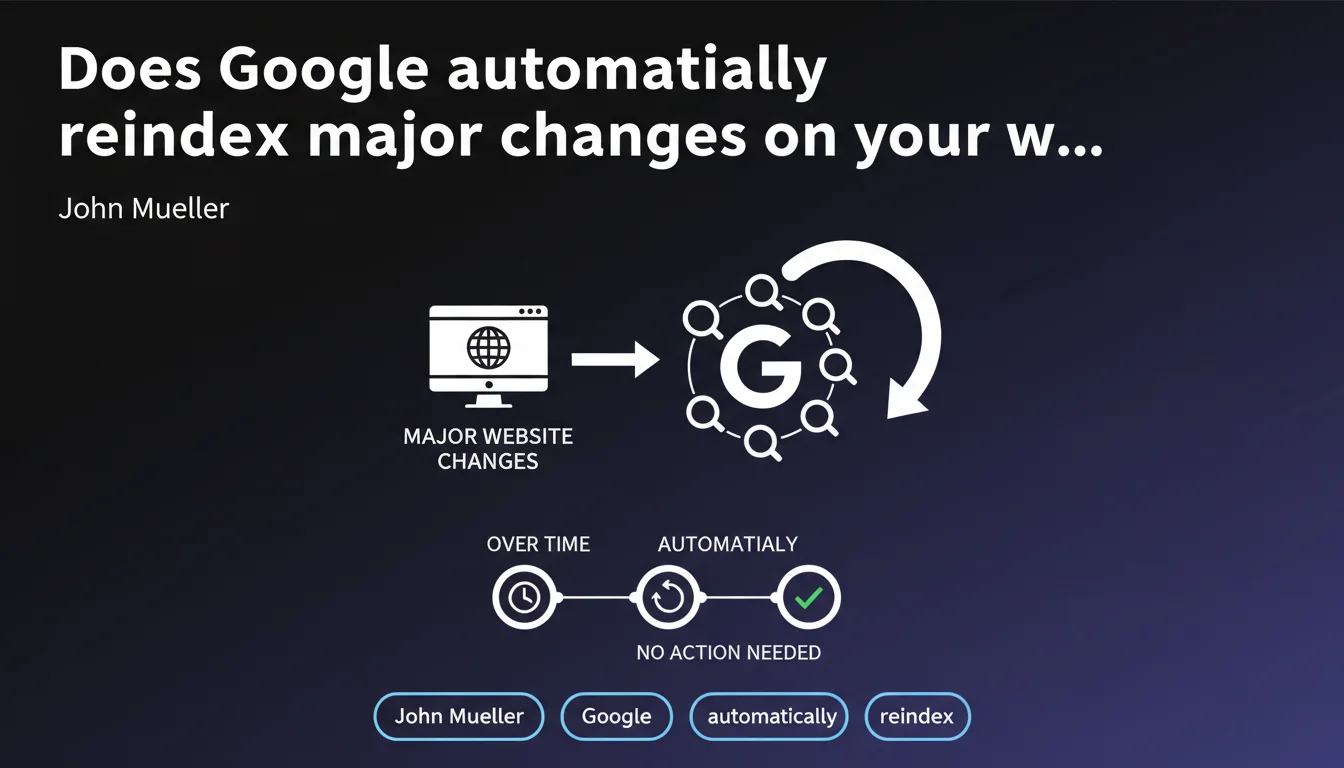
John Mueller confirms that Google detects and automatically indexes important structural changes on a website without manual intervention. This statement may sound reassuring but obscures several concrete problems: indexing delays can vary enormously, and certain changes still require specific actions to avoid penalizing SEO during the transition.
What you need to understand
What exactly does "major changes" mean to Google?
Mueller uses deliberately broad wording. He refers to structural changes: complete site redesign, migration to a new CMS, restructuring of information architecture, domain name change, switch to HTTPS.
The promise is straightforward: Google will crawl these modifications and update its index without you needing to manually submit each URL. The engine detects these developments through its standard crawl process.
How does Google detect these changes without intervention?
Regular crawling by Googlebot explores websites at varying intervals depending on their importance and update frequency. When the bot encounters new URLs, 301 redirects, or structural modifications, it processes them progressively.
XML sitemaps also play a role: if you submit a new one after a redesign, Google detects modified or added URLs. But Mueller emphasizes that this submission is not mandatory — it simply speeds up the process.
Why does this statement deserve to be nuanced?
Because "automatically over time" can mean a few days or several months. Mueller gives no specific timeframe, which is typical of Google.
Let's be honest: this wording mainly serves to reassure beginner webmasters who panic with each modification. But for an e-commerce site with 50,000 URLs or a media outlet publishing daily, passively waiting for Google to "automatically update" can be costly in visibility.
- Major structural changes are indeed detected automatically by Google through its regular crawl.
- Manual submission via Search Console or XML sitemaps accelerates the process but is not essential according to Mueller.
- The update timeframe remains completely unpredictable and depends on many factors (crawl budget, site authority, update frequency).
- Certain types of changes still require specific actions to avoid temporary SEO issues.
SEO Expert opinion
Is this statement consistent with practices observed in the field?
Yes and no. Google does indeed detect major changes without intervention — that's factual. But the timeframe and quality of this detection vary enormously depending on the site. [To verify]: Mueller doesn't clarify how Google prioritizes these updates within its crawl budget.
On a site with strong authority and frequent crawling, a redesign can be indexed within days. On a site with few backlinks and monthly crawling, you might wait weeks or even months for certain orphaned URLs. Mueller's "automatically" masks this stratified reality.
What are the practical limitations of this passive approach?
Waiting for Google to do all the work risks temporary traffic loss during the transition. If you change your information architecture without properly managing 301 redirects, Google will take time to understand the new structure — and while it does, your old URLs can disappear from the index.
Another problem: mass 404 errors after a migration. Even if Google eventually detects them, while that's happening, your crawl budget is wasted on dead URLs. And if you've misconfigured your redirects, Google might index transition pages or temporary URLs.
In which cases do you still need to intervene manually?
Despite Mueller's statement, certain actions remain essential to avoid SEO disasters. A domain change requires formal declaration in Search Console, otherwise Google might treat the old and new sites as separate entities for a long time.
Complex redesigns with large-scale URL changes require close monitoring: submit new sitemaps, monitor errors in Search Console, force crawling of strategic URLs. Letting Google handle things "automatically" on these matters is risking 30% loss in organic traffic for several months.
Practical impact and recommendations
What should you concretely do during a redesign or migration?
Don't rely solely on automatic detection. Prepare a clean and exhaustive 301 redirect plan that maps each old URL to its new destination. This is the absolute foundation.
Submit your new XML sitemaps via Search Console as soon as the migration goes live. Use the URL inspection tool to force crawling of strategic pages — homepage, main categories, pages that generate the most traffic. Yes, Google will index "automatically", but why wait weeks if you can accelerate the process?
What mistakes should you avoid to not slow down indexation?
Don't let redirect chains linger (A → B → C). Google follows redirects, but each hop slows crawling and dilutes link equity. Redirect directly to the final destination.
Avoid blocking Googlebot crawling via robots.txt or noindex directives during migration — classic mistake that can delay indexation for several weeks. And don't delete the old XML sitemap until Google has finished crawling the new one.
How do you monitor that everything is going well?
Monitoring progress in Search Console is non-negotiable. Check daily for 404 errors, soft 404s, and redirect issues. Track the evolution of indexed pages: a sudden drop signals a problem.
Use a crawler like Screaming Frog or OnCrawl to audit your site post-migration and detect orphaned URLs, broken redirects, and misconfigured canonicals. Google will detect these issues "automatically", but you'll have already lost traffic in the meantime.
- Prepare an exhaustive 301 redirect file before any migration
- Submit new XML sitemaps via Search Console as soon as migration goes live
- Force crawling of strategic URLs via the URL inspection tool
- Monitor Search Console errors daily for 4-6 weeks
- Crawl the site with a third-party tool to detect technical issues
- Avoid redirect chains and mass 404 errors
- Never block Googlebot crawling during a migration
❓ Frequently Asked Questions
Dois-je soumettre manuellement mes nouvelles URLs après une refonte ?
Combien de temps Google met-il pour indexer une migration de site ?
Faut-il déclarer un changement de domaine dans la Search Console ?
Les redirections 301 suffisent-elles ou faut-il faire autre chose ?
Que se passe-t-il si je ne fais rien après une refonte ?
🎥 From the same video 8
Other SEO insights extracted from this same Google Search Central video · published on 23/01/2024
🎥 Watch the full video on YouTube →
💬 Comments (0)
Be the first to comment.