
Official statement
Other statements from this video 13 ▾
- □ Les mauvaises traductions peuvent-elles pénaliser l'ensemble de votre site multilingue ?
- □ Le contenu dupliqué sur les fiches produits est-il vraiment sans danger pour votre référencement ?
- □ Faut-il traduire toutes vos pages ou concentrer vos efforts sur les plus stratégiques ?
- □ Google indexe-t-il vraiment le texte masqué dans votre code HTML ?
- □ Faut-il préférer rel=canonical aux redirections user-agent pour les pages non indexées ?
- □ Faut-il déployer ses optimisations SEO en une seule fois plutôt que progressivement ?
- □ Pas de cache Google sur ma page : est-ce un signal d'alarme pour mon indexation ?
- □ Googlebot ignore-t-il vraiment toutes les permissions du navigateur lors du crawl ?
- □ Faut-il vraiment utiliser l'API Indexing de Google pour accélérer l'indexation de vos contenus ?
- □ Le score Page Experience est-il vraiment indispensable pour apparaître dans Top Stories ?
- □ Google attribue-t-il vraiment un score EAT à votre site ?
- □ Pagination SEO : faut-il privilégier les liens séquentiels ou multiples pages ?
- □ Les Core Web Vitals mesurés uniquement sur Chrome : faut-il s'inquiéter de la représentativité ?
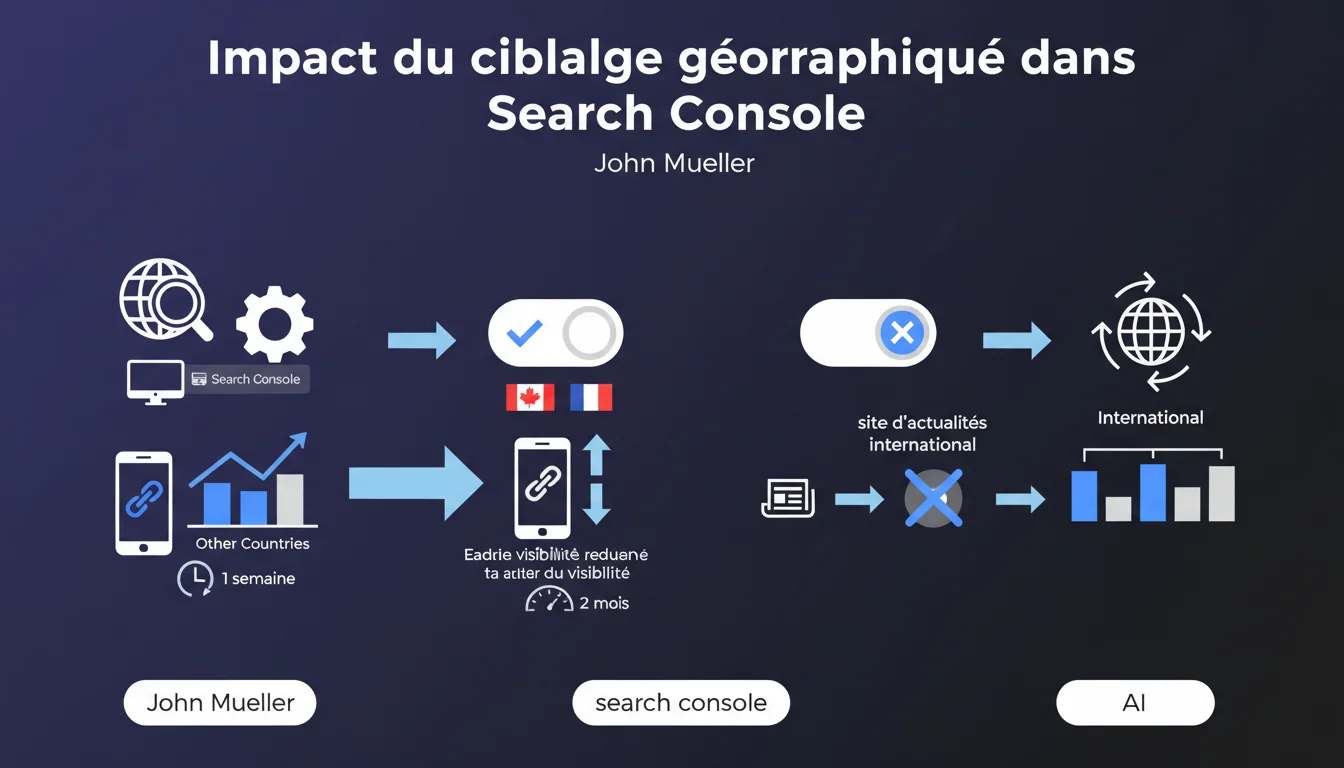
The geotargeting setting in Search Console prioritizes one country at the expense of others. For international news sites, Google recommends disabling it. Effects can be observed between 1 week and 2 months.
What you need to understand
What is this geotargeting setting that Mueller talks about?
In Search Console, the geotargeting setting allows you to indicate to Google the primary target country of your site. This option is particularly relevant for generic domains (.com, .org, .net) that do not inherently contain geographic information — unlike .fr or .de.
When you activate this targeting for a specific country, Google interprets your site as primarily intended for users from that territory. Sounds logical at first glance. But this creates a side effect: your visibility in other countries mechanically declines.
Why does visibility decrease in other countries?
Google operates based on geographical relevance signals. When you declare a targeting for France, the algorithm boosts your site in French results. However, in return, it considers your content to be less relevant for a German or British user.
This is not a penalty — it is a redistribution of priorities. Your site is not penalized elsewhere, but it loses ground against competitors who do target those markets or remain neutral.
Which sites are impacted by this recommendation?
Mueller explicitly mentions international news sites. These media outlets publish content relevant to multiple countries simultaneously. Activating a geotargeting setting would be like voluntarily amputating a part of the audience.
But the logic applies to any site that aims for a multi-country presence: SaaS platforms, international e-commerce, tech blogs, educational resources. As soon as your potential audience crosses borders, this setting becomes a hindrance.
- Geotargeting in Search Console is optional and primarily concerns generic domains
- Activating this setting for one country reduces visibility in other geographic areas
- Effects are noticeable between 1 week and 2 months according to Mueller
- News sites and international platforms should disable it
- This is not a penalty, but rather a redistribution of algorithmic priorities
SEO Expert opinion
Is this recommendation in line with field observations?
Yes, and it’s even a welcome confirmation. SEO professionals have long observed that geotargeting in Search Console can trap a site in a single market. Disabling this setting for multi-country sites is not a new practice — it’s a well-documented strategy.
What’s interesting here is the timeframe: 1 week to 2 months. This corresponds to Google’s recrawl cycles and the reevaluation of geographical signals. But be careful — this range remains vague. [To be verified] A site with a low crawl budget might take longer to see the effects.
What nuances should be added to this statement?
Mueller only talks about international news sites, but his logic applies more broadly. Let’s be honest: many sites should never enable this setting. The trap? Many owners enable it by default, thinking they are “helping” Google to understand their market.
Another nuance: disabling geotargeting does not mean that Google will ignore your location. The algorithm picks up multiple signals — content language, backlinks, footer address, currencies, hreflang. The Search Console setting is just one signal among others, but it carries weight.
When should you still activate this targeting?
If your business is exclusively local and you use a generic domain (.com), activating geotargeting can clarify your positioning. For example: a Parisian real estate agency on a .com will benefit from targeting France.
But even in this case, other signals do the job: local extension (.fr), server hosted in France, content in French, French backlinks. The Search Console setting becomes almost redundant. And if one day you want to expand? You will be blocked.
Practical impact and recommendations
What should I do if my site already has geotargeting enabled?
Log in to Search Console, go to the domain settings, and check the status of geotargeting. If a country is selected and your audience is (or should be) international, disable it immediately.
Then monitor your positions in different countries through Google Analytics and Search Console. Fluctuations can occur as early as the first week, but the overall picture generally stabilizes within 2 months. Document these changes — it will provide data for future audits.
How can I optimize multi-country SEO without this setting?
Disabling geotargeting in Search Console is not enough. You need to send clear geographical signals through other means. The first reflex: use hreflang tags to indicate the language and regional versions of your pages.
Next, ensure internal consistency: content language, displayed currencies, localized legal mentions, backlinks from targeted markets. Each market must have its own signals, without relying on a global parameter that confines.
- Check in Search Console if geotargeting is enabled
- Disable this setting if your site targets multiple countries or an international audience
- Implement hreflang tags for multi-language and multi-region versions
- Monitor positions in different countries for 1 to 2 months after disabling
- Strengthen alternative geographical signals: language, currencies, local backlinks
- Document traffic changes by country to refine strategy
- Never enable this setting on an international site “by default”
❓ Frequently Asked Questions
Combien de temps faut-il pour voir les effets après désactivation du ciblage géographique ?
Le ciblage géographique dans Search Console est-il obligatoire ?
Si je désactive le ciblage, est-ce que je perds mes positions dans mon pays historique ?
Les balises hreflang remplacent-elles le paramètre de ciblage géographique ?
Un site e-commerce multilingue doit-il activer ce paramètre ?
🎥 From the same video 13
Other SEO insights extracted from this same Google Search Central video · published on 31/12/2021
🎥 Watch the full video on YouTube →
💬 Comments (0)
Be the first to comment.