
Official statement
Other statements from this video 4 ▾
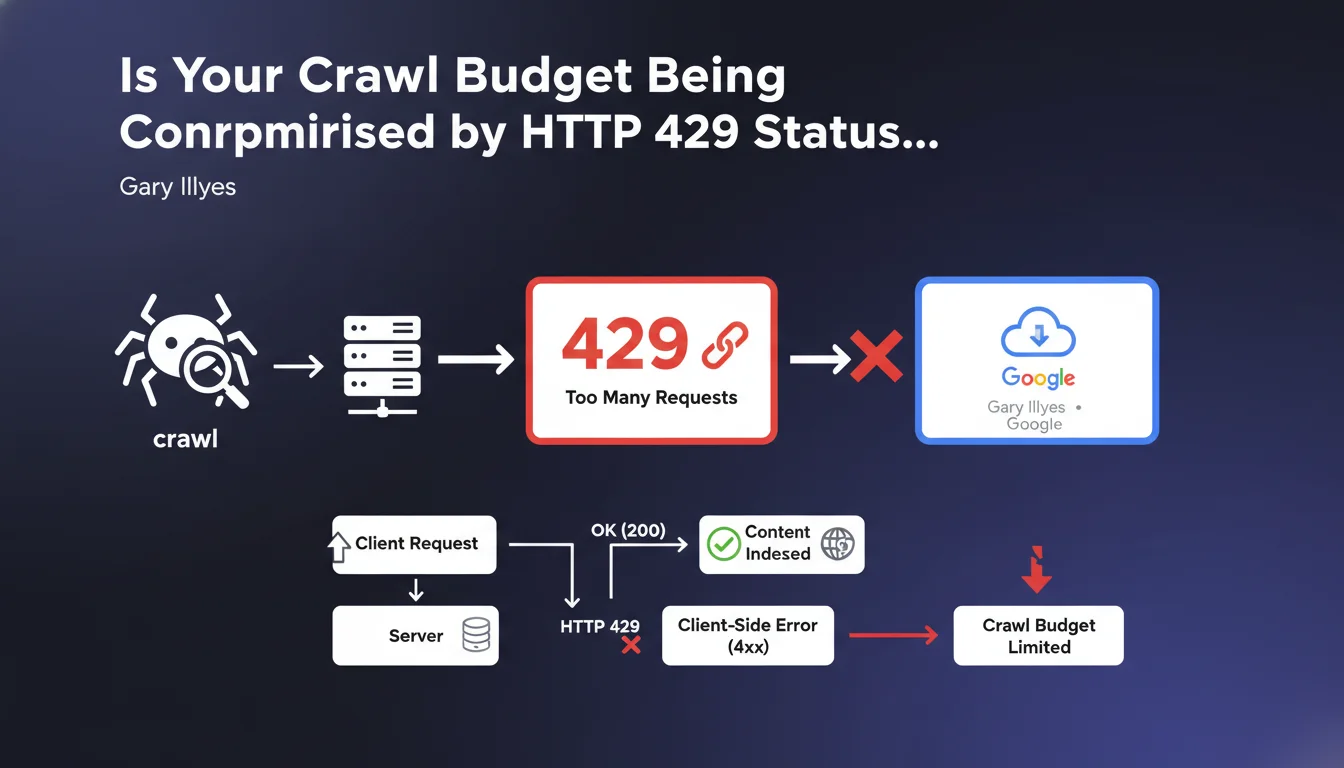
Google treats HTTP status code 429 (Too Many Requests) as a client-side error (4xx), not a server error. In practical terms, your server is limiting access to a resource due to over-solicitation — and Googlebot understands this as a direct instruction from the site, not as a technical malfunction.
What you need to understand
What is HTTP status code 429 and why does Google treat it as a client error?
HTTP status code 429 signals that a client (browser, bot) is sending too many requests within a given timeframe. It's a protection mechanism on the server side, often triggered by rate limiting or an application firewall.
Google classifies it within the 4xx error range because the restriction comes from a rule defined by the site owner, not from an unexpected technical problem. The server is functioning correctly — it simply refuses to respond at that request frequency.
What's the difference from a 5xx code from Googlebot's perspective?
5xx errors (500, 502, 503) indicate a server malfunction: overload, crash, temporary unavailability. Google may retry later assuming the issue is transient.
With a 429, Google understands that the server is intentionally restrictive. If the bot receives this signal repeatedly, it adjusts its crawl pace to respect the defined limits — but this can reduce the crawl budget allocated to the site.
What are the implications for indexing and crawling?
An occasional 429 will have no significant impact. But if Googlebot encounters this code frequently, it may interpret it as an explicit request to slow down.
Result: fewer pages crawled per session, increased delays for indexing fresh content, and risk of progressive deindexing for URLs consistently returning this code.
- 429 is a client error (4xx), not a server error (5xx)
- Google adapts its crawl pace if 429 is repeated
- Excessive use can reduce the crawl budget allocated to your site
- Resources blocked by 429 will not be indexed
SEO Expert opinion
Does this statement truly reflect the observed behavior of Googlebot?
Yes, broadly speaking. Server logs show that Googlebot generally respects rate limits and adjusts its crawl frequency when receiving repeated 429s.
But there's an important caveat: certain Google bots (images, mobile, desktop) may have different thresholds. And in contexts of crawl spikes after an update, we sometimes observe bot persistence despite 429s — suggesting that Google may temporarily ignore these signals for internal reasons. [To verify] to what extent this exception applies systematically.
Should you really worry about an occasional 429?
Let's be honest: if you return a 429 on 0.1% of Googlebot requests, nobody will notice. The problem emerges when rate limiting is poorly calibrated and hits the bot systematically.
Critical cases involve high-volume sites (e-commerce, news) where a misconfigured CDN or WAF blocks Googlebot by default. There, you can lose a substantial portion of your crawl budget without even realizing it.
Does Google provide specific threshold recommendations?
No, and it's frustrating. Gary Illyes confirms that 429 is treated as a client error, but no precise threshold is disclosed: how many 429s before a crawl slowdown? What timeframe before readjustment?
This opacity makes it difficult to properly calibrate protection systems. In practice, we recommend monitoring logs and adjusting rate limiting based on actual Googlebot behavior — but it's pure empiricism, not an exact science.
Practical impact and recommendations
How can you verify if your site is returning 429s to Googlebot?
Start by checking Search Console, Settings > Crawl Statistics section. There you'll see the daily request volume trend and host responses, including 429s.
Next, analyze your server logs. Filter by Googlebot user-agent and search for HTTP 429 responses. If you find them regularly, your rate limiting or WAF is too restrictive.
What should you do if your server is sending too many 429s to Google?
First step: identify the source of the blocking. Cloudflare? Nginx? A WordPress plugin? A mod_security rule?
Once identified, adjust the rate limiting thresholds to whitelist or relax limits for Googlebot. However, be careful not to open the door to abusive scraping — the balance is delicate.
- Check crawl statistics in Search Console
- Analyze server logs to detect 429s sent to Googlebot
- Identify the responsible layer (CDN, firewall, web server)
- Adjust rate limiting rules for Googlebot without compromising security
- Monitor crawl budget evolution after making changes
- Document applied thresholds to facilitate future adjustments
❓ Frequently Asked Questions
Le code 429 impacte-t-il le référencement de mon site ?
Dois-je whitelister complètement Googlebot pour éviter les 429 ?
Comment Google différencie-t-il un 429 légitime d'un blocage abusif ?
Un CDN comme Cloudflare peut-il provoquer des 429 invisibles pour moi ?
Combien de temps Google met-il à réajuster son crawl après suppression des 429 ?
🎥 From the same video 4
Other SEO insights extracted from this same Google Search Central video · published on 15/05/2025
🎥 Watch the full video on YouTube →
💬 Comments (0)
Be the first to comment.