
Official statement
Other statements from this video 7 ▾
- □ Is Google finally turning those old blog posts into official documentation—and should you care?
- □ Do AI Overviews really index your content, or do they just read it?
- □ Is JavaScript Really the Right Choice for Hybrid Websites According to Google?
- □ How can Google's AI white papers transform your SEO strategy?
- □ Is duplicate content really a search engine problem or a legal one?
- □ Why is Google launching SEO events in underserved regions like Turkey and Malaysia?
- □ Is Google really saying that most Turkish website visibility issues stem from poor content creation practices?
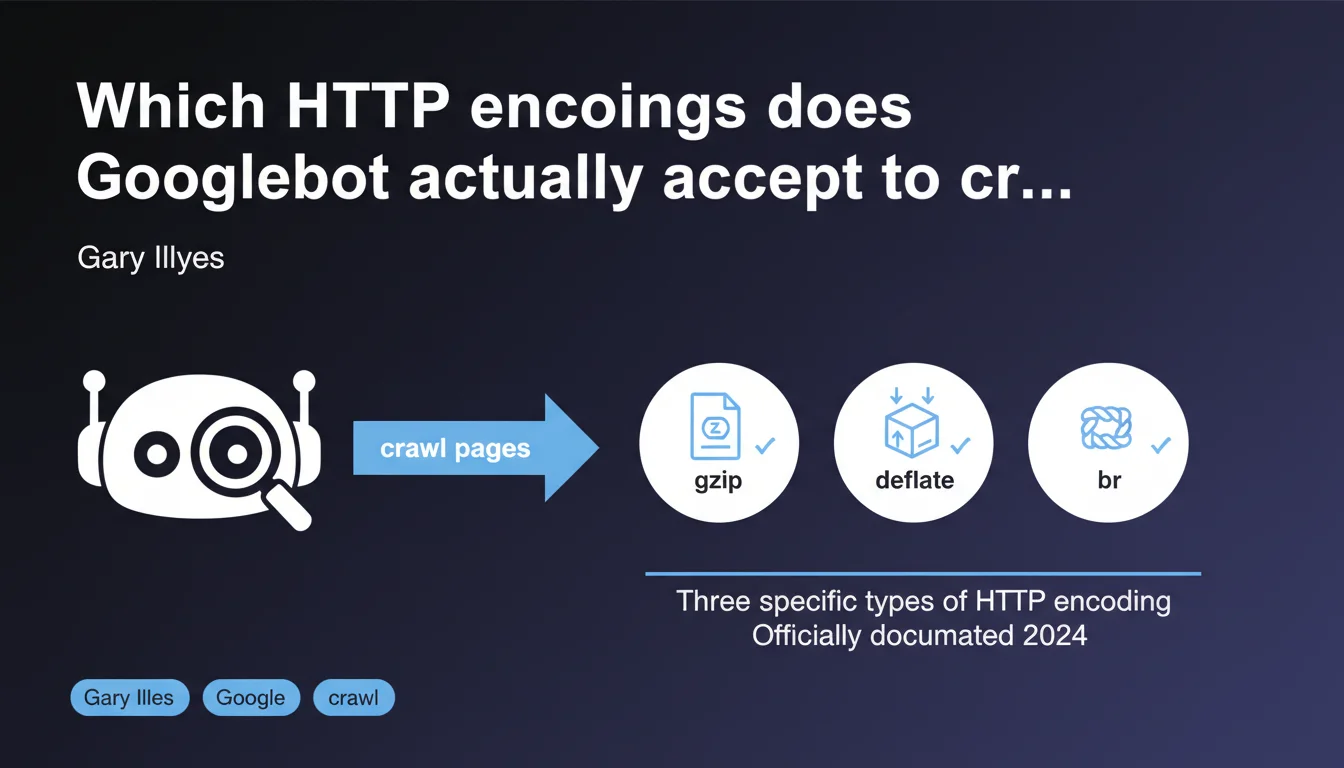
Googlebot supports three types of HTTP encoding for compressing server responses. This information, long buried in old blog articles, has finally been officially documented. Understanding these encodings allows you to optimize crawl speed and avoid compression errors that could slow down indexation.
What you need to understand
Why has this clarification taken so long to arrive?
Google has officially documented the three types of HTTP encoding that its crawlers accept, even though this information has been scattered across various blog articles for years. Let's be honest: this lack of transparency has generated plenty of confusion and server configuration errors.
The probable reason? Google didn't see this information as a priority. But with the rise of Core Web Vitals and the increased importance of crawl speed, documenting these technical details has become essential.
What are these three supported encodings?
Google supports gzip, deflate, and br (Brotli). The first remains the most widespread, but Brotli offers a better compression ratio — especially for text resources like HTML, CSS, and JavaScript.
Deflate is less commonly used in practice, as gzip has largely superseded it. But the fact that Googlebot accepts it means that a server configured with deflate won't cause indexation problems.
What does this actually change for crawling?
A server that responds with an unsupported encoding can cause read errors on Googlebot's side. Result: the page isn't indexed or is misinterpreted.
Another point: a poor choice of encoding can slow down server response time. And if crawl time skyrockets, Google will visit less frequently — especially on large sites with thousands of pages.
- Googlebot accepts gzip, deflate, and Brotli for HTTP compression
- Brotli offers a better compression ratio than gzip on text content
- An unsupported encoding can block indexation or slow down crawling
- Server configuration must be tested to avoid compression errors
SEO Expert opinion
Is this statement consistent with observed practices?
Yes. For years, SEO professionals who enable Brotli on their servers have noticed that Googlebot crawls without issue. But until this official documentation, you had to rely on empirical tests or scattered statements in forums.
What's missing here — and it's frustrating — is an order of preference. Does Google prefer Brotli if the server offers it? Or does it automatically choose based on available bandwidth? [To be verified] based on detailed server logs.
What nuances should be considered?
Caution: not all Google crawlers necessarily behave the same way. GoogleBot Desktop and Mobile probably share the same encoding capabilities, but what about specialized crawlers like Google-InspectionTool or AdsBot?
Another nuance: enabling Brotli on the server side requires specific configuration. On Apache or Nginx, this involves additional modules. If the module isn't installed or misconfigured, the server may return uncompressed content — which penalizes loading speed.
In what cases does this rule not apply?
If your server responds with proprietary or exotic encoding (such as SDCH, once tested by Google then abandoned), Googlebot won't know how to read the response. Result: crawl error.
Also: some CDNs apply automatic compression. If the CDN chooses an unsupported encoding or one that's poorly implemented, this can create inconsistencies between what the user sees and what Google crawls.
Practical impact and recommendations
What should you do concretely?
First step: verify that your server correctly returns gzip or Brotli in HTTP headers. Use a tool like curl or Chrome DevTools to inspect the Content-Encoding headers.
If you're on Apache, enable mod_brotli or mod_deflate. On Nginx, add the ngx_brotli module. Then test with a crawler like Screaming Frog to verify that Googlebot properly receives compressed responses.
What errors should you avoid?
Never enable compression on already compressed files (JPEG images, PNG, videos). This increases server load without any weight gain.
Also avoid compressing very small files (less than 1 KB). The computational overhead exceeds the bandwidth savings.
How can you verify that your site is compliant?
Configure Google Search Console to monitor crawl errors. If pages return 5xx errors or timeouts, check server logs to detect any potential compression issues.
Also use PageSpeed Insights or GTmetrix to measure the impact of compression on loading time. A good Brotli compression ratio can reduce HTML weight by 15 to 20% compared to gzip.
- Check
Content-Encodingheaders in HTTP responses - Enable Brotli on Apache (mod_brotli) or Nginx (ngx_brotli)
- Don't compress already compressed files (images, videos)
- Exclude files smaller than 1 KB from compression
- Monitor crawl errors in Google Search Console
- Test the impact of compression with PageSpeed Insights
❓ Frequently Asked Questions
Googlebot privilégie-t-il Brotli si le serveur le propose ?
Peut-on activer Brotli sur tous les types de serveurs ?
Activer Brotli ralentit-il le serveur ?
Que se passe-t-il si mon serveur envoie un encodage non supporté ?
Faut-il compresser toutes les ressources d'une page ?
🎥 From the same video 7
Other SEO insights extracted from this same Google Search Central video · published on 30/12/2024
🎥 Watch the full video on YouTube →
💬 Comments (0)
Be the first to comment.