
Official statement
Other statements from this video 5 ▾
- □ Peut-on publier le même contenu en HTML et PDF sans risque de duplicate content ?
- □ Google indexe-t-il vraiment le HTML et le PDF de manière indépendante ?
- □ Comment gérer efficacement le contenu dupliqué entre HTML et PDF ?
- □ Faut-il vraiment inclure un lien vers son site dans chaque PDF publié ?
- □ Faut-il vraiment choisir entre HTML et PDF selon le support de consultation ?
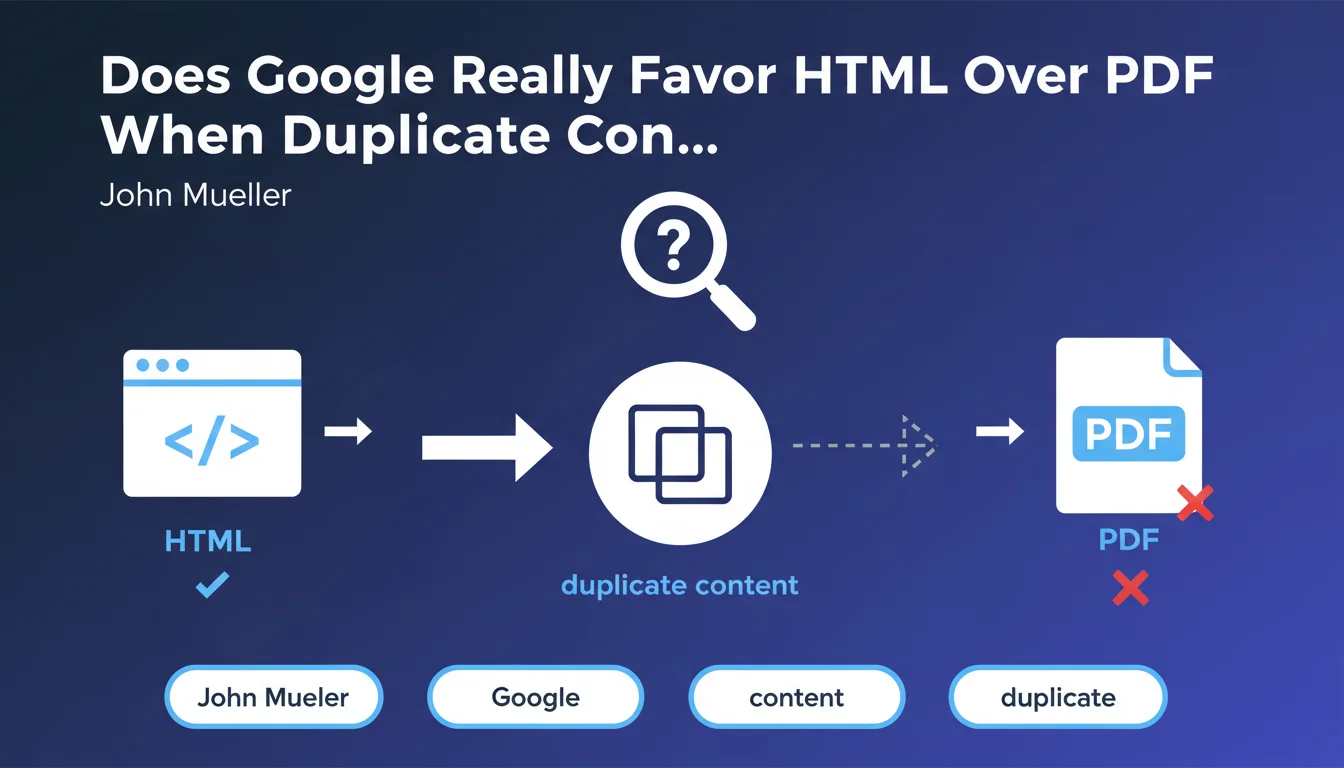
When Google detects identical content available in both HTML and PDF formats, it preferentially indexes the HTML version. This logic is explained by the native structure of HTML, which is more easily exploitable by crawlers. To avoid duplicates in the index, it's better to canonicalize or block redundant PDFs.
What you need to understand
Why Does Google Prefer HTML to PDF?
HTML is the native format of the web. It structures content with semantic tags that Googlebot analyzes effortlessly: headings, paragraphs, links, metadata. PDF, on the other hand, requires extraction — Google must first convert the text, identify headings (often absent or poorly tagged), manage images and tables. It's slower, less reliable.
When both versions exist, Google chooses the path of least resistance: the one that gives it access to clearly and directly structured content.
How Does Google Detect Duplicate Content Between HTML and PDF?
Google's systems compare the text fingerprints of pages. If the main content is identical or nearly identical, duplication is detected. The engine then selects the version it deems most relevant for the user — and it's almost always HTML.
This logic applies equally between multiple PDFs, or between multiple HTML pages. But in an HTML vs PDF showdown, HTML wins every time.
What Are the Implications for Indexing and Ranking?
If you publish a whitepaper as a PDF and reproduce the same text word-for-word on an HTML page, Google will likely only index the HTML page. The PDF will be ignored or considered a secondary variant, or even excluded from the main index.
In practice: you lose the opportunity to rank on two distinct URLs, and you risk diluting the signal if Google hesitates between the two before making its decision.
- Google favors HTML for its native semantic structure
- PDF requires extraction, which is more costly in terms of crawl resources
- In case of duplication, only one document is indexed — generally the HTML
- HTML metadata and tags are better exploited by ranking algorithms
- The PDF is retained only if it provides unique value or if no equivalent HTML exists
SEO Expert opinion
Is This Statement Consistent with Real-World Observations?
Yes — and we've observed this for years. When a site publishes a report in PDF and creates an HTML landing page that reproduces the same chapters, it's almost always the HTML page that appears in the SERPs. PDFs rank on the first page only when they are unique or when HTML competition is weak.
Let's be honest: PDF has long been a penalizing format in SEO. It works better for distribution (downloading, printing) than for organic indexing.
In Which Cases Does This Rule Not Apply?
If the PDF contains exclusive content — annotated diagrams, complex tables, technical appendices — Google may index it even if an HTML page exists elsewhere. But be careful: the PDF must provide real differential value, not just a different layout of the same text.
Another exception: official sites (governments, institutions) where Google sometimes gives more weight to PDF documents published as references. But this is marginal. [To be verified]: we lack public data on the exact similarity thresholds that trigger PDF deprioritization.
What Nuances Should Be Added to Mueller's Statement?
Mueller speaks of "favoring" HTML, not removing the PDF from the index. Important distinction. If your PDF contains unique elements — even minor ones — Google can index it as a complement. But it will never compete directly with HTML on the same query.
Another point: this logic applies to text content. If your PDF contains infographics, technical diagrams, or datasets in tables, it can survive in the index — but for different queries, often more specialized ones.
Practical impact and recommendations
What Should You Concretely Do With Duplicate PDFs?
If you have a PDF and an HTML that tell the same story, choose your camp. Either you keep the PDF as a downloadable resource (with noindex or canonical to the HTML), or you remove the HTML and bet everything on the PDF — but that's rarely the best SEO strategy.
The ideal: publish content in structured HTML, and offer the PDF as a printable version or for archival. The PDF becomes a complement, not a competitor.
How to Avoid Cannibalization Between HTML and PDF?
First solution: add a canonical tag in the PDF's metadata pointing to the HTML. Yes, it's possible — via an XMP file or an HTTP header. But it's technical and rarely implemented.
Second solution: block PDF indexing with an X-Robots-Tag: noindex in the HTTP headers. Simpler, more reliable. The PDF remains accessible for download, but Google doesn't index it.
Third solution: truly differentiate the content. The HTML gives an overview, the PDF goes further with appendices, raw data, diagrams. There, the two can coexist without issue.
What Mistakes Should You Absolutely Avoid?
Never publish a PDF and an HTML that are identical without telling Google which to prioritize. You leave the engine to decide — and it may not choose the one you want.
Also avoid multiplying PDF versions of the same document (v1, v2, v3…) without redirection. Google will index multiple competing URLs, dilute the signal, and you'll lose ranking on all of them.
- Audit the PDFs on your site and check if they duplicate HTML content
- Add an X-Robots-Tag: noindex on redundant PDFs
- Use a canonical HTML → HTML if multiple HTML versions coexist
- Structure the HTML with clear semantic tags (h1, h2, schema.org)
- Offer the PDF for download from the HTML page, but don't index it separately
- Monitor Search Console to detect PDFs indexed by mistake
- Redirect 301 old PDF versions to the current HTML version
❓ Frequently Asked Questions
Google indexe-t-il encore les PDF en 2024 ?
Peut-on ajouter une balise canonical dans un PDF ?
Si mon PDF rank mieux que mon HTML, dois-je le garder ?
Comment vérifier si Google a indexé mes PDF ?
Dois-je supprimer tous mes PDF du site ?
🎥 From the same video 5
Other SEO insights extracted from this same Google Search Central video · published on 12/12/2023
🎥 Watch the full video on YouTube →
💬 Comments (0)
Be the first to comment.