
Official statement
Other statements from this video 9 ▾
- □ Pourquoi un site web bien conçu ne génère-t-il aucun trafic sans stratégie de découvrabilité ?
- □ Le Shadow DOM est-il un frein au référencement multi-moteurs ?
- □ Les fondamentaux techniques du SEO sont-ils vraiment aussi critiques qu'on le prétend ?
- □ Pourquoi votre SEO technique se dégrade-t-il sans maintenance continue ?
- □ Faut-il vraiment respecter la hiérarchie des balises Hn pour le SEO ?
- □ SEO et accessibilité : pourquoi Google insiste-t-il sur leur convergence ?
- □ La qualité finit-elle toujours par l'emporter dans les classements Google ?
- □ Pourquoi les Core Updates sabotent-elles vos tests SEO ?
- □ Faut-il vraiment privilégier l'utilisateur plutôt que l'optimisation technique en SEO ?
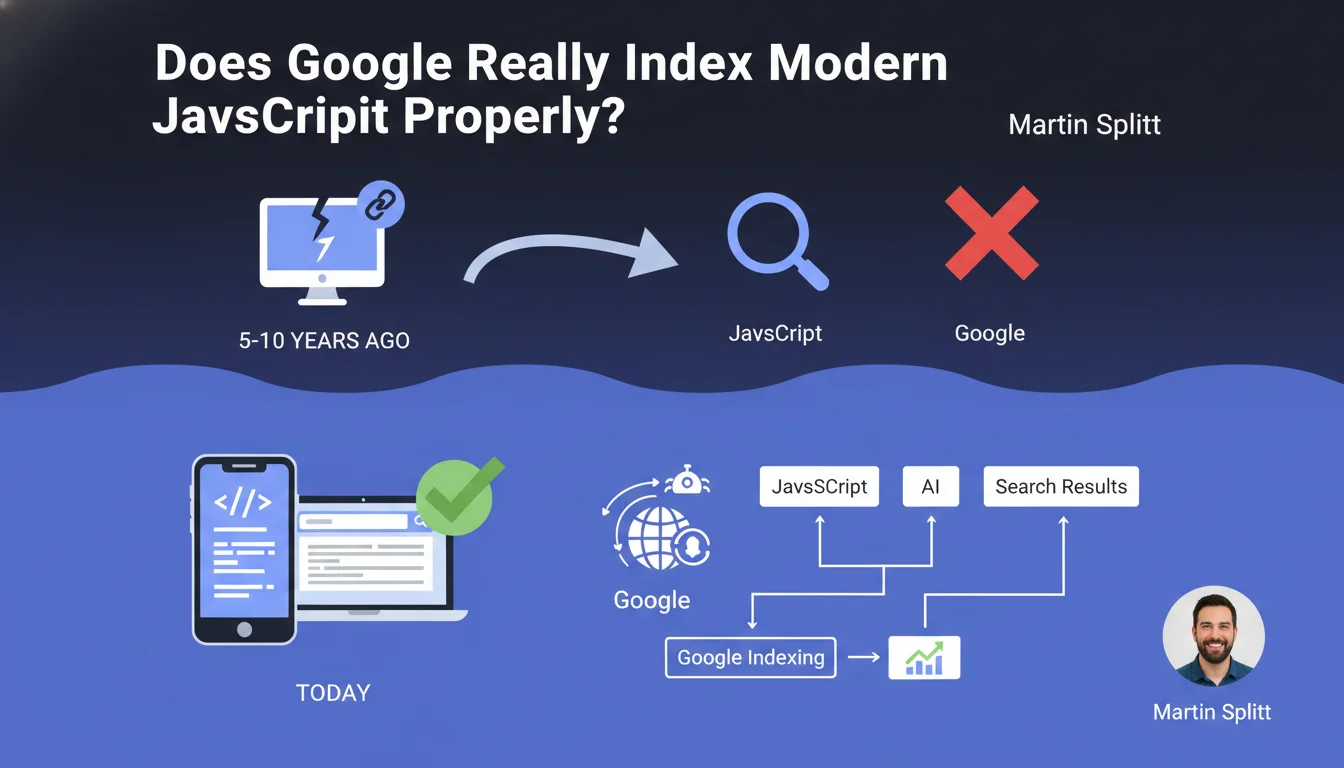
Google claims to handle modern JavaScript correctly, dismissing concerns inherited from 5 to 10 years ago. Crawling and indexing JS content would therefore no longer be an obstacle — a claim that deserves to be tested against real-world observations, because not all frameworks are equal.
What you need to understand
Why is Google making this statement now?
Martin Splitt, Search Relations Lead at Google, is pushing back against a persistent misconception: that JavaScript blocks search engine access to content. This belief, justified a decade ago, would no longer reflect Googlebot's current capabilities.
The underlying message? Google wants to reassure developers: adopting modern JS frameworks (React, Vue, Angular) doesn't condemn a site to invisibility. The engine now executes JavaScript and indexes rendered content.
What has technically changed at Google?
Googlebot relies on a recent version of Chromium to render pages. Unlike the early days when the engine only looked at raw HTML, it now executes client-side code and accesses the final DOM.
This means that dynamically generated content — titles, text, links — can be discovered and indexed. The bottleneck was in the rendering queue: some pages waited days before being processed. This constraint has eased, according to Google.
What are the key takeaways?
- Modern JavaScript is no longer an absolute barrier to indexation, unlike with older versions of Googlebot
- Google uses a Chromium-based rendering engine to execute JS on the client side
- Dynamically generated content (titles, text, links) is now accessible to crawlers
- The rendering queue remains a factor, but its impact has decreased according to Google
- Not all JS frameworks behave the same way — some make Googlebot's job easier, others complicate indexation
SEO Expert opinion
Does this statement match real-world experience?
Partially. Google has indeed made progress, that's undeniable. Well-designed React or Vue sites index correctly — we see it every day. But nuance matters: "modern JavaScript" doesn't mean "all uses of JavaScript".
A site that loads main content after several seconds, that multiplies asynchronous API calls, or uses poorly configured SPAs still encounters problems. Google can handle JS, yes — but under optimal conditions. As soon as you deviate from the textbook scenario, issues emerge.
Where does this generalization become problematic?
Splitt doesn't specify the tolerance limits: how long does Googlebot wait before abandoning rendering? What JS load remains acceptable? What's the impact on crawl budget for a 10,000-page site? [To verify]: these gray areas require testing rather than blind trust in the statement.
Some patterns remain toxic: poorly implemented infinite scroll, content behind mandatory user clicks, frameworks that regenerate the DOM with each internal navigation. Google can handle JS — it doesn't want to perform miracles to compensate for poor architectural choices.
Should you abandon server-side rendering then?
Absolutely not. SSR or pre-rendering remain the most robust solutions to guarantee indexation. Less dependence on Google's rendering engine, less latency, better control over initial HTML — in short, fewer risks.
This statement doesn't say "use unlimited JS", it says "well-implemented JS no longer blocks indexation". Nuance. If you can deliver ready-to-use HTML, you stay in control. If you rely on client-side execution, you depend on Googlebot's good intentions and resources.
Practical impact and recommendations
What should you actually verify on your site?
Start by testing the actual rendering of your pages in Search Console: URL Inspection Tool > View Crawled Page. Compare source HTML and rendered HTML. If critical elements (titles, content, internal links) only appear in the rendered version, you're dependent on Google's JS engine.
Next, check your server logs: how much time does Googlebot spend on your pages? Does it return multiple times to complete indexation? An abnormal delay between initial crawl and final indexation signals a rendering problem.
What errors should you absolutely avoid?
Never block JS/CSS resources in robots.txt — Google needs them to render properly. Avoid pure SPAs without HTML fallback: if main content only exists after JS execution, you're playing with fire.
Also watch out for content loaded after user interaction (clicks, infinite scroll): Googlebot doesn't scroll, doesn't click "See More" buttons. If strategic content hides behind these mechanisms, it risks invisibility.
How do you ensure the implementation is solid?
- Test each critical template with Search Console's URL Inspection tool to verify rendering on Google's side
- Compare source HTML and rendered HTML: strategic content must be present in both, or at minimum in the rendered version
- Analyze server logs to detect incomplete crawls or multiple passes by Googlebot on the same pages
- Measure Core Web Vitals: heavy JS slows loading and impacts SEO indirectly
- Prioritize SSR, pre-rendering, or hydration for strategic pages rather than 100% client-side rendering
- Avoid content hidden behind user interactions (clicks, infinite scroll) that Googlebot cannot simulate
- Monitor actual indexation: a drop in indexation rate may signal a JS rendering problem
❓ Frequently Asked Questions
Google indexe-t-il aussi bien le contenu JS que le contenu HTML statique ?
Tous les frameworks JavaScript modernes se valent-ils pour le SEO ?
Faut-il encore utiliser le pré-rendu ou le SSR si Google gère le JS ?
Comment vérifier que Googlebot exécute bien mon JavaScript ?
Quels types de contenus JS restent problématiques pour Google ?
🎥 From the same video 9
Other SEO insights extracted from this same Google Search Central video · published on 09/02/2022
🎥 Watch the full video on YouTube →
💬 Comments (0)
Be the first to comment.