
Official statement
Other statements from this video 11 ▾
- □ Why are more than 15% of Google searches completely new every day, and how should this reshape your SEO strategy?
- □ Is Google really sending more traffic to websites each year?
- □ How long does it really take for your data to show up in Search Console after verification?
- □ Why do Google Analytics and Search Console never show the same numbers?
- □ Does Google really only index a single video per page?
- □ Is Google really indexing all your pages, or should you accept partial coverage?
- □ How does Google really index videos embedded on your web pages?
- □ Are video structured data really essential to appear in search results?
- □ Does Google Really Ignore Your Canonical Tag?
- □ Is Page Experience really the ranking factor Google claims it to be?
- □ Should you always validate fixes in Search Console to speed up re-crawling?
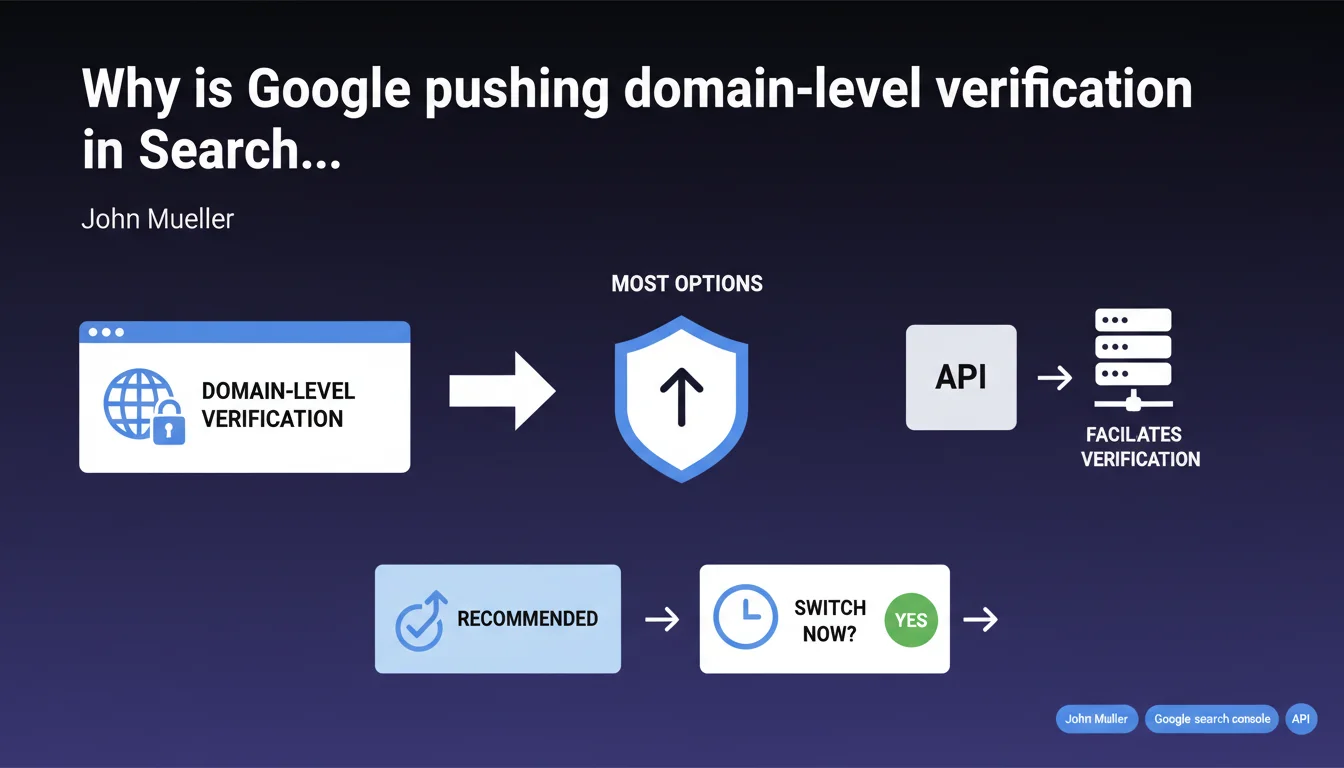
Google officially recommends verifying Search Console property ownership at the domain level rather than the URL property level. This centralized approach offers more configuration options and simplifies multi-protocol management (http/https, www/non-www). A dedicated API exists to automate the process.
What you need to understand
What's the difference between domain verification and URL verification?
Domain-level verification automatically covers all variants of your site: http, https, www, subdomains. A single DNS record is enough to centralize the data in Search Console.
URL prefix verification (the old method) requires you to declare each variant separately—https://www.example.com, https://example.com, http://example.com… Each one generates a separate report, fragmenting your data.
What concrete advantages does this offer an SEO practitioner?
Report centralization: all crawl signals, coverage, and performance metrics grouped in a single view. No more juggling between four properties for one site.
Subdomain management is automatic: blog.example.com, shop.example.com show up in the same property without additional configuration. Essential for multi-domain architectures.
- Unified view: data not fragmented across protocols and subdomains
- Fewer risks of oversight: no orphaned variant goes unmonitored
- Simplified API access: a single entry point for programmatic data extraction
- Mobile-first compatibility: Google now crawls primarily on mobile, and the domain view reflects this unified reality
How does DNS verification work?
You add a specific TXT record to your domain's DNS zone. Google verifies its presence to confirm you control the root domain.
The Search Console API allows you to automate this step in agency workflows or for platforms managing hundreds of sites. No need for repetitive manual manipulation.
SEO Expert opinion
Is this recommendation really new?
No. Google has offered domain verification since 2019. What's changing is the official emphasis: Mueller no longer says "you can," he says "we recommend."
In practice, many sites still operate with the old URL prefix method. It works—but you lose operational efficiency. No direct impact on ranking; it's purely an analytics comfort issue.
What cases cause problems with domain verification?
Sites on complex CDNs or with partial DNS delegation. If you don't control the root DNS zone (certain shared hosting, SaaS e-commerce configurations), it's impossible to add the TXT record.
Large structures with strict team separation may prefer distinct properties by subdomain for internal governance reasons. Google's "more options" isn't always relevant if your organization enforces silos.
Is the API really essential?
For a single site managed manually: no. The web interface is more than enough.
For an agency with 50+ clients, a multi-tenant SaaS platform, or automated deployments: yes, absolutely. The API eliminates repetitive manual entry and allows you to integrate verification into CI/CD pipelines. But Mueller oversells the benefit for the average practitioner a bit. [To verify]: API documentation remains dense, not so "facilitating" without dev skills.
Practical impact and recommendations
Should you migrate existing properties to domain-level verification?
If your current setup works and you have only one primary domain without active subdomains: no rush. The benefit remains marginal.
If you manage multiple subdomains, anticipate international expansion, or want to automate data extraction via API: yes, the switch becomes worthwhile. Plan an overlap period to compare data.
How do you actually verify at the domain level?
In Search Console, click "Add a property" and select "Domain" (not "URL prefix"). Google generates a unique TXT record.
Log in to your registrar or DNS host (OVH, Cloudflare, AWS Route 53…), add this record to the root DNS zone. Return to Search Console to validate. DNS propagation: 5 minutes to 48 hours depending on the case.
- Check whether you have access to your domain's root DNS configuration
- Choose "Domain" when adding a property in Search Console
- Copy the TXT record provided by Google
- Add it to the DNS zone (TXT type, @ name, provided value)
- Wait for DNS propagation then click "Verify" in GSC
- Keep old URL prefix properties for 3 months for historical comparison
- Document the procedure for future domains to add
What mistakes should you avoid during migration?
Do not immediately delete your old URL prefix properties. Historical data does not migrate automatically—you'd lose 16 months of coverage history.
Verify that users and permissions are properly replicated on the new domain property. Search Console does not automatically transfer access rights.
❓ Frequently Asked Questions
La vérification domaine remplace-t-elle complètement la vérification URL prefix ?
Puis-je vérifier un domaine sans accès à la zone DNS ?
Les données historiques migrent-elles automatiquement vers la nouvelle propriété domaine ?
La vérification domaine améliore-t-elle le référencement ou le crawl ?
L'API Search Console nécessite-t-elle des compétences de développeur ?
🎥 From the same video 11
Other SEO insights extracted from this same Google Search Central video · published on 12/05/2022
🎥 Watch the full video on YouTube →
💬 Comments (0)
Be the first to comment.