
Official statement
Other statements from this video 9 ▾
- □ Why is Google finally giving you hourly performance data in Search Console?
- □ Should you really monitor new Search Console recommendations to avoid indexation penalties?
- □ Why does Google set the crawl alert threshold at 5% in Search Console?
- □ Is Google really phasing out the term 'webmaster' from Search Console?
- □ Why is Google deploying two separate core updates at the same time?
- □ Does Google's new website abuse policy actually change the rules of the SEO game?
- □ What exactly is a Google spam update and how can you effectively protect your site from it?
- □ Should you remove Sitelink Search Box structured data now that Google ignores it?
- □ Why do 84% of websites actually have a robots.txt file?
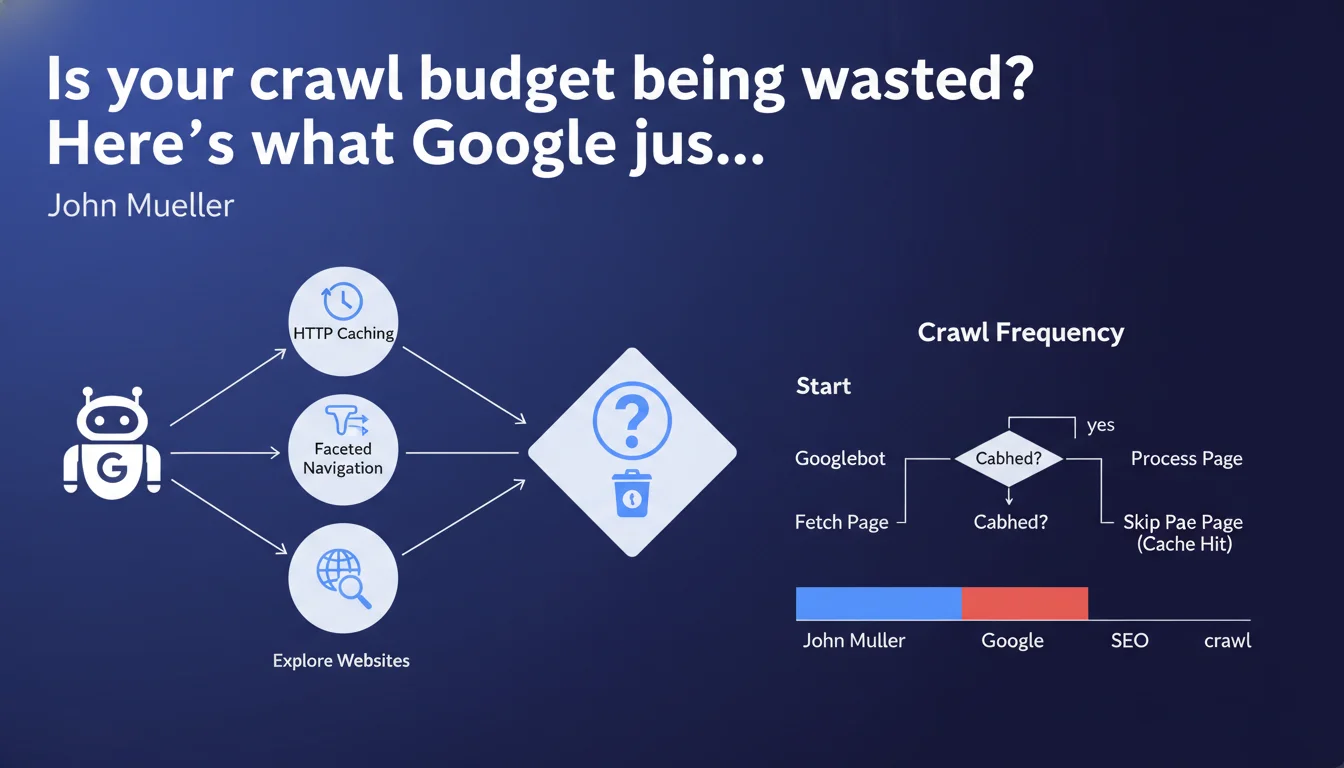
Google has published two in-depth technical articles explaining how crawling works, the role of HTTP caching, and faceted navigation management. These resources aim to clarify Googlebot's internal mechanisms to help SEO professionals optimize their site's crawlability.
What you need to understand
Why is Google suddenly releasing such technical resources?
Gary Illyes and Martin Splitt have decided to lift the veil on often-misunderstood aspects of crawling. The stated objective: to close the gap between what SEOs think they know about Googlebot and how it actually works.
These publications go beyond the usual vague statements. They dive into the details: how the bot prioritizes URLs, how it interprets HTTP headers, why certain pages are crawled more frequently than others. A rare approach that deserves attention.
What do we actually learn about HTTP caching and its role?
HTTP caching isn't just about user performance. Google actively uses it to optimize its own crawl budget. If your cache headers are properly configured, the bot can avoid unnecessarily re-crawling static resources.
Concretely? Directives like Cache-Control and ETag directly influence crawl frequency. Misconfigured, they can either waste crawl budget or prevent Google from detecting your updates.
Faceted navigation: finally getting clear answers?
Managing facets remains a headache for every e-commerce site or directory. Google acknowledges the problem: too many URLs generated, too little added value for most.
The articles discuss prioritization strategies and how to signal to Googlebot which filter combinations deserve exploration. But — here's the catch — actual implementation remains complex and heavily depends on your site's architecture.
- Crawl budget is directly impacted by HTTP configuration and navigation structure
- Cache headers are not optional for an SEO-performing site
- Faceted navigation must be designed with SEO in mind from the start, not patched later
- Google provides guidance, but no universal silver bullet exists
SEO Expert opinion
Do these publications really change the game for practitioners?
Let's be honest: most of the points covered were already empirically known by SEOs optimizing complex sites for years. What changes is the official confirmation and level of detail.
The real value? Cutting through myths and flawed interpretations circulating out there. But beware — these resources are aimed at a technical audience. If you don't already master crawling fundamentals, you risk getting lost in the details.
What isn't Google saying (yet)?
The articles remain remarkably vague on quantitative thresholds. How many URLs does Googlebot crawl on an average site per day? What percentage of crawl budget is wasted on average by poor cache configuration? [To be verified] — these figures appear nowhere.
Similarly, the question of client-side JavaScript and its impact on crawl budget is only briefly touched. For an Angular or React site poorly optimized, these HTTP cache recommendations are almost secondary to the exploration void created by rendering.
In which cases are these optimizations truly a priority?
For a 50-page site? Honestly, no. Crawl budget isn't your problem. Google will crawl regularly anyway.
For a site with 10,000+ URLs, with content updated daily, multiple facets, product pages that appear and disappear? Yes — every optimization counts. And here's where it gets tricky: these optimizations require cross-functional skills (SEO, backend dev, infrastructure) that few teams master simultaneously.
Practical impact and recommendations
What should you check first on your site?
Start by auditing your HTTP headers on main resources: HTML, CSS, JS, images. Use DevTools or tools like WebPageTest to see what Googlebot actually receives.
Next, check your Search Console: the Crawl Statistics section. If you see activity spikes with no correlation to content updates, it's likely a caching or redundant navigation issue.
- Configure Cache-Control with durations appropriate to content type (static vs dynamic)
- Implement ETag or Last-Modified to allow conditional requests
- Identify facet combinations generating the most organic traffic (Search Console + Analytics)
- Block facet URLs without SEO value via robots.txt or noindex
- Use rel=canonical to consolidate similar page variants
- Test impact with Screaming Frog crawls before and after optimization
What errors must you absolutely avoid?
Never set Cache-Control: no-cache globally on your main HTML pages. You'll force Google to re-crawl everything on each visit, even without changes. Result: wasted crawl budget and slower indexing.
Another classic trap: blocking facet URLs in robots.txt while leaving them in your XML sitemap. It's inconsistent. Google will still crawl to verify, creating noise in your stats.
How do you measure optimization effectiveness?
Track the evolution of pages crawled per day in Search Console. Successful optimization should maintain or increase this number while reducing unnecessary URLs crawled.
Also compare your indexation rate: pages indexed / pages submitted. If you properly clean up parasitic facets, this ratio should improve. Be patient — results take 2-4 weeks.
❓ Frequently Asked Questions
Le cache HTTP a-t-il un impact direct sur le classement dans les résultats de recherche ?
Dois-je bloquer toutes les URLs de facettes par défaut ?
Combien de temps faut-il pour observer l'effet d'une optimisation du crawl budget ?
Les recommandations sur le cache s'appliquent-elles aussi aux sites JavaScript côté client ?
Comment savoir si mon site a un problème de crawl budget ?
🎥 From the same video 9
Other SEO insights extracted from this same Google Search Central video · published on 14/01/2025
🎥 Watch the full video on YouTube →
💬 Comments (0)
Be the first to comment.