
Official statement
Other statements from this video 14 ▾
- 5:33 Can you really control which image appears in Google's text search results?
- 7:30 Why do your Search Console reports keep contradicting each other?
- 8:40 Should you really upload your disavow list only on the current domain?
- 10:06 Is Google really ranking your internal pages above your category pages—and should you be worried?
- 11:21 Why does the public URL test fail so frequently in Search Console?
- 13:33 Does Google really prioritize content quality over technical optimization when facing the 'Crawled - not indexed' status?
- 15:15 Do 'Crawled – not indexed' pages really harm your entire website's visibility?
- 16:27 Why is Google treating your e-commerce category pages as duplicate content?
- 18:55 Does Google really interpret the intention behind your searches better than you think?
- 21:21 Do simple URLs really impact your Google rankings?
- 22:22 Can Google ignore your JavaScript if you place a noindex tag in the head?
- 24:24 Are iframes in your <head> really killing your SEO?
- 26:06 How can you accurately verify redirect behavior for Googlebot?
- 28:06 Can a misconfigured 301 redirect actually block your pages from being indexed?
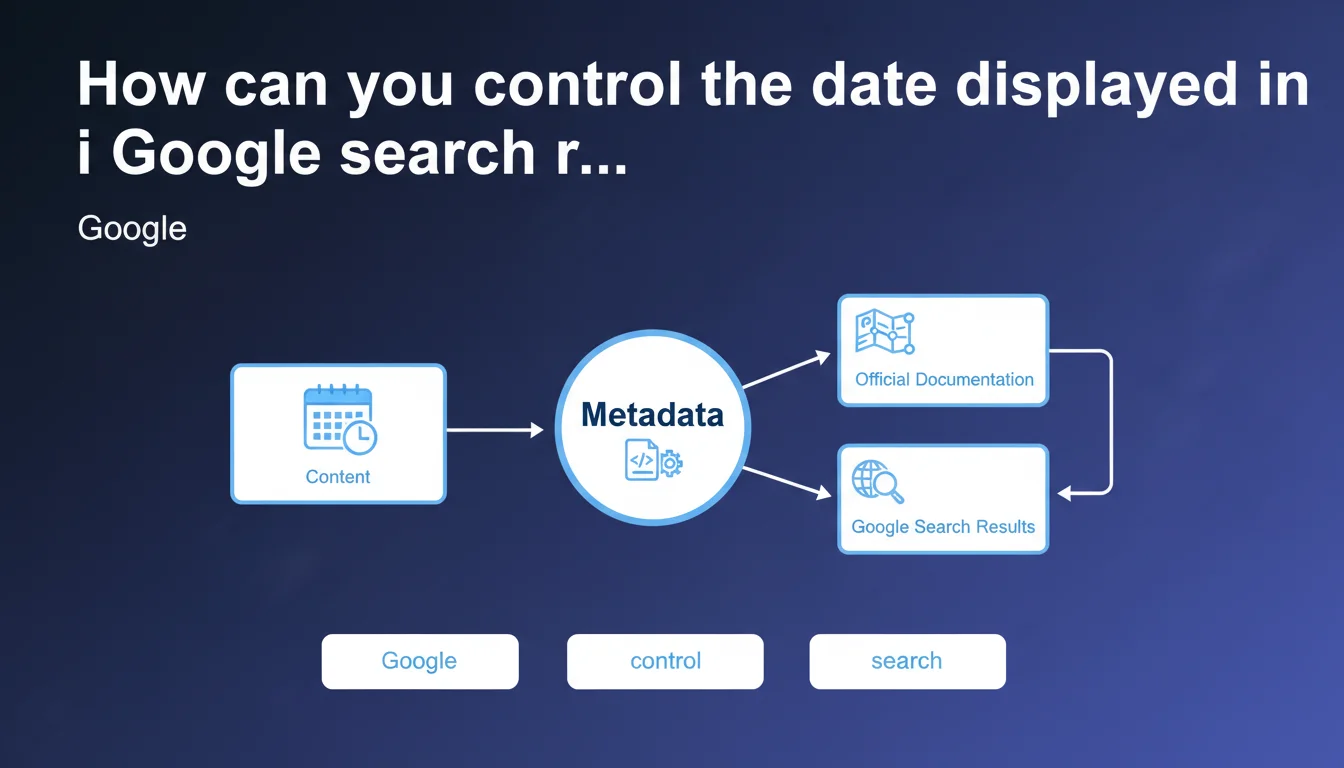
Google confirms that the publication or update date displayed in the SERPs is controlled by structured metadata, not by algorithmic heuristics. To influence this date, you must properly implement data schemas according to their official documentation. Without appropriate markup, Google chooses for itself — and rarely in your favor.
What you need to understand
Why does Google sometimes display the wrong date?
The confusion comes from the fact that Google automatically detects a date if you don't explicitly specify one. The engine scans visible content, HTML tags, footer elements, modification mentions — basically anything that looks like a date.
The problem? This detection is imperfect. Result: Google may display the date of a recent comment rather than the original publication, or confuse a date mentioned in the text with the actual publication date.
What structured metadata should you use?
Google recommends using Article-type structured data (NewsArticle, BlogPosting, etc.) with the properties datePublished and dateModified. These properties must be in ISO 8601 format.
The schema.org Article is the standard. Other formats like OpenGraph can influence display on social networks, but for SERPs, only schema.org structured data really matters.
What's the difference between datePublished and dateModified?
datePublished indicates the first publication. dateModified signals the last significant update. Google may display one or the other depending on its algorithm and the context of the query.
For evergreen content regularly updated, dateModified can boost perceived freshness. For news content, datePublished remains priority.
- Use schema.org Article with mandatory datePublished
- Add dateModified only if substantial update
- ISO 8601 format with timezone (e.g., 2026-03-05T14:30:00+01:00)
- Avoid dynamic dates automatically generated on each page load
- Test display with Google's rich result testing tool
SEO Expert opinion
Is this statement really new?
No. Google has been saying for years that structured data influences date display. What's changing is the clarity of the message: without appropriate metadata, you lose control.
Let's be honest — many sites still rely on automatic detection. It sometimes works, but when it breaks (redesign, CMS change, widget addition), you lose your dates in the SERPs. And that can kill CTR on freshness-sensitive content.
What nuances should be noted?
Google doesn't guarantee it will always display your dateModified. The algorithm may decide to display datePublished if the update is deemed minor — typo fixes, CSS adjustments, etc.
In practice? If you update an article to add a sentence, Google may ignore your dateModified. [To verify]: Google has never precisely documented what constitutes a "significant update" in its eyes.
In what cases does this rule not apply?
For e-commerce sites, product pages don't necessarily need a date. Google generally doesn't display a date on product cards in organic SERPs — except in specific contexts (tech product release, for example).
About pages, Terms & Conditions, contact pages, static landing pages don't need datePublished. Adding a date to this type of content can even harm credibility if it becomes outdated.
Practical impact and recommendations
What should you do concretely on your site?
Start with an audit of existing structured data. Crawl your site with Screaming Frog or OnCrawl, extract JSON-LD tags or Article-type Microdata, verify that datePublished and dateModified are present and consistent.
Next, test a sample of pages with Google's rich results testing tool. Compare the date displayed in real SERPs with the one declared in your metadata — if they differ, there's a detection or format problem.
What errors should you absolutely avoid?
Error #1: dateModified automatically updated on each visit or page reload. Google detects this and may blacklist your structured data.
Error #2: dateModified earlier than datePublished. It seems obvious, but some poorly configured CMS generate this inconsistency.
Error #3: multiple contradictory dates (one in JSON-LD, another in OpenGraph, a third in a meta tag). Google prioritizes JSON-LD, but inconsistencies create confusion.
How do you verify that everything is in order?
- Implement schema.org Article with datePublished on all editorial content
- Add dateModified only during substantial updates (rewritten content, updated information)
- Use ISO 8601 format with correct timezone
- Test with Google's rich results testing tool
- Crawl the site to detect date inconsistencies
- Monitor SERPs to verify that displayed dates match expectations
- Document the date update policy in an internal editorial guide
❓ Frequently Asked Questions
Faut-il mettre à jour dateModified à chaque petite correction ?
Que faire si Google affiche une mauvaise date malgré les données structurées ?
Peut-on avoir plusieurs types de dates structurées sur une même page ?
Les dates influencent-elles le classement ou seulement l'affichage ?
Le format OpenGraph suffit-il pour contrôler la date dans les SERPs ?
🎥 From the same video 14
Other SEO insights extracted from this same Google Search Central video · published on 05/03/2026
🎥 Watch the full video on YouTube →
💬 Comments (0)
Be the first to comment.