
Official statement
Other statements from this video 14 ▾
- 5:33 Can you really control which image appears in Google's text search results?
- 7:30 Why do your Search Console reports keep contradicting each other?
- 8:40 Should you really upload your disavow list only on the current domain?
- 10:06 Is Google really ranking your internal pages above your category pages—and should you be worried?
- 11:21 Why does the public URL test fail so frequently in Search Console?
- 13:33 Does Google really prioritize content quality over technical optimization when facing the 'Crawled - not indexed' status?
- 15:15 Do 'Crawled – not indexed' pages really harm your entire website's visibility?
- 16:27 Why is Google treating your e-commerce category pages as duplicate content?
- 18:55 Does Google really interpret the intention behind your searches better than you think?
- 21:21 Do simple URLs really impact your Google rankings?
- 22:22 Can Google ignore your JavaScript if you place a noindex tag in the head?
- 24:24 Are iframes in your <head> really killing your SEO?
- 26:06 How can you accurately verify redirect behavior for Googlebot?
- 30:28 How can you control the date displayed in Google search results?
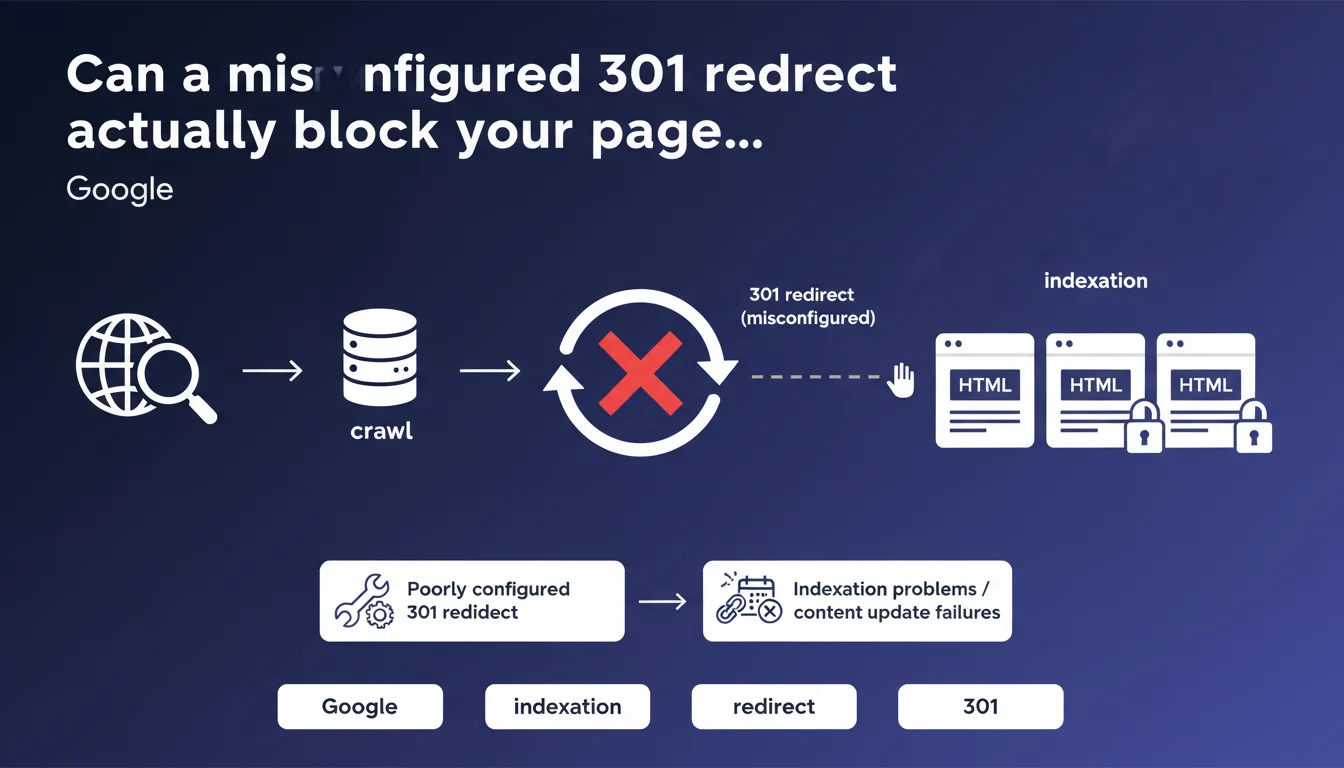
Google confirms that an incorrectly implemented 301 redirect causes indexation problems and prevents content updates from appearing in search results. This type of technical error often goes unnoticed but has direct consequences on site visibility. Official documentation remains the reference for avoiding these pitfalls.
What you need to understand
Why does a poorly configured 301 redirect cause problems?
A 301 redirect tells Google that a page has moved permanently. When implemented incorrectly, Googlebot encounters contradictory signals: the source page still exists, the target returns an error, or worse, the redirect chain forms a loop.
The crawler then abandons the indexation attempt or keeps the old cached version. Result: your content updates never appear in the SERPs, or certain pages disappear entirely from the index.
What are the most common configuration errors?
Redirect chains (A→B→C→D) exhaust crawl budget and significantly slow down indexation. Google recommends a single direct redirect.
Temporary redirects (302) used instead of permanent 301s prevent PageRank transfer. Redirect loops completely block the bot. Finally, redirecting to a page that itself returns a 404 or 500 error creates a technical dead end.
How does Google detect these issues?
Googlebot follows redirects by analyzing HTTP status codes. If the returned code doesn't match the declared configuration, or if the chain exceeds a certain depth, the crawler stops and reports the anomaly in Search Console.
Response time also matters — a redirect that takes several seconds to execute will be treated as a performance issue, with impact on the crawl budget allocated.
- 301 redirect: signals a permanent move, transfers PageRank
- Multiple chains: absolutely avoid, slow down indexation
- Loops and errors: completely block the bot and indexation
- Response time: a slow redirect wastes crawl budget unnecessarily
- Search Console: displays detected errors in coverage reports
SEO Expert opinion
Does this statement match real-world reality?
Absolutely. Indexation problems linked to defective 301 redirects are among the most frequent issues found during technical audits. Site migration, URL restructuring, HTTPS transition… each architectural change multiplies the risk of error.
What's less known: even a technically valid 301 redirect can cause problems if it points to a page that's semantically too different from the original. Google interprets this as a soft 404 and may decide not to index the target.
What nuances should be added to this statement?
Google speaks of "content updates" — let's be precise. A well-configured 301 redirect doesn't guarantee that your new content will be immediately crawled and re-indexed. Crawl budget remains the determining variable.
On a large site with thousands of pages, even perfect redirects can take weeks before Google discovers the new URLs. [To verify]: Google provides no official timeline for complete 301 propagation, and real-world observations vary greatly depending on the site's crawl frequency.
In what cases is this rule insufficient?
A poorly planned migration can't be solved just with clean 301s. If you redirect 500 pages to 10 target pages, Google will treat the majority as soft 404s and progressively de-index them.
Another edge case: JavaScript-based client-side redirects. Technically, they don't return an HTTP 301 code — Googlebot must execute the JS to detect the redirect, which slows everything down and creates inconsistencies. Always prefer server-side redirects.
Practical impact and recommendations
What should you check immediately on your site?
Start with Search Console, Coverage section. Look for errors of the type "Redirected" or "Not found (404)" that appear after a URL modification. These signals often indicate a broken or misconfigured redirect.
Next, audit your redirects with a tool like Screaming Frog or Sitebulb. Identify redirect chains, loops, and redirects pointing to error pages. One redirect per URL — that's the rule.
How to correctly implement a 301 redirect?
Use a server-side redirect (Apache .htaccess, Nginx conf, or CDN level). Absolutely avoid redirects via HTML meta refresh or JavaScript — they don't transfer PageRank and slow down crawling.
Redirect to the page that's most semantically similar to the original. If you're removing a product category, redirect to the parent category or a coherent alternative, never to the homepage except as a last resort.
What errors must you absolutely avoid?
Never leave temporary 302 redirects hanging around when the move is permanent. Google will eventually treat them as 301s, but with a delay and signal loss.
Avoid mass redirects to a handful of pages. Google detects these "lazy redirects" and may ignore the 301s, treating the old pages as deleted. Each URL should have a relevant and unique target.
- Check Search Console for redirect errors reported by Google
- Audit redirect chains and simplify them into single direct redirects
- Implement 301s at server level, never via JavaScript or meta refresh
- Redirect to the semantically closest page, avoid generic redirects to homepage
- Use 301 codes for permanent moves, never default to 302
- Test each redirect manually and with a crawler to validate the returned HTTP code
- Monitor indexation post-migration for at least 4 weeks
❓ Frequently Asked Questions
Une redirection 301 transfère-t-elle 100% du PageRank ?
Combien de temps faut-il maintenir une redirection 301 en place ?
Peut-on rediriger plusieurs anciennes URLs vers une seule nouvelle page ?
Les redirections 301 impactent-elles la vitesse de chargement ?
Faut-il rediriger les URLs en erreur 404 découvertes dans Search Console ?
🎥 From the same video 14
Other SEO insights extracted from this same Google Search Central video · published on 05/03/2026
🎥 Watch the full video on YouTube →
💬 Comments (0)
Be the first to comment.