
Official statement
Other statements from this video 8 ▾
- □ Is there really no way to force Google to re-index your entire website at once?
- □ Does Google automatically reindex major changes on your website?
- □ Why can a simple 301 redirect make all the difference during a website redesign?
- □ Why is linking your new pages from your existing website absolutely critical for Google indexing?
- □ Should you really link your new pages from high-authority pages to accelerate indexing?
- □ Why does Google recommend showing critical changes on your existing pages instead of creating new URLs?
- □ Does Google really crawl some pages more often than others, and how can you influence this?
- □ Are XML sitemaps really essential for getting your website indexed by Google?
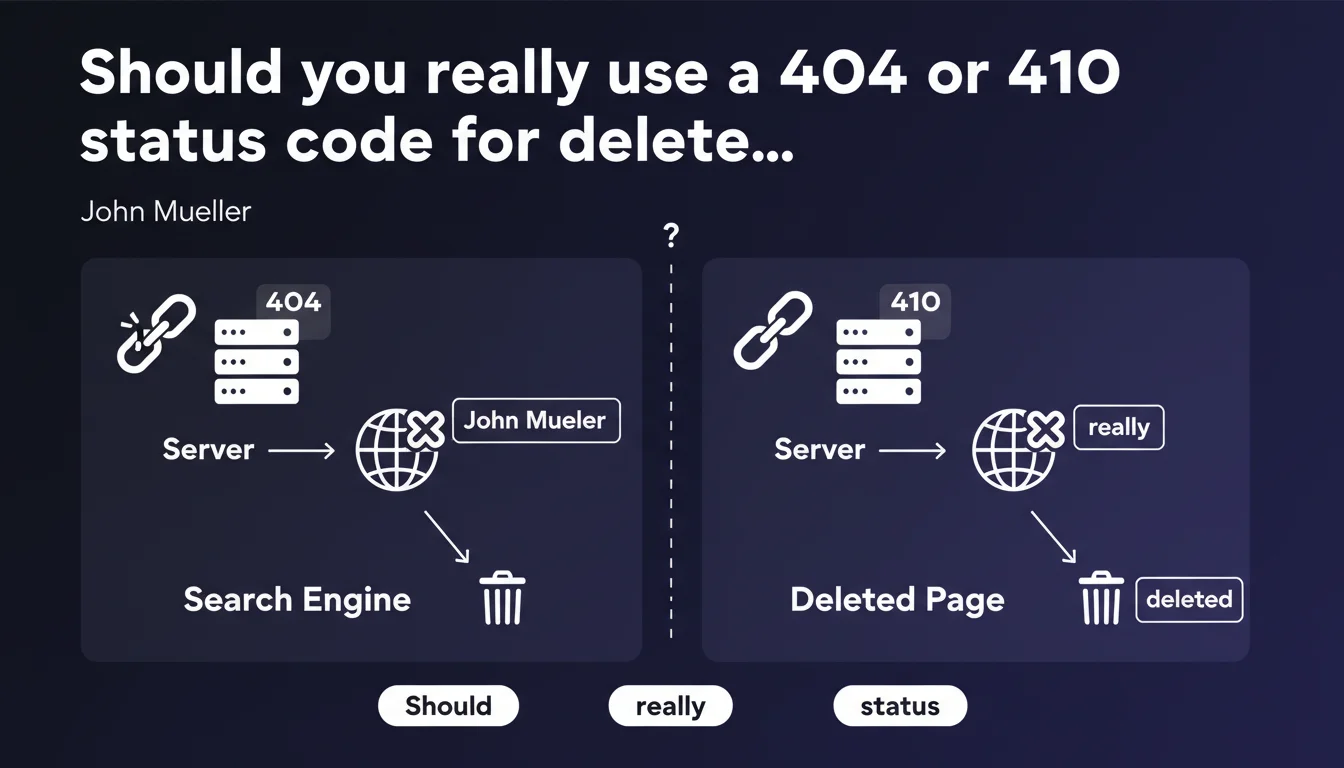
Google confirms that an HTTP status code 404 or 410 must be returned for any deleted page. This is the only way to properly signal to search engines that a page no longer exists. Using other codes (200, 301, 302) creates indexation and crawl budget problems.
What you need to understand
Why does Google insist on 404/410 codes for deleted pages?
When a page is deleted, the server must return an explicit HTTP status code that indicates the resource no longer exists. 404 means "Not Found" (page missing, possible temporary deletion), 410 means "Gone" (permanent deletion).
Without this clear signal, Googlebot will continue trying to crawl the page, wasting crawl budget and potentially keeping the URL in the index with incorrect or empty content. A 200 code returning an empty page or error message in the HTML creates a soft 404, detected by Google but technically less clean.
What's the difference between a 404 and a 410?
The 404 is the standard code for a missing page. It doesn't indicate whether the deletion is temporary or permanent — Google will recrawl the URL several times before fully deindexing it.
The 410 signals a permanent deletion. Google understands that the URL will never return and can remove it from the index faster. In practice, few sites use 410, because 404 works perfectly in 99% of cases.
What happens if the wrong code is returned?
A 200 code with an empty page or "page deleted" message creates a soft 404. Google eventually understands that the page no longer exists, but it takes time and pollutes the index in the meantime.
A 301/302 redirect to the homepage or a generic category page without semantic relevance is bad practice. Google may ignore it and treat the URL as a soft 404, or worse, transfer SEO juice to an irrelevant page.
- 404/410: correct codes to signal a deletion cleanly
- 200 with empty content: soft 404, slower processing by Google
- 301 to homepage: ineffective, risk of crawl budget loss
- 410: faster deindexing than 404, but rarely necessary
- Google recrawls 404s several times before complete deindexing
SEO Expert opinion
Is this recommendation consistent with field observations?
Yes, absolutely. Sites that properly manage their status codes have better optimized crawl budget and fewer dead URLs lingering in the index. Googlebot doesn't waste time recrawling non-existent pages with ambiguous codes.
Soft 404s remain a frequent problem — especially on e-commerce sites that display "product unavailable" messages with a 200 code. Google Search Console detects them and flags them, but many sites ignore these alerts.
What nuances should be considered?
The practical difference between 404 and 410 is overstated. Google has confirmed several times that 410 accelerates deindexing, but in reality, a well-managed 404 is more than sufficient. The key is avoiding ambiguous codes.
A rarely discussed point: if a page has quality backlinks and you delete it, a clean 404 wastes this capital. In this specific case, a 301 redirect to semantically close content is the right approach — not to a generic page. [To verify]: Google doesn't precisely document the "semantic relevance" threshold needed for a 301 to be accepted as legitimate.
In what cases does this rule not apply?
If you delete a page but equivalent content exists elsewhere on your site, a 301 to that content is the best solution. Typical example: merging two similar articles, URL migration, category refactoring.
For high-traffic pages or those with strategic backlinks, never return a 404/410 without thinking it through. First analyze whether a relevant redirect is possible. If no alternative exists, then yes, a clean 404 is preferable to redirecting to the homepage.
Practical impact and recommendations
What should you do concretely to manage deleted pages?
First step: audit all URLs returning a 200 code with empty content, an error message, or "page not found" in the HTML. Use Screaming Frog, Oncrawl, or Google Search Console to identify these soft 404s.
Next, configure your server to return a 404 by default for any non-existent URL. On WordPress, verify that the 404.php template returns the correct HTTP header. On custom CMS or static sites, configure .htaccess or the web server directly.
What mistakes to absolutely avoid?
Never redirect massively to the homepage or a generic category. This is a common SEO bad practice that pollutes your link profile and wastes crawl budget. Google may even ignore these redirects and treat them as 404s.
Also avoid leaving 404s lingering indefinitely in Search Console without action. If a page returns a 404 but still receives traffic or backlinks, it's a signal that you should perhaps recreate relevant content or redirect to a logical alternative.
How do you verify your site handles deletions correctly?
Use Search Console to spot soft 404s and 404 errors with incoming traffic. Also check server logs to identify URLs crawled by Googlebot that return ambiguous codes.
Manually test a few deleted URLs with a tool like Screaming Frog or cURL to confirm the HTTP code returned is indeed 404 or 410. If you see inappropriate 200, 301, or 302, fix it immediately.
- Audit all soft 404s via Search Console
- Configure the server to return 404 by default on non-existent URLs
- Verify that 404 templates return the correct HTTP header
- Never redirect massively to homepage/generic category
- Analyze 404s with traffic/backlinks for relevant redirect opportunities
- Monitor server logs to detect ambiguous codes crawled by Google
- Use 410 only if permanent deletion and fast deindexing are necessary
❓ Frequently Asked Questions
Dois-je utiliser un 404 ou un 410 pour une page supprimée définitivement ?
Que se passe-t-il si je redirige une page supprimée vers la homepage ?
Comment savoir si mon site renvoie des soft 404 ?
Combien de temps Google met-il à désindexer une page en 404 ?
Faut-il supprimer manuellement les 404 dans Search Console ?
🎥 From the same video 8
Other SEO insights extracted from this same Google Search Central video · published on 23/01/2024
🎥 Watch the full video on YouTube →
💬 Comments (0)
Be the first to comment.