
Official statement
Other statements from this video 2 ▾
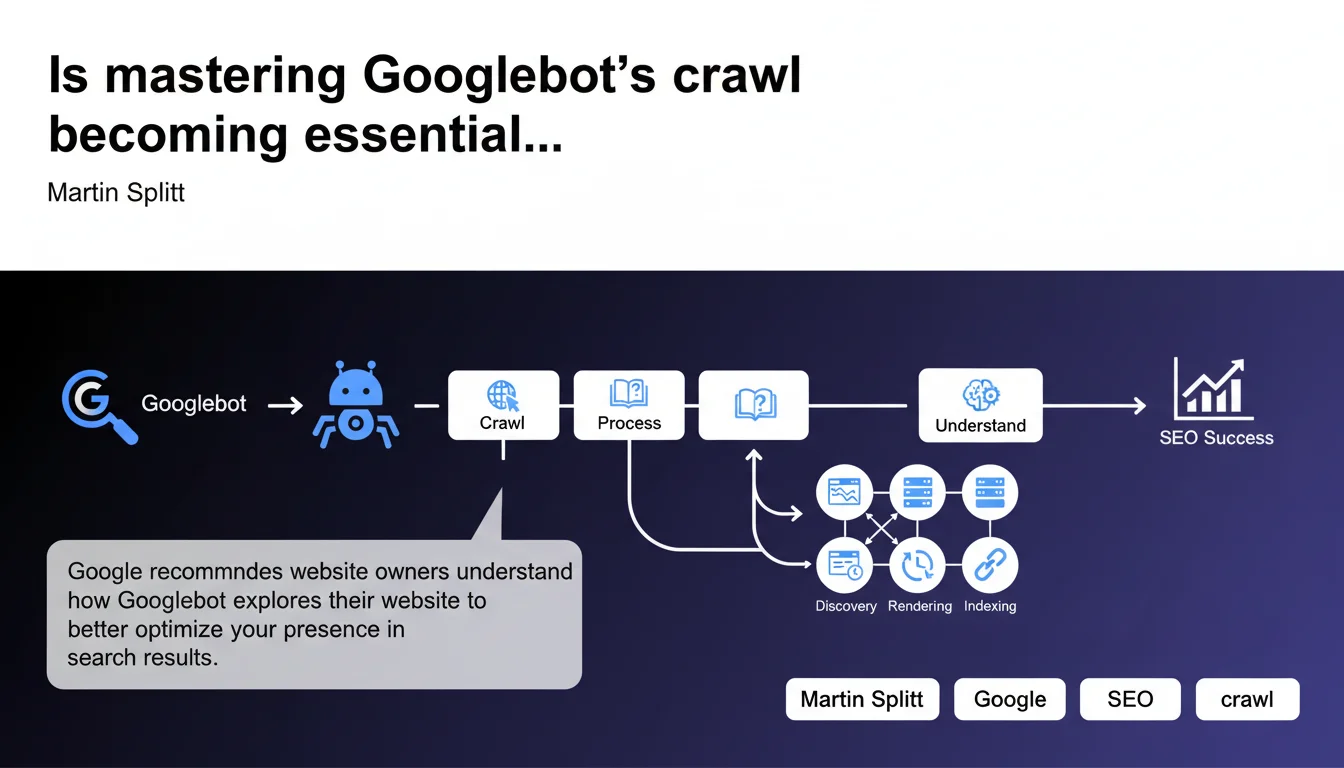
Google emphasizes the importance of understanding Googlebot's crawl process to optimize your visibility in search results. This statement reminds us that crawl quality directly determines indexation and ranking. Without a fine-tuned understanding of Googlebot's behavior on your site, you're leaving significant SEO opportunities on the table.
What you need to understand
What does it really mean to "understand the crawl process"?
Google isn't just talking about knowing that Googlebot exists or that it occasionally visits your site. The recommendation centers on operational understanding: how the robot prioritizes pages, which signals influence its crawl frequency, how it manages resources allocated to your domain.
In practical terms, this means monitoring server logs, analyzing crawl behaviors in Search Console, and detecting technical bottlenecks that prevent Googlebot from accessing strategic sections. Without this visibility, you're flying blind.
Why is Google pushing this message now?
This statement doesn't come out of nowhere. With the growing complexity of web architectures — heavy JavaScript, SPAs, headless sites — crawl issues have multiplied. Many modern websites generate client-side content that Googlebot struggles to discover or processes with delays.
Furthermore, Google has refined its crawl budget: it doesn't explore everything, all the time. Understanding how it distributes its resources becomes a direct competitive advantage, especially for large sites that publish content continuously.
What signals influence Googlebot's behavior?
Several factors determine how Googlebot explores your site. Page popularity — measured by internal and external links — plays a key role. A heavily linked page gets crawled more frequently than an orphaned page.
Content freshness also matters: a site publishing daily receives more visits than a static site. Finally, server performance and response speed determine how many requests Googlebot is willing to send without risking server overload.
- Popularity-based prioritization: pages with more backlinks and internal links are crawled first
- Update frequency: dynamic sites benefit from more regular visits
- Technical performance: server response time, HTTP errors, timeouts directly influence crawl budget
- Information architecture: page depth and internal linking quality determine discoverability
- Control files: robots.txt, XML sitemaps, meta robots directives guide the robot's behavior
SEO Expert opinion
Does this recommendation truly reflect real-world challenges?
Yes, and it's actually an understatement. In the field, a majority of sites lose SEO potential due to undetected crawl problems. Strategic pages not being explored, e-commerce facets crawled unnecessarily, duplicate content indexed by mistake — the list goes on.
Log analysis regularly shows that Googlebot spends 70% of its time on pages with zero SEO value (filters, obsolete pagination, parameterized URLs) while priority content is visited only once a month. Understanding crawl means correcting these imbalances.
What nuances should we apply to this statement?
Google talks about "understanding," but doesn't provide precise methodology. [To be verified] Search Console provides partial indicators — crawled pages, HTTP errors — but remains silent on allocated crawl budget details, actual frequency by page type, or exact prioritization criteria.
For true understanding, you must cross-reference Search Console, raw server log analysis, and third-party tools. Don't rely solely on Google dashboards: they hide part of Googlebot's actual behavior.
Another point: this recommendation is particularly critical for large sites (e-commerce, media, directories). On a 20-page brochure site, crawl budget isn't an issue. On a catalog of 500,000 products, it's a first-order strategic variable.
In what cases doesn't this rule fully apply?
Small sites with low publishing frequency don't need to optimize crawl down to the millimeter. If you have 50 pages and publish one article per month, Googlebot will visit regularly without your intervention.
However, once you reach a certain volume — thousands of pages or daily production — crawl management becomes a performance lever. Ignoring this on an e-commerce site means letting new products take weeks to be indexed.
Practical impact and recommendations
What should you concretely do to master crawl?
First, analyze your server logs. Identify which pages Googlebot actually visits, how often, and how much time it spends on each section. Compare this to your business priorities: are your strategic pages crawled sufficiently?
Next, optimize your internal linking structure. Important pages should be accessible within 3 clicks from the home page and receive links from already well-crawled pages. Reduce the depth of priority content.
Clean up your robots.txt and XML sitemap. Block unnecessary sections (internal search, redundant filters), and only submit high-value URLs in your sitemap. A 100,000 URL sitemap where 80% is noise dilutes Googlebot's attention.
What mistakes should you avoid at all costs?
Never accidentally block critical resources (CSS, JS needed for rendering) in robots.txt. Googlebot needs these files to understand client-side rendered content. An overly restrictive rule can make your pages invisible.
Also avoid long redirect chains and loops. Googlebot often abandons after 3-4 redirects, losing the crawl of the final page. Fix your 301s to point directly to the final destination.
Finally, don't clutter your site with duplicate content without proper canonicalization. If Googlebot spends its time crawling identical variants, it neglects unique pages. Use canonical tags strictly.
How do you verify your site is properly configured?
Check the coverage report in Search Console: verify there are no important pages excluded or blocked by mistake. Also look at the "Crawl statistics" report to detect error spikes or slowdowns.
Regularly audit your robots.txt and sitemaps with tools like Screaming Frog or Oncrawl. Cross-reference with logs to see if Googlebot respects your directives or explores unwanted areas.
Measure the average indexation delay of your new pages. If a product or article takes more than a week to appear in the index, it signals your crawl isn't optimal.
- Analyze server logs to identify actual crawl patterns
- Optimize internal linking to facilitate discovery of priority pages
- Clean up robots.txt: block only unnecessary sections
- Submit a targeted XML sitemap without low-value URLs
- Fix redirect chains and eliminate loops
- Strictly canonicalize duplicate content
- Monitor coverage report and crawl statistics in Search Console
- Measure indexation delay for new content
- Verify critical JS/CSS resources are not blocked
❓ Frequently Asked Questions
Qu'est-ce que le crawl budget et comment l'optimiser ?
Comment savoir si Googlebot crawle efficacement mon site ?
Faut-il analyser les logs serveur ou la Search Console suffit-elle ?
Quel impact le JavaScript a-t-il sur le crawl de Googlebot ?
Les sitemaps XML influencent-ils vraiment le crawl ?
🎥 From the same video 2
Other SEO insights extracted from this same Google Search Central video · published on 25/06/2024
🎥 Watch the full video on YouTube →
💬 Comments (0)
Be the first to comment.