
Official statement
Other statements from this video 9 ▾
- 0:38 Comment Google Search Console peut-il réellement booster votre trafic organique ?
- 0:56 Search Console et Analytics : deux outils pour quelles données SEO distinctes ?
- 2:05 Combien de temps vos données Search Console restent-elles vraiment accessibles ?
- 2:05 Faut-il vraiment aligner les requêtes Search Console avec vos mots-clés cibles ?
- 6:00 Comment vérifier que vos pages sont réellement indexées par Google ?
- 6:18 Faut-il vraiment indexer toutes les pages de son site ?
- 8:54 Les rich results augmentent-ils vraiment la visibilité dans les résultats de recherche ?
- 8:54 L'expérience de page joue-t-elle vraiment un rôle déterminant dans le classement Google ?
- 9:20 Pourquoi Google recommande-t-il de vérifier le rapport de couverture d'index en priorité ?
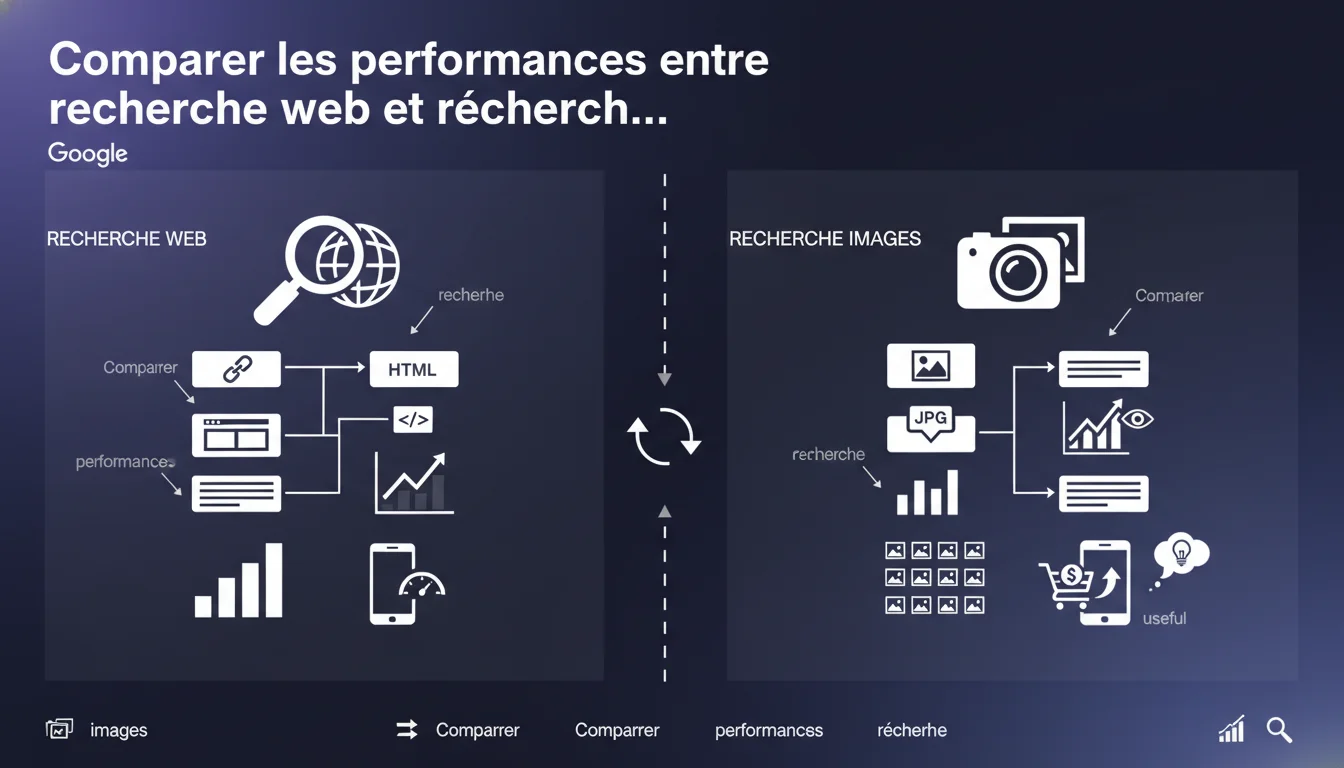
Google confirms that the Search Console performance report allows for a separate comparison of image search and web search performance. For e-commerce or shopping sites, this distinction is crucial as images drive specific traffic that is often underutilized. Analyzing these two channels separately reveals distinct optimization opportunities.
What you need to understand
Why does this comparison feature exist in the Search Console? <\/h3>
The Search Console has long offered a search type filter <\/strong> that distinguishes classic web search from image search. This is not trivial. Google implicitly recognizes that these two channels operate with different logics <\/strong>: user intent, ranking criteria, click behavior.
For an e-commerce site, a product may be invisible in classic web results but generate significant traffic through Google Images. Conversely, some pages perform well in web search but go unnoticed in image search — often due to neglected image tag optimization <\/strong>.
What metrics differ between web search and image search? <\/h3>
The click-through rates (CTR) <\/strong> vary dramatically between the two channels. In image search, the CTR is structurally lower because the user can view content directly in the results without clicking. Impressions are therefore often high, but clicks are proportionally low.
The average position <\/strong> is also calculated differently. In image search, the visual grid changes the perception of position — being 4th in a 3-column grid does not have the same impact as being 4th in a vertical list of web results.
In practical terms, what does this change for SEO analysis? <\/h3>
Analyzing overall without filtering amounts to mixing two statistical populations <\/strong> that have nothing in common. A product with 10,000 impressions may seem to perform well, but if 9,500 come from image search with a CTR of 0.2% and 500 from web search with a CTR of 8%, the diagnosis will be radically different.
Separating this data allows one to identify where to invest: optimizing alt texts and structured images <\/strong> on one hand, semantic and UX optimization of product pages on the other.
- Two channels, two intentions: <\/strong> web search = specific informational or transactional intent; image search = visual exploration, inspiration
- Incomparable metrics: <\/strong> the average CTR in image search is naturally lower, do not compare directly
- Distinct opportunities: <\/strong> a product may perform in one channel and be absent in the other
- Targeted optimizations: <\/strong> alt tags, captions, structured images for Images; textual content, schema, UX for Web <\/ul>
SEO Expert opinion
Are practitioners really following this recommendation? <\/h3>
Let's be honest: image search remains the neglected stepchild of SEO optimization <\/strong>. Most audits focus on classic web search, and few clients request a dedicated analysis of their performance in Google Images. Yet, in certain sectors — fashion, decoration, food — this channel can account for up to 30% of organic traffic.
The problem? The Search Console does not facilitate this comparative analysis. One must manually switch between filters <\/strong>, export data separately, and then cross-reference in a spreadsheet. No native dashboard presents this comparison side-by-side. As a result, this feature exists, but its use remains marginal.
What limitations should you keep in mind with this approach? <\/h3>
Google doesn't reveal everything. The ranking algorithms for Images <\/strong> are not documented with the same transparency as for web search. We know that the textual context around the image matters, that alt tags are essential, and that visual quality plays a role — but the exact weightings remain opaque <\/strong>. [To verify]<\/strong>
Another limitation: the Search Console does not always report all queries in image search, especially very low-volume queries. The data can be truncated or aggregated <\/strong> under privacy thresholds. For truly fine analysis, one must cross-reference with Google Analytics and monitor referrals.
In which cases is this separation truly critical? <\/h3>
For a blog or text-based content site, the impact of image search is often marginal. There's no need to spend hours analyzing 200 monthly impressions. Conversely, for an e-commerce site <\/strong>, a marketplace, a creative portfolio, or a recipe site, this separation becomes strategic.
Concrete case observed: a fashion site with 15,000 product listings was stagnating in web search (ultra-competitive market), but its images generated 40,000 visits/month via Google Images — almost invisible traffic in the overall analysis. Once identified, optimizing alt tags and structured images doubled this traffic in 4 months.
Practical impact and recommendations
What should you do concretely in the Search Console? <\/h3>
First step: access the performance report <\/strong>, then click on the "Search type" tab and select "Image" or "Web" to filter the results. Do not stay on the default aggregated view.
Export the two reports separately (Web and Images) for the last 3 months. Identify the queries generating impressions in both channels <\/strong> — these are your priority leverage points. If a query performs well in web search but not in Images, it's a signal: your visuals are not optimized for this keyword.
What mistakes should you avoid when interpreting the data? <\/h3>
Never compare CTR between web search and image search <\/strong> without context. A 2% CTR in image search can be excellent, while it would be catastrophic in web search. Benchmarks are not transposable.
Another trap: focusing solely on impressions. An image with 50,000 impressions but 10 clicks is worthless if the goal is to generate traffic. Conversely, if your aim is brand visibility <\/strong>, these impressions are valuable — even without clicks.
How can you specifically optimize for image search? <\/h3>
First rule: name your image files with descriptive keywords <\/strong> before uploading them. "women-running-shoe-red.jpg" instead of "IMG_3847.jpg". Google reads file names.
Next, write precise and contextual alt tags <\/strong>. No keyword stuffing, but a factual description that helps Google understand the visual content. The text around the image (caption, previous paragraph) also matters greatly.
- Filter Search Console reports by type of search (Web vs Images) every month
- Export and compare the performance of the same queries in both channels
- Identify products/pages performing well in Images but not in Web (and vice versa)
- Optimize image file names with descriptive keywords before upload
- Write factual and contextual alt tags for every important image
- Add text around images (captions, paragraphs) to reinforce semantic context
- Implement structured data Product or ImageObject depending on the type of content
- Ensure images are hosted on crawlable URLs (no blocking lazy loading)
- Test the rendering of images in Google Images with the URL inspection tool <\/ul>
❓ Frequently Asked Questions
Peut-on comparer directement les CTR entre recherche web et recherche d'images ?
Faut-il optimiser toutes les images d'un site pour Google Images ?
Comment savoir si mes images sont bien indexées dans Google Images ?
Les données de recherche d'images dans la Search Console sont-elles exhaustives ?
Quel impact du lazy loading sur la performance en recherche d'images ?
🎥 From the same video 9
Other SEO insights extracted from this same Google Search Central video · published on 12/01/2022
🎥 Watch the full video on YouTube →Related statements
Get real-time analysis of the latest Google SEO declarations
Be the first to know every time a new official Google statement drops — with full expert analysis.
💬 Comments (0)
Be the first to comment.