
Official statement
Other statements from this video 4 ▾
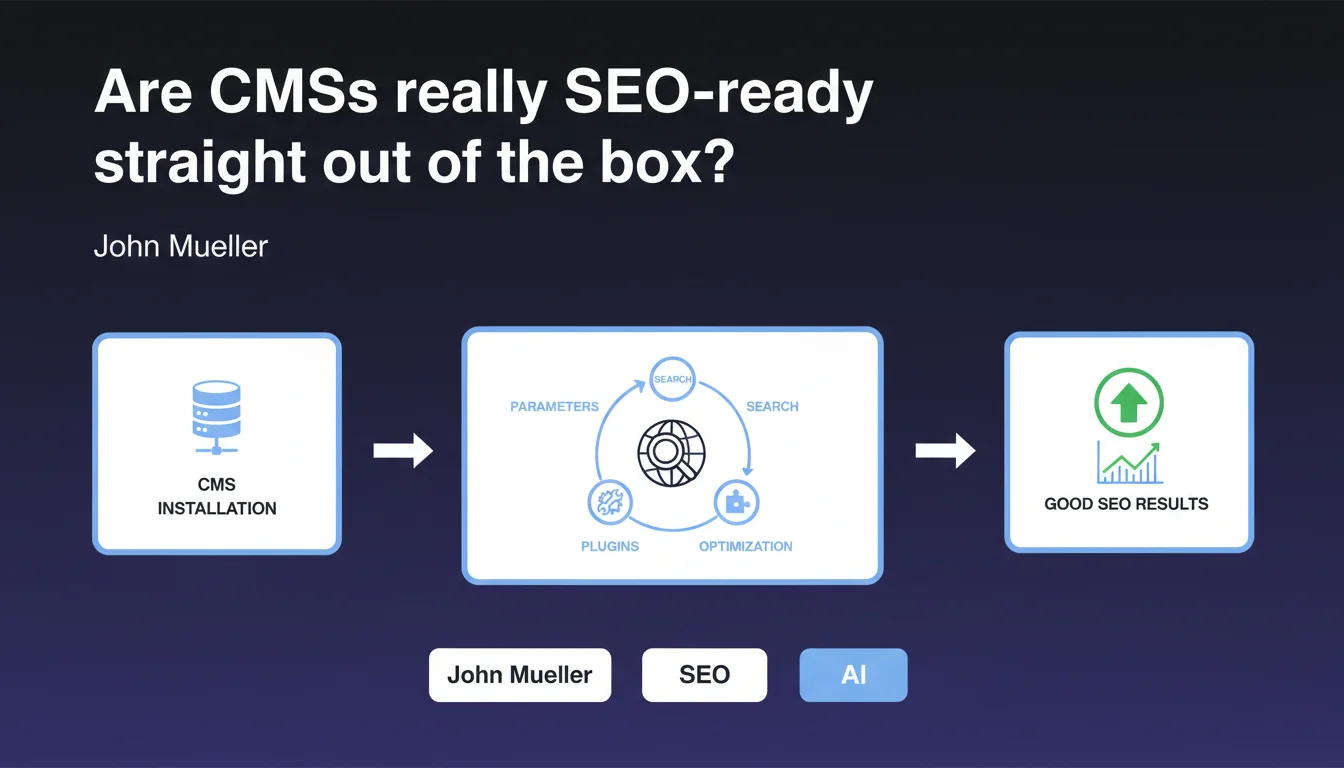
According to John Mueller, modern CMSs provide a solid SEO foundation right after installation or require only a few simple adjustments via settings or plugins for the average user. This statement suggests that technical barriers to search engine optimization have dropped significantly, but it deserves nuance depending on your requirements and project complexity.
What you need to understand
What does "work well for SEO" actually mean according to Google?
Mueller's phrasing remains deliberately vague. "Work well" could mean that the CMS generates crawlable code, that it offers editable title tags/meta descriptions, or that it properly handles canonical URLs. But it says nothing about the quality of these implementations.
For Google, a CMS that works "well" is probably one that doesn't actively block crawling, generates valid semantic HTML, and allows minimal control over strategic tags. The bar seems set relatively low — which is consistent with the audience he mentions: the average user.
Why is this "average user" distinction so critical?
Mueller is explicitly targeting non-expert audiences. This isn't a statement for e-commerce sites with 100,000 SKUs or media platforms generating millions of pages monthly. It's reassurance for small businesses, blogs, and brochure websites.
This distinction changes everything. A CMS can "work well" for a 50-page site without its technical limitations causing problems. But as soon as you add complexity — facets, advanced pagination, multilingual architecture — the weaknesses emerge quickly.
What settings or plugins are actually sufficient in practice?
Mueller is likely referring to simple adjustments such as: enabling XML sitemaps, configuring clean permalinks, installing a standard plugin like Yoast or Rank Math on WordPress, disabling indexation of unnecessary date archives or tags.
These settings genuinely cover 80% of basic needs. But they don't solve structural problems: excessive crawl depth, large-scale content duplication, fine-grained crawl budget management, performance optimization beyond basic caching.
- A well-configured CMS out of the box handles essential tags (title, meta, canonical) and generates clean HTML
- Standard SEO plugins cover the needs of a simple site: sitemaps, robots.txt, Open Graph
- The limitation lies in granular control and the ability to handle complex scenarios without custom development
- For ambitious projects, basic settings are never enough — you need to intervene at the template level, database queries, or even server configuration
SEO Expert opinion
Is this statement consistent with real-world observations?
Yes and no. On small sites with modest ambitions, modern CMSs (WordPress, Shopify, Wix) do offer a reasonable baseline. The blocking issues from a decade ago — non-crawlable JavaScript, complete lack of tag control — have largely disappeared.
But when you audit ambitious sites, you consistently find that default configurations generate systematic crawl waste, duplications, pagination issues, and poor load times. Popular SEO plugins often add unnecessary bloat and fail to address deep architectural problems.
What nuances should we add to this claim?
Mueller speaks of average users, which implicitly excludes complex sites. An e-commerce site with filters, a high-volume news site, a marketplace — none of this fits that category.
Moreover, "easily optimized" is subjective. Easy for whom? A developer will find it simple to edit an htaccess file or override a template. A business owner without technical skills will be blocked as soon as code editing is required. [Verify]: Google provides no metrics to define this "ease" threshold.
In what cases does this rule absolutely not apply?
As soon as content volume exceeds a few hundred pages, competition is fierce, or the site depends on organic SEO traffic for profitability, basic settings are insufficient. You must then intervene on architecture, optimize crawl time, manage internal linking finely, and clean up zombie pages.
SaaS CMSs like Wix or Squarespace, even improved, remain limited in advanced technical control: impossible to fine-tune HTTP headers, difficult to optimize server-side rendering, restricted access to logs. For serious SEO projects, these limitations become blocking.
Practical impact and recommendations
What concrete steps should you take after this statement?
If you manage a simple site (brochure, blog, small e-commerce), verify that basic SEO settings are enabled: clean permalinks, XML sitemap submitted to Search Console, editable title/meta tags, functional canonical tags. Install a reputable SEO plugin if your CMS allows it, but don't just click "activate" without understanding what each option does.
For more ambitious sites, audit precisely what your CMS generates: crawl your site with Screaming Frog, analyze server logs to identify crawl waste, check average click depth, track duplications. Standard plugins won't solve these problems — you'll need custom development or an architecture overhaul.
What mistakes should you avoid at all costs?
Don't assume your CMS is "SEO optimized" just because it claims so in marketing materials. Test concretely: submit URLs to Google Search Console, verify mobile rendering, measure actual Core Web Vitals.
Avoid accumulating SEO plugins — each extension adds code, slows your site, and multiplies conflict risks. One well-configured plugin beats five that step on each other's toes. And above all, don't neglect performance: a technically perfect but slow site will always be handicapped.
- Verify that the XML sitemap is automatically generated and submitted to Search Console
- Test mobile rendering and loading speed (PageSpeed Insights, Core Web Vitals)
- Configure title tags and meta descriptions on all strategic pages
- Disable indexation of unnecessary pages (date archives, low-value tags, internal search pages)
- Verify that canonical URLs are correctly defined to prevent duplication
- Audit your site with a crawler to identify 404 errors, redirect chains, and orphan pages
- Monitor server logs to detect inefficient crawling and adjust accordingly
- Optimize internal linking to ensure all important pages are accessible within 3 clicks maximum
❓ Frequently Asked Questions
Un CMS gratuit comme WordPress suffit-il pour bien référencer mon site ?
Dois-je forcément installer un plugin SEO sur mon CMS ?
Les CMS SaaS comme Wix ou Shopify sont-ils vraiment bons pour le SEO ?
Qu'est-ce qui distingue un CMS bien configuré d'un CMS mal configuré pour le SEO ?
Les réglages SEO de base suffisent-ils pour un site e-commerce ?
🎥 From the same video 4
Other SEO insights extracted from this same Google Search Central video · published on 13/07/2022
🎥 Watch the full video on YouTube →
💬 Comments (0)
Be the first to comment.