
Official statement
What you need to understand
What Does Google Actually Say About WordPress's SEO Advantage?
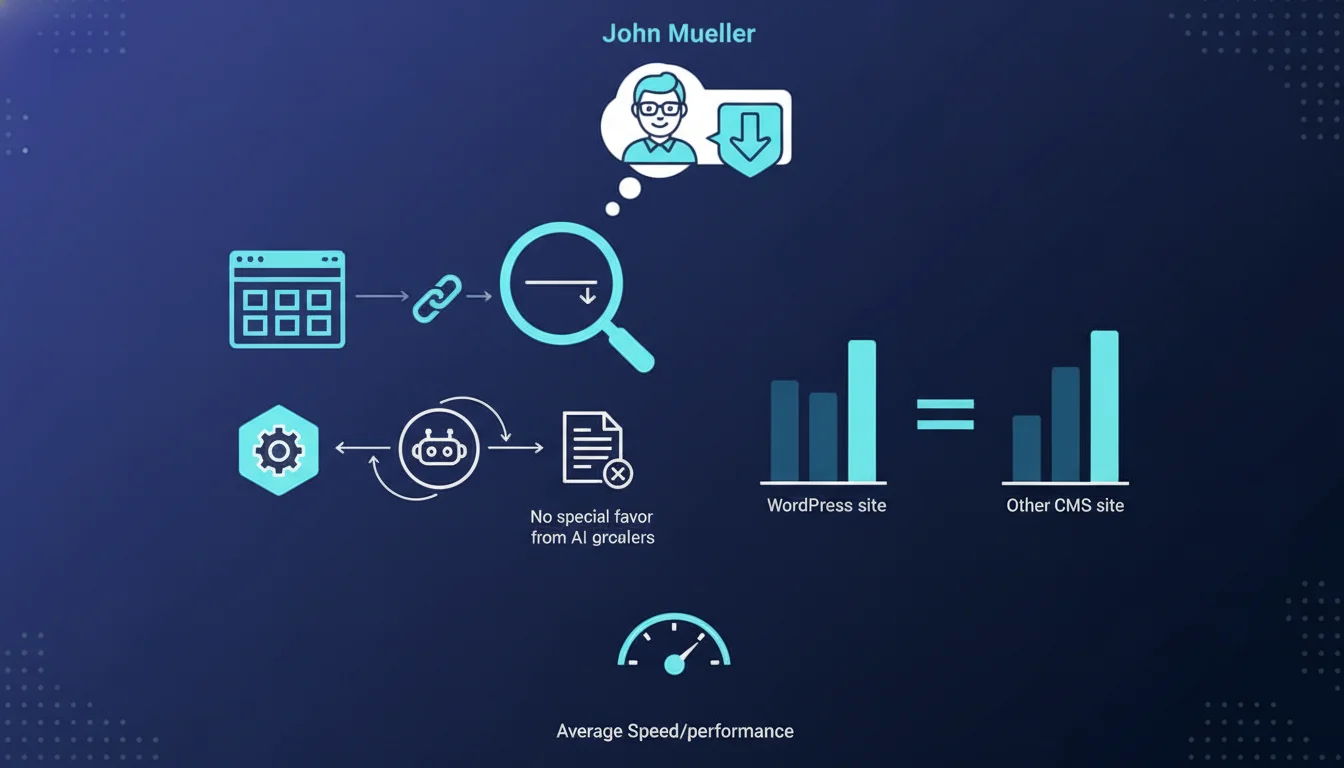
Google has officially confirmed that WordPress receives no preferential treatment in its ranking algorithm. The CMS used is not a ranking factor in itself.
This statement puts an end to a persistent myth in the SEO industry. Many professionals believed that WordPress, due to its popularity and structure, offered an inherent SEO advantage.
Why Is WordPress So Popular in SEO Then?
WordPress's popularity in SEO is explained by its flexibility and rich ecosystem. It offers numerous SEO-dedicated plugins and an active community.
But this flexibility is a double-edged sword. A poorly configured WordPress can be just as detrimental as any other poorly optimized CMS.
What Does Google Really Care About?
Google evaluates sites based on universal technical and qualitative criteria, regardless of the CMS used. Loading speed, data structure, and quality content are determining factors.
- No CMS has an algorithmic advantage in Google ranking
- SEO performance depends on configuration and optimization, not on CMS choice
- WordPress must be properly configured to be effective for SEO
- Standard technical criteria (Core Web Vitals, mobile-first, security) apply to all CMS platforms
SEO Expert opinion
Is This Statement Consistent With Real-World Observations?
My 15 years of experience fully confirms this position. I've seen poorly optimized WordPress sites be outperformed by well-configured sites on Drupal, Joomla, or even proprietary CMS platforms.
The myth of WordPress superiority mainly stems from the democratization of SEO it has enabled. But democratization doesn't mean algorithmic advantage.
What Nuances Should Be Applied to This Statement?
Nevertheless, there are differences in technical accessibility between CMS platforms. WordPress allows non-developers to easily implement SEO optimizations thanks to its plugin ecosystem.
Some proprietary or legacy CMS platforms can impose structural constraints that are difficult to work around. In these cases, migrating to a more flexible platform may become necessary.
In What Contexts Does WordPress Offer an Indirect Advantage?
WordPress can facilitate the time-to-market for SEO optimizations. The speed of implementing technical changes can constitute a competitive advantage.
For small organizations without a dedicated technical team, WordPress offers a gentler learning curve and simplified maintenance of basic SEO aspects.
Practical impact and recommendations
What Should You Do If You're Already Using WordPress?
Don't rely on your CMS. Focus on fundamental technical SEO aspects: Core Web Vitals optimization, URL structure, semantic markup.
Audit your current configuration. Many WordPress sites suffer from avoidable issues: outdated plugins, poorly coded themes, unoptimized databases.
Should You Consider Changing CMS for SEO Purposes?
Changing CMS solely for SEO is rarely justified. Migration risks (ranking losses, 404 errors, PageRank dilution) often outweigh potential benefits.
Prioritize optimizing your current platform. A migration is only justified if your CMS imposes insurmountable technical limitations for your business objectives.
How Can You Effectively Optimize SEO Regardless of Your CMS?
Adopt an approach centered on web standards rather than CMS-specific features. Ensure your site respects HTML, CSS, and JavaScript best practices.
Implement a continuous monitoring strategy: Search Console, regular technical audits, performance testing. The tools are identical for all CMS platforms.
- Verify that your CMS generates clean, semantic HTML code
- Optimize Core Web Vitals (LCP, FID, CLS) independently of the CMS
- Implement an effective caching system and CDN if necessary
- Ensure that mobile rendering is optimal (mobile-first indexing)
- Properly configure structured data (Schema.org)
- Optimize URL structure and internal linking
- Regularly audit installed plugins/extensions (performance, security)
- Implement a content strategy based on search intent
- Monitor user experience signals (bounce rate, time on page)
💬 Comments (0)
Be the first to comment.