
Official statement
Other statements from this video 7 ▾
- □ Google Search Console : comment exploiter vraiment ses données de performance ?
- □ Search Console peut-elle vraiment piloter votre stratégie business ?
- □ Comment identifier précisément les requêtes qui génèrent réellement du trafic sur votre site ?
- □ Comment Search Console révèle-t-elle vraiment les backlinks vers votre site ?
- □ Faut-il vraiment utiliser Search Console pour soumettre son contenu à Google ?
- □ Comment Search Console peut-il détecter les problèmes de sécurité et spam sur votre site ?
- □ Pourquoi la surveillance régulière de l'activité de votre site est-elle devenue incontournable en SEO ?
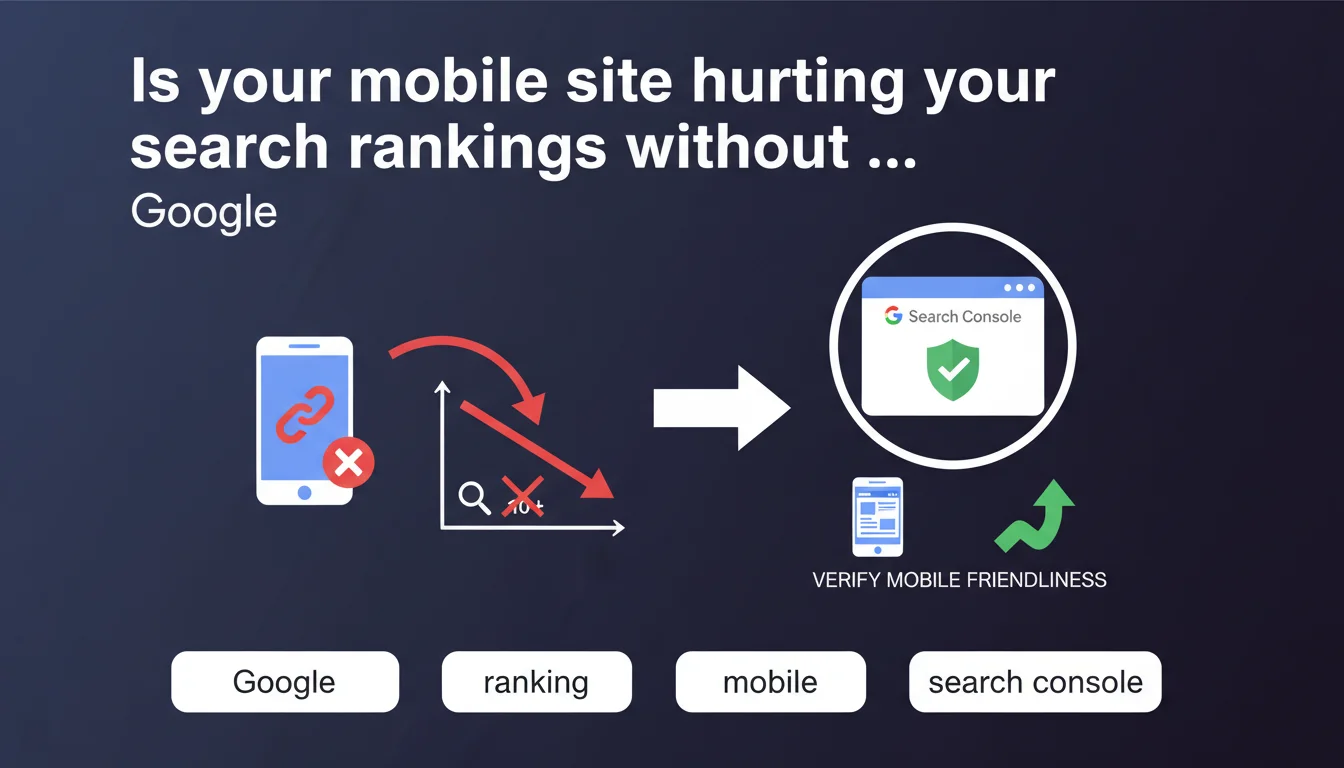
Google Search Console offers verification tools to monitor your site's mobile display performance. The platform detects errors that could harm user experience and, as a result, your search rankings. It's a diagnostic lever worth exploiting regularly, especially after technical updates.
What you need to understand
Why does Google emphasize mobile display verification in Search Console?
Since the shift to mobile-first indexing, Google crawls and prioritizes indexing the mobile version of your pages. If this version has problems — unreadable text, truncated content, misplaced interactive elements — your site's rankings take a hit.
Search Console centralizes mobile usability reports that flag issues detected during crawling: buttons too close together, improperly configured viewport, microscopic fonts. These alerts aren't mere suggestions — they reflect what Googlebot actually sees.
What specific data does Search Console actually surface?
The tool identifies which URLs are affected by each error type and ranks anomalies by severity. You can see whether the problem affects 5 pages or 500, and prioritize fixes based on impact.
The report distinguishes critical errors from warnings. A critical error blocks indexing or severely degrades mobile UX; a warning signals an issue worth attention but without immediate severity.
Does fixing these errors directly improve your ranking?
Indirectly, yes. A broken mobile site generates pogo-sticking — users bounce back — and Google interprets this as a signal of low relevance. Fixing display bugs improves Core Web Vitals (especially CLS) and engagement rates.
Let's be honest: it's not a magic fix that lands your pages in the top 3. But neglecting these errors drags you down, especially against competitors offering flawless mobile UX.
- Mobile-first indexing: Google crawls the mobile version first, so your mobile errors impact overall indexation.
- Detailed reports: Search Console lists problematic URLs and categorizes errors by type and severity.
- Indirect SEO impact: fixing mobile usability reduces bounce rate and improves engagement signals.
- Prioritization: focus on critical errors affecting large page volumes before minor warnings.
SEO Expert opinion
Does this statement align with field-observed best practices?
Absolutely. Sites that ignore Search Console mobile alerts consistently see their click-through rates and average positions stagnate or decline. We regularly observe traffic recoveries after fixing viewport or overlapping button errors — sometimes +15 to 20% organic clicks on mobile within weeks.
The problem is many professionals treat Search Console as a passive dashboard. They check the data, nod, and… do nothing. Result: the same errors linger for months.
What nuances should be added to this recommendation?
Search Console only reports what Googlebot actually crawled. If certain pages fall outside the crawl budget or are blocked by overly aggressive robots.txt rules, their mobile issues will fly under the radar. Cross-reference with third-party tools — Screaming Frog, Lighthouse, Google PageSpeed Insights — for a complete picture.
Additionally, some reported errors are false positives. A pop-up appearing after 3 seconds of scrolling might be flagged as intrusive when it actually complies with guidelines. Always manually validate on a real device before redesigning a UI element.
When doesn't this rule fully apply?
If your site targets an almost exclusively desktop audience — certain B2B software, specialized business tools — mobile impact remains secondary. But be careful: Google still indexes the mobile version first, even for these sites. You must at minimum ensure the mobile version is functional and indexable, otherwise you risk unexplained ranking drops.
For sites with separate versions (m.example.com vs www.example.com), verify that rel=alternate and rel=canonical annotations are correct. Search Console may flag inconsistencies between versions that disrupt indexation.
Practical impact and recommendations
What should you do concretely right now?
Open Search Console > Mobile Usability and export the complete list of error URLs. Sort by impression volume: fix pages generating organic traffic first, then gradually expand.
Test each flagged page with Search Console's URL inspection tool, then validate under real conditions on iPhone and Android. Desktop emulators lie — nothing beats testing on actual devices.
Which errors should you avoid when fixing?
Never fix a mobile error by breaking the desktop version. We regularly see developers adjust the viewport and create responsive issues on tablet or large screens. Test across all breakpoints.
Also avoid removing UI elements from mobile just because Search Console flags them. If an interstitial complies with official guidelines (not before interaction, visible close button), leave it — even if GSC complains. [To verify]: Google doesn't communicate precise thresholds for certain warning types, rely on common sense.
How do you verify that fixes were actually implemented?
After fixing errors, use the "Validate fix" button in Search Console. Google will re-crawl affected URLs within a few days. Monitor the report weekly for a month.
Set up automatic monitoring: configure Search Console email alerts to be notified immediately when new errors appear. Better to fix 2 pages monthly than 200 pages in panicked batches.
- Export the list of mobile error URLs from Search Console
- Prioritize fixes based on organic impression volume
- Test each page on real devices (iOS and Android) before validation
- Verify fixes don't impact other breakpoints (tablet, desktop)
- Request manual validation in Search Console after each batch of fixes
- Configure email alerts to detect new errors quickly
- Cross-reference Search Console with Lighthouse and PageSpeed Insights for comprehensive coverage
❓ Frequently Asked Questions
Combien de temps faut-il pour que Search Console détecte mes corrections d'erreurs mobiles ?
Les erreurs mobiles remontées par Search Console impactent-elles aussi le classement desktop ?
Dois-je corriger absolument toutes les erreurs signalées ou puis-je en ignorer certaines ?
Search Console remonte-t-il toutes les erreurs mobiles de mon site ?
Pourquoi mes corrections validées réapparaissent-elles comme erreurs quelques semaines plus tard ?
🎥 From the same video 7
Other SEO insights extracted from this same Google Search Central video · published on 24/02/2022
🎥 Watch the full video on YouTube →
💬 Comments (0)
Be the first to comment.