
Official statement
Other statements from this video 7 ▾
- □ Google Search Console : comment exploiter vraiment ses données de performance ?
- □ Search Console peut-elle vraiment piloter votre stratégie business ?
- □ Comment identifier précisément les requêtes qui génèrent réellement du trafic sur votre site ?
- □ Comment Search Console révèle-t-elle vraiment les backlinks vers votre site ?
- □ Comment vérifier si votre site mobile pose problème dans les résultats de recherche ?
- □ Faut-il vraiment utiliser Search Console pour soumettre son contenu à Google ?
- □ Pourquoi la surveillance régulière de l'activité de votre site est-elle devenue incontournable en SEO ?
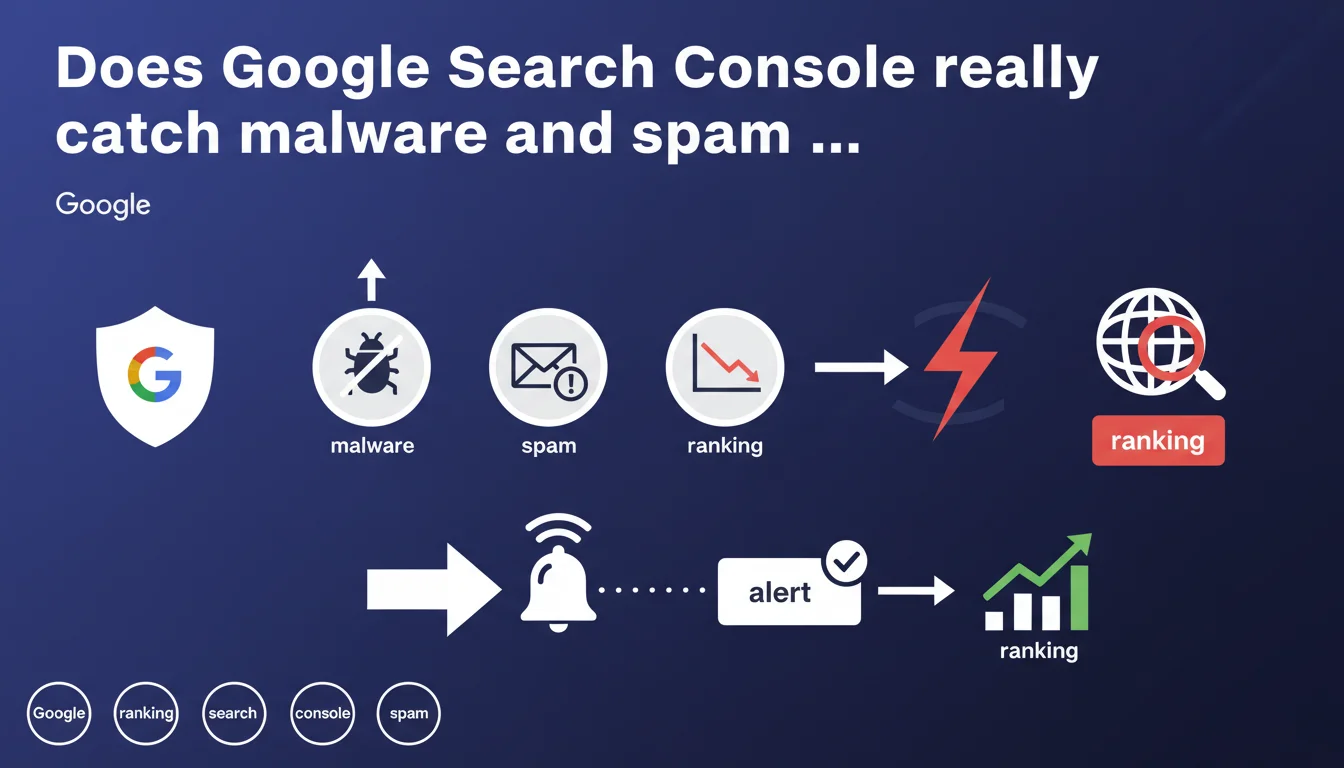
Google Search Console sends alerts when your site is infected with malware or hit by spam. This feature enables early detection of compromises, but remains dependent on Google's crawl frequency and does not replace active technical monitoring.
What you need to understand
What exactly does Search Console detect when it comes to security?
Google scans your site for malware, phishing attempts, or deceptive content that could harm users. When an anomaly is detected, a notification appears in the Search Console interface, sometimes accompanied by a warning directly in search results.
Types of compromise detected include code injections, malicious redirects, and mass spam added by third parties. The lag between infection and detection varies — sometimes a few hours, sometimes several days depending on severity and how frequently Google crawls your pages.
Why does Google care so much about spam on your site?
A compromised site can be used to distribute SEO spam: auto-generated satellite pages, hidden backlinks, injected pharmaceutical content. This type of manipulation degrades user experience and pollutes the index. Google has every reason to flag these issues quickly to protect its users and maintain search quality.
But let's be honest: detection isn't foolproof. Some subtle hacks slip through the cracks, especially if they target rarely-crawled pages or use cloaking to evade bots.
What's the difference between malware and spam in this context?
Malware mainly concerns visitor safety: malicious scripts, forced downloads, data theft. Spam affects content quality and ranking manipulation attempts. Search Console distinguishes between these categories, but corrective measures often require the same technical interventions.
- Search Console alerts on malware infections and spam, but with variable delays
- Detection relies on Google's crawl — not real-time monitoring
- Sophisticated hacks can remain invisible for a while
- A Search Console alert requires immediate action or risks ranking penalties and SERP warnings
SEO Expert opinion
Is this feature enough to secure a site?
No. Search Console works as a secondary safety net, not active protection. If you're waiting for Google alerts to spot a compromise, the damage is already done — potentially for days.
Real professionals deploy continuous monitoring tools: intrusion detection systems, server log analysis, alerts on critical file changes. Search Console remains useful for confirming Google caught the issue and tracking resolution, but it arrives too late to prevent initial damage.
Are detection timelines reliable?
It depends. On a high-authority site crawled daily, visible infections can be detected in 24-48 hours. On a niche site with limited crawl budget, expect several days or even weeks if spam hits deep or orphaned pages.
I've seen cases where Google flagged injected spam 3 weeks after initial infection. During that time, the site had already lost rankings and accumulated toxic backlinks. [Needs verification]: Google doesn't officially communicate average detection frequencies by site type, making reliable estimates difficult.
Can you dispute a Search Console alert?
Yes, through the manual review process. But realistically, if Google flags an issue, there's a 9-in-10 chance it's justified. False positives exist — especially on edge cases like user-generated content or aggressive ads — but remain marginal.
The real challenge isn't disputing; it's fixing quickly and proving via a review request that the issue is resolved. A site accumulating multiple alerts without response progressively loses Google's trust, with lasting ranking consequences.
Practical impact and recommendations
What do you do immediately after a Search Console alert?
First step: isolate the infection. Identify compromised pages via the detailed security report in Search Console, then analyze server files for recent modifications. Injections often hide in modified .htaccess files, outdated WordPress themes, or vulnerable plugins.
Next, remove the malicious code, change all passwords (FTP, database, CMS), and verify no backdoors remain. Once cleanup is complete, request a review via Search Console. Google typically re-evaluates the site within 48-72 hours if the fix is thorough.
How do you prevent rather than cure?
Prevention starts with technical fundamentals: regular CMS and extension updates, active SSL certificate, daily automated backups, restricted FTP and database access rights. Also stay vigilant about user-generated content if you allow external contributions.
Install a plugin or service that monitors file changes and alerts you when core files are modified. Enable two-factor authentication on all admin access. Most importantly, audit your backlinks regularly: injected spam often generates suspicious outbound links visible in your link profile.
What mistakes should you avoid when facing an alert?
The classic error: deleting infected pages without finding the attack source. Result: the infection returns a week later through the same unfixed vulnerability. Another trap: requesting review too early, before actually cleaning all traces — Google rejects it and you lose precious time.
Never underestimate a spam alert, even minor ones. What starts as a few satellite pages can become massive infection if the underlying vulnerability isn't identified and patched at the source.
- Check the security report in Search Console daily
- Deploy active monitoring independent of Google (logs, files, backlinks)
- Keep CMS, themes, and plugins updated constantly
- Perform complete automated backups and test them regularly
- Document each alert and resolution applied to build institutional knowledge
- Train contributors on security best practices (strong passwords, phishing awareness)
❓ Frequently Asked Questions
Combien de temps après une infection Google envoie-t-il une alerte Search Console ?
Une alerte spam dans Search Console entraîne-t-elle automatiquement une pénalité ?
Peut-on recevoir une alerte Search Console sans que le site soit réellement infecté ?
Search Console détecte-t-il tous les types de spam SEO ?
Après correction, combien de temps faut-il pour que Google lève l'alerte ?
🎥 From the same video 7
Other SEO insights extracted from this same Google Search Central video · published on 24/02/2022
🎥 Watch the full video on YouTube →
💬 Comments (0)
Be the first to comment.