
Official statement
Other statements from this video 5 ▾
- □ Why does Google actually recommend against using cache and site: for debugging indexation issues?
- □ Can the URL inspection tool really diagnose all your indexation problems?
- □ Should you really request manual crawling via the URL inspection tool in Search Console?
- □ Is Google indexing a different URL than the one you actually set as canonical?
- □ Could invisible errors in your rendered HTML be silently destroying your Google rankings?
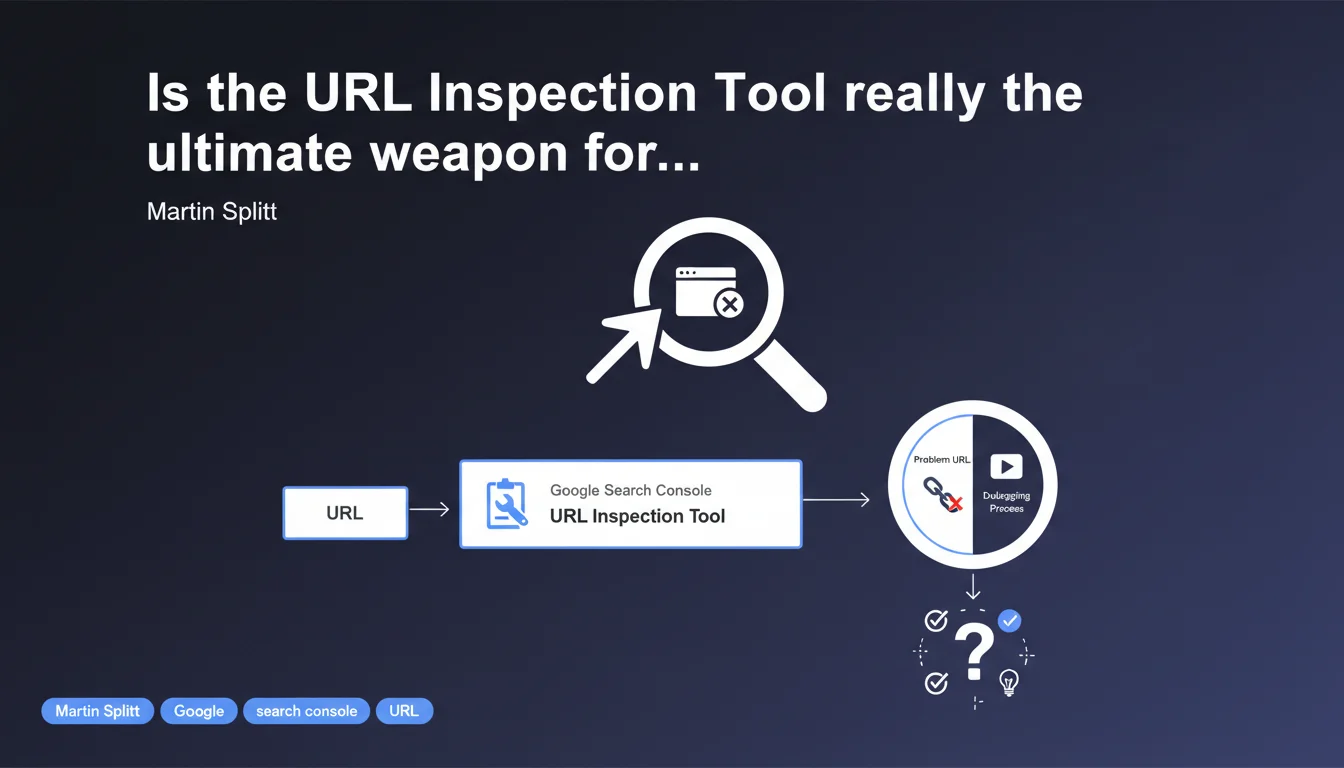
Google recommends the URL Inspection tool from Search Console as the priority solution for diagnosing indexing problems. Martin Splitt positions this tool as the first reflex for understanding why a page doesn't appear in search results or doesn't display as expected.
What you need to understand
The URL Inspection tool in Google Search Console allows you to analyze the indexing status of a specific page in real-time. It provides access to crawl data, the HTML rendering as Googlebot sees it, and any errors that may be blocking indexation.
Google positions it here as its reference tool for rapid debugging. This positioning is not insignificant — it sets aside other methods such as log analysis or external simulators.
Why has this tool become essential?
URL inspection aggregates several critical pieces of information in one place: indexation status, last crawl, coverage, JavaScript rendering issues, detected structured data. You get a comprehensive overview in seconds that other tools would take several minutes to reconstruct.
The live test also allows you to verify whether a recent fix is properly picked up by Googlebot — without waiting for the next natural crawl.
What concrete information can you extract from it?
The tool reveals whether the page is indexable according to Google, if robots.txt blocks access, if a noindex tag is present, if JavaScript rendering fails. It also displays the HTML as Googlebot sees it after JS execution, which helps detect hidden or dynamically generated content.
You also get access to the page's Core Web Vitals, mobile/desktop versions, and priority indexing requests via the "Request Indexing" button.
- Consolidated view of the indexation status for a specific URL
- Post-JavaScript HTML rendering to diagnose dynamic content issues
- Detection of blockers: robots.txt, noindex, server errors
- Ability to live-test a URL after making corrections
- Access to structured data and Core Web Vitals
Is this method really sufficient for all diagnostics?
No. The URL Inspection tool analyzes one page at a time. If your issue affects 500 URLs or a global pattern (failing template, broken pagination), reviewing each URL individually becomes impractical.
It also lacks the time dimension: you only see a snapshot, not crawl history or frequency. Server logs remain essential for understanding Googlebot's actual behavior over time.
SEO Expert opinion
Is this recommendation consistent with practices observed in the field?
Yes, partly. The URL Inspection tool has indeed become the natural entry point for diagnosing a one-off indexation problem. It centralizes data that was once scattered and saves time on simple diagnostics — forgotten noindex tag, 404 error, robots.txt blockage.
But Google is somewhat overselling its tool. On complex sites with thousands of URLs, crawl budget issues, or dynamic templates, inspecting URL by URL quickly becomes a bottleneck. Experienced SEO teams know you need to cross-reference with coverage reports, server logs, and third-party tools to get a complete picture.
What nuances should be added to this statement?
Martin Splitt doesn't specify when this tool becomes insufficient. Yet it's quick: as soon as a problem affects more than a few URLs or involves intermittent bugs, the inspection tool shows its limitations. It doesn't detect crawl budget issues or gradual declines in crawl frequency.
Another point — the tool doesn't replace in-depth analysis of Googlebot's behavior. Server logs reveal pages crawled but not indexed, redirect loops, timeouts. None of this appears in URL inspection. [To verify] on large sites: the inspection tool can be misleading if Googlebot crawls the page only once every 15 days.
In what cases is this method absolutely insufficient?
When the problem is structural rather than one-off. Example: an entire product category not indexed because the template generates a canonical to a hub page. You'll only see this by analyzing multiple URLs from the same template — and there, coverage reports or a Screaming Frog crawl are more relevant.
Another limitation: server-side rendering versus JavaScript issues. The inspection tool shows final rendering, but if Googlebot encounters an intermittent JS error, you'll only detect it by cross-referencing with logs and monitoring tools. Let's be honest — URL inspection is an excellent starting point, but it doesn't replace either global analysis or tracking over time.
Practical impact and recommendations
What should you concretely do with this tool?
Make it a first reflex habit whenever a page doesn't appear in the index or shows abnormal behavior. Enter the complete URL, analyze the indexation status, then check the HTML rendering to verify that key content is visible to Googlebot.
If the status indicates "URL not indexed," look at the exact reason: noindex detected, robots.txt blockage, 4xx/5xx error, unexpected redirect. Fix the identified problem, then use the live test to validate that the fix is picked up by Googlebot before requesting reindexing.
What errors must you absolutely avoid?
Don't stop at the inspection tool if the problem affects multiple pages. Diagnosing URL by URL across 50 pages is a waste of time — use coverage reports or a full crawl to identify patterns.
Another pitfall: not checking JavaScript rendering. If your main content loads via JS, the inspection tool is essential to confirm Googlebot sees it. But be careful — successful rendering in the tool doesn't guarantee that all URLs on your site render correctly.
How do you verify that your diagnosis is complete?
Cross-reference the inspection tool data with coverage reports in Search Console. If an entire category of URLs presents the same problem, it's often a template or server configuration issue — not an isolated bug.
Also analyze your server logs over 15-30 days to detect crawl anomalies the inspection tool doesn't reveal: pages crawled but not indexed, frequency drops, intermittent server errors. Cross-referencing logs + Search Console + Screaming Frog crawl gives you a true picture of your actual indexability.
- Use the URL Inspection tool as an entry point for any one-off indexation diagnosis
- Systematically check HTML rendering and JavaScript in the tool
- Cross-reference with Search Console coverage reports to detect recurring issues
- Analyze server logs to identify Googlebot crawl behaviors not visible in the tool
- Never rely solely on URL inspection on a large site
- Live-test after each fix before requesting reindexing
The URL Inspection tool is an excellent starting point for quickly diagnosing a one-off indexation problem. It centralizes key information and allows real-time testing of a fix's impact. But it doesn't replace either global analysis via coverage reports or tracking over time via server logs.
On complex or large-scale sites, these diagnostics require a structured methodology and complementary tools. If your team lacks the resources or expertise to cross-reference these data sources and translate observations into corrective actions, engaging a specialized SEO agency can significantly accelerate resolution of your indexation problems.
❓ Frequently Asked Questions
L'outil d'inspection d'URL montre-t-il le même rendu que Googlebot voit réellement en production ?
Peut-on utiliser cet outil pour diagnostiquer un problème de crawl budget ?
Faut-il systématiquement demander une indexation après avoir corrigé un problème ?
L'outil d'inspection peut-il détecter des problèmes de contenu dupliqué ?
Si l'outil d'inspection indique que la page est indexable, pourquoi n'apparaît-elle pas dans les résultats ?
🎥 From the same video 5
Other SEO insights extracted from this same Google Search Central video · published on 07/12/2023
🎥 Watch the full video on YouTube →
💬 Comments (0)
Be the first to comment.