
Official statement
Other statements from this video 6 ▾
- □ Is the site: command really reliable for verifying your pages' indexation?
- □ Does the site: command really prove that Google truly recognizes your website?
- □ Are your Google Search descriptions actually matching what visitors will find on your pages?
- □ Why does the absence of results with the site: command reveal a critical indexation issue?
- □ Does submitting your sitemap through Google Search Console really solve indexation problems?
- □ Is manually testing your ranking on a few keywords really enough to validate your entire SEO strategy?
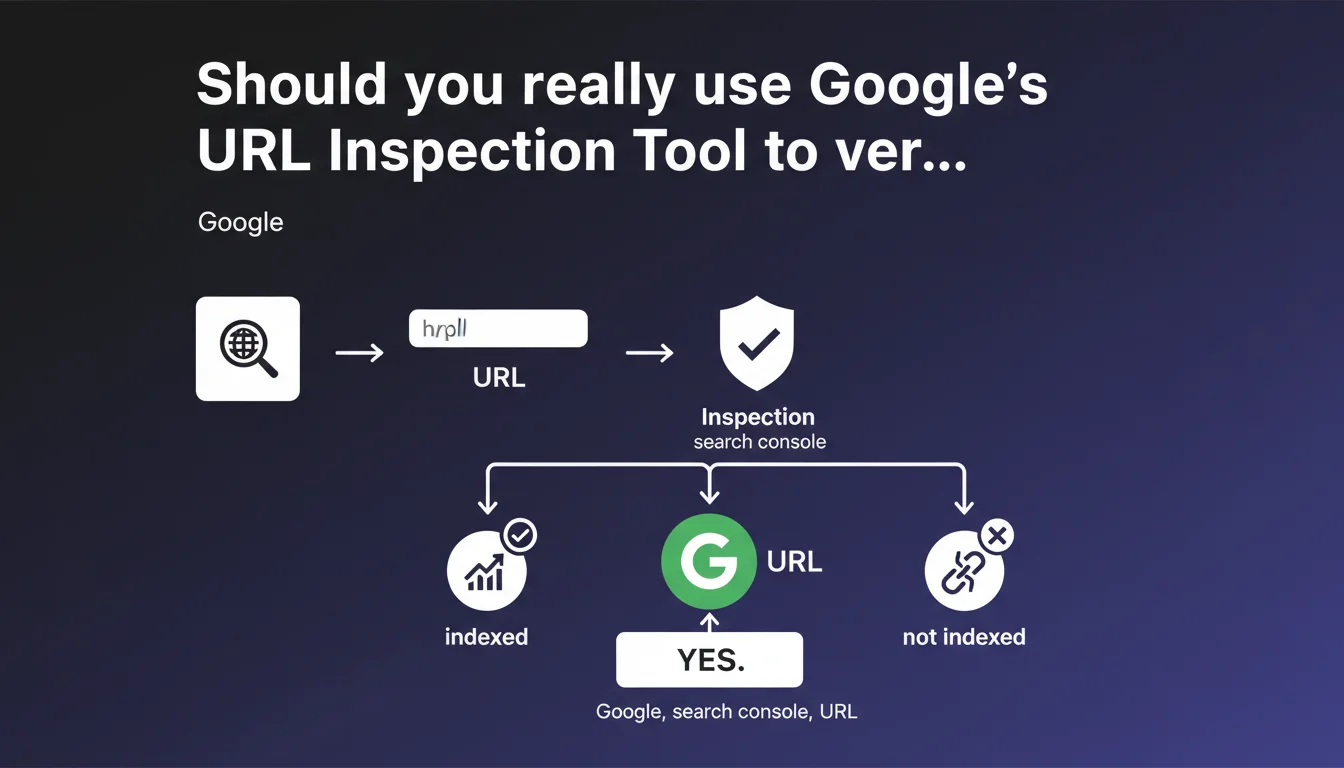
Google recommends using the URL Inspection Tool in Search Console to test and verify your individual URLs. This tool provides precise information about a specific page's indexation status and helps diagnose potential issues. It's an essential starting point for any technical audit, but it doesn't replace a comprehensive site-wide analysis.
What you need to understand
Why does Google push this specific tool so heavily?
The URL Inspection Tool has become the privileged entry point for understanding how Googlebot perceives a given page. Unlike global coverage reports, it offers a granular view: cached version, indexation status, detected crawl issues.
This recommendation is far from trivial. It reflects Google's desire to push webmasters toward case-by-case analysis rather than relying solely on macro statistics. Let's be honest: it's also a way to avoid massive support tickets about global indexation errors.
What exactly does URL inspection reveal?
The tool displays three key pieces of information: whether the page is indexed, the HTML version as Googlebot sees it, and any structural issues (canonical, noindex, robots.txt). It also allows you to request manual indexation — although the real-world effectiveness of this function is… questionable.
The real advantage? Comparing the version rendered by Googlebot with what you see in your browser. JavaScript discrepancies, blocked resources, parasitic redirects: everything surfaces here.
What are the limitations of this tool?
First, it only covers one URL at a time. For a site with thousands of pages, that's obviously insufficient. Second, the displayed data isn't always real-time — there's a lag between your page's current state and what Google last crawled.
And that's where it gets tricky: the tool won't tell you why a page isn't indexed if the problem stems from crawl budget, perceived quality, or an algorithmic penalty. It observes, it doesn't fully diagnose.
- The tool offers granular, technical insight into a specific URL's indexation status
- It allows you to compare Googlebot's rendered version with the server version
- Useful for diagnosing isolated errors, but inadequate at scale for large sites
- Data can have a time lag compared to the page's actual current state
- Doesn't replace server log analysis, crawl budget assessment, or content quality evaluation
SEO Expert opinion
Is this recommendation really enough for a complete SEO audit?
No. The URL Inspection Tool is a starting point, not an end in itself. On an e-commerce site with 50,000 product pages, manually checking every URL is simply impossible. Experienced professionals use crawlers like Screaming Frog, OnCrawl, or Botify to get a comprehensive overview.
Google knows this perfectly well. This recommendation is aimed primarily at beginners or small websites. For a senior SEO professional, the tool serves to confirm or refute a hypothesis after detecting an anomaly through other means — server logs, analytics, dedicated crawl analysis.
Does the tool really give you access to all the relevant data?
[To be verified] — Google claims the tool shows the page "as Googlebot sees it," but several real-world observations suggest this isn't always accurate. Certain differences between the JavaScript rendering shown in Search Console and what's actually indexed have been documented by experienced SEO professionals.
Moreover, the tool reveals nothing about the crawl budget allocated to your site or how frequently Googlebot visits. It doesn't indicate whether a page is deemed low-quality content or internally duplicated. In short, there remain significant blind spots.
When is this tool truly indispensable?
In practice? When you need to verify a critical strategic page: a new high-stakes landing page, a URL migrated during a website redesign, a product page that's taking too long to appear in the index despite recent crawling.
It's also the go-to tool for resolving doubt about isolated technical issues: unexpected canonical tags, misconfigured meta robots, resources blocked by robots.txt. But for detecting large-scale patterns — thousands of orphaned pages, failing internal linking, crawl slowdown — you need other solutions.
Practical impact and recommendations
What should you actually do with this tool?
Integrate URL Inspection into your technical audit workflow, but don't stop there. Use it to validate hypotheses after identifying problems through a full crawl or server log analysis.
For every strategic page you newly publish or substantially modify, systematically verify three things: indexation status, presence of JavaScript rendering errors, and consistency between the server version and the Googlebot version. Archive these results to build a historical tracking record.
What mistakes should you avoid with the URL Inspection Tool?
Don't blindly trust the "Request Indexation" button. It's not a magic wand and, on a site with structural problems (massive duplicate content, disastrous internal linking), it won't change anything. Fix the root cause first.
Another trap: interpreting the absence of errors in the tool as a guarantee of indexation. A page can be technically crawlable yet never indexed if Google deems it lacking added value or redundant with other content.
- Systematically inspect strategic pages after publication or major modification
- Compare raw HTML and rendered versions to detect JavaScript issues
- Verify canonicals, meta robots, and X-Robots-Tag directives
- Never limit yourself to this tool for a global audit — use a third-party crawler
- Document and archive inspection results to track evolution over time
- Cross-reference tool data with server logs for complete crawl visibility
How do you fit this tool into a broader SEO strategy?
URL Inspection is a tactical tool, not a strategic one. It diagnoses individual cases and resolves doubt about a problematic URL. To manage a site at scale, you must combine multiple data sources: Search Console coverage reports, recurring automated crawls, crawl budget tracking via logs.
The real challenge is avoiding micromanagement: checking 10 URLs daily tells you nothing about your site's overall SEO health. Prioritize pages with high business impact — those generating traffic or revenue.
❓ Frequently Asked Questions
L'outil d'inspection d'URL remplace-t-il un crawl complet du site ?
Demander l'indexation manuelle d'une URL garantit-il son indexation rapide ?
Les données affichées dans l'outil sont-elles en temps réel ?
Peut-on détecter des problèmes de crawl budget avec cet outil ?
Faut-il inspecter chaque nouvelle page publiée sur le site ?
🎥 From the same video 6
Other SEO insights extracted from this same Google Search Central video · published on 24/02/2022
🎥 Watch the full video on YouTube →
💬 Comments (0)
Be the first to comment.