
Official statement
Other statements from this video 6 ▾
- □ Does the site: command really prove that Google truly recognizes your website?
- □ Are your Google Search descriptions actually matching what visitors will find on your pages?
- □ Why does the absence of results with the site: command reveal a critical indexation issue?
- □ Does submitting your sitemap through Google Search Console really solve indexation problems?
- □ Should you really use Google's URL Inspection Tool to verify your pages are being indexed?
- □ Is manually testing your ranking on a few keywords really enough to validate your entire SEO strategy?
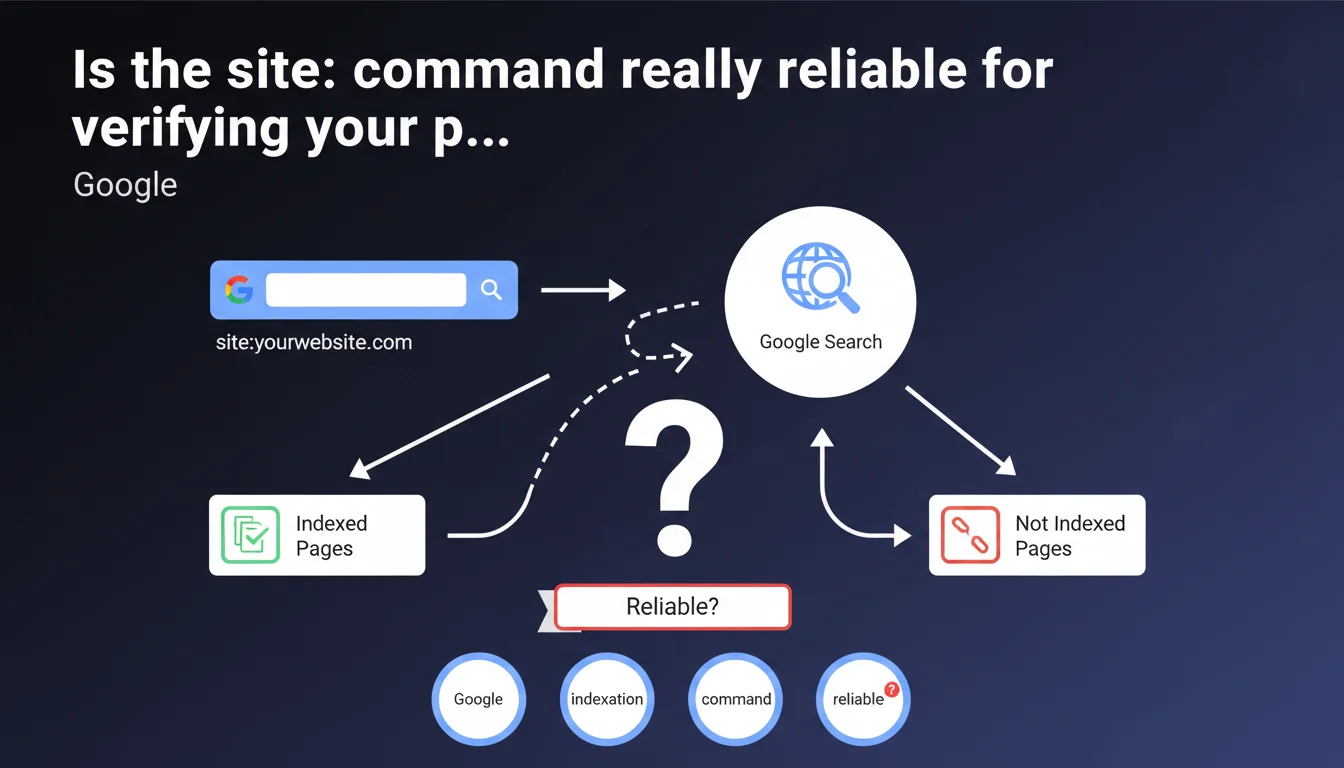
Google recommends using the 'site:' command to verify a website's indexation. This basic method allows you to quickly display indexed pages, but remains imprecise for professional diagnosis. Google Search Console provides far more complete and reliable data.
What you need to understand
What exactly does the site: command reveal?
The site: command followed by a domain (e.g., site:example.com) filters search results to display only indexed pages from the site in question. Google presents this feature as a quick verification tool for indexation.
Concretely, this query interrogates Google's index and returns URLs that the search engine considers relevant for this specific search. The number of results displayed provides an approximate estimate of the volume of indexed pages.
Why does Google highlight this method?
This recommendation is primarily aimed at non-expert site owners seeking simple validation: "Does my site appear in Google?" For this basic need, the site: command is more than sufficient.
It represents the first diagnostic level, accessible without an account, without tools, without configuration. A classic approach from Google: providing a simple answer to a simple question.
What information does this command not provide?
The list of shortcomings is long. No distinction between indexed pages and crawled pages, no history, no detailed status (canonicalized, indexed but not displayed, etc.). No data on the reasons for excluding missing pages.
The displayed counter fluctuates from day to day without apparent reason. Impossible to know if a specific page should be indexed or not. Zero visibility on the quality signals that Google associates with these URLs.
- The site: command provides an approximate overview of indexation
- It does not replace Google Search Console for professional diagnosis
- The displayed figures are volatile and imprecise
- No information on the reasons for excluding missing pages
- Practical for quick verification, insufficient for technical analysis
SEO Expert opinion
Does this statement truly reflect current SEO practices?
Let's be honest: no serious professional relies on site: to audit a client's indexation. This is a zero-level diagnosis, the kind you perform in 10 seconds on your smartphone to verify that a new site appears in Google.
The problem? Google presents this method without mentioning its major limitations. Not a word about the volatility of figures, false positives, canonicalized pages counted or not according to a mysterious algorithm. [To verify] — but Google never provides the exact criteria determining which pages appear in site: results.
When does this command become downright misleading?
On large sites, discrepancies between site: and Search Console easily reach 20-30%. Sometimes more. You see 1,200 results with site:, but GSC shows you 980 indexed and 340 excluded for various reasons. Which version should you trust?
Even worse: site: can display URLs that Google will never show in actual search, because they are canonicalized, duplicated, or judged to have insufficient quality. The opposite also exists — pages that are perfectly indexed and ranked but don't appear in site:.
In what cases does this approach remain relevant?
For an initial quick check: is the site in the index, yes or no? To quickly identify if a specific subdomain or section (site:example.com/blog/) generates results. To detect an obvious massive deindexation.
And that's it. Beyond these basic uses, you're wasting your time. The granularity necessary for professional SEO analysis simply doesn't exist in this command.
Practical impact and recommendations
What should you use instead for serious diagnosis?
Google Search Console, period. The "Coverage" tab (or "Pages" in the new interface) precisely details which URLs are indexed, which are excluded, and most importantly why. No other source provides this level of granularity.
For complex sites, combine GSC with server logs. You'll then see the difference between crawled and indexed pages, you'll detect crawl loops, sections ignored by Googlebot. This level of analysis makes the difference.
What mistakes should you absolutely avoid?
Never rely on the result counter displayed by site: as a precise metric. This figure fluctuates based on algorithm mood, the queried datacenter, the phase of the moon — in short, it's a soft indicator.
Don't confuse "appears in site:" with "will be displayed in actual search". A page can be technically in the index but never shown to users because Google judges it low quality or duplicated.
- Use site: only for initial quick verification
- Rely on Google Search Console for any professional analysis
- Cross-reference with server logs to understand crawl behavior
- Never report the site: counter as a metric in a client audit
- Regularly check the status of critical pages via GSC, not via site:
How do you structure a complete indexation diagnosis?
Start by identifying strategic pages: those generating traffic, revenue, conversions. Check their indexation status in GSC. If they're excluded, dig into the reasons — noindex, canonical, insufficient quality, blocked crawl.
Next, analyze exclusion patterns: certain categories systematically ignored? Pagination issues? Non-indexed facets that should be? This is where you detect real structural problems.
❓ Frequently Asked Questions
Pourquoi le nombre de résultats affiché par site: change-t-il d'un jour à l'autre ?
Une page absente des résultats site: peut-elle quand même être indexée ?
Peut-on utiliser site: pour vérifier l'indexation d'une URL spécifique ?
La commande site: fonctionne-t-elle différemment selon les versions de Google (mobile/desktop) ?
Combien de pages devraient apparaître dans site: pour un site de taille moyenne ?
🎥 From the same video 6
Other SEO insights extracted from this same Google Search Central video · published on 24/02/2022
🎥 Watch the full video on YouTube →
💬 Comments (0)
Be the first to comment.