
Official statement
Other statements from this video 6 ▾
- □ Is the site: command really reliable for verifying your pages' indexation?
- □ Does the site: command really prove that Google truly recognizes your website?
- □ Are your Google Search descriptions actually matching what visitors will find on your pages?
- □ Does submitting your sitemap through Google Search Console really solve indexation problems?
- □ Should you really use Google's URL Inspection Tool to verify your pages are being indexed?
- □ Is manually testing your ranking on a few keywords really enough to validate your entire SEO strategy?
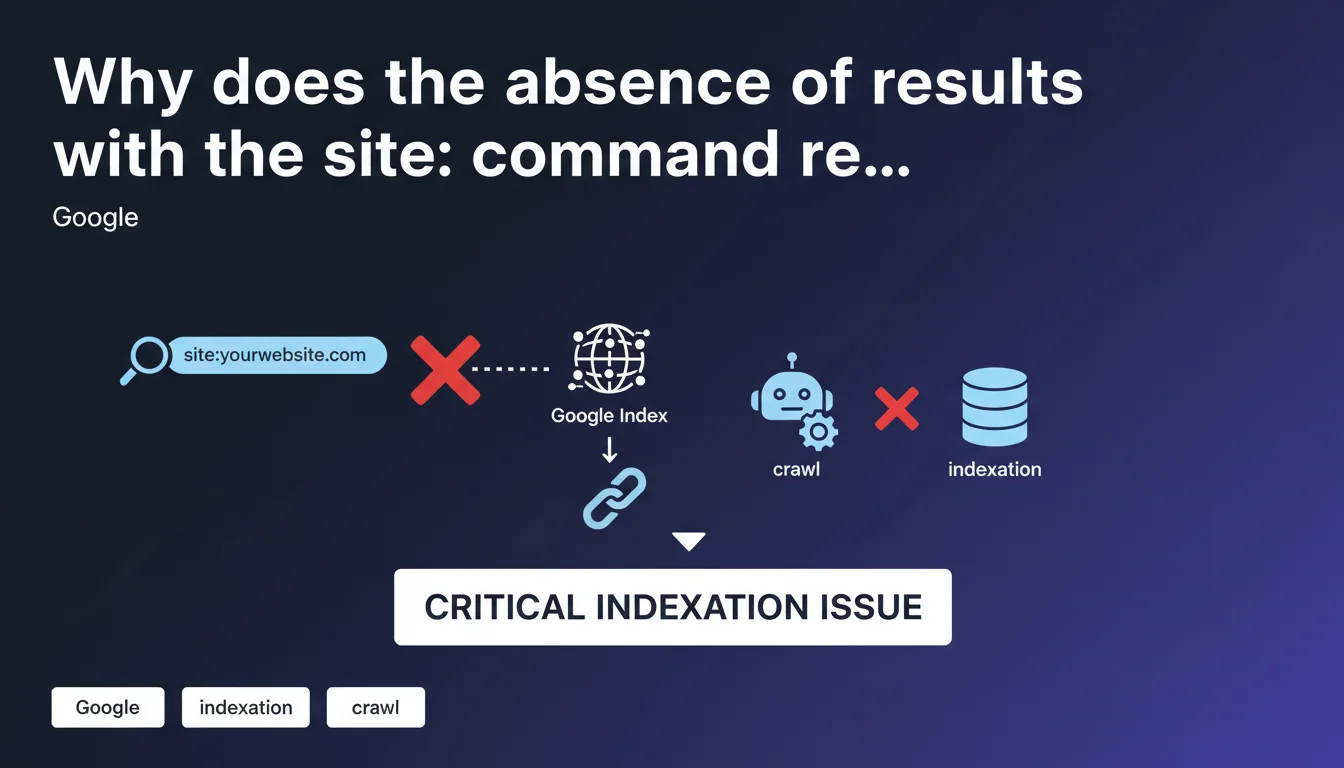
If your site doesn't appear when searching site:yourdomain.com, Google confirms this is a red flag indicating a crawl or indexation problem. This absence means Googlebot is unable to explore your pages or they are blocked for technical reasons. This is a first-level diagnosis you should perform immediately if you experience a sudden traffic drop.
What you need to understand
What does the absence of results with the site: command really mean?
When you type site:yourdomain.com into Google and no results appear, it means Google's index contains no pages from your domain. This isn't simply a ranking issue — your pages simply don't exist in the search engine's database.
This situation differs from a positioning problem. A site can be indexed but poorly ranked. Here, we're talking about complete absence of indexation, which blocks any possibility of generating organic traffic.
Is this command a reliable diagnostic tool?
Google itself describes the site: command as a first-level verification check. It's not exhaustive — it can show an approximate number of indexed pages — but its complete absence of results is a reliable indicator of a serious problem.
Some practitioners have observed discrepancies between site: results and Search Console data. But when it returns zero results, the diagnosis is clear: you have an upstream blocking issue.
What are the most common causes of this problem?
Indexation blockers generally stem from a few recurring scenarios. A misconfigured robots.txt file can deny access to Googlebot. A meta noindex tag present on all pages produces the same effect.
Other causes include: a manual penalty, a server that systematically refuses Googlebot requests (500 errors, repeated timeouts), or a domain so new that it hasn't yet been discovered by the crawler.
- The site: command is a quick but non-exhaustive diagnostic of indexation status
- Zero results = blocking technical problem upstream of the ranking process
- Main causes: robots.txt, noindex tags, server errors, penalties
- This test should be your first reflex in case of sudden visibility drop
SEO Expert opinion
Is this statement consistent with field observations?
Yes, it is. In 15 years of practice, every time a client reports complete disappearance of their site from SERPs, the site: test confirms absence of indexation. This is a reliable signal for detecting a critical blockage.
The problem often occurs after a migration, CMS change, or robots.txt modification. In 80% of cases I've handled, the cause was technical and identifiable within minutes via Search Console.
What nuances should be added to this statement?
Google doesn't specify that the site: command can display an approximate number of results. It's not an exact index counter. I've seen sites with 10,000 pages indexed according to Search Console, while site: displayed only 7,500.
Another point: a site can have some pages indexed (the homepage, for example) while the rest are blocked. In this case, site: will return results, but incomplete ones. [To verify]: Google doesn't provide a precise threshold for when to worry about discrepancies between site: and Search Console.
Finally, some brand new domains can take several days to be discovered, even after sitemap submission. The temporary absence of site: results isn't necessarily a problem if the site just launched.
In what cases doesn't this rule apply?
A domain just created, with no backlinks or sitemap submission, can legitimately return nothing with site: for 48-72 hours. This isn't a blockage, it's a discovery delay.
Similarly, a site under intentional noindex (staging environment, for example) won't pose a problem since the absence of indexation is intentional. The site: test is then pointless.
Practical impact and recommendations
What should you concretely do if site: returns no results?
First step: check the robots.txt file (yourdomain.com/robots.txt). Look for a line "Disallow: /" that would block everything. If it exists, delete it or adjust the rules to allow Googlebot.
Second step: inspect the homepage source code. A <meta name="robots" content="noindex"> tag prevents indexation. If present, remove it. Also check HTTP headers (X-Robots-Tag) which can impose invisible noindex in the code.
Third step: open Search Console. Go to "Coverage" and "Pages". You'll see the exact errors blocking indexation: timeouts, 500 errors, soft 404s, redirect loops. Handle these errors by priority order.
What errors should you avoid during diagnosis?
Don't panic if your site has been live for less than 48 hours and site: returns nothing. Submit your sitemap in Search Console and wait. Don't spam Google with repeated manual submissions of each URL — it won't help.
Also avoid concluding too quickly that it's a penalty. Manual penalties are rare and shown in Search Console ("Manual Actions" section). If that section is empty, first look for a technical cause.
How do you verify that the problem is fixed?
After correcting a blockage (robots.txt, noindex, server error), use the URL inspection tool in Search Console. Enter your homepage, click "Test live URL", then "Request indexing".
Wait 24-48 hours and run the site: test again. If results appear, the problem is solved. Then monitor the evolution of indexed pages in Search Console.
- Check robots.txt: no "Disallow: /" line should block Googlebot
- Inspect source code: no noindex tags on strategic pages
- Consult Search Console: identify precise coverage errors
- Test corrections with the URL inspection tool
- Monitor index evolution over 48-72 hours after fixing
- Document encountered errors to prevent recurrence
❓ Frequently Asked Questions
La commande site: affiche un nombre de résultats différent de la Search Console, est-ce grave ?
Mon site est en ligne depuis 3 jours et site: ne renvoie rien, dois-je m'inquiéter ?
J'ai corrigé mon robots.txt mais site: ne renvoie toujours rien, pourquoi ?
Une pénalité manuelle peut-elle faire disparaître mon site de site: ?
Peut-on se fier uniquement à site: pour diagnostiquer un problème d'indexation ?
🎥 From the same video 6
Other SEO insights extracted from this same Google Search Central video · published on 24/02/2022
🎥 Watch the full video on YouTube →
💬 Comments (0)
Be the first to comment.