
Official statement
Other statements from this video 7 ▾
- □ Is Google's Ecommerce Essentials series really changing how you approach technical SEO?
- □ Will Google's new video report in Search Console be a game-changer for video SEO?
- □ How can you survive a Google Core Update without losing all your traffic?
- □ Why does Google publicly confirm some Core Updates but not others?
- □ Should you really stop using Google's URL parameter management tool in Search Console?
- □ Are sitemap extension tags still worth your time and effort?
- □ How is Google really evolving its anti-spam tactics to stay ahead of manipulators?
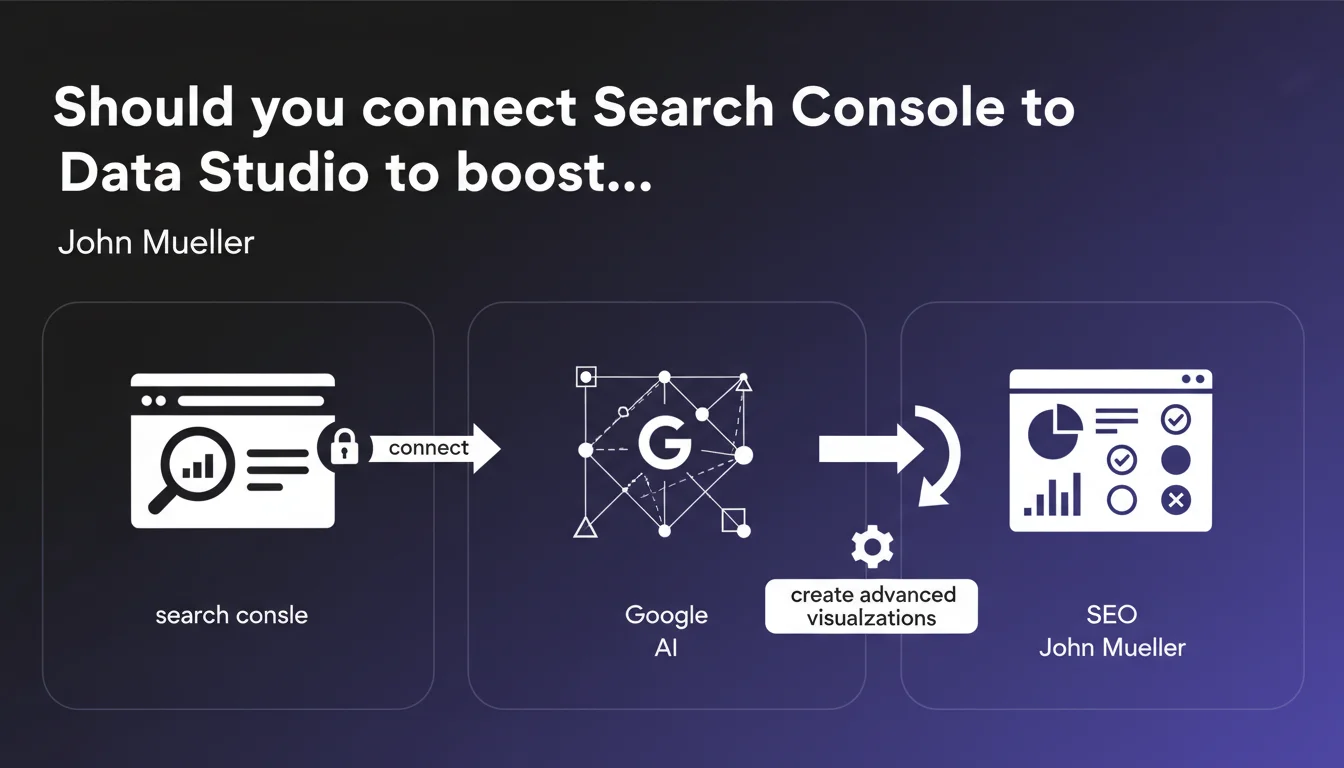
Google offers the ability to connect Search Console to Data Studio (now Looker Studio) to create advanced visualizations of your search data. The goal: easily identify which queries are performing well and which ones need optimization. An approach that can radically transform your SEO analysis if you know how to leverage the right metrics.
What you need to understand
Why is Google pushing this Data Studio integration?
The native Search Console interface has obvious limitations for in-depth analysis. Data is scattered, exports are time-consuming, and metric comparisons are complicated. By directing practitioners toward Data Studio (rebranded as Looker Studio), Google encourages more granular data exploitation without having to invest in a major overhaul of its legacy interface.
The bubble charts mentioned, for example, allow you to visualize average position, click-through rate, and click volume simultaneously on a single visual. Considerable time savings when managing hundreds of queries.
What data can you actually cross-reference in Data Studio?
The native connection provides access to standard dimensions: queries, pages, countries, devices, appearance in search results. Metrics include: clicks, impressions, CTR, average position. Nothing revolutionary, but the ability to create custom segments and advanced filters changes the game.
Where it gets interesting: you can combine this Search Console data with other sources—Analytics, Ads, your own exports. The problem? The learning curve is not negligible to create truly relevant dashboards.
Does this approach replace the Search Console interface?
No. The Search Console interface retains critical functions: validating fixes, submitting sitemaps, analyzing Core Web Vitals, URL inspection. Data Studio is just an additional visualization layer, not a complete substitute.
Think of Data Studio as a strategic analysis tool for monthly or weekly reviews, while Search Console remains your daily operational dashboard.
- Data Studio (Looker Studio) allows you to create custom visualizations of Search Console data
- Bubble charts make it easier to identify optimization opportunities by query
- The tool enables combining multiple data sources for comprehensive analysis
- The native connection limits access to the last 16 months of data (Search Console constraint)
- Requires data visualization skills to create relevant dashboards
SEO Expert opinion
Is this recommendation really a priority for an average website?
Let's be honest: for a site with fewer than 500 pages and modest traffic, creating elaborate Data Studio dashboards often amounts to over-engineering. The Search Console interface is more than adequate to identify quick wins and critical issues.
However, once you're managing multiple sites, significant query volumes, or need to produce regular client reports, Data Studio becomes essential. The time return on investment typically appears beyond 50,000 monthly impressions. [To be verified] depending on your industry and SEO strategy complexity.
What pitfalls should you avoid with this integration?
First trap: confusing correlation with causation. Just because you visualize your data better doesn't mean you understand it better. I've seen teams spend hours optimizing charts without ever digging into why certain queries were underperforming.
Second pitfall—and Google obviously won't mention this: the limitation to the first 1,000 lines on certain reports. If you have a massive site, you risk working with a truncated sample without even realizing it. You'd then need to use the Search Console API and third-party connectors, which significantly complicates the architecture.
Does this approach fundamentally change SEO analysis?
Yes and no. The best SEO professionals were already exporting their Search Console data to Excel or Google Sheets to create custom analyses. Data Studio democratizes these practices by making them accessible without advanced spreadsheet skills.
The real added value? The ability to automate these reports and share interactive dashboards with clients or non-technical teams. That's a genuine gain. But if you think it's going to revolutionize your SEO strategy overnight, you'll be disappointed.
Practical impact and recommendations
How do you concretely get started with Data Studio and Search Console?
First step: open Looker Studio, click "Create" then "Data source", search for "Search Console" in Google's connectors. Select your property and data type (URL or Domain). Nothing magical, but what follows requires some thought.
Don't start by trying to create the ultimate dashboard with 15 charts. First identify a specific business question: which pages generate impressions but few clicks? Which queries have an abnormally low CTR despite good positioning? Build a chart that answers this single question, test it, refine it.
Which dashboards should you create first?
A "CTR Opportunities" dashboard is often the most profitable in the short term. Filter queries ranked 1-10 with CTR below the average for their position. These queries are your quick wins: a simple title or meta description optimization can double your traffic.
Next, create an "Monthly Evolution by Page Category" report if your site is organized by section. This lets you detect sections losing ground before it becomes critical. Use regular expressions in filters to automatically segment your URLs.
What mistakes should you avoid during setup?
Don't mix Search Console properties (domain vs URL prefix) in the same report. You'll get duplicates and inconsistencies. Choose one property and stick with it.
Also avoid the temptation to automate everything from day one. Some metrics require human interpretation—an algorithm won't distinguish normal seasonal traffic drops from a real technical problem.
- Connect Search Console to Looker Studio via Google's native connector
- Start with a single dashboard addressing one specific business question
- Create a "CTR Opportunities" report to identify quick wins
- Use regular expression filters to automatically segment URLs
- Verify data consistency with the Search Console interface before trusting your dashboards
- Plan weekly or monthly reviews of your dashboards, not daily (data freshness delays)
- Document the logic of each chart to facilitate team handoff
- Gradually combine with other sources (Analytics, CRM) for a 360° view
❓ Frequently Asked Questions
Data Studio peut-il accéder à plus de 16 mois de données Search Console ?
Peut-on automatiser l'envoi de rapports Data Studio par email ?
Les données Search Console dans Data Studio sont-elles anonymisées comme dans l'interface ?
Faut-il des compétences techniques avancées pour créer des dashboards pertinents ?
Peut-on partager un dashboard Data Studio avec un client sans lui donner accès à Search Console ?
🎥 From the same video 7
Other SEO insights extracted from this same Google Search Central video · published on 23/06/2022
🎥 Watch the full video on YouTube →
💬 Comments (0)
Be the first to comment.