
Official statement
What you need to understand
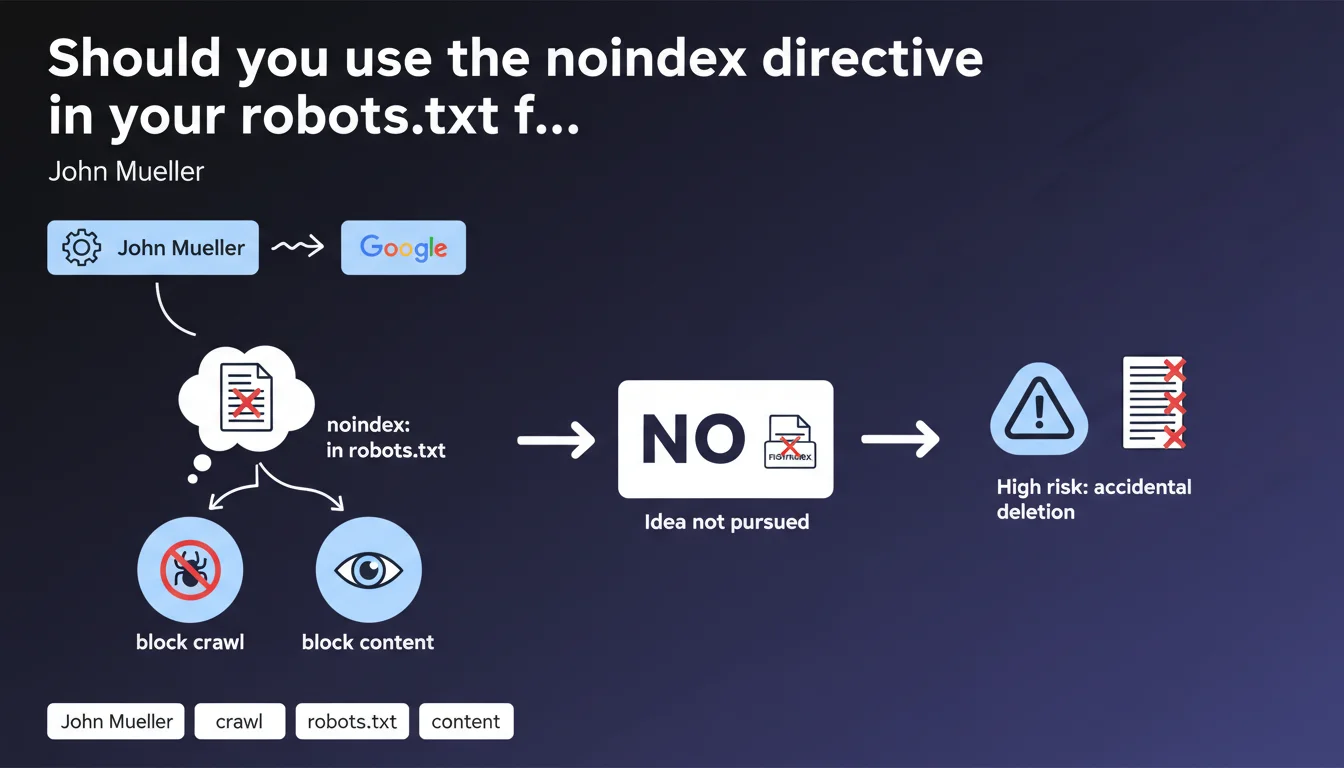
The noindex directive in the robots.txt file is a practice that has circulated in the SEO community for years. The idea was appealing: simultaneously block crawling and indexing of pages through a single configuration file.
However, Google has officially confirmed that this directive is not recognized by its search engine. The company even revealed that it had considered supporting it, but ultimately abandoned the idea for security and user experience reasons.
The main risk identified concerns accidental handling errors. Many site owners copy-paste robots.txt files without understanding all the implications, which could lead to the unintentional deindexing of critical sections of their site.
- The noindex directive is only recognized in HTML meta tags or X-Robots-Tag HTTP headers
- The robots.txt file only controls crawling, not indexing
- Blocking crawling with robots.txt can prevent Google from seeing a noindex tag, creating the opposite effect
- This confusion persists because some older SEO tools still mentioned this practice
SEO Expert opinion
This position from Google is perfectly consistent with the technical architecture of their indexing system. The robots.txt file is read by the crawler (Googlebot) before even accessing the page content, while indexing directives require analysis of the content itself.
What intrigues the SEO community is that this directive appeared on the personal site of an official Google representative. This illustrates a gap between old practices and current standards. It may be a historical remnant, an inherited configuration, or even a technical test with no real impact.
The real nuance to understand: blocking a URL in robots.txt does not prevent its indexing. Google can index a page without crawling it, particularly if it receives backlinks. To truly prevent indexing, Google must be able to access the page and read the noindex directive.
Practical impact and recommendations
- Audit your current robots.txt file: remove any noindex directives that may be present, they serve no purpose
- Verify that your pages with noindex tags are accessible to crawling: they must not be blocked in robots.txt
- Use the meta robots noindex tag in your pages' HTML to reliably prevent their indexing
- For dynamic content, use the X-Robots-Tag: noindex HTTP header rather than robots.txt
- Document your indexation strategy to avoid errors during future site modifications
- Test your directives with Google Search Console to verify that Google correctly interprets your instructions
- Train your technical teams on the difference between crawl control (robots.txt) and indexation control (meta robots)
The fine management of crawl budget and indexation directives is part of advanced technical SEO optimization. These configurations require in-depth expertise to avoid mistakes that can sometimes have dramatic consequences on visibility.
If your site has a complex architecture with thousands of pages, or if you're hesitant about the best approach to manage your indexation, support from a specialized SEO agency can prove invaluable in securing your strategy and avoiding common pitfalls.
💬 Comments (0)
Be the first to comment.