
Official statement
Other statements from this video 4 ▾
- □ How does PageSpeed Insights actually detect the JavaScript that's tanking your site's performance?
- □ Is your JavaScript being downloaded for nothing?
- □ Can PageSpeed Insights Really Pinpoint Which JavaScript is Slowing Down Your Site?
- □ Should you really rely on PageSpeed Insights to optimize your JavaScript performance?
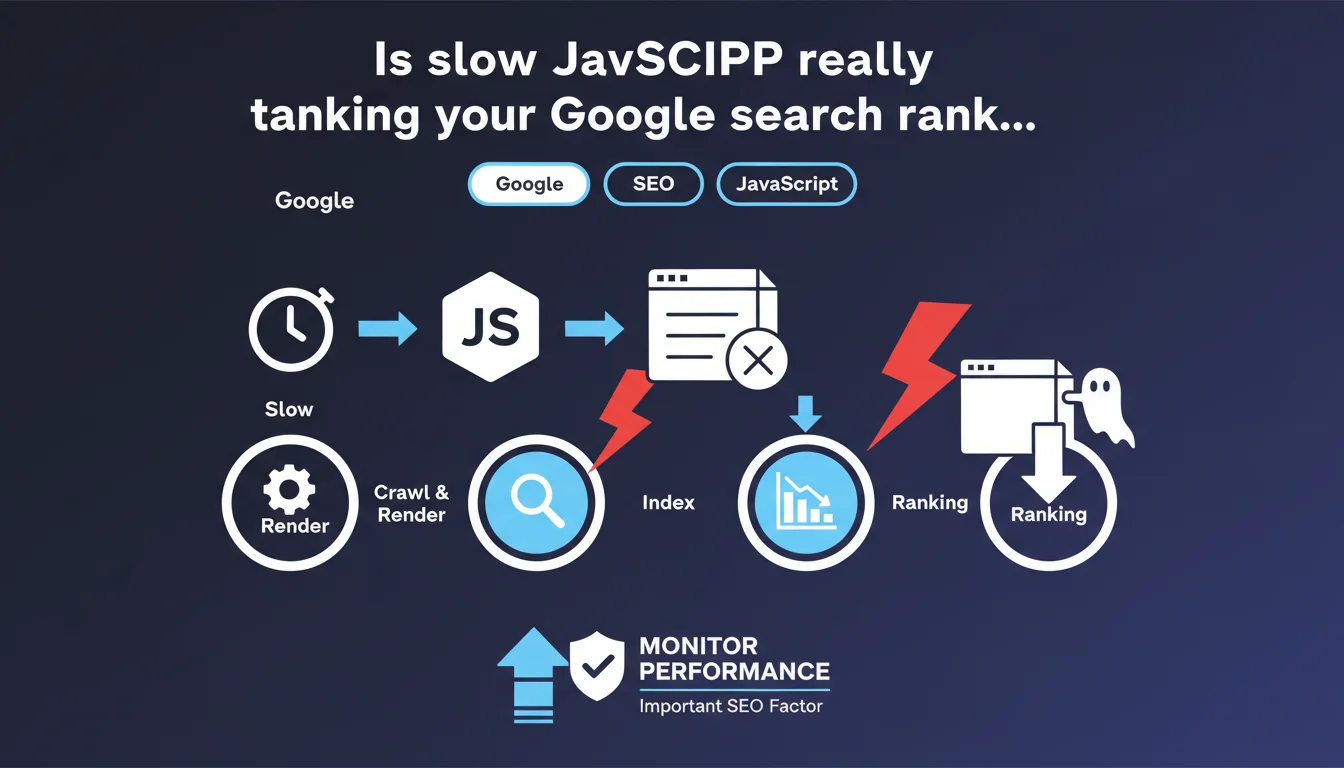
Google confirms that slow JavaScript performance negatively impacts search rankings. This official statement places JavaScript execution speed as a ranking signal beyond Core Web Vitals alone. Sites relying heavily on client-side JavaScript must closely monitor execution times and user interaction metrics.
What you need to understand
Why does Google specifically penalize slow JavaScript?
Slow JavaScript directly degrades user experience, which has been at the heart of Google's priorities for years. A script that blocks rendering, monopolizes the main thread, or delays interactivity creates friction for users — and Google detects this through Core Web Vitals (LCP, FID/INP, CLS).
But this statement goes further: it argues that JavaScript performance itself can hurt your rankings. In other words, even if your CWV metrics stay in the green, inefficient JS can weigh on your positioning. This is an important distinction.
Does this announcement actually change anything in the real world?
Not fundamentally. SEO professionals have known for years that speed impacts rankings. What's new is the explicit framing: Google is targeting JavaScript as a specific lever, not just overall performance.
In practice, this confirms what we observe: sites with heavy, poorly-optimized JS frameworks (React, Vue, Angular) often struggle in SERPs against leaner competitors. Server-side rendering (SSR) or static generation (SSG) become real competitive advantages.
What are the concrete metrics to watch?
Google doesn't detail precise thresholds — as usual. But several metrics are critical:
- Total Blocking Time (TBT): measures how long the main thread is blocked by JavaScript
- Interaction to Next Paint (INP): replaces FID and evaluates real-world site responsiveness
- JavaScript execution time: visible in Chrome DevTools, shows how long the browser spends running your scripts
- Time to Interactive (TTI): delay before the page is fully interactive
- Long tasks: JavaScript tasks over 50ms that monopolize CPU
SEO Expert opinion
Is this statement consistent with real-world observations?
Yes, largely. We've seen for years that sites with poorly optimized JavaScript underperform, even with solid content and strong backlinks. Unoptimized SPAs (Single Page Applications) often struggle against static sites or SSR implementations.
That said, Google remains vague on exact thresholds. What level of JavaScript slowness becomes penalizing? Above how many milliseconds of TBT or execution time? No hard numbers. [To verify] on your own sites through rigorous A/B testing.
In what cases does this rule not apply, or apply less?
On ultra-competitive queries where content and authority dominate, slightly slow JavaScript won't necessarily knock you out of the top 3 — especially if your competitors have the same issues. However, on tight SERPs with technically well-tuned competitors, it's a real disadvantage.
E-commerce and SaaS sites are particularly exposed: rich interfaces, heavy frameworks, omnipresent tracking. Paradoxically, these are also where JavaScript optimization is most complex and expensive to implement. The ROI of a technical overhaul must be carefully evaluated.
Should you abandon modern JavaScript frameworks?
No, not at all. Frameworks like Next.js, Nuxt, SvelteKit actually let you mitigate these issues through SSR, SSG, and selective hydration. The problem isn't the framework itself, but its implementation.
A well-optimized React site (code splitting, lazy loading, tree shaking, CDN) can outperform a poorly configured WordPress site with 40 plugins loading jQuery everywhere. It's a matter of technical discipline, not technology choice.
Practical impact and recommendations
What should you audit first on your site?
Start with Chrome DevTools and Search Console. Analyze Core Web Vitals at the URL level, not just site-wide averages. Identify pages with high TBT, problematic INP, or TTI exceeding 3-4 seconds.
Next, dive into the Coverage report in DevTools: how much JavaScript is loaded but never executed? If you're at 60-70% unused code, there's huge leverage. Same for Long Tasks: each task over 50ms blocks the main thread and degrades INP.
Which concrete optimizations deliver the biggest results?
- Implement code splitting: load only the JS necessary for each page
- Use lazy loading for non-critical components (accordions, carousels, modals)
- Move to SSR or SSG if your site is currently pure CSR (client-side rendering)
- Use a CDN to serve JS assets closer to users
- Minify, compress (Brotli), and enable tree shaking to eliminate dead code
- Limit third-party scripts: every tracking pixel, chatbot, or widget adds weight and blocking
- Measure the impact of each library: do you really need the entire Lodash or just 3 functions?
How do you verify that optimizations are working?
Use PageSpeed Insights and Lighthouse in incognito mode, multiple times, for stable metrics. Compare scores before/after optimization. Focus especially on TBT and INP, which directly reflect JavaScript performance.
In Search Console, monitor the evolution of Core Web Vitals over 28 days. JavaScript optimizations don't show instant effects: Google re-evaluates gradually, often over several weeks. Be patient.
❓ Frequently Asked Questions
Le JavaScript côté serveur (SSR) est-il obligatoire pour bien ranker ?
Google pénalise-t-il tous les sites avec du JavaScript, même rapide ?
Les Core Web Vitals suffisent-ils ou faut-il surveiller d'autres métriques JS ?
Faut-il supprimer tous les scripts tiers (analytics, chatbots, pixels) ?
Combien de temps faut-il pour voir un impact ranking après optimisation JS ?
🎥 From the same video 4
Other SEO insights extracted from this same Google Search Central video · published on 19/08/2022
🎥 Watch the full video on YouTube →
💬 Comments (0)
Be the first to comment.