
Official statement
Other statements from this video 4 ▾
- □ Le JavaScript lent est-il vraiment un facteur de classement sur Google ?
- □ Comment PageSpeed Insights détecte-t-il réellement le JavaScript qui plombe vos performances ?
- □ Votre JavaScript est-il téléchargé pour rien ?
- □ Faut-il vraiment se fier à PageSpeed Insights pour optimiser son JavaScript ?
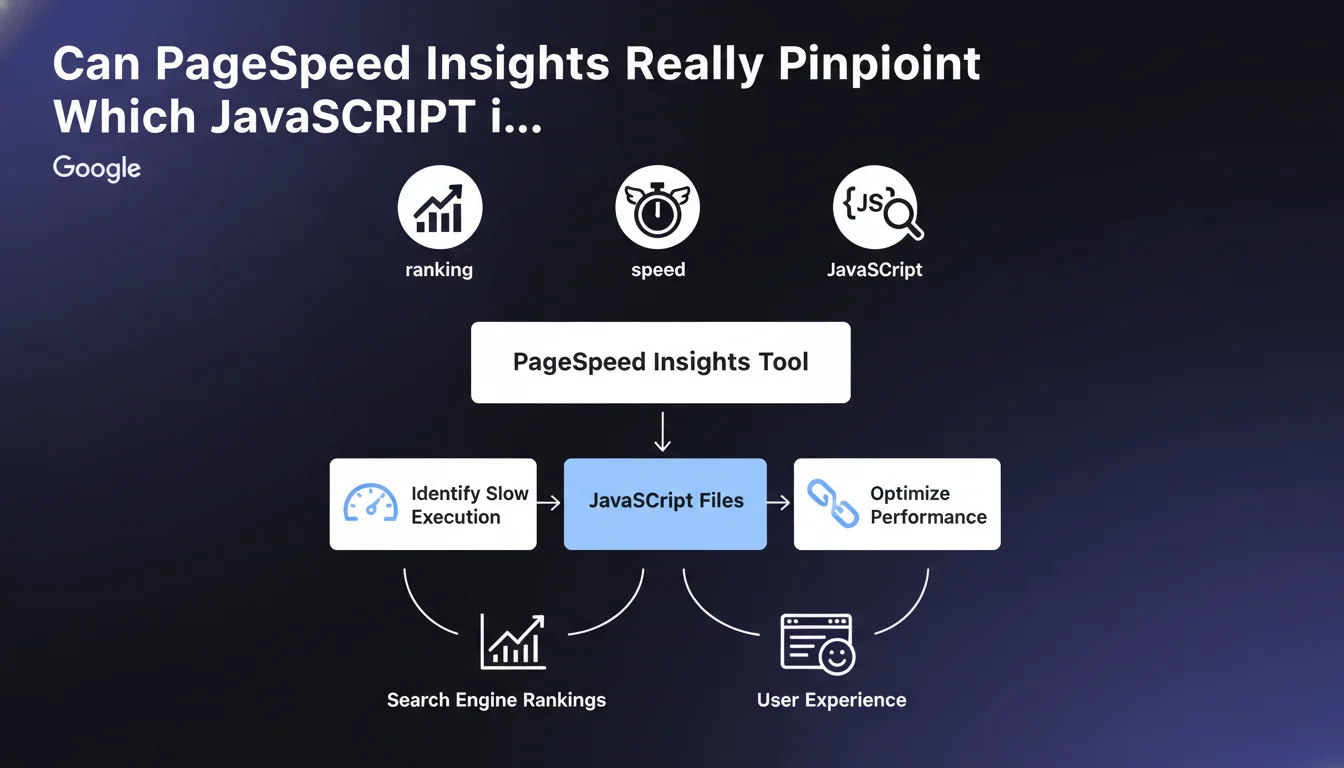
Google confirms that PageSpeed Insights enables precise identification of JavaScript scripts that are dragging down your performance. The tool does more than just measure overall speed — it flags slow scripts, making targeted optimization easier. A critical capability for improving Core Web Vitals and maintaining an SEO advantage.
What you need to understand
What Exactly Does PageSpeed Insights Measure When It Comes to JavaScript?
PageSpeed Insights goes beyond just a single overall score. The tool breaks down JavaScript execution to identify scripts that monopolize the main thread and delay interactivity. Concretely, it spots files that take too long to execute and impact metrics like Total Blocking Time (TBT) or Time to Interactive (TTI).
This level of granularity is a game changer. Rather than guessing which script is problematic, you get a detailed report that lists JavaScript files by execution time. This includes third-party scripts (analytics, ads, social widgets) and your own scripts, allowing you to prioritize optimizations.
Why Is Google So Insistent About JavaScript Execution Slowness?
Because JavaScript has become the primary bottleneck for modern web performance. Today's sites load an average of 400 to 500 KB of JS, often poorly optimized. This volume slows rendering, blocks interactivity, and directly degrades Core Web Vitals — metrics that have been integrated into ranking for several years.
Google is pushing website owners to act on this specific lever because the impact is measurable and fast. Reducing JavaScript execution time not only improves user experience, but also the organic ranking in competitive environments where every millisecond counts.
Which Metrics Does PageSpeed Insights Use to Spot Slow Scripts?
The tool primarily relies on Lighthouse, which collects performance data under controlled conditions. Key metrics include TBT (time when the main thread is blocked), TTI (moment when the page becomes fully interactive), and JavaScript execution time (total time spent parsing and executing JS).
These metrics are then correlated with data from the Chrome User Experience Report (CrUX), which reflects the real-world experience of Chrome users. The combination of these two sources allows you to identify scripts that are problematic in the lab and in real life.
- PageSpeed Insights identifies slow JavaScript scripts with actionable precision.
- The tool distinguishes between proprietary and third-party scripts, making it easier to prioritize fixes.
- The targeted metrics (TBT, TTI, JS execution time) directly impact Core Web Vitals and SEO.
- The dual data source (Lighthouse + CrUX) ensures a complete picture: lab and field data.
- Google is pushing this feature to accelerate adoption of JavaScript best practices.
SEO Expert opinion
Does This Statement Really Bring Anything New to the Table?
Let's be honest: PageSpeed Insights has been identifying slow scripts for years. What Google is reframing here is the communication around an existing capability — likely to remind webmasters that the tool goes beyond a simple score out of 100. Many still only look at the overall score without exploiting the detailed diagnostics.
The real value of this statement is that it reaffirms the importance of JavaScript in the SEO equation. Google wants you to understand that JS performance is not just a technical detail reserved for developers — it's a priority SEO lever. The message is clear: ignore slow scripts at your own peril.
Is PageSpeed Insights Enough to Diagnose All JavaScript Issues?
No. The tool has limitations you need to be aware of. PageSpeed Insights tests your page in a simulated environment (Lighthouse) that doesn't always faithfully reproduce real-world conditions — especially on mobile with slow connections or budget devices. Some scripts can explode in production while going unnoticed in the lab.
Moreover, the tool doesn't tell you why a script is slow — just that it is. You'll need to dive into the code or use complementary tools (Chrome DevTools, WebPageTest, Treo) to understand whether the issue stems from a poorly managed dependency, an expensive calculation, or an uncontrollable third-party script. [To verify]: Google doesn't provide a clear methodology for moving from PSI diagnosis to corrective action.
When Does This Analysis of Slow Scripts Become Insufficient?
When your problem comes from third-party scripts you have no control over. Identifying that an ad widget or chatbot is slowing down your site is one thing — being able to act on it is another. You can defer-load these scripts, but some marketing tools require synchronous loading to function, creating a performance vs. conversion dilemma.
Another limitation: sites with heavy client interaction (SPAs, complex web applications). Lighthouse's measurement model favors static or minimally interactive pages. If your site relies on React, Vue, or Angular with hundreds of dynamic components, PSI recommendations can lack relevance or be unrealistic to implement.
Practical impact and recommendations
What Should You Concretely Do With PageSpeed Insights JavaScript Diagnostics?
First step: export the detailed report (accessible via the Lighthouse tab in Chrome DevTools or the PageSpeed Insights API). Identify the scripts generating the most execution time. Sort them into two categories: proprietary scripts (that you can modify) and third-party scripts (beyond your direct control).
For proprietary scripts, prioritize code splitting and lazy loading. Only load JavaScript necessary for initial render — everything else can wait for user interaction. Minify, compress (Gzip or Brotli), and eliminate dead code. Use tools like Webpack Bundle Analyzer to spot unnecessary dependencies.
For third-party scripts, negotiate with your vendors or find lighter alternatives. If a tag manager loads 15 scripts in cascade, reduce the number of active tags. Load non-critical scripts with async or defer, and isolate expensive scripts in web workers if possible.
What Mistakes Should You Avoid When Optimizing JavaScript?
Don't blindly remove all third-party scripts without measuring business impact. An A/B testing or retargeting script may seem heavy, but if it directly contributes to revenue, its ROI may justify the performance cost. Quantify the trade-off between performance and conversion before deciding.
Also avoid over-optimizing to the point of breaking functionality. Aggressive lazy loading can delay the display of critical content or make certain elements invisible to Googlebot if misconfigured. Test each modification in a staging environment and monitor Search Console logs to detect indexation regressions.
How Can You Verify That Your JavaScript Optimizations Are Working?
Measure before and after using complementary tools: PageSpeed Insights (score and detailed metrics), Chrome User Experience Report (actual field data), and Search Console (Core Web Vitals report). Compare variations over a minimum 28-day period to smooth out fluctuations.
Also monitor impact on business KPIs: bounce rate, time on page, conversions. A 20% improvement in TBT accompanied by a 5% drop in conversions signals a problem — you may have broken a critical engagement element. Adjust accordingly.
- Export the detailed PageSpeed Insights report to list slow scripts
- Classify proprietary scripts (modifiable) vs. third-party scripts (negotiate or replace)
- Implement code splitting and lazy loading on non-critical scripts
- Minify, compress, and eliminate dead JavaScript code
- Load third-party scripts with async/defer, isolate expensive ones in web workers
- Test in staging before deployment to prevent functional regressions
- Measure field impact via CrUX and Search Console over 28 days
- Cross-reference performance improvement with business KPIs (conversions, engagement)
❓ Frequently Asked Questions
PageSpeed Insights détecte-t-il les scripts JavaScript chargés dynamiquement après interaction utilisateur ?
Un mauvais score JavaScript dans PageSpeed Insights impacte-t-il directement le classement Google ?
Faut-il optimiser tous les scripts identifiés par PageSpeed Insights ou prioriser certains ?
Les recommandations JavaScript de PageSpeed Insights sont-elles identiques sur mobile et desktop ?
Peut-on améliorer le score PageSpeed Insights sans toucher au JavaScript ?
🎥 From the same video 4
Other SEO insights extracted from this same Google Search Central video · published on 19/08/2022
🎥 Watch the full video on YouTube →
💬 Comments (0)
Be the first to comment.