
Official statement
Other statements from this video 4 ▾
- □ Le JavaScript lent est-il vraiment un facteur de classement sur Google ?
- □ Comment PageSpeed Insights détecte-t-il réellement le JavaScript qui plombe vos performances ?
- □ Votre JavaScript est-il téléchargé pour rien ?
- □ PageSpeed Insights peut-il vraiment identifier quel JavaScript ralentit votre site ?
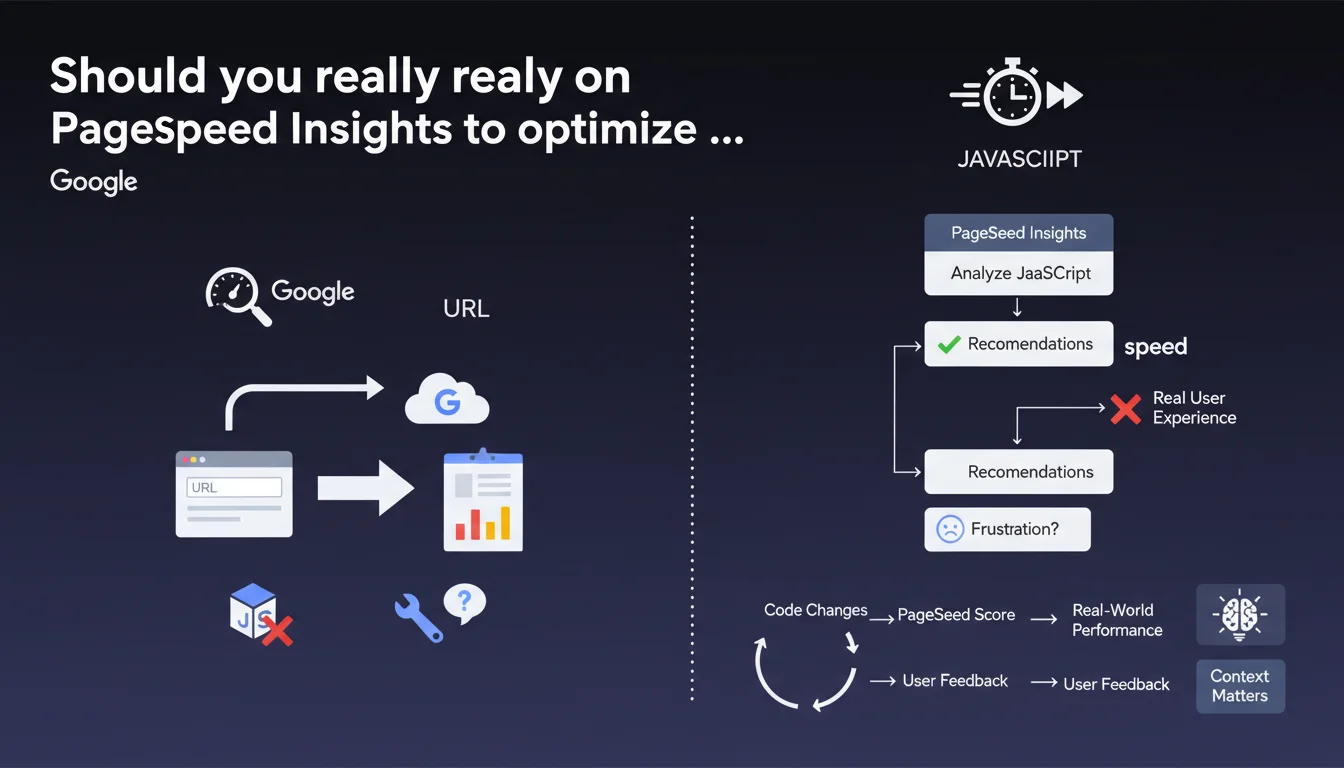
Google promotes PageSpeed Insights as the reference tool for detecting and fixing JavaScript performance issues. The tool analyzes any URL and provides specific recommendations. The question remains: are these recommendations always relevant to your actual business context?
What you need to understand
Why does Google keep pushing PageSpeed Insights for JavaScript?
JavaScript has become the primary bottleneck for web performance. Between heavy frameworks, advertising trackers, and third-party widgets, a modern page can easily load several megabytes of JS. Google wants to standardize the analysis approach by promoting its own tool.
PageSpeed Insights combines two data sources: real-world metrics via CrUX (Chrome User Experience Report) and synthetic analysis via Lighthouse. This dual approach theoretically allows you to see both what your real users actually experience and what technically blocks performance.
What does the tool actually measure for JavaScript?
PSI primarily detects three JS issues: main thread blocking time, unused resources, and code not optimized for rendering. The tool flags scripts that delay First Contentful Paint or slow down Time to Interactive.
Standard recommendations include defer/async scripts, code splitting, bundle reduction, or elimination of unused JavaScript. You already know all this — the real question is knowing which optimizations to prioritize when you're facing 47 red alerts.
Does this statement change SEO practices at all?
Not really. Google is simply reminding us that PageSpeed Insights remains its official tool for auditing performance. This aligns with the consistent messaging since Core Web Vitals became a ranking factor.
What's missing from this statement: no mention of the actual weight these optimizations carry in the algorithm. Google says "use this tool," but doesn't say "and you'll gain X rankings." As usual, we're in a fog of ambiguity.
- PageSpeed Insights combines real-world data (CrUX) and synthetic analysis (Lighthouse)
- The tool focuses on three JS axes: thread blocking, unused resources, code not optimized
- Standard recommendations: defer/async, code splitting, bundle reduction
- No quantified correlation between PSI score and ranking gains
- The tool remains Google's official reference for Core Web Vitals
SEO Expert opinion
Is PageSpeed Insights really reliable for JavaScript?
Let's be frank: PSI is a good starting point, not gospel. The tool does detect major issues, but its recommendations can be completely unsuited to your technical stack. For example, it might scream at you to remove "unused" JavaScript that's actually essential for user-triggered interactions.
Another limitation: PSI tests from Google servers under lab conditions. Synthetic metrics don't necessarily reflect what your real users experience on poor 4G mobile or throttled corporate networks. CrUX data is more realistic, but it has a 28-day lag — you're optimizing based on the past.
When do PSI recommendations become counterproductive?
Classic case: you have an e-commerce site with real-time personalization, A/B testing, dynamic recommendations. PSI will tell you to defer everything, lazy-load everything, split everything. Except if you blindly apply this advice, you'll break user experience — the page displays fast but stays unusable for another 3 seconds.
Another trap: obsessing over a perfect score. I've seen teams spend weeks grinding from 92 to 97 just to hit 100, when the real problem was elsewhere (slow server, unoptimized images, broken database queries). PSI score isn't a business KPI. [To verify]: Google has never confirmed that a 90+ score has different ranking impact than a 70 score.
Is this approach consistent with real-world observations?
Yes and no. On simple content sites (blogs, media), optimizing JS according to PSI often delivers measurable CWV gains, and sometimes ranking improvements. On complex web applications, it's much more nuanced — you can have a mediocre score and rank perfectly if your content and backlinks are solid.
What's certain: since May 2021 and the Page Experience Update, sites with catastrophic CWV can be penalized. But between "catastrophic" and "excellent," the gray zone is huge. Google recommends PSI, but doesn't say it's the only metric that matters.
Practical impact and recommendations
What should you actually do with PageSpeed Insights?
First step: audit your strategic pages (homepage, main categories, flagship product pages) via PSI. Prioritize CrUX data — that's what Google actually sees. If you don't have enough traffic to appear in CrUX, Lighthouse metrics remain indicative but less reliable.
Second step: prioritize quick wins. Before redesigning your entire JS architecture, start with simple optimizations: defer non-critical scripts, remove abandoned libraries, enable Brotli/Gzip compression. These actions often deliver 20-30 score points for a few hours of work.
Third step: test business impact. Deploy your optimizations on a sample of pages and measure conversion, bounce rate, session time. If your PSI score climbs but revenue drops, you've probably broken something important. Algorithms don't replace A/B testing.
What mistakes must you absolutely avoid?
Don't fall into the perfect score syndrome. An 85 on mobile with smooth user experience beats a 98 obtained by cutting critical features. PSI doesn't measure engagement or conversion — just technical performance.
Avoid changing multiple variables simultaneously. If you switch CDNs, enable lazy-loading AND refactor your JS all at once, you can't tell which action impacted what. Proceed through measurable iterations.
And most importantly: don't neglect other SEO levers under the guise of optimizing JavaScript. A fast site with poor content and zero backlinks will never rank. CWV is one factor among many — not the holy grail.
- Audit strategic pages via PSI prioritizing real-world CrUX data
- Start with quick wins: defer scripts, remove useless libraries, enable compression
- Measure business impact of each optimization (conversion, engagement)
- Don't sacrifice UX to squeeze out a few score points
- Test one variable at a time to isolate effects
- Balance technical optimizations with other SEO levers (content, backlinks)
- Regularly monitor CrUX metrics via Search Console
❓ Frequently Asked Questions
PageSpeed Insights et Lighthouse, c'est la même chose ?
Un score PSI élevé garantit-il un meilleur ranking ?
Faut-il optimiser toutes les pages ou seulement certaines ?
Pourquoi mon score PSI diffère-t-il entre deux tests successifs ?
Comment prioriser les recommandations PSI quand il y en a 40 ?
🎥 From the same video 4
Other SEO insights extracted from this same Google Search Central video · published on 19/08/2022
🎥 Watch the full video on YouTube →
💬 Comments (0)
Be the first to comment.