
Official statement
Other statements from this video 5 ▾
- □ Le changement d'hébergement ralentit-il toujours le crawl de Google ?
- □ La localisation géographique du serveur ralentit-elle vraiment le chargement de votre site ?
- □ La distance géographique du serveur peut-elle vraiment pénaliser votre Page Experience ?
- □ Les CDN multi-serveurs sont-ils réellement sans risque pour le SEO ?
- □ L'hébergement géographique influence-t-il vraiment le référencement local ?
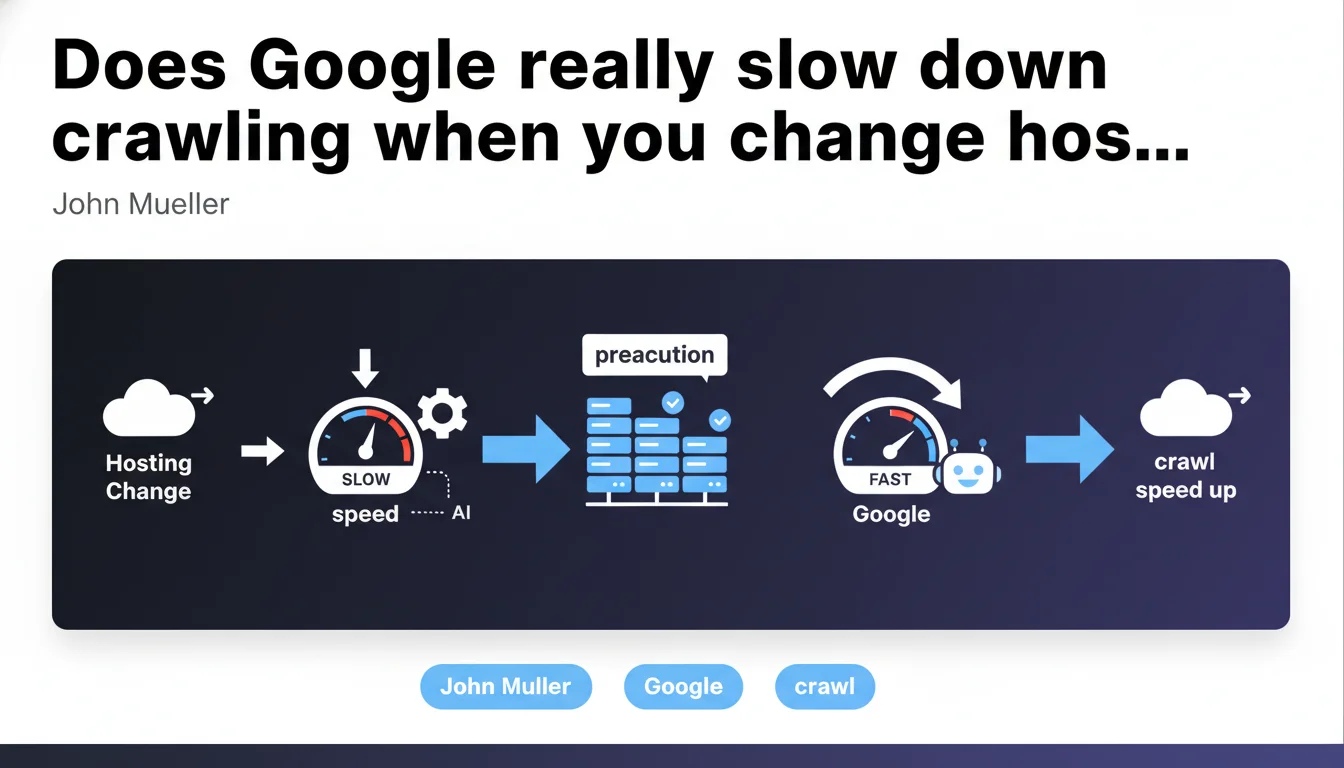
Google automatically slows down crawling when you change hosting as a precaution. This slowdown is temporary and fades as soon as Google's systems verify that the new environment supports normal crawl speed. Nothing to worry about, but you need to anticipate it.
What you need to understand
Why does Google slow down crawling during a migration?
When your site changes hosting, Google doesn't know if the new server can handle the same load as the old one. As a precaution, Googlebot automatically reduces its crawl rate to avoid overloading the infrastructure and triggering 5xx errors or timeouts.
This behavior is a built-in safety feature — not a penalty. Google's systems detect the IP change or network configuration shift and activate this conservative mode. Once everything appears stable, crawling gradually returns to normal pace.
How long does this slowdown last?
Google doesn't provide an exact timeframe. The slowdown persists until algorithms confirm the server responds properly to increased load. In practice, this can range from a few days to several weeks depending on site size and new hosting stability.
The more robust and responsive your infrastructure is, the faster Google accelerates. Conversely, if the new server shows signs of weakness (high latency, sporadic errors), crawling will remain throttled longer.
Does this slowdown impact your rankings?
Not directly — a reduced crawl budget doesn't affect your existing positions. However, if you publish new content right after migration, it will be discovered and indexed slower than usual.
For large sites with thousands of fresh pages daily (media outlets, e-commerce platforms), this delay can be problematic. For a typical site, the impact remains minimal if the migration is well-planned.
- Automatic slowdown: Google throttles crawling as a precaution upon detecting the hosting change
- Variable duration: from a few days to several weeks depending on new server stability
- No penalty: this is a protective measure, not an SEO sanction
- Gradual recovery: crawling accelerates as soon as systems validate infrastructure robustness
- Limited impact: except for sites with very high volumes of fresh daily content
SEO Expert opinion
Does this claim reflect real-world reality?
Yes, largely. Migration observations confirm there's often a crawl dip in the days following a hosting change. Logs show a decrease in Googlebot hits, sometimes sharp, then a gradual recovery.
What's less clear is the exact mechanism. Google talks about "automatic detection," but we don't know if it's solely based on IP change or if other signals come into play (DNS TTL, renewed SSL certificate, suddenly different latency).
What nuances should we add?
John Mueller stays vague about the criteria that trigger the slowdown and those that lift it. [To verify]: does Google analyze the geographic distribution of the new hosting? Do CDNs mask or amplify this phenomenon?
Another unclear point: duration. "Temporary" doesn't mean much. On a 100,000-page site with daily publishing, two weeks of throttled crawling can represent significant lost visibility gains. For a 50-page brochure site, the impact is zero.
Finally, Google doesn't specify whether this slowdown affects all site sections uniformly or whether certain strategic URLs (homepage, main categories) are crawled with priority even in degraded mode.
In which cases doesn't this mechanism activate?
If you change hosts without changing IP (rare, but possible with certain managed hosting or private cloud setups), Google probably won't detect anything. No slowdown triggered.
Similarly, if you use a CDN like Cloudflare that masks the origin IP, the hosting change may go unnoticed by Googlebot — as long as perceived performance remains stable. But again, no official data supports these field observations.
Practical impact and recommendations
How to prepare a migration to minimize crawl impact?
First step: test your new hosting robustness before the DNS switch. Use load testing tools (Apache Bench, K6, Loader.io) to simulate current load and anticipate bottlenecks. If the server struggles under pressure, Google will detect it and extend the slowdown.
Next, monitor server response times (TTFB) and 5xx errors in the days before and after migration. A TTFB that jumps from 200ms to 600ms sends a negative signal to Googlebot, even if technically the site remains accessible.
What to do during the slowdown period?
Don't panic — and above all, don't make emergency server configuration changes. Abrupt modifications (cache changes, performance plugin additions, robots.txt tweaks) can be interpreted as instability and prolong the slowdown.
Focus on stability: let it run, monitor metrics, and wait for Google to gradually increase crawl. If nothing moves after three weeks, then you can investigate (server logs, Google Search Console for exploration errors).
What mistakes to avoid at all costs?
Don't launch massive content campaigns right after migration. You'll create hundreds of pages that Google takes weeks to discover, which delays your ROI and can disrupt your editorial planning.
Also avoid changing multiple variables at once: migration + redesign + new CMS + HTTPS = impossible to diagnose the source of any problem. A migration is challenging enough as it is.
- Test new hosting server load before the DNS switch
- Monitor TTFB and 5xx errors in Search Console and server logs
- Avoid massive content publishing in the 2-3 weeks post-migration
- Don't make impulsive server configuration changes during slowdown
- Wait 3-4 weeks before drawing final conclusions about crawl
- Schedule migration outside seasonal peaks and announced Core Updates
❓ Frequently Asked Questions
Combien de temps dure le ralentissement du crawl après une migration d'hébergement ?
Le ralentissement du crawl affecte-t-il mes positions dans les SERP ?
Puis-je forcer Google à accélérer le crawl via Search Console ?
Un CDN comme Cloudflare empêche-t-il ce ralentissement ?
Faut-il prévenir Google d'une migration d'hébergement ?
🎥 From the same video 5
Other SEO insights extracted from this same Google Search Central video · published on 23/02/2022
🎥 Watch the full video on YouTube →
💬 Comments (0)
Be the first to comment.