
Official statement
Other statements from this video 13 ▾
- 3:25 Why don't valid rich results guarantee visibility in Job Search?
- 5:14 Does the employmentType field in JobPosting structured data really impact query matching?
- 7:19 Is it true that you can't aggregate reviews from other websites in your structured data?
- 10:28 Does hiding mobile content with CSS really sabotage your Mobile-First indexing?
- 19:07 Is it true that hidden content in accordions and tabs is indexed by Google?
- 19:07 Why is Google so silent about massive indexing problems?
- 19:07 Google Office Hours: Why might your SEO question never get answered?
- 24:24 Why does the number of URLs in Search Console's Web Vitals vary each month?
- 25:24 Why are your Page Experience metrics fluctuating when you haven't changed anything?
- 31:07 Are geo-targeted redirects using cookies considered cloaking by Google?
- 31:07 Should you really ditch geolocation redirects in favor of hreflang?
- 31:07 Do IP redirections really block the indexing of your multilingual content?
- 48:33 Could A/B testing actually risk cloaking in Google's eyes?
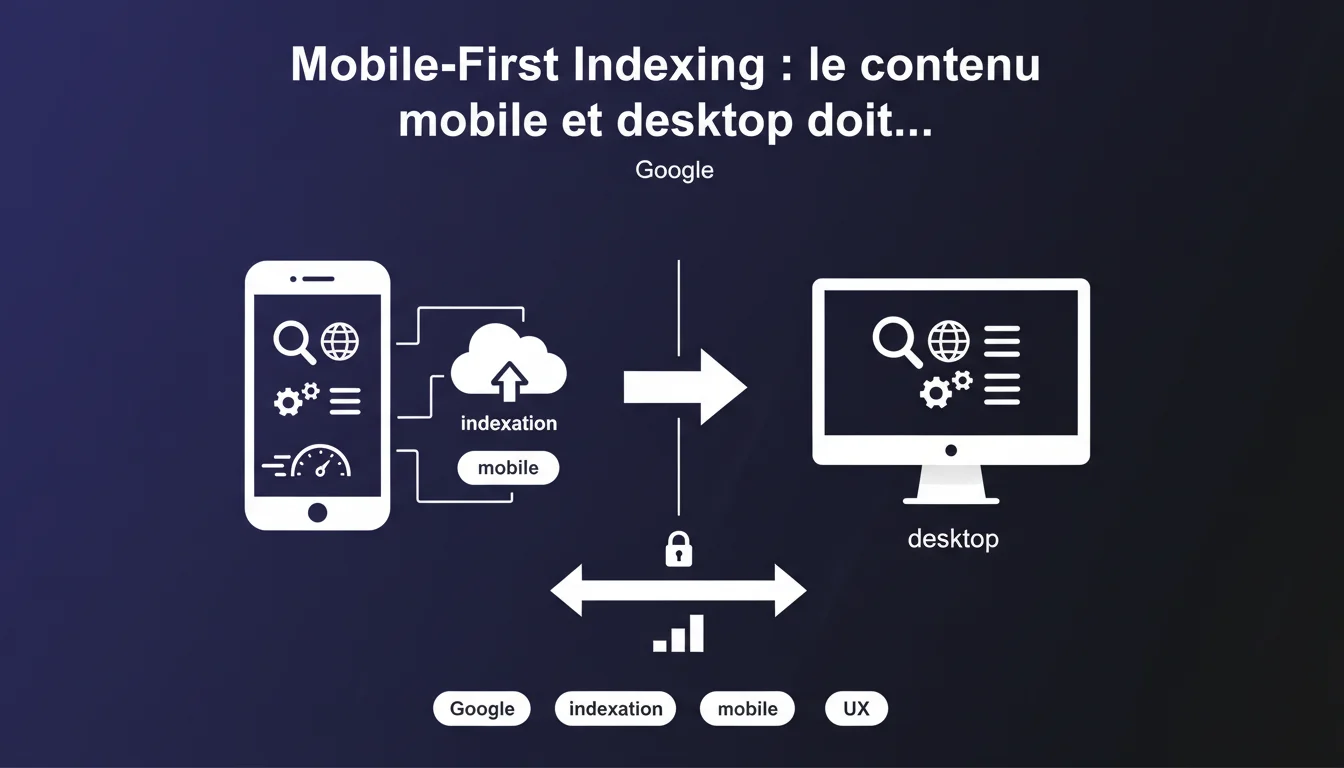
Google now uses the mobile version to index and rank your site. If your mobile content is lighter than the desktop version, you risk losing traffic—even from computers. Aligning both versions is not optional; it’s a technical necessity.
What you need to understand
Why does Google prioritize the mobile version for indexing websites?
Since the majority of web traffic comes from mobile, Google has reversed its indexing logic. Mobile-First Indexing means that Googlebot crawls and analyzes your mobile version first, even to rank desktop results.
This shift started gradually, but today all new sites are indexed in mobile-first by default. If your mobile content is incomplete, Google only sees part of your offer—and ranks your site accordingly.
What happens if my mobile content is reduced?
Google indexes what it sees on mobile. If entire sections are hidden, compressed in unexpanded accordions, or completely absent, that content doesn’t exist in the eyes of the engine.
The trap? You also lose positioning on desktop. Because indexing happens on mobile, even if the user is searching from their computer.
Does mobile-desktop parity include structured data and metadata?
Yes. Google expects the same richness of metadata (title tags, descriptions, canonicals), structured data (schema.org), and internal linking on both versions.
A simplified mobile menu that hides strategic links? That’s lost link juice. FAQs visible only on desktop? Ignored by schema.org.
- Mobile-First = mobile becomes the reference for indexing, not just an alternative display
- Reduced content on mobile = loss of overall visibility, including on desktop
- Structured data, metadata, and internal links must be strictly equivalent
- Default closed accordions and tabs can cause issues if the content is critical
SEO Expert opinion
Are major players on the web really adhering to this recommendation?
Let’s be honest: many major sites violate this rule—and still manage to succeed. Amazon, eBay, and leading media display ultra-simplified mobile versions.
Why? Because they have a massive domain authority and user signals that compensate. Google tolerates the gap when the brand is established and the mobile UX remains satisfactory. For the rest of us? No wiggle room.
What nuances should be considered about this Google mandate?
Google says “same content,” but never specifies whether a 2000-word text on desktop needs to be fully duplicated on mobile. The ground reality is: as long as essential content is present and accessible without interaction, it’s acceptable. [To be confirmed] for very long editorial pages where mobile UX requires cutting.
Another point: images. Google recommends keeping them but acknowledges that the format or resolution may differ. What matters is the alt text, context, and that the image is indexable.
In which cases can this rule be bypassed without damage?
If your site is purely transactional (simple e-commerce, SaaS with short landing pages), maintaining parity is easy. But for rich editorial sites, some adjustments are tolerated: summaries at the top of the page on mobile linking to the full content, condensed sidebars in the footer, adapted interactive modules.
The criterion: is the information the user is looking for visible and indexable? If yes, you lose nothing. If it’s hidden three clicks away or behind poorly managed JavaScript, then you take a risk.
Practical impact and recommendations
What should be prioritized when checking your mobile site?
Open Search Console,section "Coverage," and check how many pages are indexed. Compare with the number of desktop pages. A significant gap? That’s suspicious.
Next, use the URL inspection tool to test a strategic page. Check the HTML rendering as Googlebot sees it. If content blocks are missing, you have your answer.
- Audit the visible content on mobile vs desktop: text, images, videos, links
- Ensure that structured data (FAQs, products, articles) is present on both sides
- Make sure that the internal linking is equivalent (menu, contextual links, footer)
- Test lazy loading: Googlebot must be able to load the deferred images and content
- Check the meta robots, canonicals, hreflangs on mobile
- Avoid intrusive pop-ups or interstitials that hide mobile content
What critical errors should be regularly observed in the field?
The classic: default closed accordions that hide entire paragraphs. Google says it indexes content in accordions, but we observe fluctuations. It’s better not to bet the farm on that for critical content.
Another trap: responsive images serving an empty file or an overly compressed version to the mobile bot. If the src attribute points to a placeholder, the image is not indexed.
Finally, sites that load additional content via AJAX on scroll. If that content is not present in the initial HTML, and the JavaScript doesn’t execute properly on Googlebot's side, it is lost.
How can you ensure that changes do not break the mobile UX?
Adding content on mobile to satisfy Google is fine. Making it unreadable or slowing down the site is counterproductive. Use Core Web Vitals as a safeguard: LCP, CLS, FID/INP should remain in the green.
Test on real devices, not just in Chrome responsive mode. Real performance, page weight, script behavior—all of that counts. A site that lags on mobile loses engagement, and Google sees that too.
❓ Frequently Asked Questions
Est-ce que les accordéons et onglets fermés sur mobile sont indexés par Google ?
Si mon site a déjà basculé en Mobile-First Indexing, puis-je revenir en arrière ?
Dois-je dupliquer mes images desktop sur mobile si elles sont lourdes ?
Comment vérifier ce que Googlebot mobile voit réellement sur ma page ?
Les sites e-commerce peuvent-ils avoir des fiches produits allégées sur mobile ?
🎥 From the same video 13
Other SEO insights extracted from this same Google Search Central video · published on 21/12/2021
🎥 Watch the full video on YouTube →
💬 Comments (0)
Be the first to comment.