
Official statement
Other statements from this video 7 ▾
- 4:02 How does Google really handle PDF files for SEO?
- 11:09 How do your rasterized PDFs hurt your Google indexing?
- 13:23 Why are PDFs hurting your mobile SEO?
- 15:28 Should you really apply a rel canonical to your PDFs?
- 15:40 Impact des PDF sur l'IA et l'indexation ⚠
- 18:25 Should you rename your PDFs with every update to enhance their indexing?
- 21:57 Should you really avoid restaurant menus in PDF format for SEO?
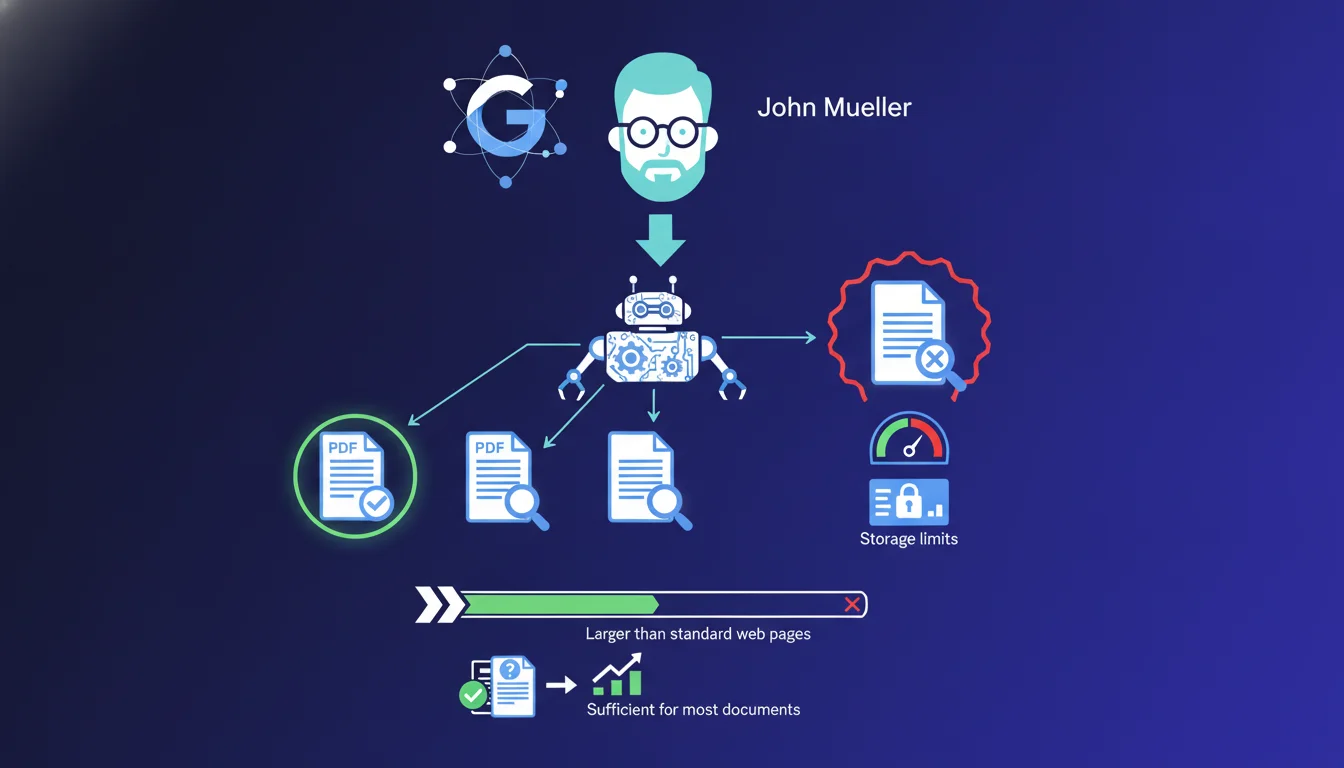
Google imposes a size limit when crawling PDF files, which is higher than for standard HTML pages, but never clearly quantified publicly. This limit arises from infrastructure constraints and can potentially affect the indexing of large technical documents or comprehensive catalogs. Essentially, if your strategic PDFs exceed several tens of megabytes, you risk partial indexing or complete abandonment of crawling.
What you need to understand
Why does Google impose a size limit on PDFs?
The reason given by Mueller is pragmatic: storage space is expensive, even for Google. Each crawled, analyzed, indexed, and stored file in data centers consumes resources. PDFs are often heavier than web pages: high-resolution images, embedded fonts, multiple metadata.
Google must therefore balance completeness and operational efficiency. The limit exists, it is applied silently, and Mueller acknowledges that it is different — more generous — than for HTML pages. However, no official figures are provided, complicating planning for SEO practitioners.
Is this limit the same for all sites?
Mueller mentions a general rule, but there is no guarantee of uniform application. High-authority sites, .gov or .edu domains, and well-known sources in technical verticals could benefit from more lenient thresholds. Google has never confirmed this differentiated treatment, but field observations suggest discrepancies.
An 80 MB PDF hosted on a historical university site could be fully indexed, while a similar file on a recent e-commerce site might be truncated or ignored. Fairness is not guaranteed in the face of infrastructure constraints.
How can I tell if my PDF exceeds the limit?
Google does not provide warnings. No alerts in Search Console, no explicit error messages. You discover the issue when you see that internal pages of the PDF never appear in the results, or that the displayed snippet is inconsistently truncated.
The only reliable method remains empirical testing: indexing PDFs of increasing sizes and checking indexing depth through targeted site: queries on terms present at the end of the document. If Google consistently stops at page 15 of a 200-page PDF, you have your answer.
- Officially uncommunicated limit, field estimates between 50 and 100 MB depending on context
- Potentially unequal treatment based on site authority and vertical
- No reporting in Search Console on partially crawled PDFs
- Manual detection via site: queries and indexing depth analysis
- Direct impact on product catalogs, technical documentation, legal archives
SEO Expert opinion
Is this statement consistent with observed practices in the field?
Yes, generally. Empirical tests confirm that beyond a certain threshold — rarely exceeded by common PDFs — Google gives up crawling or indexes partially. This threshold seems to be between 50 and 100 MB for most sites, but [To be confirmed] this range varies according to undocumented criteria.
What stands out is the lack of transparency. Mueller acknowledges the limit, states that it is sufficient for most cases, but provides no figures. For a practitioner managing a site with thousands of technical PDFs, this gray area poses a problem. It's impossible to plan calmly without data.
What nuances should be added to this claim?
Mueller mentions a limit that is "sufficient for most PDF documents." Let's be honest: most web PDFs are under 5 MB. Marketing brochures, product sheets, press releases — all of these pass without difficulty. The real issue concerns specialized niches: industrial documentation, scientific reports, comprehensive catalogs, legal archives.
In these verticals, a 150 MB PDF is not exceptional. Here, the rule of "sufficient for most" no longer holds. Google will index the first several dozen pages, and then stop. The result is loss of visibility on high-value content, often produced at great expense.
In what cases does this rule really pose a problem?
Three main scenarios. First, complete product catalogs: an industrial manufacturer publishes an 800-page PDF with detailed technical specifications. Google indexes the first 50 pages, and the rest disappears. Long-tail queries on specific references never match.
Next, annual reports and scientific publications: a 200-page report with numerical data in the annex. If Google stops at page 80, critical tables are never crawled. Finally, legal or regulatory archives: consolidated laws, commented jurisprudence. Truncating these documents diminishes their usefulness.
Practical impact and recommendations
What concrete steps should you take to optimize the indexing of your PDFs?
The first step: audit the size and structure of your strategic PDFs. Identify those exceeding 20-30 MB, and verify their actual indexing in Google. Use site:yourdomain.com inurl:file.pdf "term page 150" queries to test if deep pages are crawled.
If you find partial indexing, you have two options. Either split the PDF into several thematic files that are lighter, each targeting a specific semantic cluster. Or duplicate critical content in HTML with solid internal linking, keeping the PDF as an additional downloadable resource.
What mistakes should be avoided when publishing PDF files?
Never publish a large PDF without prior compression. Tools like Adobe Acrobat Pro or Ghostscript can drastically reduce size without losing readability. Avoid unoptimized images: a 600 dpi scan of a paper catalog can easily exceed 200 MB, whereas 150 dpi is more than sufficient for the web.
Another frequent mistake: publishing "image" PDFs without OCR text layers. Google crawls text, not pixels. A scanned PDF without OCR is invisible to the engine, regardless of its size. Finally, don't neglect metadata: title, author, and keywords embedded in the file improve perceived relevance.
How can you check that your critical PDFs are fully indexed?
Manually test with targeted queries on rare terms that are found only at the end of the document. If Google can't find them, it means the crawl stopped before. Also watch for snippets displayed in SERPs: an inconsistently truncated snippet may indicate a limit problem.
Use Search Console to spot crawling anomalies, even if it doesn't explicitly report partially crawled PDFs. Finally, compare server logs: if Google downloads 30 MB of an 80 MB PDF and then stops, you've confirmed the threshold reached.
- Audit the size of all strategic PDFs and identify those exceeding 20 MB
- Test actual indexing via site: queries on terms present at the end of the document
- Always compress files before publication (target: less than 15 MB)
- Split large PDFs into thematic files if integrity allows
- OCR all scans to ensure text extraction by Google
- Duplicate critical content in HTML if the PDF exceeds observed limits
❓ Frequently Asked Questions
Quelle est la taille maximale exacte qu'un PDF peut avoir pour être indexé par Google ?
Google indexe-t-il toutes les pages d'un PDF volumineux ou s'arrête-t-il en cours de route ?
La Search Console signale-t-elle les PDF trop lourds ou partiellement crawlés ?
Vaut-il mieux découper un gros PDF en plusieurs fichiers ou dupliquer le contenu en HTML ?
Un PDF compressé perd-il en pertinence SEO par rapport à la version originale ?
🎥 From the same video 7
Other SEO insights extracted from this same Google Search Central video · duration 24 min · published on 13/10/2026
🎥 Watch the full video on YouTube →
💬 Comments (0)
Be the first to comment.