
Official statement
Other statements from this video 5 ▾
- □ Should you really monitor Search Console access for your SEO vendors?
- □ Why does Google insist on verifying your website ownership?
- □ Should you systematically remove old agencies from your Search Console access?
- □ Why should you remove all verification tokens from former users in Search Console?
- □ Why is delegated access safer than sharing passwords with your SEO contractors?
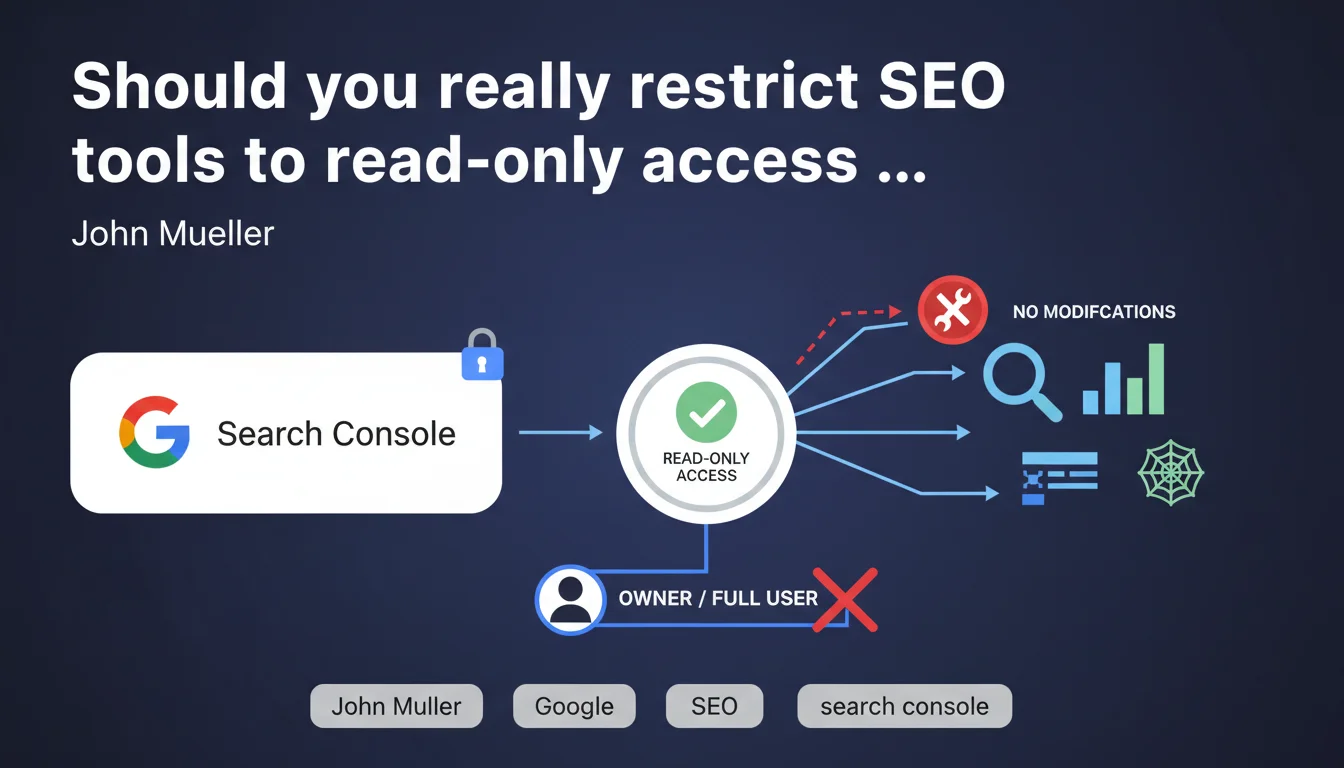
John Mueller recommends never granting owner or full user permissions to your SEO tools in Google Search Console. These platforms only need read access to retrieve data — giving them more opens the door to unwanted modifications on your property. A reminder that applies to small tools and enterprise SEO suites alike.
What you need to understand
Why does Google emphasize this distinction between read and modify access?
Search Console offers several access levels: owner, full user, and restricted user (read-only). The first two authorize critical actions like submitting sitemaps, disavowing links, or modifying URL parameters. A third-party SEO tool that retrieves your performance data objectively only needs to view this information.
The problem? For convenience or lack of awareness, many professionals grant full access when connecting a new tool via OAuth. Result: an external platform technically holds the power to modify your property's configuration — even if it never exercises that right.
What concrete risks does this pose to a website?
First risk: accidental deletion of a sitemap or disavow file. Some bugs or bad API implementations from recognized platforms have already caused this type of incident. Second risk: unauthorized access if the tool's credentials are compromised. A malicious actor could then modify your Search Console settings without even going through your Google account.
Third point, less critical but annoying: some tools activate alerts or notifications you never requested, cluttering your GSC interface. And if you revoke the tool's access without cleaning up its permissions beforehand, traces sometimes remain.
Does Google apply this logic itself elsewhere?
Yes, and it's telling. In Google Analytics 4, access is segmented between Viewer, Analyst, Marketer, and Administrator. Same principle in Google Ads with Standard vs Administrator access. Google systematically applies a principle of least privilege: grant only the level strictly necessary.
Mueller's statement invents nothing — it reinforces an elementary cybersecurity rule that SEO professionals often neglect for comfort. And Google knows full well that most users click "Allow" without reading the permissions requested.
- Never grant owner or full user permissions to third-party SEO tools
- Read-only access is sufficient for 99% of use cases: reporting, rank tracking, data analysis
- Regularly check the list of authorized users in Search Console and revoke those no longer needed
- Apply the principle of least privilege: each service gets only the minimum required to function
- Document granted access in an internal registry to maintain a record for audits or team transitions
SEO Expert opinion
Is this recommendation actually followed in practice?
Let's be honest: no. The majority of SEO agencies and consultants still grant full access by default. Why? Because some tools explicitly request it during onboarding — and refusing sometimes complicates integration. Other times, it's simply administrative laziness: you connect the tool, it works, you move on.
Second reason: many practitioners don't know read-only access exists. Google's OAuth interface doesn't always highlight this granularity, and some third-party tools don't let you choose the access level during connection — they request the maximum as a precaution.
When is full access actually justified?
Legitimate case number one: automation platforms that submit your sitemaps or manage your disavow files for you. If you use a tool that automatically indexes your new pages via the Indexing API, it will need extended rights. But again, the question remains: should a third party manage this, or your internal team?
Case number two: SEO agencies handling your entire strategy. If you delegate Search Console management to them, full user access can be justified — but never owner. Owner belongs to you or your organization. Period. Even in this case, quarterly audits of actions taken remain essential.
[To verify]: some tools claim to need full access to "optimize user experience" or "automate certain recommendations." Be cautious. Ask precisely which features require this access — and whether they're truly useful for your workflow.
What happens if a tool abuses its permissions?
Classic scenario: a bug on the tool's side causes mass deletion of data or unwanted modification. You discover it days later through a crawl drop or GSC alert. Restoring previous configuration is possible but time-consuming — and meanwhile, your SEO can suffer.
Another case: a tool is acquired or hacked. Its new owners technically have access to all Search Consoles where it was connected. Google doesn't automatically notify you of a control change on the third-party application side. You must monitor this yourself.
Practical impact and recommendations
How do I audit my Search Console's current access?
Go to Settings > Users and permissions in GSC. You'll see all Google accounts and third-party applications with access to your property. Each line shows the permission level: owner, full, or restricted. Start by identifying SEO tools — they often appear with a generic name or service@ email address.
For each listed tool, ask yourself three questions: Do we still use it? If not, revoke. Does it need to modify data? If not, downgrade to read-only. Who connected it and why? If no one remembers, that's a bad sign.
What procedure should I establish for new tools?
Establish an internal rule: every new SEO tool must be validated by the technical or SEO lead before connection. When authorizing OAuth, check the permissions requested — if the tool demands full access, ask support why. Many will accept read-only if you insist.
Document each connection in a centralized registry: tool name, date added, access level, responsible person. It seems cumbersome, but it prevents a situation three years later where nobody knows why "SEOTool247" still has access to your GSC. And it facilitates security audits.
What if a tool refuses to work in read-only mode?
First option: find a competitor that accepts this limitation. The SEO market is saturated with alternatives — truly exclusive features are rare. Second option: contact the tool's support to understand which specific features require extended access. Sometimes it's just a convenience on the editor's side, not a technical necessity.
Third option, if the tool is strategic: isolate it in a dedicated GSC property with limited or anonymized data, and retrieve critical data via manual export to your main property. It's tedious, but it limits exposure.
- Audit immediately the user list in Settings > Users and permissions for each GSC property
- Revoke unused or orphaned access — if nobody remembers why it's there, remove it
- Downgrade SEO tools to restricted access (read-only) unless justified and validated
- Never surrender the owner role to a third party, even a trusted agency partner
- Implement a quarterly access audit schedule to detect drift
- Require prior validation before any new OAuth tool connection to GSC
- Document each access granted: tool, reason, responsible party, date — and record it in a shared registry
❓ Frequently Asked Questions
Un accès lecture seule permet-il à l'outil de récupérer toutes les données de performance ?
Que se passe-t-il si je rétrograde un outil qui avait un accès complet ?
Puis-je voir l'historique des actions effectuées par un utilisateur ou un outil dans GSC ?
Les agences SEO doivent-elles avoir un accès propriétaire pour travailler efficacement ?
Comment savoir si un outil SEO a déjà modifié quelque chose dans ma Search Console ?
🎥 From the same video 5
Other SEO insights extracted from this same Google Search Central video · published on 26/07/2023
🎥 Watch the full video on YouTube →
💬 Comments (0)
Be the first to comment.