
Official statement
Other statements from this video 5 ▾
- □ Pourquoi Google insiste-t-il sur la vérification de propriété de votre site ?
- □ Faut-il systématiquement retirer les anciennes agences de Search Console ?
- □ Pourquoi retirer tous les jetons de vérification des anciens utilisateurs dans Search Console ?
- □ Faut-il vraiment limiter les accès des outils SEO à la lecture seule dans la Search Console ?
- □ Pourquoi l'accès délégué est-il préférable aux mots de passe partagés avec vos prestataires SEO ?
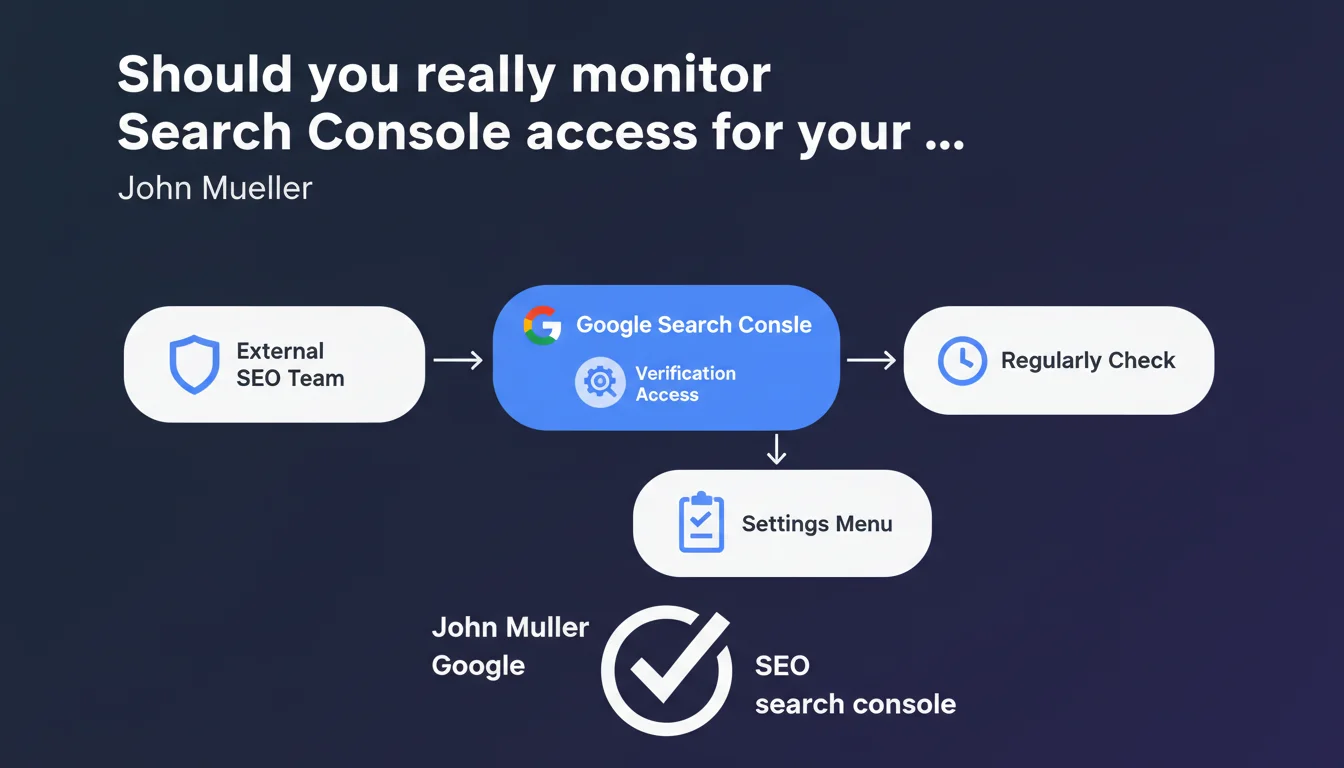
John Mueller recommends regularly checking verification access granted in Search Console, especially when working with external agencies or consultants. Managing these permissions is done through the Settings menu. A basic reminder on access hygiene, but one that masks often-neglected security and control issues.
What you need to understand
Why is Google emphasizing this point now?
This recommendation isn't revolutionary — it's basic security best practice. Yet Mueller felt compelled to remind the public about it.
Reality on the ground? Many site owners grant full owner access to agencies they haven't managed in months or even years. Some don't even know who has access to their Search Console anymore.
What does verification access actually mean in practice?
Search Console offers several permission levels: owner, delegated owner, and restricted user. Owner-level verification access allows you to add or remove other users, modify sensitive settings like GA4 associations, or request reconsideration requests.
A contractor who retains owner access after their engagement ends can technically lock down the account by removing all other users. Rare, but it happens — particularly in poorly managed contractual disputes.
What are the concrete risks of poorly managed access?
The first risk is loss of control. If an agency keeps owner access and nobody verifies, they can continue manipulating your data, your link disavowals, your international targeting settings.
The second risk is more insidious: some unscrupulous agencies maintain access to monitor your performance after leaving and pitch your competitors using your data. Unlikely? Yes. Impossible? No.
- Check the complete user list in Settings > Users and permissions
- Prefer restricted access for contractors who only need to view reports
- Document every user addition with a start date and planned end date
- Revoke access immediately at the end of a mission or contract
- Maintain at least two owner-level accounts internally to prevent any lockout
SEO Expert opinion
Is this recommendation aligned with observed practices?
Absolutely. But let's be honest — it's not new. Mueller isn't revealing anything every professional SEO shouldn't already know.
What's interesting is the timing. Google is multiplying reminders about access management best practices, particularly since incidents of compromised GSC accounts and rogue disavowals by malicious third parties. The underlying message: you're responsible for the security of your own accounts.
Are there cases where this rule doesn't apply?
It always applies. But the frequency of verification depends on your operational context.
If you've been working with one agency for years, a quarterly audit may suffice. If you're using occasional freelancers or testing multiple vendors in parallel, check monthly. Transitioning between agencies? Check weekly.
What are the gray areas Google doesn't address?
Mueller stays vague on one critical point: how to handle access in case of dispute. If an agency refuses to restore owner access they created themselves via a verification method they control (HTML tag, DNS), you're technically locked out.
The solution? Always create an independent verification method (ideally Google Analytics or Google Tag Manager) that you control entirely. [To verify]: Google doesn't clearly communicate what recourse you have if locked out by a third party — GSC support is notoriously unresponsive on these issues.
Practical impact and recommendations
What should you do right now?
Log into Search Console, go to Settings > Users and permissions. List every account with access. For each one, ask yourself: does this person still have a legitimate reason to access this data?
If the answer is no — or if you don't even remember who it is — revoke access immediately. No sentimentality. Security first.
What mistakes should you avoid in managing access?
The most common mistake: granting owner access by default to every contractor who asks for it. An SEO consultant typically only needs restricted access to analyze performance and submit URLs for indexing.
Another classic mistake: keeping only one owner-level account internally, often on the CEO's personal Gmail account. If that account is compromised or inaccessible (employee departure, password loss), you lose total control. Always pair it with a second owner account on a permanent company email address.
How can you automate access monitoring?
Unfortunately, Search Console doesn't offer automatic notifications when users are added or removed. It's an obvious security gap Google has never fixed.
Workaround: create a monthly reminder in your calendar to audit your user list. If you manage multiple properties, document the audit in a shared spreadsheet with your team.
- Audit your complete Search Console user list this month
- Revoke all access from contractors whose engagement has ended
- Verify you have at least two owner-level accounts internally
- Prefer restricted access for all new contractors
- Create an independent verification method (GA4 or GTM) if not already done
- Document every new access grant with a planned end date
- Schedule a quarterly reminder to repeat the audit
❓ Frequently Asked Questions
Quelle différence entre un accès propriétaire et un accès restreint dans Search Console ?
Comment savoir qui a créé une méthode de vérification dans Search Console ?
Que faire si une agence refuse de restituer un accès propriétaire ?
À quelle fréquence faut-il auditer les accès Search Console ?
Google notifie-t-il quand un nouvel utilisateur est ajouté à Search Console ?
🎥 From the same video 5
Other SEO insights extracted from this same Google Search Central video · published on 26/07/2023
🎥 Watch the full video on YouTube →
💬 Comments (0)
Be the first to comment.