
Official statement
Other statements from this video 8 ▾
- □ Les Core Web Vitals sont-ils vraiment un outil de diagnostic UX ou juste un critère de ranking ?
- □ Pourquoi Google insiste-t-il sur les données utilisateurs réels pour mesurer la performance SEO ?
- □ Pourquoi Google privilégie-t-il les données lab pour le débogage SEO ?
- □ Pourquoi Lighthouse ne peut-il pas mesurer la vraie réactivité de votre site ?
- □ Pourquoi Lighthouse ne détecte-t-il pas tous vos problèmes de Core Web Vitals ?
- □ Pourquoi le performance panel Chrome DevTools change-t-il la donne pour le debug des Core Web Vitals ?
- □ Les données de laboratoire peuvent-elles remplacer les données terrain pour optimiser l'UX ?
- □ Faut-il vraiment tester les Core Web Vitals en laboratoire plutôt qu'en production ?
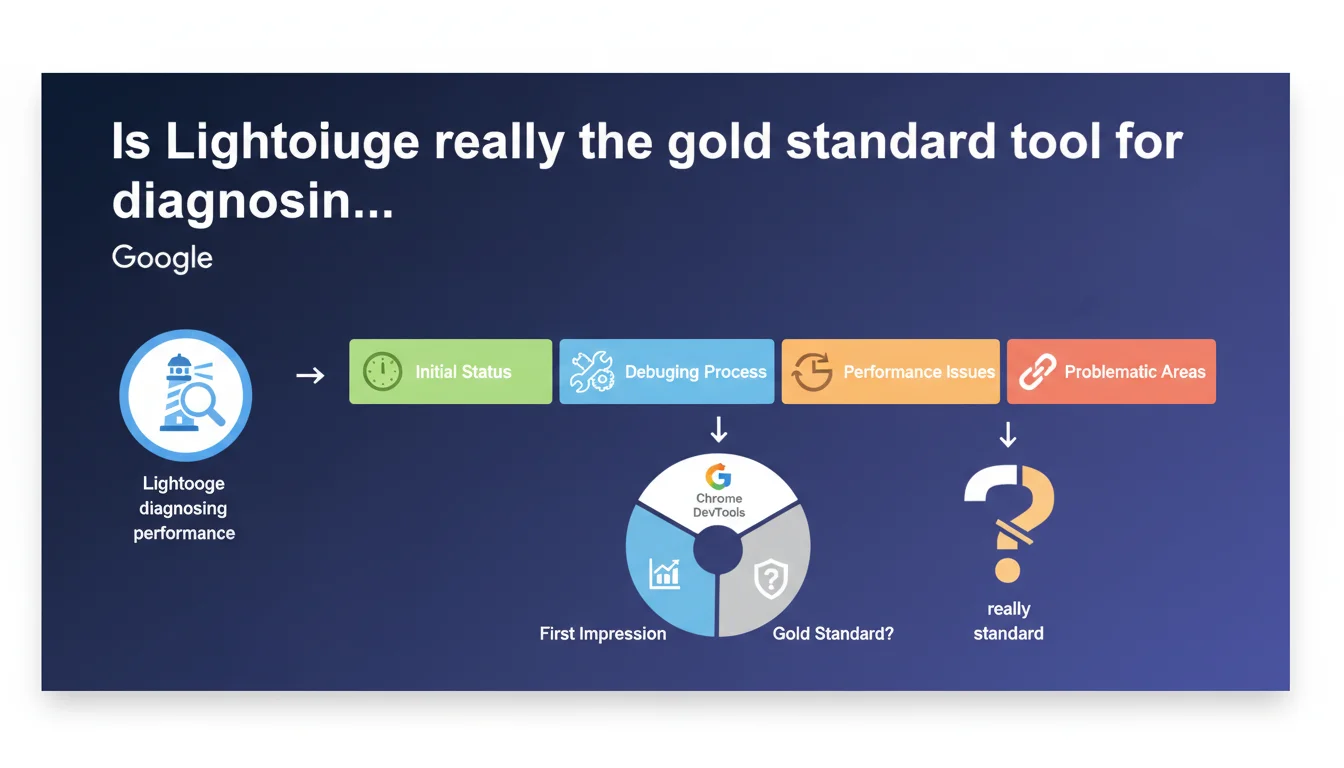
Google recommends Lighthouse as a starting point for evaluating website performance. The tool, integrated into Chrome DevTools, provides a first impression of the current status before diving into more in-depth debugging. Essentially, it's the initial diagnosis, not the final solution.
What you need to understand
Why does Google insist on Lighthouse as the first step?
Lighthouse has become the gold standard tool for getting a quick overview of performance issues. Google positions it as an initial diagnosis, a "first impression" that helps detect flaws before going further.
The tool audits multiple dimensions — performance, accessibility, SEO, best practices — and generates a scored report with recommendations. The advantage? It's free, built directly into Chrome DevTools, and requires no third-party installation.
What does Lighthouse actually measure in terms of performance?
Lighthouse simulates a slow mobile connection and measures synthetic metrics like Largest Contentful Paint (LCP), Cumulative Layout Shift (CLS), and Total Blocking Time (TBT). These indicators give an idea of the speed perceived by users.
But be careful — this data is collected in a controlled environment, not with real users. The Lighthouse score can therefore differ from performance measured through actual Core Web Vitals (CrUX) that feed into Google's ranking algorithm.
What's the difference between Lighthouse and real-world data?
Lighthouse generates lab data, while Core Web Vitals use field data (Field Data) from the Chrome User Experience Report. The two don't always tell the same story.
A site can display an excellent Lighthouse score and fail under real conditions — especially if users are browsing from unstable connections or low-end devices. This is why Lighthouse remains a starting point, not a final validation.
- Lighthouse is a diagnostic tool, not an absolute measure of actual performance
- It measures synthetic metrics in a controlled environment, which can diverge from field performance
- Lighthouse scores should be cross-referenced with CrUX data to reflect the real user experience
- The tool integrates actionable recommendations, but their impact varies depending on your site's context
SEO Expert opinion
Does this recommendation hide a limitation of Lighthouse?
Let's be honest: if Google clarifies that Lighthouse is a starting point, it's also because the tool has its limitations. Scores fluctuate from one audit to another, even without site modifications. Some testers get variations of 10 to 20 points between two successive tests — hardly reassuring.
The main problem? Lighthouse simulates a single user profile: slow 4G connection, mid-range mobile device. If your visitors browse primarily from countries with poor infrastructure or even weaker devices, your actual performance will be worse than what Lighthouse indicates.
Are all Lighthouse recommendations relevant?
Not always. Lighthouse sometimes generates alerts about minor issues that have zero real impact on user experience. For example, it can penalize the absence of alt tags on purely decorative images, or flag unused CSS resources when their total weight is negligible.
Some technical recommendations also conflict with editorial or marketing constraints. You can't always defer loading a third-party script imposed by your ad server — even if Lighthouse complains about it. [To verify]: the real impact of each recommendation depends on context, not a generic score.
Should you aim for a perfect 100 score?
No. And that's where many practitioners waste time. Achieving 100/100 on Lighthouse often amounts to cosmetic optimization: you invest hours to gain 5 points that won't change your ranking or user experience.
Google doesn't demand a perfect score. What matters is that critical metrics — LCP, CLS, FID — are in the green according to CrUX data. A site scoring 85/100 on Lighthouse with excellent field performance will always outperform a 100/100 lab site that's catastrophic in real conditions.
Practical impact and recommendations
How to use Lighthouse effectively without getting lost in the details?
Start by identifying structural problems, not micro-optimizations. If Lighthouse flags an LCP above 4 seconds, that's your priority — not optimizing a footer image that saves 0.2 seconds.
Focus on recommendations that impact the three Core Web Vitals metrics: LCP (main content load speed), CLS (visual stability), FID/INP (interactivity). Everything else can wait.
What mistakes should you avoid during a Lighthouse audit?
Never test a live site with cleared cache and extensions active. Lighthouse should audit the actual user experience, not an artificial version. Disable your Chrome extensions, use a clean browsing profile, and run multiple audits to smooth out variations.
Also avoid blindly fixing all recommendations. Some — like aggressive lazy loading of above-the-fold images — can degrade LCP instead of improving it. Test the real impact before deploying.
What should you verify after the initial audit?
Cross-reference Lighthouse results with CrUX data available in PageSpeed Insights. If Lighthouse shows a good score but field data reveals poor LCP, your lab optimization isn't reflecting real-world user experience.
Also check Search Console, "Core Web Vitals" section. Google lists problematic URLs based on actual performance. This data — not the Lighthouse score — will influence your ranking.
- Run multiple Lighthouse audits to smooth variations and get a representative average
- Prioritize fixes that impact LCP, CLS, and FID/INP — ignore cosmetic micro-optimizations
- Always cross-reference Lighthouse results with CrUX data in PageSpeed Insights
- Test the real impact of each modification before deployment — some recommendations can degrade performance
- Consult Search Console to identify problematic URLs based on field data
- Don't aim for 100/100 — a score between 85 and 95 with excellent CrUX metrics is more than sufficient
❓ Frequently Asked Questions
Lighthouse mesure-t-il les mêmes données que Google utilise pour le classement ?
Pourquoi mon score Lighthouse varie-t-il d'un test à l'autre ?
Dois-je corriger toutes les recommandations Lighthouse pour améliorer mon SEO ?
Un bon score Lighthouse garantit-il un bon classement Google ?
Quelle différence entre Lighthouse et PageSpeed Insights ?
🎥 From the same video 8
Other SEO insights extracted from this same Google Search Central video · published on 29/08/2023
🎥 Watch the full video on YouTube →
💬 Comments (0)
Be the first to comment.