
Official statement
Other statements from this video 2 ▾
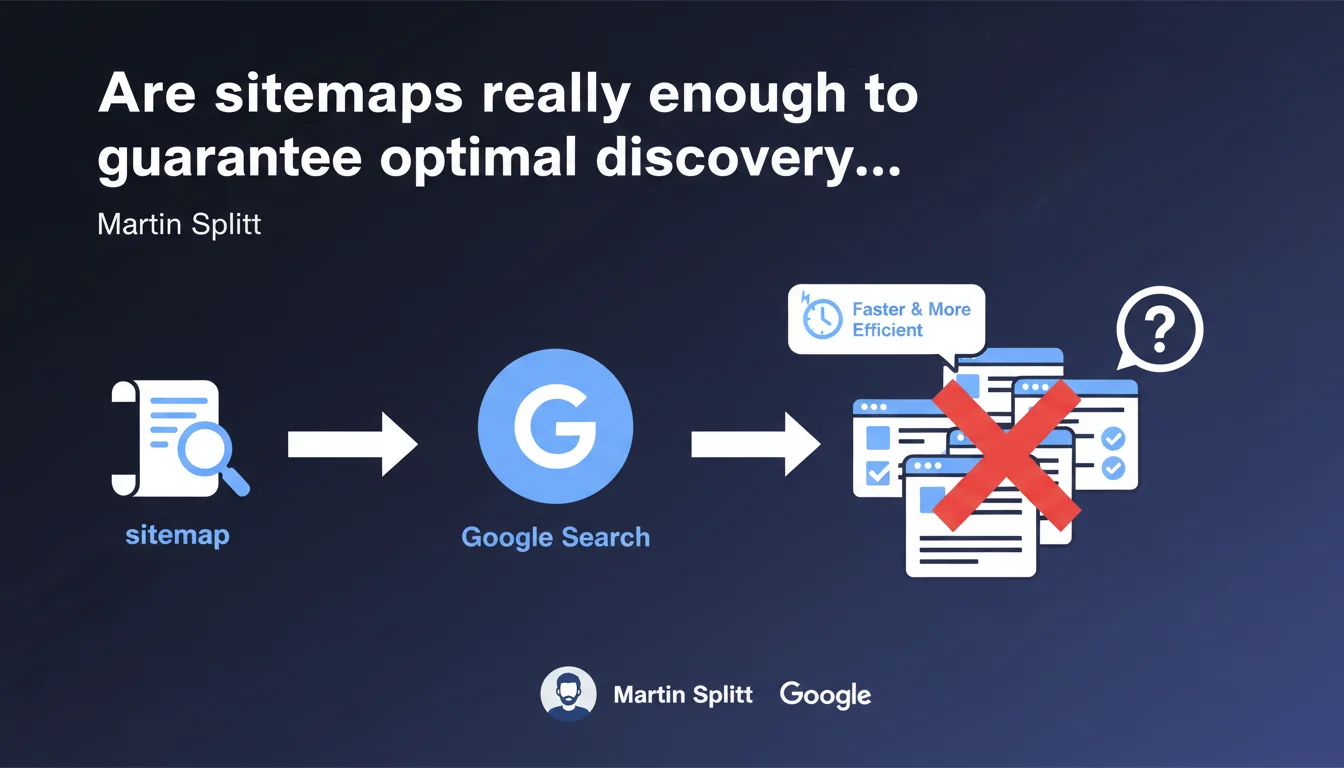
Martin Splitt confirms that sitemaps help Google discover pages on a website more quickly and efficiently. This statement reinforces the usefulness of sitemaps without making them an absolute requirement — yet it remains surprisingly vague about the precise mechanisms and limitations of this tool. For complex or large-scale sites, the sitemap remains a valuable discovery signal, not a guarantee of indexation.
What you need to understand
Why does Google still emphasize sitemaps in 2025?
The XML sitemap is not a new concept — it has been a web standard for years. Yet Google continues to present it as a discovery tool, not an indexation tool. An important distinction.
Concretely, a sitemap transmits to Google a list of URLs that you consider important. This helps Googlebot prioritize its crawl, especially on sites with deep architecture, orphaned pages, or weak internal linking. But — and this is where it gets tricky — it does not force indexation. Google can easily crawl a URL listed in the sitemap and decide not to index it.
When does a sitemap really make a difference?
For a small brochure website with 20 pages and clean linking structure, the sitemap is almost ancillary. Google will find your pages without issue through natural crawling and internal links.
On the other hand, for e-commerce sites with thousands of product pages, media sites with deep archives, or platforms generating dynamic content, the sitemap becomes a strategic tool. It signals new URLs, frequent updates (via <lastmod>), and relative priorities (although Google often ignores <priority>).
What does this statement from Splitt not say?
Martin Splitt remains vague on several critical points. How much time passes between sitemap submission and the first crawl? What proportion of submitted URLs is actually crawled within 24 hours, 7 days, 30 days? No concrete data. [To verify]
He also does not mention known limitations: a sitemap can contain up to 50,000 URLs (or 50 MB uncompressed), beyond which you must fragment. He does not mention common errors (URLs blocked by robots.txt listed in the sitemap, 301 redirects, 404 errors). In short, a surface-level statement.
- The sitemap aids discovery, not guaranteed indexation
- Useful especially for complex or large-scale sites
- Does not replace a solid internal linking structure
- Google provides no precise metrics on the actual effectiveness of sitemaps
- The
<priority>and<changefreq>tags are often ignored
SEO Expert opinion
Is this statement consistent with real-world observations?
Yes, broadly speaking. On sites I have tracked for years, new URLs added to the sitemap are indeed crawled faster than those discovered only through internal linking — especially if the site already has a good crawl history.
But there is a bias: Google crawls faster the sites it considers trustworthy, with quality content and regular updates. On a new or penalized site, the sitemap is not a silver bullet. I have seen submitted sitemaps that were ignored for weeks. So no, it is not a magic lever.
What nuances should be added to this statement?
Splitt says sitemaps help discover pages "faster and more efficiently." Fair enough. But he omits to clarify that content quality always comes first. A URL in a sitemap pointing to duplicate, thin, or noindex-blocked content will never be indexed, regardless of the sitemap.
Another nuance: Google Search Console displays errors in the Sitemaps tab (URLs blocked by robots.txt, 404s, etc.). These errors are often misinterpreted. A 404 URL listed in the sitemap is not necessarily a disaster if it was voluntarily removed. But many SEO professionals panic and fix things without understanding the context.
When does this rule not apply?
For very small sites (fewer than 50 pages) with proper internal linking, the sitemap is nearly optional. Google will find your pages easily through natural crawling and internal links.
Similarly, if your site suffers from serious structural problems (crawl budget exhausted by infinite facets, massive duplicate content, broken silo architecture), the sitemap will not save you. You must first fix the foundations. A well-designed sitemap on a broken site is like repainting a house that is collapsing.
Practical impact and recommendations
What should you concretely do to optimize your sitemap?
First, generate a clean and up-to-date XML sitemap. If your CMS does this automatically (WordPress with Yoast, Shopify, etc.), verify that the configuration correctly excludes unnecessary pages: tag archives, internal search pages, URLs with dynamic parameters.
Next, submit it via Google Search Console — and monitor errors. 404s, 301 redirects, and URLs blocked by robots.txt should be corrected quickly. A sitemap filled with errors sends a signal of negligence to Google.
What errors should you absolutely avoid?
Never list in your sitemap URLs with noindex, blocked by robots.txt, or in permanent redirect. This is an inconsistency that Google detects immediately.
Also avoid submitting a giant unsegmented sitemap. If you have 200,000 products, fragment by category or language. Google crawls structured sitemaps better. And above all, do not play games with <priority> by setting 1.0 everywhere — Google largely ignores this tag.
How do you verify that your sitemap is working correctly?
Go to Google Search Console, Sitemaps section. Check the number of URLs submitted vs. indexed. A significant gap (50% or more) warrants investigation: duplicate content, misconfigured canonicals, pages blocked by robots.txt.
Also use the URL inspection tool to verify that Google actually sees your new pages and that they are eligible for indexation. If a URL remains "Discovered, currently not indexed" for weeks, the problem rarely comes from the sitemap — it is a signal of quality or crawl budget.
- Generate a clean XML sitemap, excluding unnecessary pages
- Submit via Google Search Console and monitor errors
- Segment large sitemaps (by category, language, content type)
- Never include URLs with
noindex, blocked by robots.txt, or in 301 redirects - Update the sitemap with every major content addition/removal
- Regularly check the gap between submitted and indexed URLs
- Use
<lastmod>to signal frequent updates
❓ Frequently Asked Questions
Un sitemap garantit-il l'indexation de mes pages par Google ?
Faut-il soumettre un sitemap si mon site fait moins de 100 pages ?
Google prend-il en compte les balises priority et changefreq dans le sitemap ?
Combien de temps après la soumission d'un sitemap Google crawle-t-il les nouvelles URLs ?
Peut-on avoir plusieurs sitemaps sur un même site ?
🎥 From the same video 2
Other SEO insights extracted from this same Google Search Central video · published on 13/11/2023
🎥 Watch the full video on YouTube →
💬 Comments (0)
Be the first to comment.