
Official statement
Other statements from this video 2 ▾
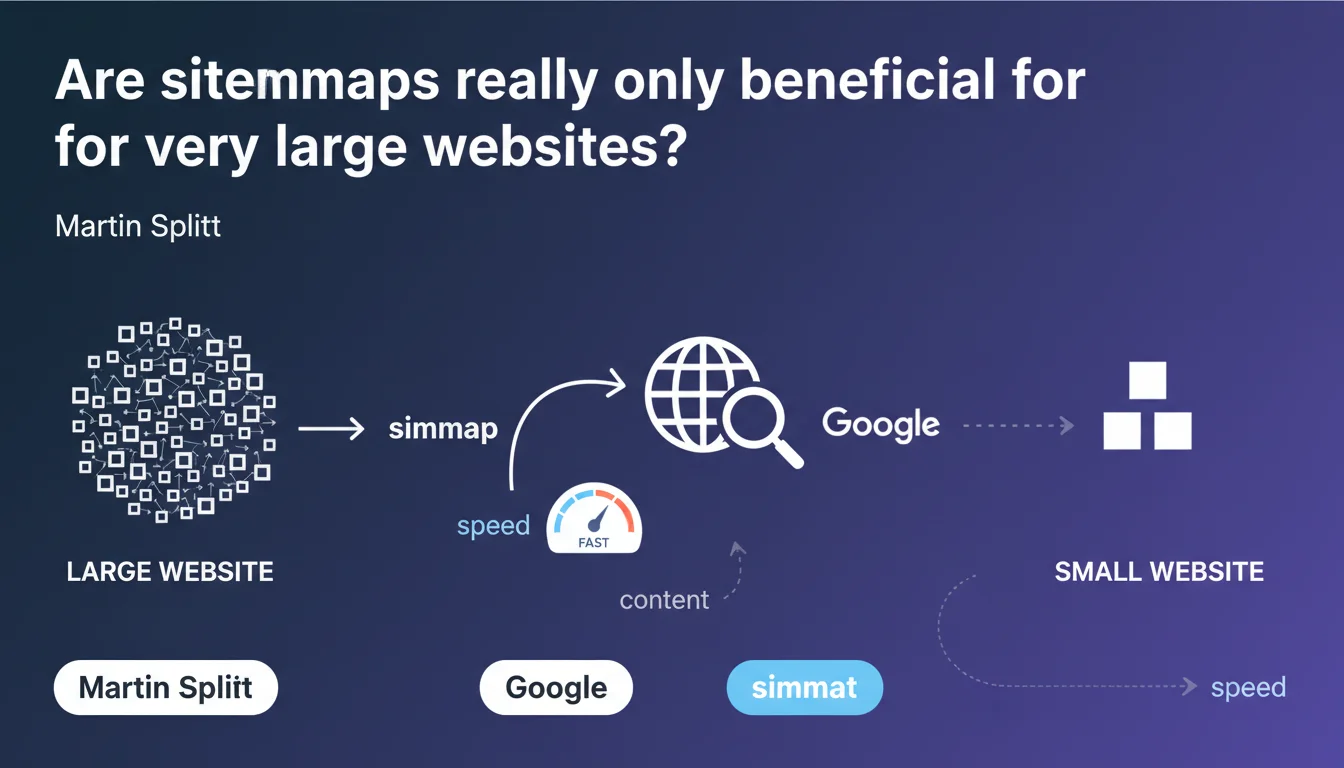
Martin Splitt claims that sitemaps are particularly useful for very large websites to accelerate Google's page discovery. The key challenge: optimizing sitemap configuration to improve crawl speed and indexation. However, this statement leaves vague the definition of a "very large site" and underestimates the real usefulness of sitemaps for medium-sized websites.
What you need to understand
Why does Google emphasize very large sites?
Google processes billions of pages every day. For sites containing tens of thousands — or even millions — of pages, the crawl budget becomes a critical issue. Without a well-structured sitemap, Googlebot may take weeks to discover certain pages buried deep in the site architecture.
An XML sitemap provides Google with a clear roadmap of URLs to explore, complete with metadata like last modification date and update frequency. For an e-commerce site with 50,000 product listings, this is the difference between indexation in a few days or several months.
What exactly do we mean by a "very large site"?
Google provides no precise figures. 10,000 pages? 100,000? 1 million? This vague formulation leaves each person to interpret based on their context. A site with 5,000 pages and complex architecture can encounter the same discovery issues as a site with 50,000 pages and flat structure.
Raw size in number of pages is just one indicator among many. Publishing frequency, depth of site architecture, internal linking quality — all of this affects the real usefulness of a sitemap.
What does proper configuration actually mean?
Splitt mentions "proper configuration" without elaborating. Typically, this involves: segmenting sitemaps by content type, excluding non-canonical URLs, updating modification dates in real-time, and respecting the 50,000 URL limit per sitemap file.
But the devil is in the details. A sitemap polluted with 404 URLs, redirects, or orphaned pages does more harm than good. It sends Googlebot on wild goose chases and wastes crawl budget.
- Sitemaps accelerate content discovery for high-volume websites
- Google does not precisely define what constitutes a "very large site"
- Proper configuration requires segmentation, cleanliness, and regular URL updates
- A poorly maintained sitemap can harm indexation rather than improve it
SEO Expert opinion
Is this statement consistent with real-world observations?
Yes and no. On very large sites (media, e-commerce, directories), the positive impact of a well-structured sitemap is measurable and documented. Googlebot logs clearly show accelerated discovery after sitemap optimization.
But downplaying the usefulness of sitemaps for medium-sized or small websites is misleading. A blog with 500 articles and weak internal linking will benefit from a sitemap just as much as some 10,000-page sites with perfectly optimized navigation.
What nuances should be added to this claim?
Splitt omits several use cases where sitemaps are essential, regardless of site size: fresh content (news, blogs), orphaned pages without incoming links, multilingual sites with hreflang, or sites with lots of dynamic content.
A sitemap never compensates for catastrophic architecture, but it provides a safety net. Saying it is "particularly" useful to very large sites implies it is optional elsewhere — which is false. [To verify] : Google shares no data on actual indexation speed gains according to site size.
In what cases does this rule not apply?
A 20-page site with simple navigation and solid internal linking does not actually need a sitemap to be crawled efficiently. Google will discover all pages within a few passes.
Conversely, a 2,000-page site with monthly redesigns, ephemeral content, and 5-click navigation depth would greatly benefit from implementing a sitemap, even if it doesn't fit Google's "very large site" category.
Practical impact and recommendations
What should you do concretely to optimize your sitemap?
First, audit the existing sitemap. Verify that your sitemap contains only 200 URLs, canonical ones, and truly strategic pages. Exclude pagination pages, internal search pages, login pages, and any technical URL without SEO value.
Next, segment by content type: one sitemap for products, another for the blog, a third for category pages. This makes tracking in Google Search Console easier and allows you to quickly identify where indexation problems lie.
Finally, automate updates. The sitemap must reflect the real-time state of your site. If you publish 10 articles daily, your sitemap should be regenerated daily — or even continuously via a cache invalidation system.
What errors should you absolutely avoid?
Never include 301/302 redirect URLs in the sitemap. Googlebot wastes time following these redirects, and it dilutes your crawl budget. Same logic for 404 or 410 URLs: they have no place in a sitemap.
Another trap: oversized sitemaps. A 50 MB file with 500,000 URLs slows down Google's processing. Better to split into multiple files of 10,000 to 20,000 URLs each, linked by a sitemap index.
And most importantly, don't list URLs in the sitemap if they're not accessible to Googlebot. Verify that your robots.txt doesn't forbid crawling these pages — a frequent inconsistency that creates confusion.
How do you verify that your sitemap is working correctly?
Google Search Console is your best ally. Check the "Sitemaps" report to identify discovered URLs, parsing errors, and delay between submission and indexation. A sitemap submitted 3 months ago with 0 indexed URLs is a red flag.
Cross-reference this data with server logs. Verify that Googlebot properly crawls the URLs listed in the sitemap, and on what timeline. If certain URLs are never visited, it's because Google doesn't consider them a priority — or a technical issue makes them inaccessible.
- Audit the current sitemap: exclude non-strategic URLs, those with errors, or redirects
- Segment by content type to facilitate tracking and analysis
- Automate generation and real-time updates
- Limit each sitemap file to maximum 20,000 URLs for optimal processing
- Verify consistency with robots.txt and meta robots tags
- Monitor Google Search Console and server logs to measure impact
❓ Frequently Asked Questions
Un site de 1000 pages a-t-il vraiment besoin d'un sitemap ?
Combien de temps faut-il à Google pour crawler un sitemap après soumission ?
Faut-il inclure toutes les pages du site dans le sitemap ?
Un sitemap peut-il nuire au SEO s'il est mal configuré ?
Dois-je soumettre mon sitemap manuellement ou laisser Google le découvrir ?
🎥 From the same video 2
Other SEO insights extracted from this same Google Search Central video · published on 13/11/2023
🎥 Watch the full video on YouTube →
💬 Comments (0)
Be the first to comment.