
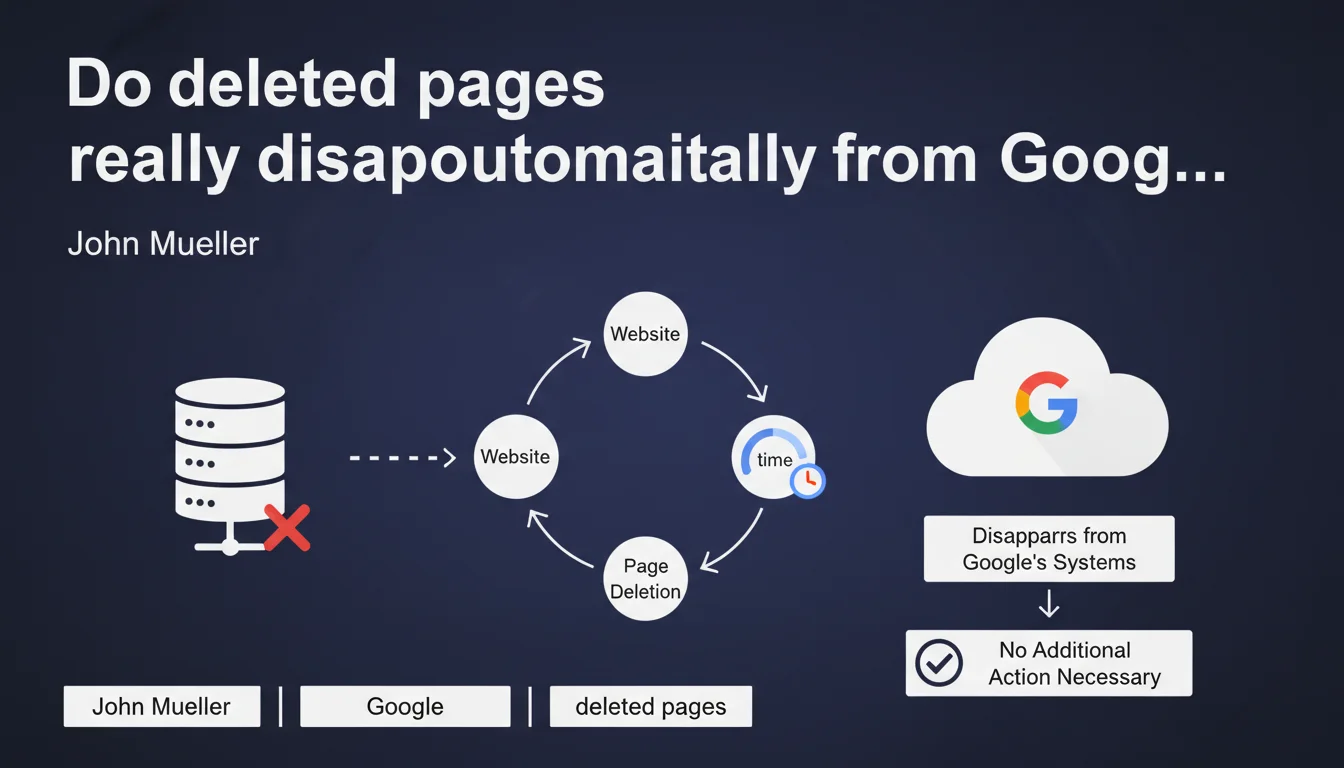
Official statement
Other statements from this video 4 ▾
- □ Faut-il vraiment s'assurer que les pages supprimées renvoient le bon code HTTP ?
- □ Faut-il vraiment supprimer tous les liens internes pointant vers vos pages supprimées ?
- □ Pourquoi faut-il attendre plusieurs semaines après la suppression d'une page pour voir l'index Google se mettre à jour ?
- □ L'outil de suppression urgente d'URL dans Search Console : vraiment nécessaire ou gadget surestimé ?
Google claims that pages deleted from a site automatically disappear from its index without manual intervention. The process is supposed to be fully automated, with no need to submit removal or deindexing requests. But real-world observations show that this "over time" can stretch much longer than we'd like.
What you need to understand
What exactly does Google say about removing pages from its index?
John Mueller's statement is disarmingly simple: a deleted page will eventually disappear from Google's index without you having to lift a finger. No need to submit a request via Search Console, no need to manipulate your robots.txt file, nothing.
The principle is based on how crawling naturally works: Googlebot periodically revisits pages it knows about. When it encounters a 404 error (or 410), it eventually removes the URL from its index. Complete automation, in theory.
How does this automatic deindexing process work?
The mechanism relies on crawl frequency. Google revisits your pages at a pace that depends on multiple factors: site popularity, content freshness, number of backlinks pointing to the URL in question, and allocated crawl budget.
When Googlebot detects a 404 error repeatedly over several visits, it eventually concludes that the page no longer exists. The URL is then removed from the index — but not necessarily immediately.
- The removal delay varies greatly depending on your site's crawl frequency
- A page with many external backlinks will be crawled more often, so it'll be deindexed faster
- Sites with low crawl budget can see 404s persist in the index for weeks or even months
- Google keeps track of deleted URLs in its logs, even after deindexing
Why does Google communicate on this specific point?
This statement addresses a recurring concern among SEO professionals: the panic of seeing old pages persist in search results. Many professionals imagine they must actively "clean" Google's index after a redesign or content deletion.
Mueller is trying to reassure here: Google handles deindexing automatically. No need for complex procedures or systematic manual interventions. The implicit message? Stop over-optimizing and trust the system.
SEO Expert opinion
Does this statement match what we observe in practice?
Yes and no. In absolute terms, Mueller is right: deleted pages do eventually disappear from the index. The problem is the "over time" mentioned in the statement. On some low-authority sites or those with limited crawl budget, that "over time" can stretch out over several weeks.
I've seen cases where 404 pages remained indexed 45 days after deletion. Not because Google is malfunctioning, but simply because the site wasn't being crawled frequently enough. [To verify]: Google provides no specific timeframe nor any guarantee about how quickly the process happens.
In what cases doesn't this rule really apply?
The statement implies a linear and predictable process. But several situations complicate matters. If a deleted page still receives active backlinks, Googlebot will continue crawling it regularly — which accelerates deindexing, certainly, but also keeps the URL on Google's radar.
Another problematic case: pages with high referral traffic or external mentions. Google may take longer to remove these URLs because it considers them to still have some contextual relevance, even if they return a 404.
Should you really "do nothing" as Mueller suggests?
It depends on your context. For a routine deletion of a few obsolete pages, yes, letting it happen is reasonable. But for a major redesign with hundreds of deleted pages, inaction can be costly in terms of user experience and quality signals sent to Google.
If Google continues serving 404 pages in the SERPs for weeks, you're generating user frustration and potentially a low quality signal. Better to be proactive: 301 redirects to equivalent content when relevant, monitoring 404s in Search Console, verifying that sitemaps no longer reference deleted pages.
Practical impact and recommendations
What should you concretely do when deleting pages?
Don't "do nothing" in the strict sense. Automatic deindexing works, but you can — and should — optimize the process. First step: return a properly configured 404 or 410 HTTP code. The 410 explicitly signals that the page is permanently deleted, which can theoretically speed up deindexing.
Next, update your XML sitemap to remove the deleted URLs. This doesn't force deindexing, but it prevents sending conflicting signals to Google. Also check your internal linking: no internal links should point to a 404 page.
- Return a 404 or 410 HTTP code for deleted pages
- Remove the relevant URLs from your XML sitemap
- Fix all internal links pointing to deleted pages
- Set up 301 redirects to equivalent content where relevant
- Monitor 404s via Search Console to detect any crawl issues
- For urgent removals (legal, reputation), use the URL removal tool in Search Console
What mistakes should you absolutely avoid?
First classic mistake: blocking 404s in robots.txt. If Googlebot can't access the page, it can't see that it's deleted — so it keeps the page in the index with the old cached data. The opposite of what you're trying to achieve.
Second mistake: returning a 200 code with "page not found" content. Google interprets this as an active page and continues indexing it. Use the appropriate HTTP codes — that's the basics.
How do you verify that the process is working correctly?
Monitor the Coverage (or Pages) report in Search Console. Deleted pages should appear in the "Excluded" category with "Not Found (404)" status. If they remain in "Indexed", Google is still crawling them and considers them active.
You can also use the site:yourdomain.com operator to manually check whether deleted URLs still appear. Be aware, however, that this operator isn't always up-to-date in real time.
Mueller's statement is accurate but incomplete. Yes, deleted pages automatically disappear — but the timeline is variable and sometimes problematic. Being proactive (redirects, sitemap cleanup, fixing internal linking) remains the best approach to manage the transition.
Properly managing these deletions, anticipating impacts on crawl budget, and monitoring deindexing requires technical expertise and a deep understanding of Google's mechanisms. If your site is undergoing a major redesign or managing a large volume of pages, partnering with a specialized SEO agency can prove valuable to avoid pitfalls and optimize each step of the process.
❓ Frequently Asked Questions
Combien de temps faut-il pour qu'une page supprimée disparaisse de l'index Google ?
Faut-il utiliser le code 410 plutôt que 404 pour accélérer la désindexation ?
Peut-on forcer la désindexation d'une page supprimée plus rapidement ?
Que se passe-t-il si on bloque une page 404 dans le robots.txt ?
Les redirections 301 sont-elles préférables aux 404 pour les pages supprimées ?
🎥 From the same video 4
Other SEO insights extracted from this same Google Search Central video · published on 14/09/2022
🎥 Watch the full video on YouTube →
💬 Comments (0)
Be the first to comment.