
Official statement
Other statements from this video 4 ▾
- □ Do deleted pages really disappear automatically from Google's index?
- □ Should you really ensure that deleted pages return the correct HTTP status code?
- □ Should you really eliminate all internal links pointing to your deleted pages?
- □ Is Google's URL removal tool really necessary, or just another overrated feature you don't actually need?
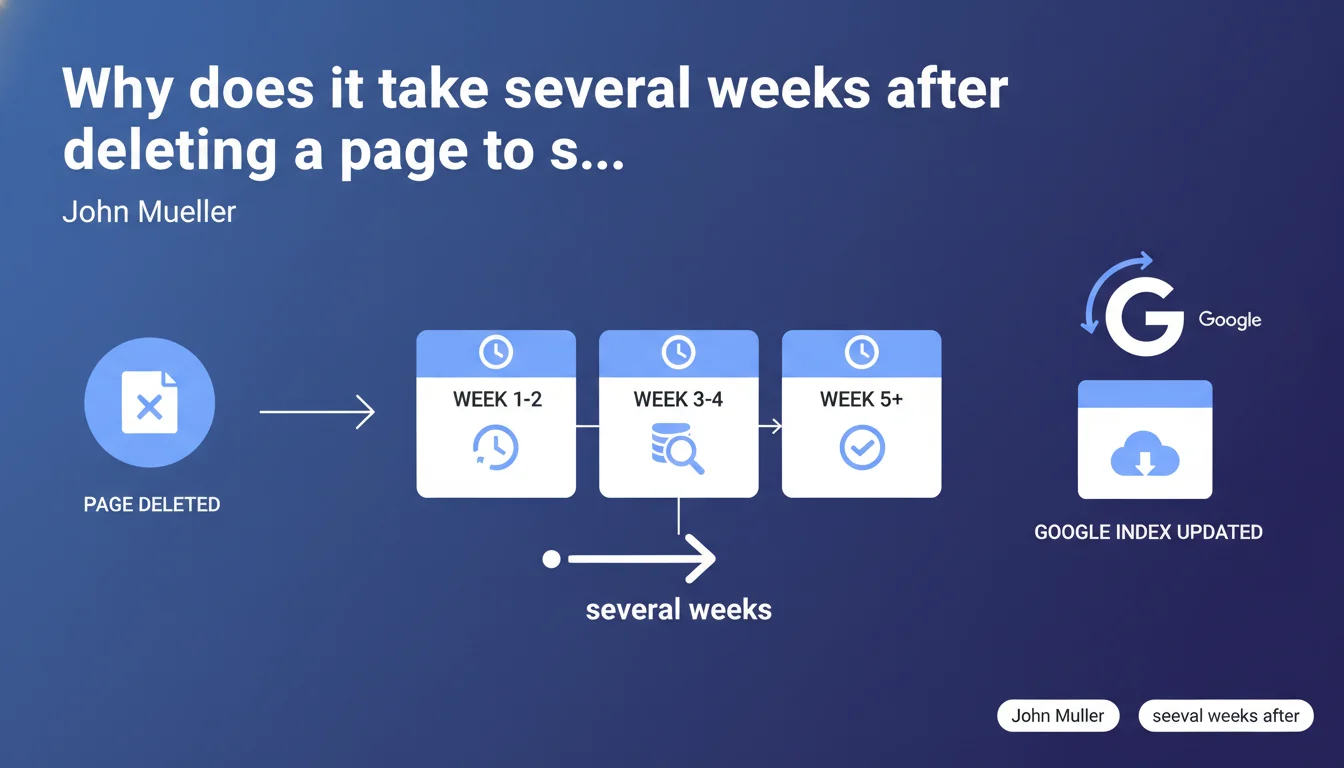
Google confirms it takes several weeks for its systems to process the deletion of a page from your site. This delay is not a bug or glitch — it's the normal functioning of the indexing infrastructure. SEO professionals must factor this timeline into their site redesign and cleanup strategies.
What you need to understand
Is this multi-week delay really impossible to compress?
Yes. When you delete a page or return a 404/410 status, Google doesn't instantly update its index. The search engine must first recrawl the URL, understand that the resource no longer exists, then propagate this information across its multiple data centers and related systems (ranking algorithms, suggestion systems, cached snippets, etc.).
Mueller mentions "a few weeks," which aligns broadly with real-world observations. For a site with good crawl budget, this delay can drop to 7-10 days. For a slower or lower-authority site, it can stretch to 4-6 weeks, or even longer for low-priority URLs.
Why this slowness when crawling can happen almost instantly?
Crawling is one thing, updating the index is another. Google divides its infrastructure into specialized systems: Caffeine (indexation), ranking algorithms, regional data centers, CDN caches, etc. A deleted URL must be removed from every layer.
Add to that security mechanisms: Google doesn't immediately deindex a page returning a 404, in case it's a temporary server error. It checks multiple times, at spaced intervals, before considering the deletion permanent.
What signals speed up or slow down this process?
- Crawl budget: a site crawled daily will see its deletions processed faster than a site crawled once a month.
- HTTP response type: a 410 Gone ("permanently deleted") may slightly accelerate the process compared to a 404 Not Found.
- URL popularity: a page with active backlinks or heavy traffic will be recrawled more often, thus deindexed faster.
- XML sitemaps: removing the URL from the sitemap and submitting a new version via Search Console can give a slight boost, but remains marginal.
- Search Console: the URL removal tool can temporarily hide a page from results (effect within 24-48 hours), but this is just a cache — true deindexation follows its natural rhythm.
SEO Expert opinion
Is this statement consistent with practices observed in the field?
Broadly yes. In the vast majority of cases, counting 2-4 weeks for complete deindexation remains a reliable estimate. However — and this is where it gets interesting — the delay varies enormously depending on the site's profile.
On news sites or large e-commerce platforms crawled several times a day, I've seen deletions processed in 3-5 days. Conversely, on low-update-frequency brochure sites, certain zombie URLs continue appearing in the index 6-8 weeks after deletion. Mueller's "a few weeks" is a cautious average.
What nuances should be added to this statement?
First point: Mueller makes no distinction between different types of deletions. Deleting an orphaned page with no backlinks is not the same operation as deleting an old landing page still generating organic traffic. Google prioritizes recrawling active URLs.
Second point: he doesn't mention 301 redirects. When you redirect rather than delete, the update delay is similar, but the behavior differs: Google (partially) transfers signals from the old URL to the new one, which takes time. The "a few weeks" applies to PageRank consolidation as well.
Third point [To verify]: Mueller speaks of "systems" in plural, suggesting that certain infrastructure layers update faster than others. In practice, you may observe a URL disappearing from SERPs but remaining visible in Google Images or Google Discover for several additional days. This kind of desynchronization is never officially documented.
In what cases doesn't this "a few weeks" rule apply?
If you block the URL via robots.txt before deleting it, you create a problem. Google can't crawl the URL anymore to find out it returns a 404/410. Result: it stays in the index indefinitely, with a snippet saying "No information available." This is a classic redesign mistake.
Another case: internal duplicate content. If you delete a page but an exact copy exists elsewhere on the site, Google may simply switch to the other version without truly "deindexing" the first — it replaces it. The overall timeline remains the same, but the visible effect differs.
Practical impact and recommendations
What should you concretely do when deleting pages?
First, plan ahead. If you're planning a redesign or mass cleanup of URLs, factor "a few weeks" into your timeline. Don't expect old pages to vanish overnight, and brief your clients or teams accordingly.
Next, verify that your deletions return the correct 404 or 410 HTTP status codes. No soft 404s (pages displaying "not found" but returning 200 OK), no accidental robots.txt blocks. Use a crawler like Screaming Frog or Oncrawl to audit properly.
Finally, update your XML sitemap by removing deleted URLs, then resubmit it via Search Console. It's not magic, but it helps Google prioritize recrawling the affected sections.
What errors should you avoid during this transition period?
- Don't block deleted URLs in robots.txt — Google must be able to crawl the 404/410 to understand the page is gone.
- Don't panic if old pages still appear in SERPs after 7-10 days — it's normal, be patient.
- Don't use the Search Console removal tool as a permanent solution — it's a temporary 6-month cache, not true deindexation.
- Don't automatically redirect to the homepage as a fallback — if you have no relevant replacement page, accept the 404.
- Don't forget to monitor backlinks pointing to deleted URLs — contact webmasters to update links or capture equity via a strategic redirect if it makes sense.
How do you verify that deindexation is progressing correctly?
Use the site:yourdomain.com/old-url command in Google. If the URL still appears, it's still indexed. Run targeted searches on unique titles or content snippets to track any remnants.
In Search Console, check the "Index Coverage" or "Pages" report (new interface). Deleted URLs should progressively shift from "Indexed" to "Not found (404)" or "Excluded." The timeline corresponds to crawl waves — monitor the evolution week by week.
Finally, if you're managing large-scale deletions (redesign, migration, cleanup of thousands of obsolete URLs), track the progress in a spreadsheet or monitoring tool. Note the deletion date, current HTTP status, index presence, and crawl evolution. This will give you a baseline for future projects.
URL deletion is a common but underestimated operation in SEO. The unavoidable multi-week delay demands rigor in planning, especially during redesigns or migrations. Between managing strategic redirects, tracking progressive deindexation, and optimizing crawl budget, these operations require precision coordination. If you're leading a large-scale project or if your infrastructure has special requirements (multilingual, marketplace, dynamic content), support from a specialized SEO agency can secure the operation and prevent costly mistakes — notably accidental organic traffic loss on overlooked sections.
❓ Frequently Asked Questions
Un code 410 Gone accélère-t-il vraiment la désindexation par rapport à un 404 Not Found ?
Faut-il retirer les URLs supprimées du sitemap XML immédiatement ?
L'outil de suppression d'URL de la Search Console désindexe-t-il vraiment les pages ?
Que se passe-t-il si je bloque une URL supprimée dans le robots.txt ?
Combien de temps les backlinks vers une URL supprimée continuent-ils de transmettre du PageRank ?
🎥 From the same video 4
Other SEO insights extracted from this same Google Search Central video · published on 14/09/2022
🎥 Watch the full video on YouTube →
💬 Comments (0)
Be the first to comment.