
Official statement
Other statements from this video 2 ▾
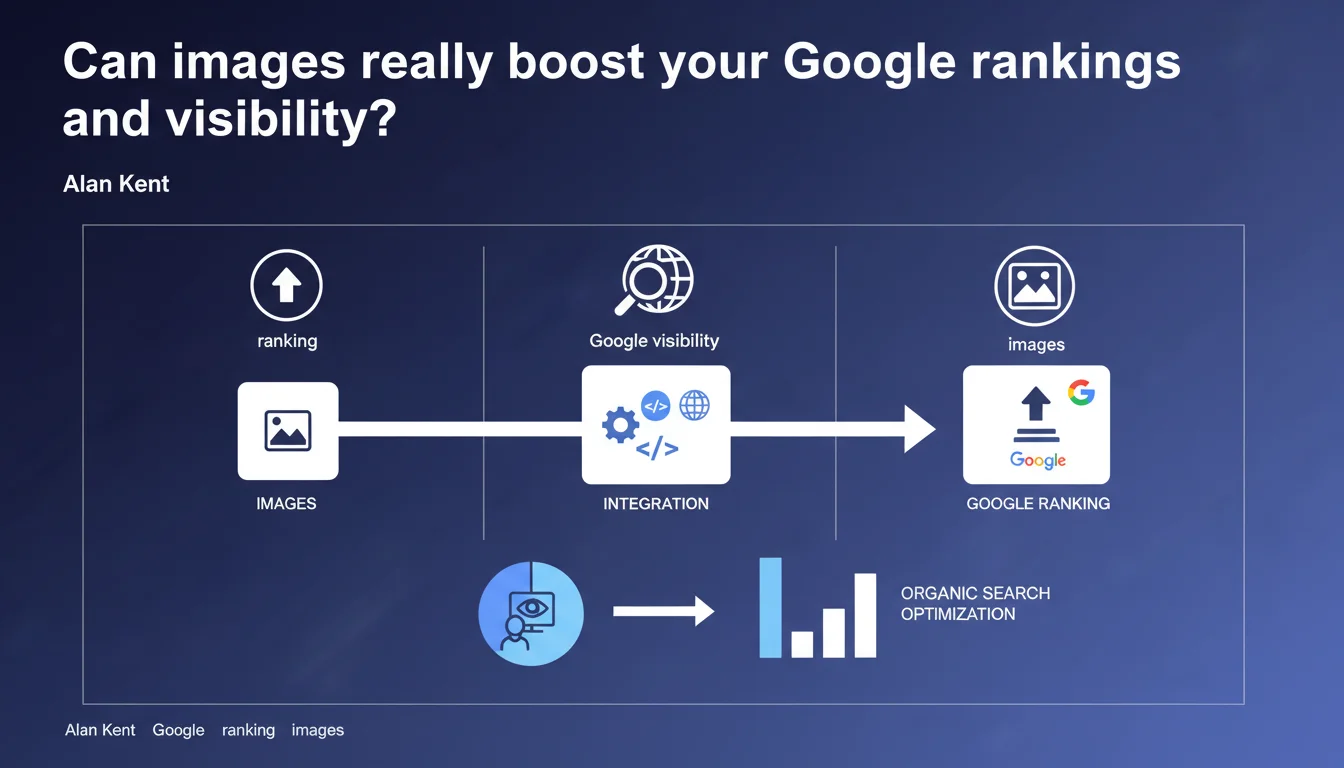
Google confirms that images on a website directly influence ranking in search results. How they are integrated — alt tags, format, file size, context — affects your organic search performance, not just Google Images.
What you need to understand
Why does Google place importance on images for ranking?
Google doesn't just index text. For years, the algorithm has been analyzing visual content to better understand a page. A well-integrated image enriches the semantic context of content and helps the search engine confirm the relevance of a page for a given query.
In practical terms, a page with appropriate visuals, well-captioned and technically optimized, sends quality signals to Google. Conversely, poorly executed images — heavy files, missing alt attributes, off-topic — can degrade user experience and indirectly harm your ranking.
What's the difference between standard SEO and image SEO?
Image SEO (optimization for Google Images) and the impact of images on standard web ranking are two distinct but related things. Ranking in Google Images can generate qualified traffic, but that's not what we're discussing here.
Google clearly states that the way images are integrated affects the overall organic ranking of a page. This includes: loading speed (Core Web Vitals), contextual relevance, accessibility (alt text), structured markup. All factors that weigh in the main algorithm.
Is Google precise about the exact mechanisms?
No. As often the case, the statement remains intentionally vague. Google confirms a general principle — images impact ranking — without detailing the weightings, thresholds, or exact mechanisms. Typical of Google's communication: direction given, zero figures provided.
From real-world experience, we know that certain sectors (e-commerce, recipes, tutorials) are more sensitive to image optimization than others. But quantifying the exact impact? Impossible without large-scale testing.
- Images enrich the semantic context of a page and help Google confirm its relevance.
- Technical integration (file size, format, lazy loading) influences Core Web Vitals and thus ranking.
- Accessibility (alt attribute) is a quality signal considered by the algorithm.
- Google remains vague on weightings and precise mechanisms.
SEO Expert opinion
Is this statement consistent with real-world observations?
Yes, overall. Since the integration of Core Web Vitals as a ranking factor, we clearly observe that poorly optimized images — heavy, uncompressed, without lazy loading — degrade LCP (Largest Contentful Paint) and impact ranking. That's factual.
On the semantic side, tests also show that a page with relevant visuals and well-captioned content performs better on queries with strong visual intent (tutorials, products, recipes). But be careful: the effect remains marginal if the textual content is weak. Images won't save a page that lacks substance.
What nuances should we mention?
First point: Google doesn't say that all images have the same impact. A decorative icon of 2 KB doesn't carry the same weight as a product photo of 500 KB that crushes your LCP. You need to prioritize optimization of critical visuals for initial rendering.
Second nuance: impact varies by query type and industry. On a pure informational query (e.g., "SEO definition"), images play an anecdotal role. On a product or recipe query, their absence or poor quality can cost you rankings. [To verify]: Google has never published sector-specific data on this point.
In what cases does this rule not really apply?
On highly technical, B2B, or YMYL content pages (finance, health), textual expertise and site authority vastly outweigh the image factor. A legal advice page without visuals can rank in position 1 if the content is solid and backlinks are strong.
Another case: sites that already have excellent Core Web Vitals scores. If your LCP is already under 2.5 seconds, optimizing images further won't gain you much in terms of ranking. ROI becomes marginal. Better to invest in other levers (internal linking, content, link building).
Practical impact and recommendations
What should you do concretely to optimize images?
First priority: reduce image file sizes without sacrificing visual quality. Use modern formats (WebP, AVIF) and compress systematically before upload. A tool like Squoosh or ImageOptim works for small volumes; for an e-commerce site, automate via a CDN (Cloudflare, Imgix).
Second task: implement lazy loading on all images outside the initial viewport. Since HTML5, this is native with the loading="lazy" attribute. This prevents loading 50 images on first render when the user only sees 3. Direct impact on LCP.
Third point: take care of alt attributes. Not for keyword stuffing — Google detects that instantly — but to precisely describe visual content. Think accessibility first, SEO second. A good alt helps Google understand the image's context within the page.
What mistakes should you absolutely avoid?
Classic mistake: embedding gigantic images (4000×3000 px) when the viewport never exceeds 800 px wide. Resize your visuals before upload, ideally in 2-3 sizes (mobile, tablet, desktop) via srcset. Loading an image 10 times too large just to resize it with CSS is pure waste.
Another trap: forgetting to preload the LCP image. If your hero visual is critical for rendering, add a preload directive in the head. That saves several hundred milliseconds on LCP, especially on mobile.
Finally, don't neglect the textual context around the image. A caption (figcaption tag), a paragraph just above or below that mentions the image — that helps Google connect the visual to the content. An isolated image without semantic anchoring is a weak signal.
How do you verify your site is compliant?
Run PageSpeed Insights or Lighthouse audit on your strategic pages. Look specifically at LCP and CLS metrics and the "Optimize images" recommendations. If you see warnings about format or compression, there's work to do.
Also use Google Search Console, "Page Experience" section > Core Web Vitals. Identify URLs that fall to "Poor" due to LCP. Often, it's a poorly optimized image at the top of the page.
- Compress all images to WebP or AVIF format
- Implement lazy loading on images outside the initial viewport
- Write descriptive and contextual alt attributes
- Preload the LCP image if it's critical for rendering
- Use srcset to serve sizes appropriate for each device
- Add textual context (captions, paragraphs) around important visuals
- Regularly audit PageSpeed Insights and Search Console
❓ Frequently Asked Questions
Les images impactent-elles uniquement le SEO image ou aussi le classement web classique ?
Faut-il mettre des mots-clés dans l'attribut alt pour améliorer le SEO ?
Le format WebP est-il vraiment indispensable pour le SEO ?
Une page sans image peut-elle bien se positionner ?
Comment savoir si mes images plombent mon LCP ?
🎥 From the same video 2
Other SEO insights extracted from this same Google Search Central video · published on 22/06/2022
🎥 Watch the full video on YouTube →
💬 Comments (0)
Be the first to comment.