
Official statement
Other statements from this video 2 ▾
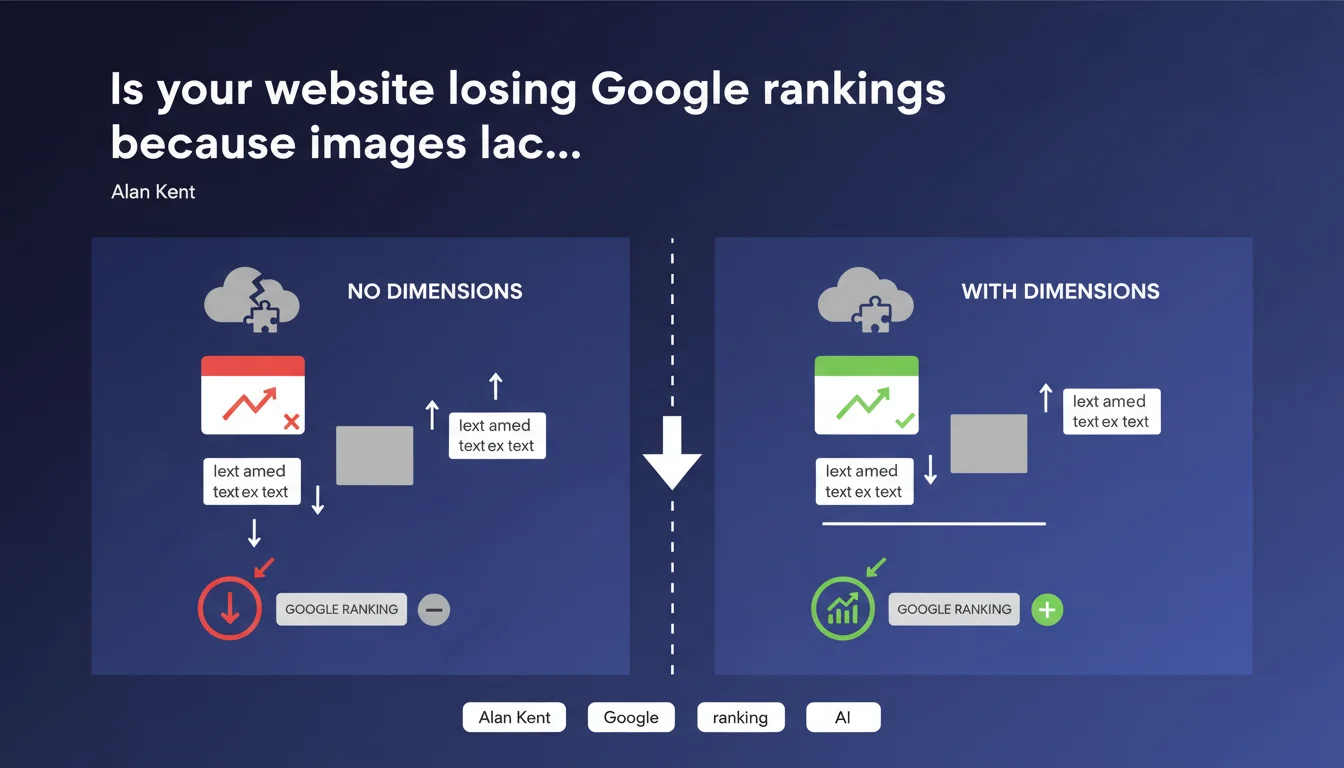
Google treats Cumulative Layout Shift (CLS) caused by missing width and height attributes on images as a negative ranking signal. Specifying dimensions allows the browser to reserve space before the image loads, preventing visual jumps. In practice: images without dimensions = poor UX = loss of rankings.
What you need to understand
How does missing dimensions cause content to shift?
When a browser loads an HTML page, it parses the code line by line. Without width and height attributes, the browser doesn't know how much space the image needs — so it displays it at zero height until the image file is downloaded and decoded.
Once the image finally displays, all content below it suddenly jumps downward. This phenomenon is called Cumulative Layout Shift (CLS), one of the three Core Web Vitals metrics Google measures.
Why does Google penalize this behavior?
Because CLS degrades user experience. A visitor who starts reading a paragraph and suddenly gets pushed three lines down — or worse, clicks the wrong button because elements shifted — experiences frustration.
Google officially integrated Core Web Vitals as a ranking factor. CLS is part of it. A statement from Alan Kent, a Google engineer, confirms this metric isn't just theoretical UX feedback — it directly impacts your visibility.
What happens when you specify dimensions?
The browser immediately reserves the necessary space, even before the image loads. The layout stays stable. CLS drops, users experience no visual jumps, and Google has no reason to downgrade your score.
- High CLS = negative signal for Google ranking
- Width and height attributes let the browser calculate the aspect ratio and reserve space
- Works even with responsive images (CSS adapts dimensions based on viewport)
- Valid for all formats: JPG, PNG, WebP, SVG
- Also applies to iframes, videos, and any element that loads after initial rendering
SEO Expert opinion
Is this statement really new?
No. Google has been communicating about Core Web Vitals and CLS for years. What's changed is that Alan Kent explicitly confirms the link between CLS and rankings, where some SEOs still doubted the real impact.
Let's be honest: many sites have fixed their CLS without seeing dramatic jumps in SERPs. Why? Because Core Web Vitals remain just one factor among dozens — content quality, backlinks, relevance, E-E-A-T, and more. A site with perfect CLS but mediocre content will never outrank a solid competitor.
When doesn't this rule apply strictly?
If your images use native lazy loading (loading="lazy") and sit low on the page, CLS can be minimal or even zero — users never scroll to that content during initial load.
Similarly, images inserted via JavaScript after user interaction (clicking "load more", opening a tab) don't generate measured CLS, since Core Web Vitals focus on the visible viewport at load. [Verify]: the exact impact on rankings of CLS outside the initial viewport remains unclear in official statements.
What's Google's tolerance threshold for CLS?
Google doesn't penalize at the first pixel of shift. The "good" CLS threshold is set at 0.1 or less. Between 0.1 and 0.25, you're in the orange zone — "needs improvement". Above 0.25, it's red, and you risk visible ranking impact.
In practice, a few small images without dimensions won't destroy your site if everything else is clean. But an 800px hero banner loading without dimensions? That's a CLS disaster.
Practical impact and recommendations
What should you do concretely on your site?
Audit all <img> tags on your site and verify they include width and height attributes. Don't guess dimensions — use the actual dimensions of your source file.
For responsive images, set dimensions based on the largest image in your srcset, and let CSS handle the rest. The browser will manage the scaling.
How do you measure the impact on your site?
Use PageSpeed Insights, Lighthouse, or Search Console (Core Web Vitals report). These tools identify which elements are responsible for CLS and quantify the problem.
Test on both mobile AND desktop — CLS often varies by device, especially with ads, sidebars, or elements that reposition themselves.
What mistakes should you avoid when fixing this?
Don't set dimensions randomly or "by gut feeling". If your image is 1200x800 but you write width="800" height="600", you'll distort the aspect ratio — the browser will reserve incorrect space, and the image will deform or still generate CLS.
Also, don't rely on lazy loading alone to solve this: loading="lazy" doesn't eliminate the need for width and height attributes. Both work together.
- Audit all <img> tags (templates, static pages, dynamic content)
- Add width and height with actual source file dimensions
- Check that CSS doesn't force incompatible aspect ratios
- Test CLS with PageSpeed Insights and Search Console
- Also fix iframes, videos, and ad blocks (often the worst culprits)
- Monitor CLS over time — a regression after deployment = immediate alert
❓ Frequently Asked Questions
Est-ce que spécifier les dimensions ralentit le chargement de la page ?
Que faire si mes images sont uploadées par des utilisateurs ou des CMS tiers ?
Le CLS causé par des publicités tierces est-il aussi pénalisant ?
Faut-il aussi spécifier les dimensions pour les images en lazy loading ?
Un CLS élevé peut-il vraiment faire perdre des positions dans les SERPs ?
🎥 From the same video 2
Other SEO insights extracted from this same Google Search Central video · published on 22/06/2022
🎥 Watch the full video on YouTube →
💬 Comments (0)
Be the first to comment.