
Official statement
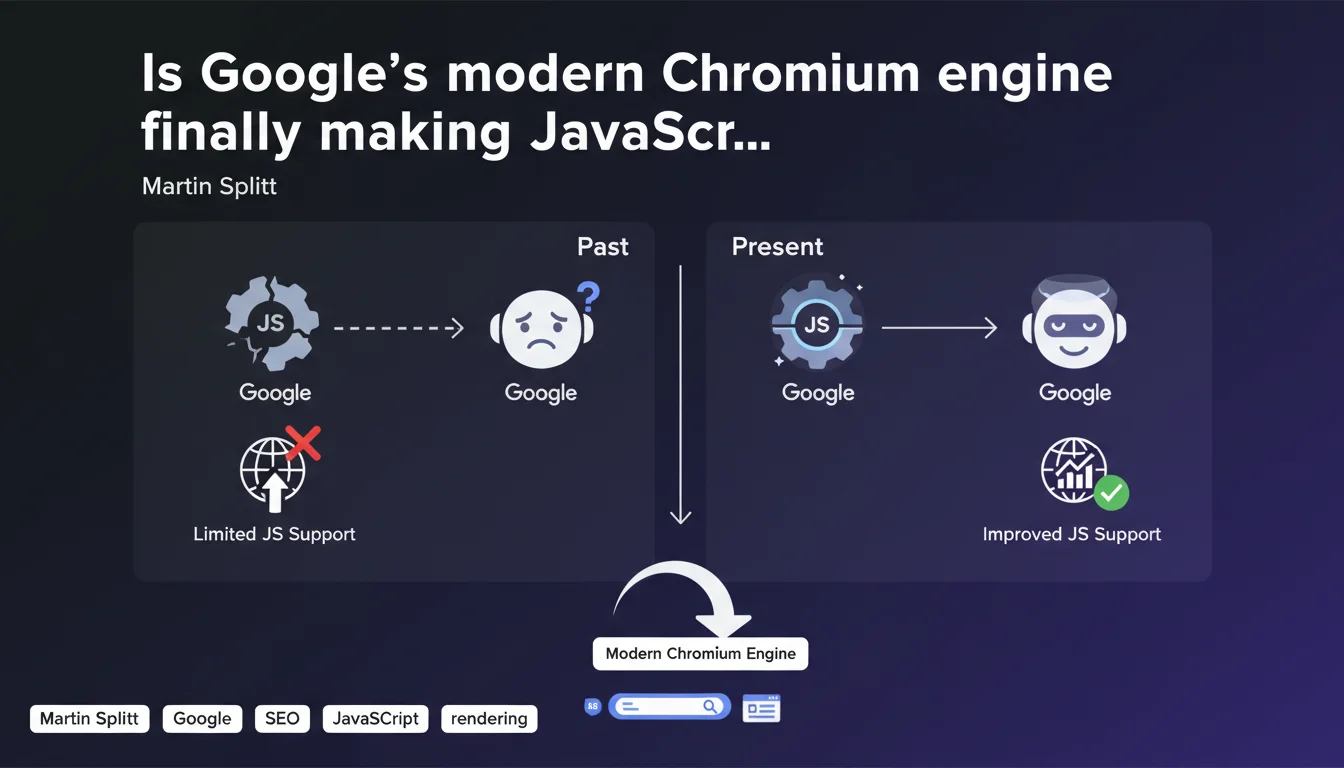
Google now uses a modern Chromium rendering engine to process JavaScript, abandoning the old Chrome 41-based system. This evolution significantly improves compatibility with modern frameworks (React, Vue, Angular) and reduces the risk of partial indexation. However, this doesn't eliminate the need for a structured approach: crawl budget remains limited, and complex sites still often require SSR or prerendering.
What you need to understand
What has actually changed in Google's rendering engine?
For years, Googlebot relied on Chrome 41, a version dating back to 2015. This created enormous compatibility problems with modern JavaScript frameworks that leverage ES6+ features not supported by this outdated engine.
Now, Google has migrated to an evergreen Chromium engine, meaning a version that receives regular updates. In practice? Promises, async/await, ES6 modules, modern APIs — all of this works without requiring aggressive transpilation.
Does this mean all JavaScript-powered sites are now crawled perfectly?
No. The modern rendering engine improves technical compatibility, but doesn't solve structural issues: excessive load times, content generated after user interactions, dependencies on resources blocked by robots.txt.
If your site requires three seconds of JS calculations before displaying core content, even a modern engine won't change anything — crawl budget will be exhausted before Googlebot sees the essential parts.
Which frameworks and technologies benefit most from this evolution?
Single Page Applications (SPAs) built with React, Vue, Angular are the big winners. Modern syntax, web components, native lazy-loading — everything that previously demanded heavy polyfills now works natively.
But be careful: this doesn't magically transform a client-side architecture into a SEO-proof solution. SSR (Server-Side Rendering) or static generation remain more reliable approaches for critical content.
- Evergreen Chromium migration: Google abandons Chrome 41 for a regularly updated engine
- Better ES6+ compatibility: async/await, promises, modules — no more need for aggressive transpilation
- Modern frameworks supported: React, Vue, Angular benefit from more reliable rendering
- Persistent limitations: crawl budget, blocked resources, rendering delays remain real obstacles
- SSR/SSG still recommended: for critical content, server-side rendering remains the safest strategy
SEO Expert opinion
Is this statement consistent with real-world observations?
Yes and no. On sites with simple architecture, we're indeed seeing improved rendering since this migration. Errors related to ES6 incompatibilities have dropped dramatically in Search Console.
But on complex sites — particularly marketplaces and data-heavy SaaS platforms with dashboards — we still observe partial indexation problems. The modern engine renders better, but if content requires multiple chained API requests, Googlebot often gives up before completion. [To verify]: Google has never published precise metrics on rendering timeouts and page-level limits.
What nuances should be added to this announcement?
Martin Splitt keeps saying "JavaScript works," but consistently omits discussion of the crawl budget cost. Yes, modern Chromium renders better — but it also consumes more server resources, which can slow crawl frequency on high-volume sites.
Another point: this migration only affects final rendering. If your site loads content via fetch() triggered by scrolling or clicking, that content remains invisible to Googlebot. The improvement addresses initial JavaScript execution, not user interactions.
In which cases does this improvement change nothing?
If you use aggressive lazy-loading with intersection observers, if your content depends on scroll events, if critical resources are blocked by robots.txt — the modern engine will solve nothing.
Likewise, sites with mandatory authentication, paywall-gated content, or SPAs without HTML fallbacks remain problematic. The engine executes code better, but it doesn't simulate a real user clicking and scrolling.
Practical impact and recommendations
What should you actually do if your site uses heavy JavaScript?
First step: test your critical pages with the URL inspection tool in Search Console. Compare the initial HTML (View Crawled Page > More Info > View HTML) with the final render. If content blocks are missing, they're not visible to Googlebot.
Next, analyze your Core Web Vitals server-side. An LCP above 2.5 seconds often signals a rendering problem that will hurt indexation, even with a modern engine.
What mistakes must you absolutely avoid with JavaScript and SEO?
Never block critical CSS and JS files in robots.txt — this is the #1 source of rendering problems. Google needs these resources to properly display the page.
Avoid placing main content behind user events (click, scroll). If your H1 or key paragraphs appear after clicking "Read More," Googlebot will never see them.
Don't use JavaScript redirects (window.location) to manage canonicals or mobile variants. Google detects these poorly and it creates invisible redirect chains in server logs.
How can you verify that your JavaScript implementation is SEO-compatible?
Set up regular monitoring via the Search Console API to detect pages indexed with missing content. Compare indexed word count (via inspection tool) with actual page content.
Use automated rendering tests with Puppeteer or Playwright to simulate Googlebot behavior. Verify that critical content appears in the DOM without user interaction.
- Test all critical pages with Search Console's URL inspection tool
- Verify that critical CSS/JS files are not blocked in robots.txt
- Ensure main content appears in initial HTML or after simple JS execution
- Measure rendering time with Lighthouse and target LCP < 2.5s
- Avoid JavaScript redirects for canonicals and mobile variants
- Implement SSR or static generation for high-value SEO content
- Regularly monitor gaps between source HTML and final render via Search Console API
- Set up alerts for sudden drops in indexation of JS-heavy pages
❓ Frequently Asked Questions
Le moteur Chromium moderne de Google indexe-t-il tout le JavaScript automatiquement ?
Faut-il encore transpiler son code JavaScript pour Googlebot ?
Comment savoir si Google rend correctement mes pages JavaScript ?
Les SPAs (Single Page Applications) sont-elles désormais SEO-friendly grâce à Chromium ?
Quels frameworks JavaScript bénéficient le plus de cette évolution ?
🎥 From the same video 3
Other SEO insights extracted from this same Google Search Central video · published on 23/03/2023
🎥 Watch the full video on YouTube →
💬 Comments (0)
Be the first to comment.