
Official statement
Other statements from this video 7 ▾
- □ Les Core Web Vitals influencent-ils vraiment le classement du contenu utile ?
- □ Google abandonne-t-il la compatibilité mobile comme facteur de classement indépendant ?
- □ Faut-il s'inquiéter de la suppression du rapport d'utilisabilité mobile dans Search Console ?
- □ Pourquoi Google abandonne-t-il l'outil de test d'optimisation mobile ?
- □ Peut-on enfin éditer le code directement dans le test des résultats enrichis de Google ?
- □ Search Console Insights fonctionne-t-il vraiment mieux sans Google Analytics ?
- □ Search Labs : comment tester les nouvelles fonctionnalités IA de Google avant leur déploiement ?
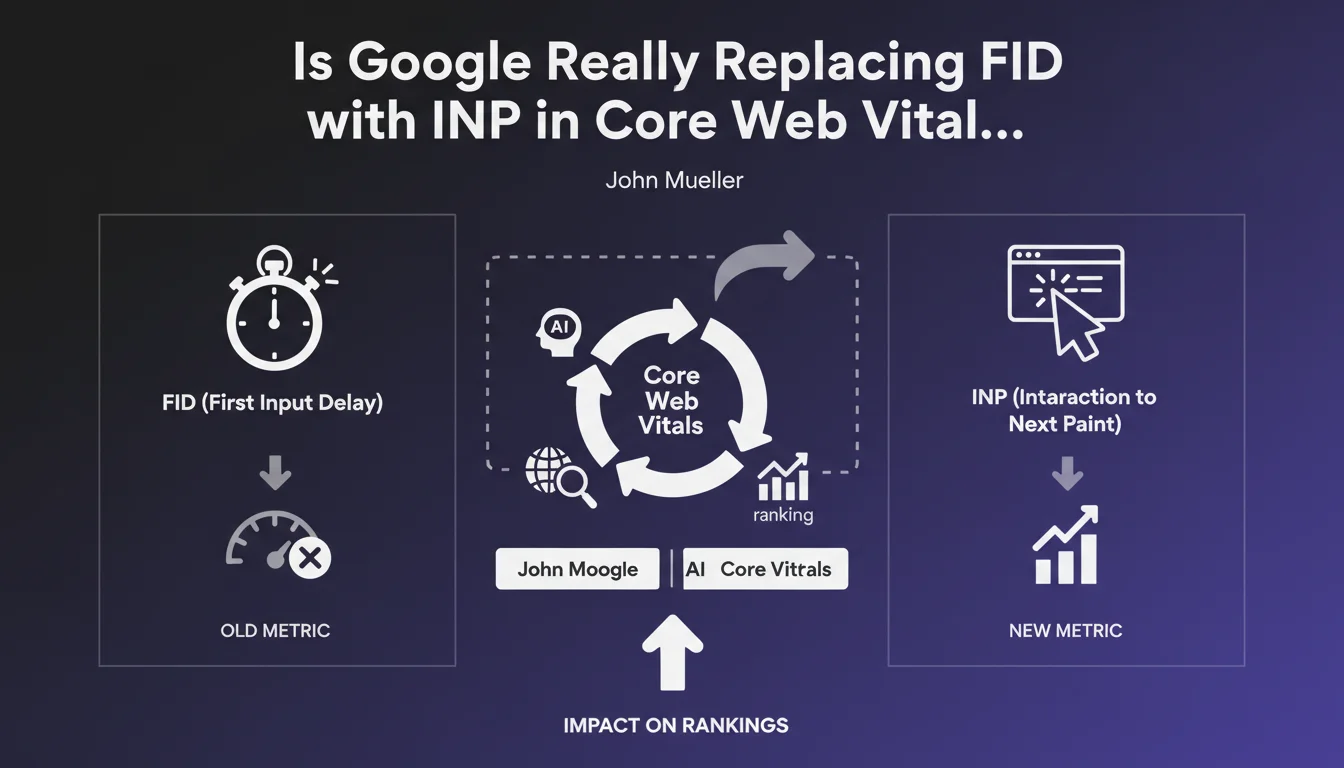
Google is officially replacing First Input Delay (FID) with Interaction to Next Paint (INP) in its Core Web Vitals. This new metric measures overall page responsiveness, not just the first interaction. Websites must now optimize all user interactions to maintain their SEO performance.
What you need to understand
What's Really the Difference Between FID and INP?
The First Input Delay (FID) only measured the delay before processing the first user interaction—like clicking a button, for example. Simple, but too narrow in scope.
Interaction to Next Paint (INP) goes much further: it evaluates every single interaction on a page and measures the time needed to display the corresponding visual update. In practical terms, if a user clicks multiple times, scrolls, types in a form, each interaction counts.
Why This Change Now?
Google is trying to better reflect real user experience. A page can have excellent FID because the first interaction is fast, but subsequent interactions could be disastrous.
INP captures this nuance—and it's precisely what frustrates or satisfies a visitor over time. Google wants to penalize sites that game the system with a fast first interaction but then stumble afterward.
- INP measures overall responsiveness, not just the first click
- Recommended threshold: less than 200 ms to be considered "good"
- Between 200 and 500 ms: "needs improvement"
- Beyond 500 ms: "poor"
- Confirmed SEO impact: it's now an official ranking signal
When Does This Change Take Effect?
INP integration into Core Web Vitals is already live. FID is no longer factored into page experience signals calculations.
If your PageSpeed Insights or Search Console still show FID, that's a remnant—focus on INP instead. Field data (CrUX) already reflects this shift.
SEO Expert opinion
Does This Metric Actually Capture Real User Experience?
Yes, much better than FID. In the field, I've seen sites with impeccable FID but forms that crawl. INP would have caught that.
But—and this is a big "but"—INP can be misleading for certain site types. A complex web application with heavy interactions (online editor, product configurator) will naturally have a higher INP than a static blog. Google doesn't contextualize enough based on site type. [To verify]: whether Google will adjust thresholds by industry in the future.
Do Field Observations Confirm Real Ranking Impact?
Yes and no. Sites with catastrophic INP (> 500 ms) on mobile have indeed lost ground in recent months. But be careful: correlation isn't causation.
On ultra-competitive queries, good INP can make the difference between position 3 and position 5. On less competitive niches, I've seen sites with average INP at 400 ms stay at the top—because content relevance and backlinks still carry more weight.
What Are the Limitations of This Metric?
INP is based on field data (CrUX), so it relies on real users. If your traffic is low or highly segmented (niche B2B, for example), you might not have enough data for a reliable score.
Another limitation: INP doesn't distinguish between a critical interaction (submitting a form) and a cosmetic interaction (hovering over a menu). Everything goes into the same bucket. A site can have poor INP because of a pointless carousel, even though its checkout flow is smooth. [To verify]: whether Google will refine the calculation to weight interactions by importance.
Practical impact and recommendations
What Should You Prioritize to Improve INP?
First, identify slow interactions. Use Chrome DevTools ("Performance" tab) or the Web Vitals extension to spot events exceeding 200 ms.
The usual suspects: blocking JavaScript, heavy CSS animations, layout recalculations after each click. If your site loads 12 third-party scripts (analytics, chat, A/B testing), each one can slow down the main thread.
Concretely: reduce unnecessary JavaScript, defer non-critical code, use Web Workers to offload heavy computations. And test—really test—on mid-range mobile devices, not on your MacBook Pro.
What Mistakes Should You Avoid at All Costs?
Classic error: over-optimizing Largest Contentful Paint (LCP) by deferring everything, then ending up with catastrophic INP because JavaScript arrives too late and blocks interactions.
Another trap: ignoring non-visible interactions. A user might click before your button is truly interactive (it displays quickly but the JS hasn't attached yet). Result: no visual feedback, frustration, poor INP.
- Audit your site with PageSpeed Insights and Chrome User Experience Report
- Identify interactions exceeding 200 ms in field data
- Reduce JavaScript executed at page load (code splitting, lazy loading)
- Limit non-essential third-party scripts or defer their loading
- Test on real mid-range devices, not just in simulation
- Monitor impact after each deployment with CrUX API or Search Console
- Optimize CSS animations (use transform and opacity, avoid width/height)
How Can You Verify That Your Site Meets INP Thresholds?
Use Google Search Console ("Core Web Vitals" report) to see if your URLs are rated "Good," "Needs Improvement," or "Poor." This is the official source—not a one-time test.
Supplement with PageSpeed Insights for detailed diagnosis. Look at "field data" (CrUX) first, not just "lab data" (Lighthouse). Lab data is useful for debugging, but Google ranks based on real user experiences.
❓ Frequently Asked Questions
L'INP remplace-t-il complètement le FID ?
Quel est le seuil INP pour être considéré comme « bon » ?
Un bon INP garantit-il un meilleur classement Google ?
Comment mesurer l'INP sur mon site ?
Faut-il optimiser l'INP même si mon trafic est faible ?
🎥 From the same video 7
Other SEO insights extracted from this same Google Search Central video · published on 18/07/2023
🎥 Watch the full video on YouTube →
💬 Comments (0)
Be the first to comment.