
Official statement
Other statements from this video 7 ▾
- □ Les Core Web Vitals influencent-ils vraiment le classement du contenu utile ?
- □ Google abandonne-t-il la compatibilité mobile comme facteur de classement indépendant ?
- □ Faut-il s'inquiéter de la suppression du rapport d'utilisabilité mobile dans Search Console ?
- □ Pourquoi Google abandonne-t-il l'outil de test d'optimisation mobile ?
- □ Pourquoi Google remplace-t-il FID par INP dans les Core Web Vitals ?
- □ Search Console Insights fonctionne-t-il vraiment mieux sans Google Analytics ?
- □ Search Labs : comment tester les nouvelles fonctionnalités IA de Google avant leur déploiement ?
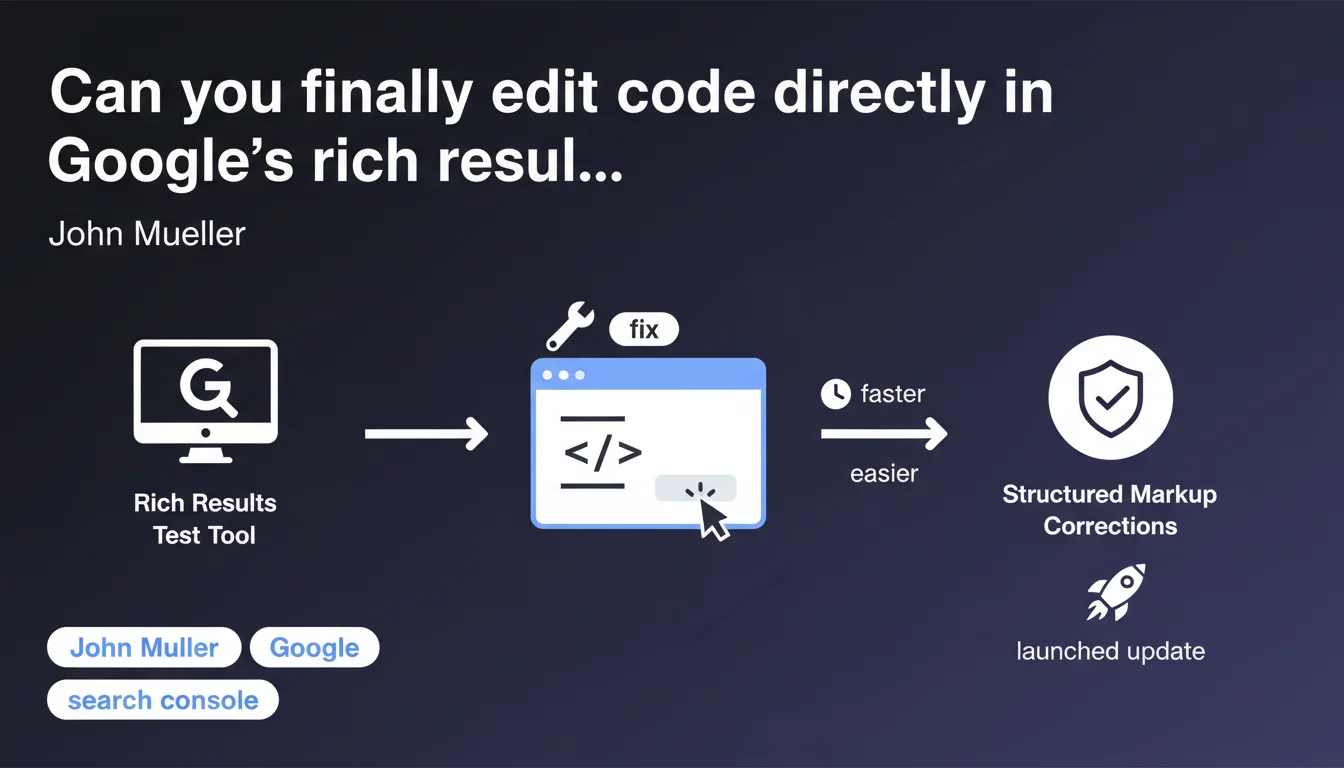
Google Search Console now lets you edit HTML code directly in the rich results test. No more switching between your editor and the validation tool — you can fix your structured markup in real-time and instantly see if your changes resolve errors. A huge time-saver for testing and debugging schema.org.
What you need to understand
What exactly does this new feature bring to the table?
Until now, when the rich results test detected an error in your structured markup, you had to go back to your CMS or source code, fix it, republish, and then revalidate. A tedious cycle.
With this update, you can modify the code directly within the test interface. You fix a missing property, correct a date format, test a schema variant — and validate instantly. The feedback is immediate.
- Live HTML code editing within the test tool
- Instant validation of corrections without republication
- Drastically accelerated structured markup debugging
- Perfect for testing different schema.org implementations before going live
Which types of structured data benefit most from this feature?
All structured data formats supported by Google are covered: recipes, events, products, FAQs, job postings, articles, reviews… As long as your page contains JSON-LD, microdata, or RDFa, you can edit and test.
It's especially valuable for complex schemas — a Product with variants, an Event with multiple performers, a Recipe with detailed nutrition info. You iterate without friction.
Does editing actually change my live site?
No. Editing only happens in Search Console's test environment. Zero impact on your production site. You validate your fix in the tool, then implement it manually on your site.
It's an isolated testing environment — think of it as a sandbox to experiment with your markup before deploying.
SEO Expert opinion
Does this feature fundamentally change how we approach structured markup?
Yes and no. For small tweaks — a forgotten property, an incorrect type — it's a massive productivity boost. You no longer waste 10 minutes fixing, publishing, clearing cache, and revalidating.
However, for high-volume sites or complex architectures (dynamically generated markup via templates), manual editing in the tool remains a prototype approach. You validate the logic, then you need to translate that into your production code. The tool doesn't replace a clean integration workflow.
Does Google communicate sufficiently about validation criteria?
That's where it gets tricky. The rich results test detects syntax errors and missing required properties. But it doesn't tell you if your markup is optimal for triggering rich result display.
[To verify] Google doesn't precisely document the thresholds or qualitative criteria that actually trigger stars, images, or breadcrumbs in search results. The test says « Valid », but that doesn't guarantee rich snippet display in production. In practice, we observe technically compliant pages that never get their rich results.
Should you favor JSON-LD or can you stick with microdata?
Google has officially recommended JSON-LD for years. It's cleaner, easier to maintain, less intrusive in HTML. Live editing in the test works with all formats, but if you're starting fresh, JSON-LD is the rational choice.
Microdata and RDFa are still supported, but maintaining them is a nightmare once you have complex templates or dynamic content. And honestly, why complicate things?
Practical impact and recommendations
What should you actually do to leverage this feature?
Go to Google Search Console, and head to the « Rich Results Test » section. Paste your page URL or paste HTML code directly. If errors appear, click « Edit Code » — the editor opens, you fix things, save, and rerun the test.
Use this function to experiment before going live. Unsure between two FAQ structures? Test both variants, see which one passes validation cleanly, deploy that one.
- Access the rich results test in Search Console
- Test your critical pages: product sheets, articles, event landing pages
- Fix detected errors directly in the editor
- Validate that all required properties are present
- Deploy validated corrections to your production code
- Retest the live page after deployment to confirm
What pitfalls should you absolutely avoid with this new function?
Don't fall into the trap of validating in the tool and forgetting production. The editing is temporary — if you don't apply your fixes to the actual site, nothing changes.
Another mistake: thinking that a « valid » test guarantees rich result display. Google can decide not to show your stars, images, or breadcrumbs even if your markup is flawless. Technical validation is a necessary condition, not a sufficient one.
How do you verify your site is compliant after implementation?
Once your fixes are deployed to production, retest the live URL in the rich results test. Don't rely solely on testing code you've copy-pasted — the actual URL may have differences (caching, dynamic variations, third-party scripts).
Also monitor the « Rich Results » report in Search Console. That's where Google surfaces errors it detects during actual crawling. If pages validate in the test but show errors in the report, dig deeper: caching issues, JavaScript rendering problems, or divergent mobile/desktop versions.
This new feature significantly simplifies structured markup debugging. It doesn't replace a rigorous integration process, but it accelerates iterations and reduces friction between error detection and correction.
For complex sites or teams juggling dozens of different structured data types, these optimizations can quickly become time-consuming and require deep expertise. Working with a specialized SEO agency may be worthwhile to implement a robust, automated, and scalable markup architecture tailored to your technical stack.
❓ Frequently Asked Questions
L'édition de code dans le test des résultats enrichis modifie-t-elle mon site en production ?
Un balisage validé dans le test garantit-il l'affichage d'un résultat enrichi dans les SERP ?
Faut-il revalider mes pages après chaque modification du balisage structuré ?
Cette fonctionnalité fonctionne-t-elle avec tous les formats de données structurées ?
Dois-je tester toutes mes pages ou seulement un échantillon ?
🎥 From the same video 7
Other SEO insights extracted from this same Google Search Central video · published on 18/07/2023
🎥 Watch the full video on YouTube →
💬 Comments (0)
Be the first to comment.