
Official statement
Other statements from this video 2 ▾
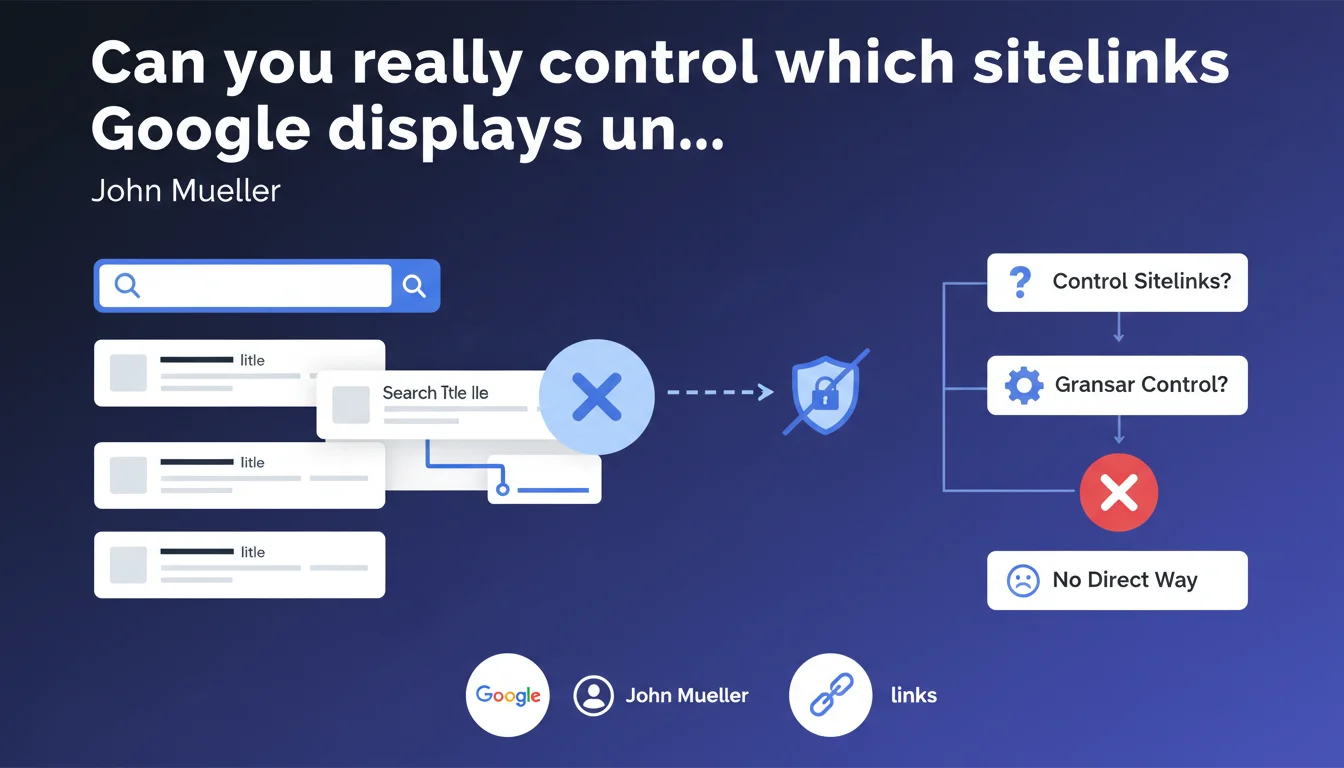
Google offers no mechanism to block a specific subpage from appearing in sitelinks. You cannot prevent a particular URL from showing up under your main search result. Control remains entirely algorithmic, with no granular levers available to webmasters.
What you need to understand
Sitelinks appear beneath certain search results to facilitate navigation to key sections of a website. Google generates them automatically based on site structure, page popularity, and user behavior.
Mueller confirms here what many suspected: there is no tool that allows you to say "I don't want this page to appear as a sitelink." The old sitelink demotion tool in Search Console was removed several years ago, and nothing has replaced it.
Why does Google refuse this granular control?
Google's logic is rooted in user experience. The algorithm selects links it deems most useful for users searching your brand or domain. Offering manual control could degrade this experience — a site could hide relevant pages for commercial or strategic reasons that don't serve the user.
In practice, this means that if an "embarrassing" or outdated page appears as a sitelink, you cannot deactivate it with a single click.
What indirect levers exist despite this limitation?
Even without direct control, certain actions influence sitelink selection. A clear architecture, relevant page titles, coherent internal linking, and well-implemented structured data orient the algorithm.
Removing a page, blocking it via robots.txt or meta noindex, demoting it by removing it from the main menu — these tactics work, but they have collateral effects on the page's overall SEO performance.
- No Google tool to block a specific sitelink
- The old demotion system disappeared without replacement
- The algorithm prioritizes user experience over editorial control
- Only indirect adjustments (architecture, internal linking, noindex) can influence selection
SEO Expert opinion
Does this lack of control pose a real operational problem?
Honestly, in the vast majority of cases, no. The sitelinks Google chooses often reflect the most visited and best-structured pages. When the algorithm gets it wrong, it usually signals a deeper issue: poor architecture, duplicate content, unclear page titles.
Where it becomes problematic is on sites with temporary sections (promotions, past events) or technical pages (login, shopping cart, terms) that appear as sitelinks. Google doesn't always have the business context to distinguish a page that is "legitimate but undesirable in the spotlight" from a strategic page.
Are workaround solutions truly satisfactory?
Using noindex on a page so it disappears from sitelinks is like using a sledgehammer to swat a fly. You lose organic traffic to that page, its link juice, its contribution to crawl budget. Redirecting or removing a URL just to clean up sitelinks is sacrificing SEO potential for a cosmetic issue.
The real lever remains architectural optimization: clean HTML hierarchy, breadcrumbs, structured BreadcrumbList data, coherent internal link anchors. But these adjustments take time to produce results — and nothing guarantees the outcome. [To verify]: no official documentation specifies the exact weight of each signal in sitelink selection.
Should you worry about a sensitive page appearing as a sitelink?
If a confidential page (client area, backend) appears as a sitelink, the problem is not the lack of sitelink control. It's that this page is indexed when it shouldn't be. There, noindex or server authentication are justified.
For "awkward but legitimate" pages (old article, expired promotion), the best strategy is to improve or redirect them rather than try to hide them. Google values sites that keep their content up to date — an obsolete sitelink often signals a poorly maintained site.
Practical impact and recommendations
What should you do if an undesirable sitelink appears under your result?
First step: diagnose why that page is appearing. Check its organic click volume in Search Console, its position in the main menu, the number of internal links pointing to it. Often, a page appears as a sitelink because it receives significant traffic or links — a sign it's perceived as important.
If the page is obsolete or low-priority, redirect it (301) to an updated version or a more relevant parent page. If it must remain accessible but not in the spotlight, remove it from the main menu, reduce internal links, flatten its hierarchy in the breadcrumb.
What mistakes should you absolutely avoid?
Never use noindex on a page solely to remove it from sitelinks. You'll completely deindex it — loss of traffic, backlinks, link juice. Don't block it with robots.txt either if it contains useful content: Google won't be able to crawl its content anymore, which degrades overall understanding of your site.
Also avoid chaining multiple redirects to "hide" a page. Google follows redirects, and a redirected page will disappear from sitelinks… but also from the index. Be surgical, not brutal.
How can you proactively optimize sitelink selection?
Work on your semantic architecture. Use clear and distinct page titles (<title>). Implement BreadcrumbList structured data to signal hierarchy. Organize your main menu to reflect business priorities — Google uses this as a signal.
Regularly audit the pages appearing as sitelinks through brand searches. If a "surprise" page appears, it's an indicator: either it deserves to be there and you should own it, or it signals an imbalance in your internal linking or content strategy.
- Audit current sitelinks through brand searches and Search Console
- Identify undesirable pages and understand why they're appearing (traffic, internal links, menu position)
- Redirect (301) obsolete pages to updated versions or relevant parent pages
- Reduce the weight of problematic pages: removal from menu, fewer internal links, flattened breadcrumb
- Strengthen strategic pages: distinct titles, structured data, menu presence, solid internal linking
- Never use noindex or robots.txt solely to hide a sitelink
- Monitor sitelink evolution after each redesign or architectural adjustment
❓ Frequently Asked Questions
Puis-je bloquer une page spécifique des sitelinks avec robots.txt ?
L'ancien outil de rétrogradation des sitelinks dans Search Console existe-t-il encore ?
Si je mets une page en noindex, elle disparaîtra des sitelinks ?
Quels signaux influencent le choix des sitelinks par Google ?
Combien de temps faut-il pour qu'un ajustement architectural modifie les sitelinks ?
🎥 From the same video 2
Other SEO insights extracted from this same Google Search Central video · published on 17/07/2025
🎥 Watch the full video on YouTube →
💬 Comments (0)
Be the first to comment.