
Official statement
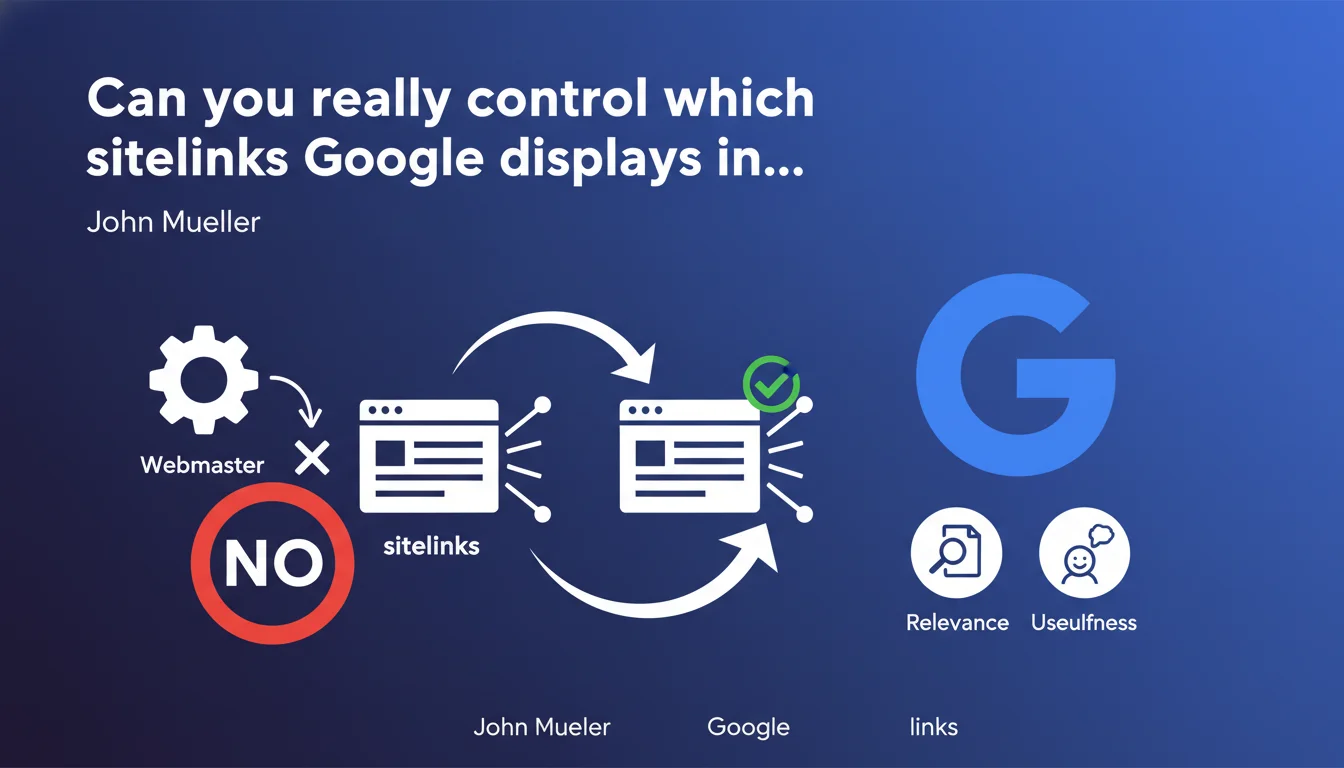
Google automatically selects the sitelinks (additional links) displayed under certain search results. Webmasters have no direct control over their selection — the algorithm decides based on estimated relevance to the user. Your site architecture indirectly influences these choices, but you cannot force or block a specific sitelink.
What you need to understand
What is a sitelink and why does Google display them?
Sitelinks (or additional links) are those extra links that appear under certain search results, typically for brand queries. They allow users to access specific sections of a site directly without going through the homepage.
Google generates them automatically when it estimates they improve user experience. The objective: reduce the number of clicks needed to reach the searched information. The clearer your site is structured, the more material Google has to generate relevant sitelinks.
Why does Google refuse to let us choose?
The official answer: to preserve the relevance of results. If webmasters could manually choose, some would abuse the system by highlighting commercial pages rather than pages actually useful to the user.
Historically, Google allowed blocking certain sitelinks via Search Console. This feature was removed — a sign that Mountain View wants to keep complete control over this display lever in the SERPs.
How does Google select these additional links?
The algorithm analyzes several signals: site structure, internal navigation, link anchors, user behavior, and page popularity. There is no public formula, but pages most linked internally and most visited statistically have better chances of appearing.
Google also tests different sitelink combinations and measures the click-through rate to adjust its choices. What works for one query can change depending on the search context.
- Sitelinks appear mainly for brand queries
- Google prioritizes strategic pages identified through internal linking
- The algorithm may ignore your main navigation if it doesn't reflect user needs
- No meta tag or robots.txt directive allows you to force or block a sitelink
- The removal of the blocking tool in Search Console confirms the absence of direct control
SEO Expert opinion
Is this statement consistent with field observations?
Yes, completely. Across hundreds of audited sites, no direct manipulation has ever managed to force the appearance of a specific sitelink. However, site architecture and internal linking clearly influence candidate pages. It's an indirect lever, but a real one.
Sites with clear navigation, clean URLs, and a coherent hierarchical linking structure typically obtain more relevant sitelinks. Conversely, sites with poorly designed silo structures or navigation heavy with JavaScript struggle to generate usable sitelinks.
What nuances should be added to Google's position?
Mueller says you don't have "precise control" — which is technically true. But he conveniently omits that webmasters have significant indirect control through site architecture and signals sent to the algorithm.
Let's be honest: if you structure your site properly, use descriptive anchors, prioritize certain pages internally, and maintain clean breadcrumbs, you strongly orient Google's choices. It's not pure chance. [To verify]: Google claims user behavior counts, but it's impossible to know what exact weighting it applies between on-site signals and behavioral signals.
In what cases does this rule cause problems?
When Google displays obsolete or irrelevant sitelinks, and you have no way to correct them quickly. I've seen cases where a legal notices page appeared as a sitelink while strategic commercial sections were ignored.
Another issue: multilingual or multi-regional sites. Google can mix sitelinks from different language versions if hreflang is misconfigured or if the site structure lacks coherence. And there, you're stuck — impossible to force correction except by reworking the entire architecture.
Practical impact and recommendations
What should you concretely do to optimize your sitelinks?
Focus on what you actually control: your site's architecture. Google bases its decisions on your internal signals. The clearer and more consistent these signals are, the more relevant the generated sitelinks will be.
Work on your strategic internal linking. The pages you want to see appear as sitelinks must be linked from the homepage and from other important pages, with descriptive and varied anchors. If your main navigation doesn't reflect your business priorities, you're sending contradictory signals to Google.
What mistakes should you absolutely avoid?
Don't attempt to manipulate sitelinks through borderline techniques — it doesn't work and you risk confusing your signals. Avoid overly complex navigation structures, poorly coded mega-dropdowns, or internal links hidden in JavaScript that Googlebot struggles to interpret.
Another common mistake: neglecting page titles and link anchors. If your anchors are vague ("Click here", "Learn more"), Google can't guess the theme of the target page. Be explicit, always.
How can you verify that your site is well optimized for sitelinks?
Analyze the sitelinks currently displayed in the SERPs for your brand queries. Do they correspond to your strategic pages? If not, identify why Google makes these choices. Often, it's a problem of internal hierarchy or relative popularity of pages.
Use an SEO crawler (Screaming Frog, Oncrawl) to map your internal linking and identify the most-linked pages. If unimportant pages emerge in top positions, it's a signal that your architecture lacks coherence.
- Audit your main navigation: does it reflect your business priorities?
- Verify that your strategic pages are linked from the homepage with descriptive anchors
- Check the consistency of your breadcrumb and silo structure
- Analyze your internal link anchors: are they explicit and varied?
- Test JavaScript crawlability if you use a front-end framework
- Monitor the sitelinks displayed in Search Console (even if you can't modify them)
- Fix 301 redirects to old URLs that still appear as sitelinks
- Optimize your title tags so they're clear and differentiated
❓ Frequently Asked Questions
Peut-on supprimer un sitelink indésirable de Google ?
Combien de temps faut-il pour que Google mette à jour les sitelinks après une refonte ?
Les sitelinks influencent-ils le taux de clic organique ?
Faut-il avoir une certaine autorité de domaine pour obtenir des sitelinks ?
Les sitelinks apparaissent-ils sur mobile comme sur desktop ?
🎥 From the same video 2
Other SEO insights extracted from this same Google Search Central video · published on 17/07/2025
🎥 Watch the full video on YouTube →
💬 Comments (0)
Be the first to comment.