
Official statement
Other statements from this video 7 ▾
- 4:02 How does Google really handle PDF files for SEO?
- 9:23 What is the real size limit for indexing your PDFs on Google?
- 11:09 How do your rasterized PDFs hurt your Google indexing?
- 13:23 Why are PDFs hurting your mobile SEO?
- 15:28 Should you really apply a rel canonical to your PDFs?
- 18:25 Should you rename your PDFs with every update to enhance their indexing?
- 21:57 Should you really avoid restaurant menus in PDF format for SEO?
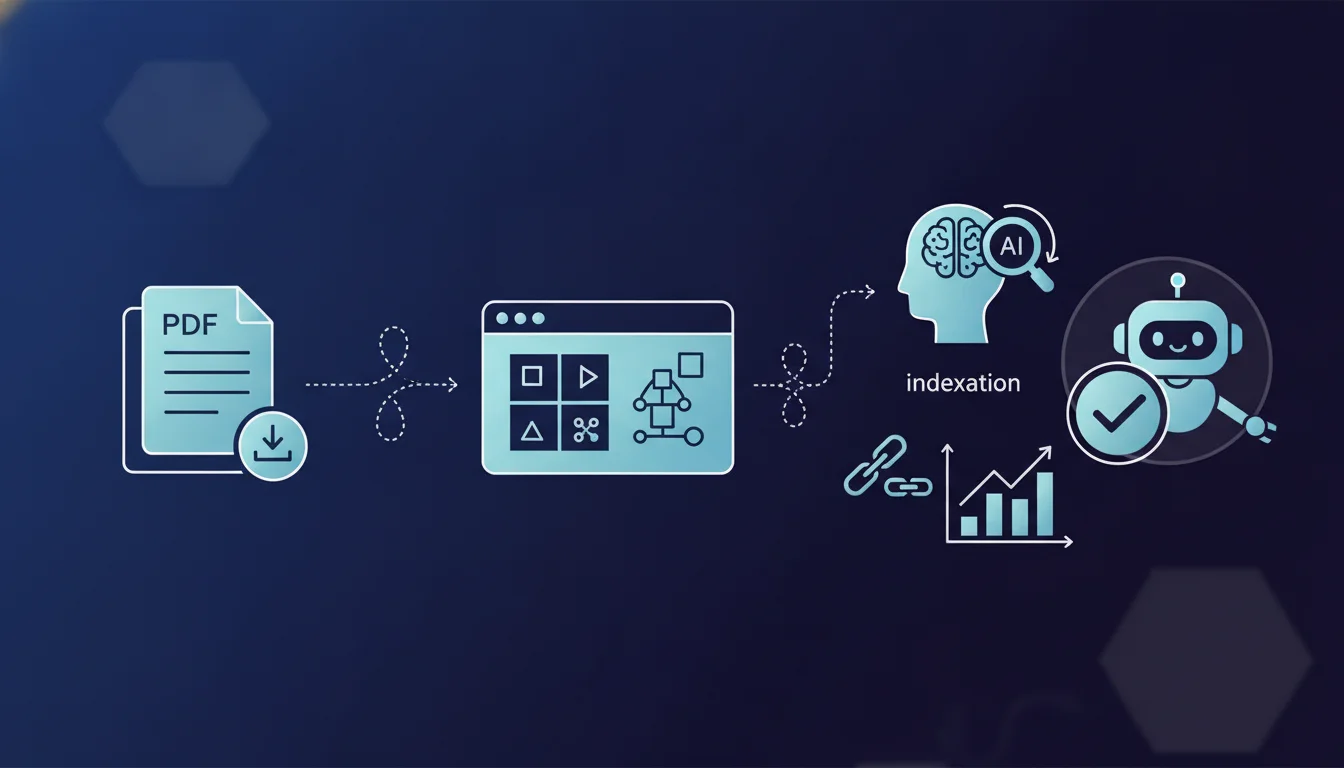
Google states that PDFs converted to HTML appear in search results with its AI features, just like traditional web pages. Therefore, publishing content in PDF format does not penalize its indexing or visibility in AI-generated previews. The key factor is the quality of the HTML conversion and the accessibility of the text extracted by crawlers.
What you need to understand
Does Google really treat PDFs like standard HTML pages?
Mueller's statement clarifies a persistent ambiguity: PDFs are not a second-class format for Google. Once converted to HTML by indexing bots, they enter the same processing pipeline as any web page. This includes recent AI features deployed in SERPs.
This HTML conversion occurs on Google’s side, not the publisher's. The bot fetches the PDF, extracts the text, structure, and metadata, then generates an internal HTML representation. This HTML version is what gets indexed, analyzed, and potentially served in AI-enhanced results.
Why highlight this about AI features now?
With the rollout of AI-generated previews in SERPs, many SEOs have wondered if non-HTML formats would be excluded from these new experiences. The answer is no: a well-structured PDF can power an AI summary just like a traditional web page.
Google has an interest in maximizing index coverage to train and feed its models. Excluding PDFs would mean ignoring vast areas of technical documentation, official reports, white papers, and academic content. The format is not a discriminatory criterion for AI, as long as the text content is extractable.
What’s the difference between PDF and HTML in terms of indexing?
Technically, none once the conversion is done. But in practice, a poorly designed PDF can cause issues. PDFs generated from scanned images without OCR, password-protected PDFs, or those with a complex tabular structure can complicate text extraction.
Native HTML remains easier to crawl and offers granular control over semantic tags, rich snippets, and performance. A well-structured PDF with bookmarks, complete metadata, and selectable text performs just as well, but requires more editorial diligence.
- PDFs are indexed after internal HTML conversion by Google
- No penalty for appearing in AI results if the content is extractable
- The quality of the PDF matters: selectable text, metadata, logical structure
- Native HTML remains preferable for fine SEO control and user performance
SEO Expert opinion
Does this statement correspond to what we observe in practice?
Overall yes, but with nuances. PDFs have indeed appeared in standard SERPs for years, and we are starting to see PDF snippets in Google’s AI previews. The issue is not indexing itself, but prioritization.
A PDF and an HTML page covering the same topic do not always receive the same treatment in terms of ranking. Google often favors HTML for user experience reasons: loading times, navigation, responsive design. A PDF can be indexed but may not rank as high as an equivalent web page. [To be verified]: do AI models use PDFs with the same weighting as HTML in their summaries?
What biases can we identify in this claim?
Mueller refers to PDFs "converted to HTML," which implies that the conversion works correctly. However, many PDFs in production are poorly formed: tables exported from Excel, scanned documents, complex layouts with multiple columns. The HTML conversion of these documents is often subpar.
Stating that "their use does not negatively impact their indexing" is technically true, but ignores the fact that the PDF format degrades the mobile user experience. A non-responsive, heavy PDF that forces download instead of inline display generates negative UX signals that can indirectly affect ranking.
In which cases does this rule not fully apply?
Password-protected, encrypted PDFs or those with text copy restrictions create problems for extraction. Google may index them as files but cannot extract the text content, effectively excluding them from AI previews.
Very large PDFs (several dozen MB) may be partially crawled or indexed with a delay. Crawl budget plays a role here: Google may decide not to extract everything if the resource cost is too high relative to the perceived content value.
Practical impact and recommendations
What should you do to optimize your PDFs?
If you publish content in PDF, ensure that the text is selectable and not pixelated. Use clean export tools from your word processing software instead of scanning paper documents. Add complete metadata: title, author, keywords, description.
Structure your PDF with bookmarks (clickable table of contents) and hierarchical headings. Google uses these elements to understand the semantic structure of the document. A well-structured PDF is a crawlable PDF. Favor descriptive file names and clean URLs for hosting.
What mistakes should you absolutely avoid?
Never publish a scanned PDF without OCR. Google may index the file but will not understand the content. Avoid password protection on content intended for SEO: it’s a total barrier for text indexing.
Don’t rely solely on PDFs if your goal is organic traffic. An HTML page is superior for conversion, mobile UX, Core Web Vitals, and internal linking. Use PDFs as downloadable supplements, not as your main publishing format.
How can I check if my PDF is properly indexed and usable by AI?
Search in Google with site:yourdomain.com filetype:pdf to list your indexed PDFs. Then verify that the displayed snippet contains extracted text, not just the file name. If Google displays no text, extraction has failed.
Test manually: open your PDF, try to select text with the mouse. If you can’t, Google can’t either. Use tools like PDF Accessibility Checker to validate the semantic structure and metadata. A PDF accessible to screen readers is a crawlable PDF for Google.
- Ensure all text in the PDF is selectable (no scanned images without OCR)
- Fill in complete metadata: title, author, description, keywords
- Add internal bookmarks to structure main sections
- Use descriptive file names with relevant keywords
- Host PDFs on clean, crawlable URLs (not behind forms)
- Test indexing with site:domain.com filetype:pdf and check snippets
PDFs can indeed appear in Google’s AI results, but this does not eliminate the need for technical diligence. The quality of text extraction is crucial: a poorly designed PDF will be indexed superficially without feeding into AI previews. Native HTML remains the preferred format for complete SEO control.
These optimizations in format and structure may seem simple in theory, but implementing them at the scale of a site with hundreds of documents requires methodology and appropriate tools. For a comprehensive audit of your PDF content and a coherent optimization strategy aligned with your SEO objectives, working with a specialized agency can accelerate results and avoid common technical pitfalls.
❓ Frequently Asked Questions
Un PDF peut-il ranker aussi bien qu'une page HTML sur la même requête ?
Les PDF protégés par mot de passe sont-ils indexés par Google ?
Faut-il ajouter un sitemap dédié pour les PDF ?
Les métadonnées du PDF (titre, auteur, mots-clés) influencent-elles le ranking ?
Un PDF scanné avec OCR est-il aussi bien indexé qu'un PDF natif ?
🎥 From the same video 7
Other SEO insights extracted from this same Google Search Central video · duration 24 min · published on 13/10/2026
🎥 Watch the full video on YouTube →
💬 Comments (0)
Be the first to comment.