
Official statement
Other statements from this video 4 ▾
- □ Are page titles really the top SEO lever that Google claims they are?
- □ Does Google's algorithm really recognize authoritative content as easily as it claims?
- □ Why does Google restrict SEO tools in its own help centers?
- □ Why does Google lump certain errors into an 'other' category in Search Console reports?
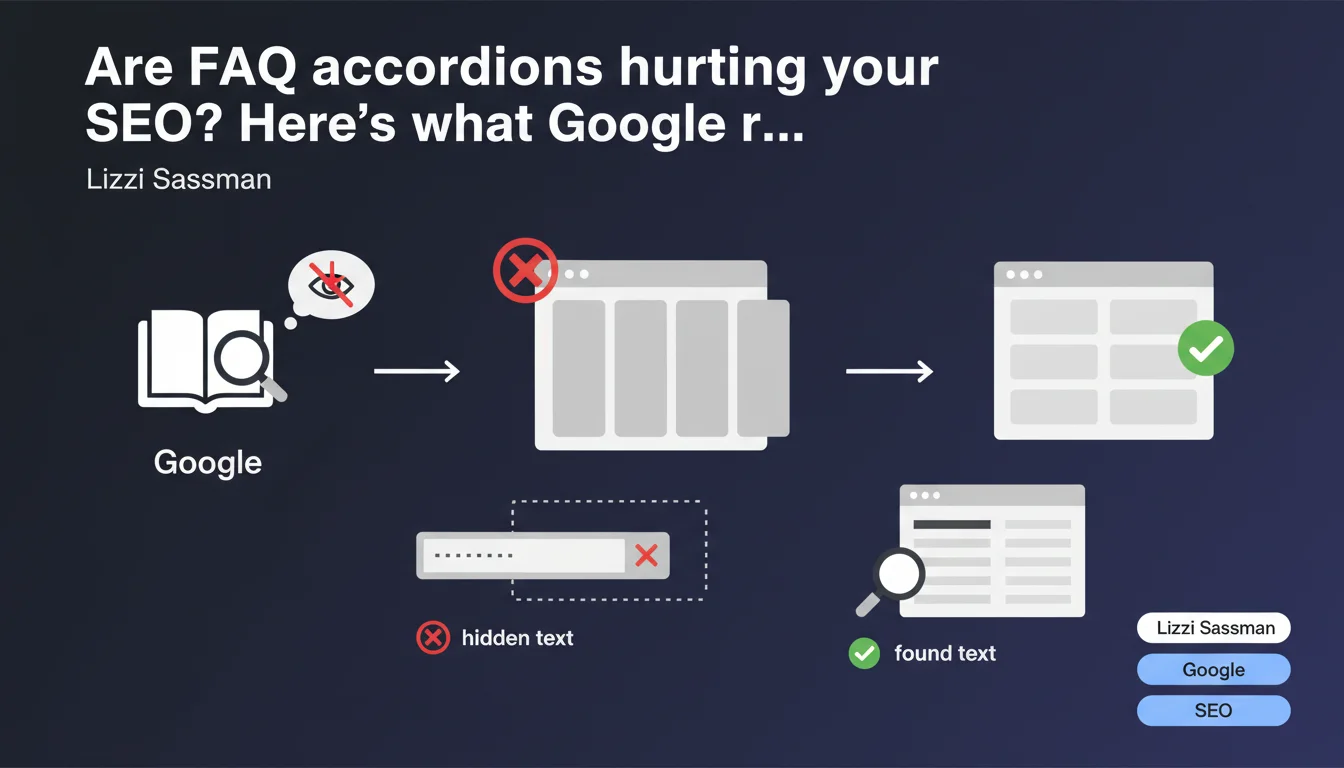
Google explicitly advises against placing critical information in expandable elements like accordions. Two major problems: users miss the hidden content, and native browser search (Ctrl+F) can't detect text while the accordion stays closed. Bottom line: if it matters, make it visible by default.
What you need to understand
Why is Google coming down on accordions now?
The statement from Lizzi Sassman doesn't come out of nowhere. Accordions (what Google calls "zippies") have become ubiquitous on the web — especially since the mobile boom where every pixel counts. The problem? What was supposed to improve user experience ends up hiding essential content.
Google points to two concrete flaws. First, behavioral bias: a rushed user doesn't systematically click on every collapsed section. Second, a purely technical aspect — the browser's search function (Ctrl+F or Cmd+F) only scans content visible in the DOM. Result: a visitor searching for a specific keyword will never find it if it's hidden in a closed accordion.
What counts as "critical information" according to Google?
Google intentionally stays vague here — and that's frustrating. We can infer that critical information is whatever directly answers the user's search intent. For example: return policies on a product page, opening hours on a contact page, or technical requirements on a download page.
Conversely, secondary elements (detailed company history, legal notices, tertiary FAQs) can probably stay in an accordion without major consequences. But this gray zone is problematic: no objective criteria provided.
What happens technically with hidden content?
Historically, Google indexes and "reads" content present in HTML even if hidden via CSS or JavaScript. But this statement suggests a shift: it's no longer just a matter of technical indexation, but of UX evaluation.
If users massively ignore a closed accordion — and Google measures this via Chrome or Core Web Vitals — the engine can consider that content to have less relative value. Not necessarily penalized, but diluted in the overall page signal.
- Google can index accordion content, but may weight it differently if it detects low user interaction
- Native browser search (Ctrl+F) doesn't work on hidden text while the accordion stays closed — direct impact on experience
- No public metric to distinguish "critical information" vs. "secondary information" — wide interpretation zone
- This position fits Google's broader logic of privileging immediate visibility of relevant content (cf. E-E-A-T criteria)
SEO Expert opinion
Is this statement consistent with real-world observations?
Yes and no. For years, SEO professionals have noted that visible content outperforms hidden content — not in terms of pure indexation, but in relative weight. A/B tests often show that expanded content improves time on page and reduces bounce rate, two signals Google captures.
Where it gets tricky: many sites have heavily adopted accordion FAQs with Schema.org FAQPage markup — and still get featured snippets. Google extracts this structured data even if the text is technically hidden from initial display. Contradiction? Not really. Google distinguishes between exploitable semantic markup (which it values) and failing UX (which it penalizes indirectly via behavioral metrics).
What concrete risks if you ignore this advice?
Let's be honest: ignoring this recommendation won't trigger a brutal algorithmic penalty. Google won't deindex your accordions overnight. But three insidious secondary effects:
Dilution of SEO signal — if 80% of your useful content is hidden, Google might consider the page "light" compared to competitors who expose everything upfront. [To verify]: Google has never published clear metrics on this dilution threshold.
Loss of conversions — a user who can't find info via Ctrl+F leaves the page. Core Web Vitals like Interaction to Next Paint (INP) can suffer if the user needs to click 5 times to find what they're looking for.
Competitive disadvantage in SERP — if a competitor displays the same info clearly and gets better organic CTR, Google will gradually favor their position. Ranking is a relative game.
When are accordions still acceptable?
No need to demolish everything. Accordions retain value when they structure secondary content or technical details that only a minority consults. Concrete examples:
A product page with 12 detailed specifications — the essentials (price, availability, short description) must be visible, specs can stay collapsed. An "About" page with year-by-year history — the main pitch must be deployed, exhaustive timeline can stay hidden. Developer documentation with 40 API endpoints — each endpoint can be an accordion, but the authentication method must be immediately visible.
Practical impact and recommendations
What should you audit immediately on your site?
First step: identify all pages using expandable components — accordions, tabs, modals, truncated "read more" sections. Tools: Screaming Frog crawl with DOM extraction, or manual inspection of key templates (product sheets, landing pages, FAQs).
Next, for each affected page, ask yourself the brutal question: does this hidden content answer the main search intent? If yes — meaning a user arriving via Google specifically seeks this info — it must be visible by default. Non-negotiable.
Test native search: open a page in private browsing, press Ctrl+F, type a keyword present in a closed accordion. If it doesn't appear immediately, that's a red flag. Your visitors experience the same frustration.
Which technical changes should you prioritize?
Simplest solution: accordions open by default on desktop, collapsible on mobile. CSS media queries suffice. Content stays indexable, native search works, and you keep the collapsibility affordance on small screens.
Alternative for content-rich pages: display the first 3-4 items expanded, the rest in accordions. Example: a 20-question FAQ — the 4 most consulted (per analytics) visible upfront, others hidden. Compromise between comprehensiveness and readability.
For complex sites: consider an internal search bar that scans all content (including hidden) and auto-expands the relevant section. Partially compensates for the Ctrl+F limitation, but requires custom dev work.
- Crawl the site to inventory all accordion/tab/modal implementations
- Extract engagement metrics per page (time spent, bounce rate, accordion clicks) via Google Analytics or Hotjar
- Test native search (Ctrl+F) on your 20 most strategic pages — note failures
- Compare SEO rankings of similar pages among competitors who don't use accordions
- Prioritize modifications on high organic traffic pages with low conversion rates
- Implement accordions open by default (at least on desktop) for critical content
- Add event tracking to measure how many users actually click on hidden sections
- Re-test after deployment: verify content remains indexable (Google Search Console > URL Inspection)
❓ Frequently Asked Questions
Google pénalise-t-il techniquement les pages avec des accordéons fermés ?
Les accordéons FAQ avec Schema.org FAQPage sont-ils concernés ?
Faut-il supprimer tous les accordéons du site immédiatement ?
Comment savoir si un contenu est considéré comme critique par Google ?
Les accordéons ouverts par défaut résolvent-ils le problème ?
🎥 From the same video 4
Other SEO insights extracted from this same Google Search Central video · published on 12/01/2023
🎥 Watch the full video on YouTube →
💬 Comments (0)
Be the first to comment.