
Official statement
Other statements from this video 6 ▾
- □ Are Core Web Vitals Really a Google Ranking Factor?
- □ Should you really spend months perfecting your Core Web Vitals scores?
- □ Are Core Web Vitals really a Google ranking factor for SEO?
- □ Does Googlebot really click through your pages like a real user would?
- □ Can an ultra-fast but empty page rank thanks to Core Web Vitals?
- □ Has Google really transformed the web ecosystem with Core Web Vitals, or is it just marketing hype?
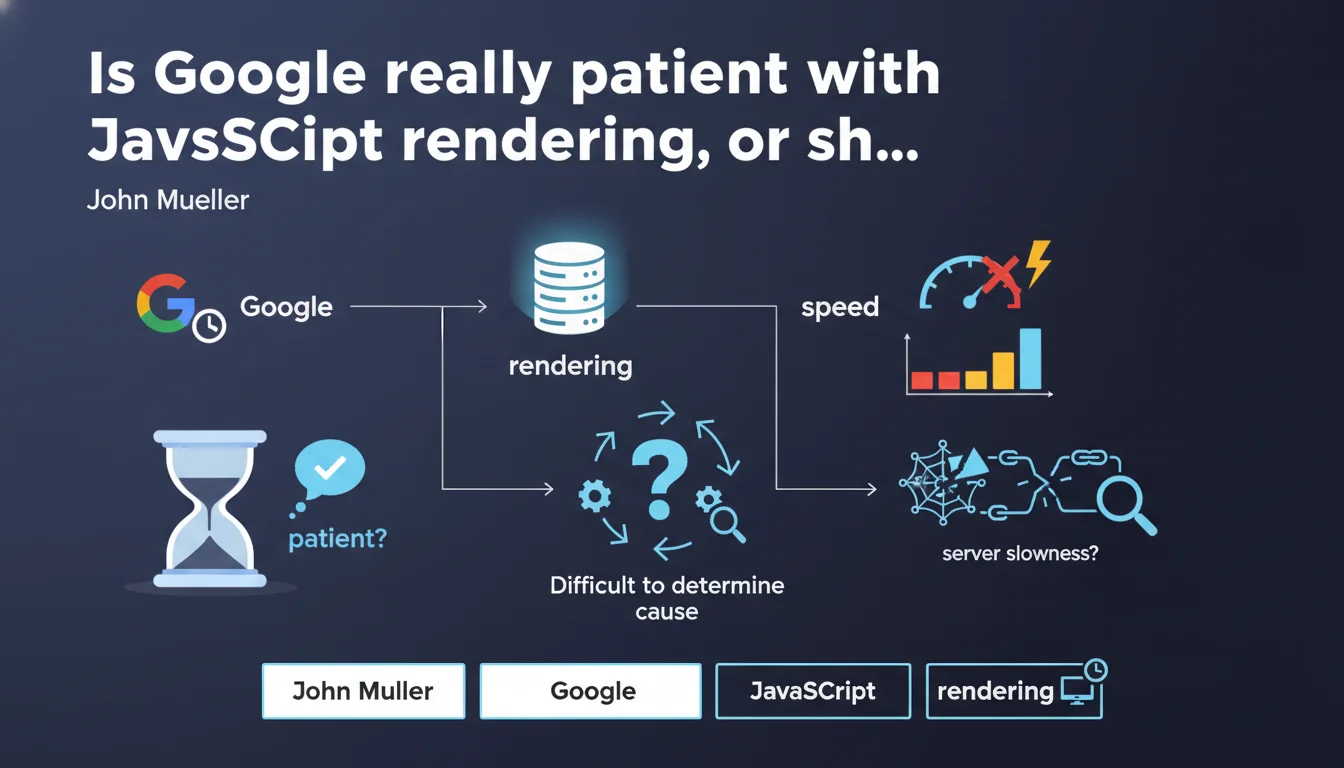
Google claims to be very patient when rendering pages, even if they load slowly. There is a correlation between server slowness and poor page visibility, but Google acknowledges it's difficult to pinpoint exactly which factor is blocking crawl. An admission of opacity that complicates diagnosis for site owners.
What you need to understand
What does Google's "patience" actually mean in practice?
When Google talks about patience during rendering, it refers to its ability to wait for JavaScript to fully execute before indexing content. Unlike classical HTML crawling, which is nearly instantaneous, rendering requires Googlebot to load resources, execute JS, then analyze the final DOM.
This extra step consumes resources and time. Google claims it doesn't immediately penalize a slow page, but this "patience" has limits — especially on sites with thousands of pages. The question of rendering budget becomes critical, even if Google doesn't communicate precise thresholds.
Why is this correlation between speed and visibility so vague?
Mueller acknowledges that a slow-loading page can lead to delayed visibility in search results. But — and this is where it gets sticky — he admits that identifying the exact factor (slow server, blocking JS, resource waterfall) remains difficult for site owners.
This statement is revealing: Google itself doesn't provide sufficiently granular tools to diagnose these issues. Search Console displays rendering errors, but rarely the root causes. Audits must therefore be conducted manually with third-party tools.
What are the key takeaways?
- Google waits for complete rendering before indexing, but this delay comes at a cost in terms of crawl budget
- A correlation exists between server slowness and visibility, without Google detailing critical thresholds
- Diagnosing speed issues remains complex and poorly tooled on Google's side
- JavaScript rendering consumes more resources than classical HTML crawling
- No quantified data provided on the acceptable level of "patience"
SEO Expert opinion
Is this statement consistent with real-world observations?
In principle, yes. We do see Google indexing fully client-side rendered React or Vue.js sites, proof that it does execute JavaScript. But reality is more nuanced: sites with a Time to Interactive exceeding 5-7 seconds often show partial or delayed indexation issues.
The "patience" Mueller mentions isn't infinite. On complex architectures (poorly optimized SPAs, unpaginated infinite scroll, excessive lazy loading), we observe content that goes unindexed despite being present in the final DOM. The vague correlation he mentions mostly masks a lack of transparency about the actual timeouts applied by Googlebot.
What nuances should we add to this claim?
First point: Mueller talks about "patience" but gives no figures. [To verify] Tests show that Googlebot waits approximately 5 seconds for initial rendering, but this threshold varies by page priority (homepage vs deep page). Timeouts appear to be dynamic and undocumented.
Second nuance: claiming it's "difficult to determine which element causes the issues" is an admission of helplessness. In reality, with rigorous technical auditing (Lighthouse, WebPageTest, analyzed server logs), you identify bottlenecks precisely. Google could drastically improve Search Console on this front — but doesn't.
In what cases isn't this "patience" enough?
On e-commerce sites with catalogs of tens of thousands of items, the rendering budget becomes a real problem. Google won't wait indefinitely on each product sheet, especially if the server takes 3 seconds to respond before JS even executes.
Another edge case: infinite scroll without HTML pagination. Google can load the initial page, but won't necessarily execute automatic scrolling to discover lazy-loaded content. "Patience" often stops at the initial viewport, unless you implement classic pagination links as a fallback.
Practical impact and recommendations
What should you actually do to optimize rendering?
First, measure actual rendering time with the right tools. Use Screaming Frog in JavaScript rendering mode or Oncrawl to compare raw HTML vs final DOM. If the gap is significant and rendering takes more than 5 seconds, there's urgency.
Next, reduce JS weight and request count. Code splitting, tree shaking, lazy loading non-critical modules — everything that speeds up Time to Interactive also improves Google's ability to crawl efficiently. SSR (Server-Side Rendering) or pre-rendering remain the most robust solutions for high-stakes SEO sites.
What mistakes must you absolutely avoid?
Don't rely solely on the "Coverage" report in Search Console. Google may index a URL without properly extracting all content if rendering partially failed. Manually validate indexed content via site:example.com combined with a search for unique text snippets.
Another classic mistake: blocking JS/CSS resources in robots.txt thinking you'll speed up crawl. This backfires — Googlebot needs these resources for rendering. If you have crawl budget issues, work instead on reducing unnecessary URLs (parameters, duplicates) and optimizing internal linking.
How do you verify your site is compliant?
- Test your key templates with the Mobile-Friendly Test tool and the URL inspection tool in Search Console
- Compare source HTML (curl) with final DOM (Puppeteer/Playwright) to identify gaps
- Measure Time to Interactive with Lighthouse and aim for TTI < 3.8s on mobile
- Audit server logs to detect timeouts or 5xx errors during Googlebot-Rendering visits
- Implement pre-rendering or SSR for critical content (product sheets, blog articles)
- Monitor actual indexation rate (Search Console) vs number of crawlable URLs (XML sitemap)
- Clean up JS code: eliminate unused libraries, optimize Webpack/Vite bundles
❓ Frequently Asked Questions
Combien de temps Google attend-il réellement lors du rendering d'une page JavaScript ?
Faut-il privilégier le SSR ou le pré-rendering pour optimiser le SEO JavaScript ?
La Search Console indique que ma page est indexée, mais le contenu JS n'apparaît pas dans les résultats. Pourquoi ?
Le lazy loading d'images ou de modules JS impacte-t-il négativement le rendering pour Googlebot ?
Bloquer les fichiers CSS/JS dans le robots.txt améliore-t-il le crawl budget ?
🎥 From the same video 6
Other SEO insights extracted from this same Google Search Central video · published on 28/03/2024
🎥 Watch the full video on YouTube →
💬 Comments (0)
Be the first to comment.