
Official statement
What you need to understand
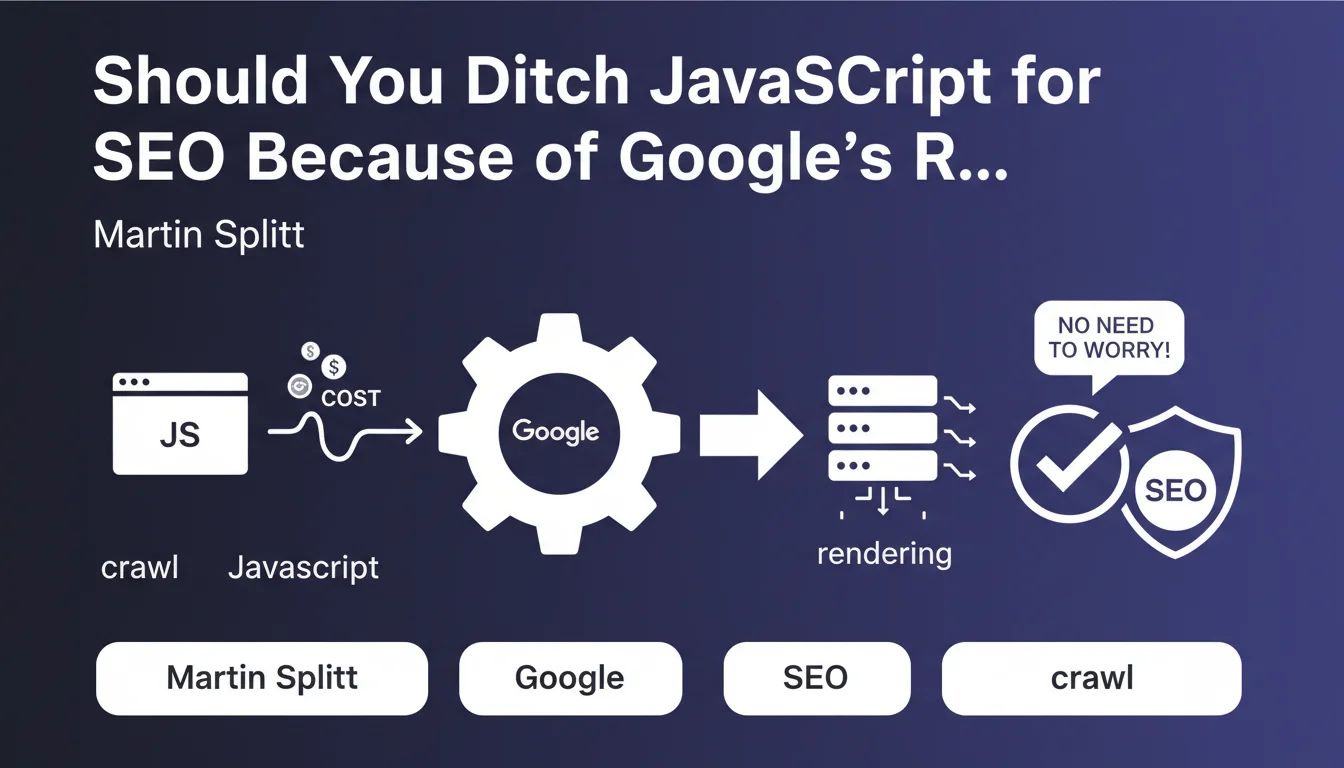
Martin Splitt, Developer Advocate at Google, publicly acknowledged that crawling and rendering JavaScript pages represent a significant cost for Google's infrastructure. This statement confirms what many SEO practitioners have long suspected.
The JavaScript rendering process requires Googlebot to execute code in a headless browser, unlike simply parsing static HTML. This additional step consumes more server resources, computing time, and energy for Google.
However, Martin Splitt immediately tempers this by clarifying that there's no need to worry excessively. Google has invested massively in its rendering infrastructure and continues to improve its capabilities. The high cost doesn't mean Google refuses to crawl or poorly ranks these pages.
- JavaScript rendering does indeed cost more for Google than static HTML
- Google has the resources to handle this cost and doesn't systematically penalize JavaScript
- This official acknowledgment validates the field observations of SEO professionals
- The cost can impact the frequency and speed of crawling on certain sites
- Optimization remains relevant even though Google can technically handle rendering
SEO Expert opinion
This statement is remarkably honest and consistent with what we've been observing in the field for years. JavaScript sites do indeed take longer to be indexed, and content updates are often detected with a delay compared to static HTML sites.
The nuance provided by Martin Splitt is crucial: yes it's expensive, but no it's not prohibitive. For sites with high crawl budget demands (e-commerce with hundreds of thousands of pages, news sites, marketplaces), this cost difference can translate into less frequent or less deep crawling. However, for a 50-page showcase website or a blog, the practical impact remains negligible.
It's interesting to note that Google has never officially confirmed the existence of a separate "queue" for JavaScript rendering, but this statement indirectly validates the concept. Limited resources necessarily imply prioritization.
Practical impact and recommendations
Summary: Prioritize critical content in static HTML and optimize JavaScript without abandoning it completely. The balance between modern user experience and SEO efficiency remains key.
- Audit your current rendering strategy: identify which essential content is generated by JavaScript and could be pre-rendered
- Implement Server-Side Rendering (SSR) or static generation (SSG) for strategic pages: category pages, main product pages, editorial content
- Use hybrid rendering: static HTML for main content and JavaScript for secondary interactive elements (filters, animations, UX elements)
- Optimize your crawl budget: use the robots.txt file to block non-essential JavaScript resources, reduce external dependencies
- Monitor indexing speed via Google Search Console: compare the delay between publication and indexing for your different page types
- Don't remove JavaScript out of dogmatism: user experience remains a priority, find the right technical balance
- Regularly test rendering with Search Console's URL Inspection tool to verify what Google actually sees
- Prioritize important textual content: ensure that titles, descriptions, and main content are available in the initial HTML
- Document your technical architecture: map which parts of your site depend on JavaScript to facilitate future optimizations
These technical optimizations often require significant architectural refactoring and advanced expertise in modern web development. Between the different rendering approaches (CSR, SSR, SSG, ISR), available frameworks (Next.js, Nuxt, Gatsby), and SEO implications specific to your context, technical choices can quickly become complex.
For teams that don't have dedicated technical resources or who want an in-depth analysis of their specific situation, collaborating with an SEO agency specialized in JavaScript issues provides a precise diagnosis and an optimization strategy tailored to your business objectives, while avoiding costly technical pitfalls.
💬 Comments (0)
Be the first to comment.