
Official statement
Other statements from this video 50 ▾
- 0:33 Does Google really see the HTML you think is optimized?
- 0:33 Does the rendered HTML in Search Console really reflect what Googlebot indexes?
- 1:47 Does late JavaScript really hurt your Google indexing?
- 1:47 What are the chances that Googlebot is missing your critical JavaScript changes?
- 2:23 Does Google really rewrite your title tags and meta descriptions: should you still optimize them?
- 3:03 Is it true that Google rewrites your title tags and meta descriptions at will?
- 3:45 What event does Googlebot really wait for to index your content: DOMContentLoaded or Load?
- 6:23 How can you prioritize hybrid server/client rendering without harming your SEO?
- 6:23 Should you really prioritize critical content server-side before metadata in SSR?
- 7:27 Should you avoid using the canonical tag on the server side if it’s incorrect at the first render?
- 8:00 Should you remove the canonical tag instead of correcting an incorrect one using JavaScript?
- 9:06 How can you find out which canonical Google has actually retained for your pages?
- 9:38 Does URL Inspection really uncover canonical conflicts?
- 10:08 Should you really ignore noindex settings for your JS and CSS files?
- 10:08 Should you add a noindex to JavaScript and CSS files?
- 10:39 Can you really rely on Google's cache: to diagnose an SEO issue?
- 10:39 Is it true that Google's cache is a trap for testing your page's rendering?
- 11:10 Should you really worry about the screenshot in Search Console?
- 11:10 Do failed screenshots in Google Search Console really block indexing?
- 12:14 Is it true that native lazy loading is crawled by Googlebot?
- 12:14 Should you still be concerned about native lazy loading for SEO?
- 12:26 Is it really essential to split your JavaScript by page to optimize crawling?
- 12:26 Can JavaScript code splitting really enhance your crawl budget and improve your Core Web Vitals?
- 12:46 Why are your mobile Lighthouse scores consistently lower than on desktop?
- 12:46 Why are your Lighthouse mobile scores consistently lower than desktop?
- 13:50 Is your lazy loading preventing Google from detecting your images?
- 13:50 Can poorly implemented lazy loading really make your images invisible to Google?
- 16:36 Does client-side rendering really work with Googlebot?
- 16:58 Is it true that client-side JavaScript rendering really harms Google indexing?
- 17:23 Where can you find Google's official JavaScript SEO documentation?
- 18:37 Should you really align desktop, mobile, and AMP behaviors to avoid SEO pitfalls?
- 19:17 Should you really unify the mobile, desktop, and AMP experience to avoid penalties?
- 19:48 Should you really fix a JavaScript-heavy WordPress theme if Google indexes it correctly?
- 19:48 Should you really avoid JavaScript for SEO, or is it just a persistent myth?
- 21:22 Is it possible to have great Core Web Vitals while running a technically flawed site?
- 21:22 Can you really have a good FID while suffering from catastrophic TTI?
- 23:23 Does FOUC really ruin your Core Web Vitals performance?
- 23:23 Does FOUC really harm your organic SEO?
- 25:01 Does JavaScript really drain your crawl budget?
- 25:01 Does JavaScript really consume more crawl budget than classic HTML?
- 28:43 Should you restrict access for users without JavaScript to protect your SEO?
- 28:43 Is it true that blocking a site without JavaScript risks an SEO penalty?
- 30:10 Why do your Lighthouse scores never truly reflect your users' real experience?
- 30:16 Why don't your Lighthouse scores truly reflect your site's real performance?
- 34:02 Does Google's render tree make your SEO testing tools obsolete?
- 34:34 Does Google’s render tree really matter for your SEO strategy?
- 35:38 Should you really be worried about unloaded resources in Search Console?
- 36:08 Should you really worry about loading errors in Search Console?
- 37:23 Why doesn’t Google need to download your images to index them?
- 38:14 Does Googlebot really download images during the main crawl?
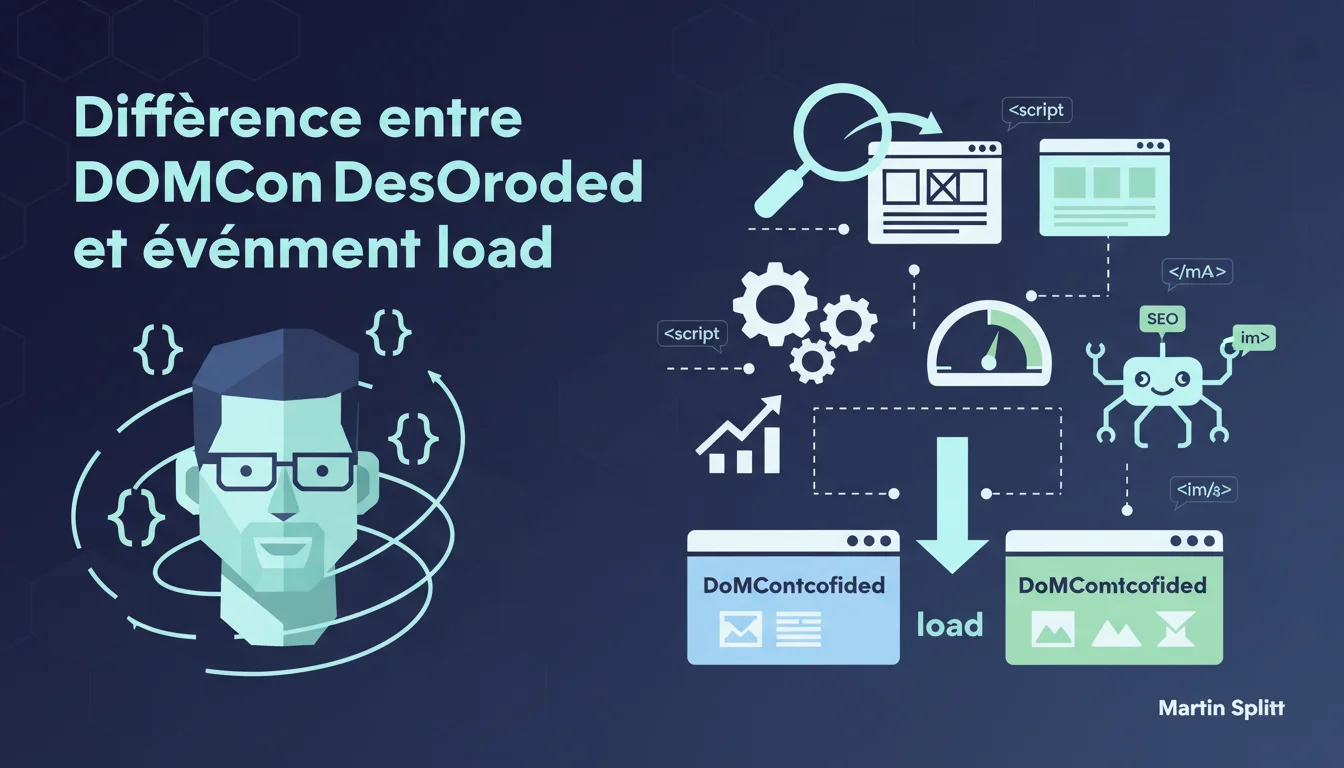
Google clearly distinguishes between two key moments of loading: DOMContentLoaded (DOM parsed) and the load event (initial resources loaded). Resources injected later by JavaScript completely evade the load event, making it challenging to analyze actual performance. For SEO, this means that optimizing solely for the load event is no longer sufficient — it's crucial to understand what Googlebot truly sees at each stage, especially with modern JS frameworks.
What you need to understand
Why does Google highlight these two distinct events?
Martin Splitt points out a common misunderstanding among developers and SEOs: DOMContentLoaded and load do not measure the same thing. The former triggers as soon as the browser has finished parsing the HTML into the DOM tree — even before images, iframes, or external stylesheets are fully downloaded.
The load event, on the other hand, waits for all resources referenced in the initial DOM to actually load. But be warned: if your JS subsequently injects images or scripts, those resources do not trigger the load event — they arrive afterward, in a second phase that remains invisible to this indicator.
What are the practical implications for Googlebot's rendering?
Googlebot executes JavaScript, but its crawl budget and timeout are finite. If your critical content relies on resources loaded after the load event — for example via aggressive lazy-loading or a React framework that dynamically injects everything — Googlebot may never see that content.
Timing thus becomes strategic. Just because your Lighthouse shows a nice score on load doesn't mean Googlebot indexed your main content. You need to check what's actually present in the DOM at the moment of DOMContentLoaded, then after the load event, and then after the full JS execution.
How does this distinction influence Core Web Vitals and indexing?
The Core Web Vitals — particularly LCP and CLS — are not limited to the load event. The LCP can very well occur afterward if your largest visible element is injected by JS. The result: you might have an ultrafast DOMContentLoaded and a disastrous LCP.
Regarding indexing, if your H1, main paragraphs, or internal links only appear after a prolonged delay post-load, you risk partial or no indexing. Googlebot will not wait indefinitely for asynchronous requests that are queued after the load.
- DOMContentLoaded: DOM parsed, but potentially missing external resources.
- Load event: initial DOM resources loaded, but not those injected later by JS.
- Post-load resources evade the load event — watch out for modern JS frameworks.
- Googlebot has a time budget: critical content must be present early in the rendering cycle.
- Core Web Vitals (LCP, CLS) can trigger well after the load event.
SEO Expert opinion
Does this statement align with real-world observations?
Yes, and it confirms what many audits reveal: sites built with React, Vue, or Angular that inject all content after load have recurring indexing issues. The initial DOM is often empty or reduced to a div#root, and Googlebot doesn’t always wait the 5-10 seconds necessary for the JS to complete its job.
Splitt reminds us of a technical truth some developers overlook: the load event is not a guarantee of complete rendering. If your analytics show that load occurs at 2 seconds, but your content appears at 4 seconds through asynchronous API calls, Googlebot might easily leave before it finds it.
What nuances should be added to this rule?
A crucial piece of information is missing in Splitt's statement: how long does Googlebot wait after the load event? We know it executes JS, but the exact wait time varies based on crawl budget, site popularity, and update speed. [To be confirmed] with Mobile-Friendly tests or Search Console.
Another point: this distinction between DOMContentLoaded/load is technical, but it says nothing about the visual rendering perceived by the user. A site can have a fast DOMContentLoaded and a slow FCP (First Contentful Paint) — which directly impacts user experience and thus indirectly affects ranking.
In what cases doesn’t this rule fully apply?
For sites with server-side rendering (SSR) or static site generation (SSG), the initial DOM already contains critical content. In this case, DOMContentLoaded is often sufficient for Googlebot to index correctly — post-load resources are not a major concern.
But for single-page applications (SPAs) without SSR, this distinction becomes critical. If your content relies on a fetch() after load, there's a real risk that Googlebot will ignore it or discover it late.
Practical impact and recommendations
What concrete steps should be taken to ensure Googlebot sees all content?
First step: use the URL inspection tool in Search Console and compare the rendered HTML with your source HTML. If critical elements (H1, main text, internal links) only appear in the rendered version, it means they rely on JS — and thus might arrive after the load.
Next, test the real timing with Chrome DevTools: set breakpoints on DOMContentLoaded and load, then see what is visible in the DOM at each step. If your main content arrives 3-4 seconds after the load, you are in the red zone.
What mistakes to avoid to not penalize indexing?
Classic mistake: loading all content via an asynchronous API call after the load, without SSR or HTML fallback. The result: Googlebot sees an empty skeleton and leaves. Even if your site eventually displays for users, indexing is compromised.
Another trap: using aggressive lazy-loading on above-the-fold elements. If your H1 or first paragraph is lazy-loaded, Googlebot may never see them — especially on mobile, where crawling is quicker and less patient.
How to verify that my site meets Google's expectations?
Conduct regular tests with the Mobile-Friendly tool and URL inspection. Compare the raw HTML (View Source) with the final rendered version (Inspect). If the gap is massive, you are too dependent on post-load JS.
Also, use tools like Screaming Frog in JavaScript mode to simulate Googlebot’s rendering. If critical pages don't yield text content, it’s a warning signal. Lastly, keep an eye on Core Web Vitals in Search Console: a late LCP often indicates content loaded too slowly.
- Inspect the URL in Search Console and compare source HTML vs rendered
- Set DevTools breakpoints on DOMContentLoaded and load to verify content timing
- Avoid loading critical content solely via asynchronous fetch() post-load
- Never lazy-load above-the-fold elements (H1, first paragraph, internal links)
- Regularly test with Screaming Frog in JS mode enabled
- Monitor Core Web Vitals (LCP, CLS) in Search Console
❓ Frequently Asked Questions
Googlebot attend-il après l'événement load pour indexer le contenu ?
Le lazy-loading d'images affecte-t-il l'indexation des textes ?
DOMContentLoaded suffit-il pour que Googlebot indexe correctement une page ?
Comment savoir si mon contenu arrive trop tard pour Googlebot ?
Les Core Web Vitals sont-ils liés à ces événements de chargement ?
🎥 From the same video 50
Other SEO insights extracted from this same Google Search Central video · duration 39 min · published on 17/06/2020
🎥 Watch the full video on YouTube →
💬 Comments (0)
Be the first to comment.